
HPE ProLiant Data Recovery | All Models, All Smart Array Controllers
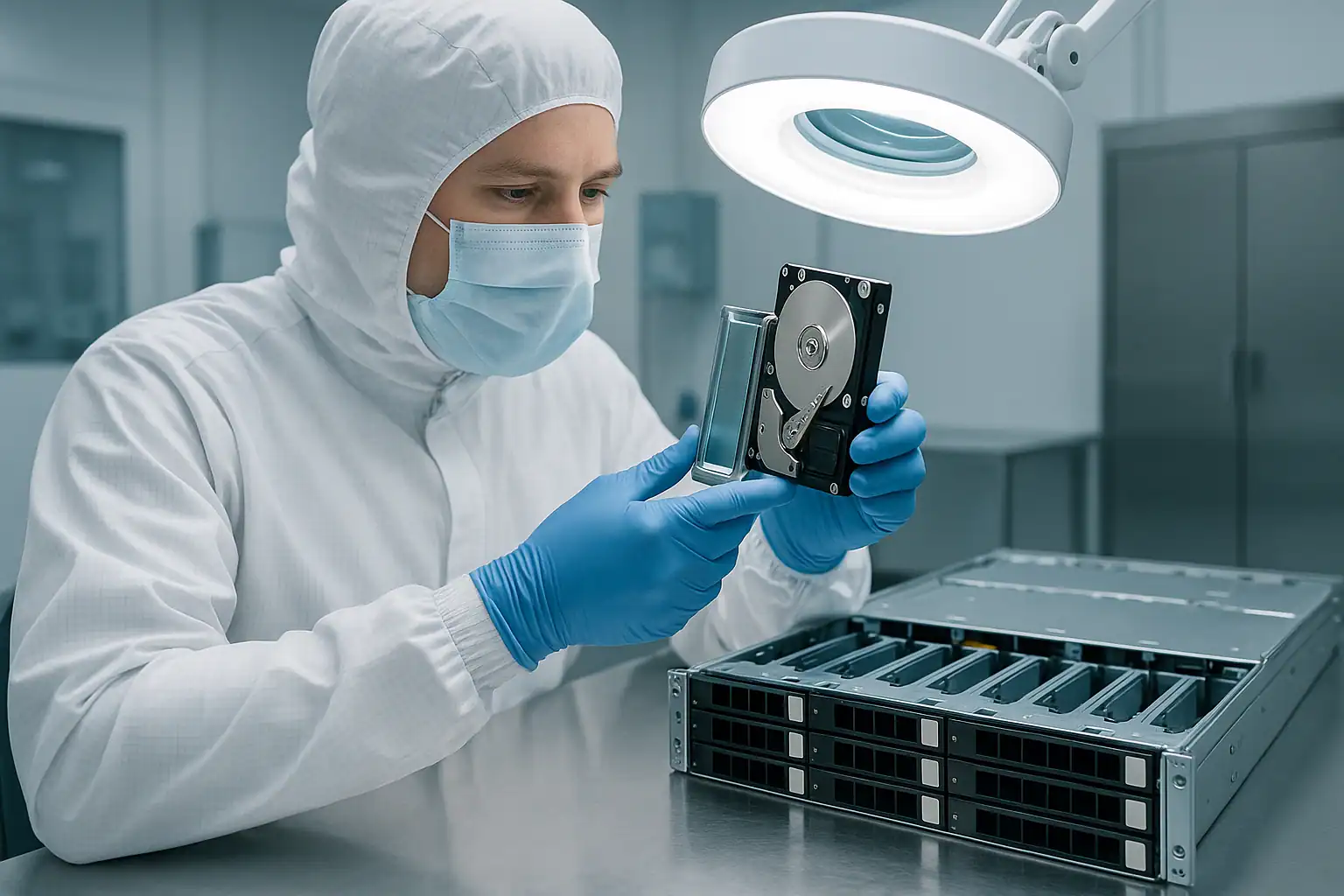
The HPE ProLiant line is one of the most widely deployed server families in the world. From a single-CPU MicroServer Gen10 sitting in a small office closet to a 24-drive DL380 Gen10 running a virtualization cluster, ProLiant servers carry the weight of countless organizations that don’t have full-time IT staff and don’t have a Plan B if the server goes down.
When a ProLiant fails, the recovery picture depends on which model you have, which Smart Array controller it shipped with, what generation iLO it runs, and what specifically went wrong. This page covers the ProLiant family broadly: the recovery process, the most important failure conditions to recognize, and how to act when you see them. ProLiant recovery is part of our broader HP server data recovery services, alongside MSA, 3PAR, Nimble, and StoreOnce platforms.
Model-Specific ProLiant Recovery Pages
For the highest-volume ProLiant models in our caseload, we’ve built dedicated recovery pages covering model-specific failure patterns, error codes, and the configurations we recover most often:
- HPE ProLiant DL380 Gen9 — 2U workhorse, Smart Array P440ar / iLO 4 era
- HPE ProLiant DL380 Gen10 — 2U workhorse, P408i-a / iLO 5 with Silicon Root of Trust, NVMe and Optane PMem
- HPE ProLiant DL360 Gen9 — 1U dense compute, P440ar / iLO 4, colocation and cluster deployments
- HPE ProLiant DL360 Gen10 — 1U dense compute, P408i-a / iLO 5, all-NVMe and S2D / vSAN configurations
- HPE ProLiant ML350 Gen9 — SMB tower, P440 / iLO 4, single-server-shop deployments
- HPE ProLiant ML350 Gen10 — SMB tower, P408i-a / iLO 5
- HPE ProLiant MicroServer Gen10 Plus — compact small business / home lab, S100i chipset RAID, Synology DSM / TrueNAS / Unraid / Proxmox deployments
- HPE ProLiant DL580 Gen10 — 4U four-socket enterprise, multi-controller, SAP HANA on Optane PMem, mission-critical workloads
For ProLiant models not covered by a dedicated page (full list further down), the recovery approach below applies. Contact us for case-specific consultation on any ProLiant model and generation.
The Most Common ProLiant Failure Scenarios We Recover
ProLiant failures fall into recognizable patterns. The work we see most often falls into these categories.
Multiple drive failures in a RAID 5
The single most common ProLiant recovery scenario. RAID 5 tolerates one drive failure — when a second fails before rebuild completes, or during a rebuild itself, the logical drive goes offline. Older ProLiants (DL380 Gen8, DL380 Gen9, DL360 Gen8/Gen9, ML350 Gen8/Gen9) running RAID 5 on 6-8 drives are the population at highest risk because their drives have been spinning for years and tend to start failing in clusters.
Configuration found on drives after a motherboard or controller swap
When a ProLiant motherboard or Smart Array controller fails, the system administrator often replaces it — and the new controller detects the existing array as a configuration it didn’t create. The HP Smart Storage Administrator (SSA) or Array Configuration Utility presents an “unauthorized configuration” or “configuration detected on drives” prompt. Clicking the wrong option here destroys the array. Same scenario applies when migrating drives between ProLiant systems or between generations.
Failed rebuilds on degraded arrays
The Smart Array controller initiates a rebuild after a drive replacement, runs for hours, then fails. Or worse, “completes” but with errors — the controller logs surface scan failures because surviving drives had unreadable sectors. The array appears restored, but specific stripes have been zeroed out where data couldn’t be reconstructed from parity.
Backplane and SAS signal failures
Aging ProLiant backplanes (especially in heavy-use DL380 Gen8 / Gen9 chassis with 8-bay or 12-bay LFF configurations) can develop signal quality issues that cause drives to drop offline randomly. This often gets misdiagnosed as drive failure, leading to drive replacements that don’t fix the underlying issue and may make things worse.
Cascading thermal failures
ProLiants deployed in suboptimal thermal environments — converted offices, server “rooms” that are really just closets, dust-loaded fan modules — can experience cascading drive failures during heat events. Multiple drives going predictive-fail simultaneously is the classic signature, and the FBWC (Flexible Battery-Backed Write Cache) module often shows degraded status at the same time.
Smart Array cache battery and supercapacitor degradation
Smart Array controllers rely on a battery (older P410, P420, P421 generations) or a flash-backed write cache supercapacitor (P440ar, P408i, P816i, MR416i, MR408i generations) to preserve cache contents through power events. These modules have finite lifespans. When they degrade, the controller falls back to write-through mode and performance tanks. If a power event happens while the supercap is degraded, in-flight writes that hadn’t flushed to disk are lost — sometimes silently.
iLO lockouts and Service Pack issues
Less common as a direct cause of data loss, but iLO firmware corruption or a botched Service Pack for ProLiant (SPP) firmware update can lock administrators out of the server’s management interface — making remote troubleshooting and recovery dramatically harder. iLO 4 (Gen8 / Gen9) systems are particularly affected because many were never updated past mid-cycle firmware.
The Four Critical ProLiant Error Conditions
If you’re troubleshooting a ProLiant problem, four error conditions matter more than any others — because each one can either indicate immediate data loss risk or, if mishandled, cause it. These are the conditions that should make you stop and call before doing anything else.
1. Logical Drive in “Interim Recovery Mode” (Degraded)
What it means: One or more physical drives in the array have failed or become inaccessible. The array is still readable but operating without redundancy. The Smart Array controller reports this state as “Interim Recovery Mode” in SSA, iLO health summary, and POST messages.
What to do: Don’t initiate a rebuild unless you are highly confident every other drive in the array is healthy. Use SSA or the Active Health System (AHS) log to check SMART status and predictive failure indicators on every surviving drive first. If any of them have predictive failure warnings, reallocated sector counts climbing, or surface scan issues, the rebuild is likely to fail. In that case, the safest path is forensic imaging of all drives before attempting any rebuild.
Why it matters: The window between Interim Recovery Mode and total array failure is often hours, not days. The actions taken during this window determine whether the recovery is routine or catastrophic.
2. Logical Drive in “Failed” State
What it means: More drives have failed than the RAID level can tolerate. The logical drive is offline and the Smart Array controller marks it as Failed.
What to do: Stop trying to bring the array back online with any standard tools. Don’t force drives online through SSA, don’t use the “Re-enable” option on failed drives, don’t initialize anything. Document what happened in what order and contact a recovery lab. The data is almost always still recoverable — it’s just no longer accessible through the controller.
Why it matters: Every attempt to “fix” a failed array via the Smart Storage Administrator, Array Configuration Utility, or ORCA (Option ROM Configuration for Arrays) risks overwriting metadata needed for recovery. The array has more recoverable structure than the controller is willing to show.
3. “Configuration Detected on Drives” / “Unauthorized Drives”
What it means: The Smart Array controller has detected RAID metadata on drives that doesn’t match its current configuration. Common after motherboard replacement, controller replacement, power outage, or moving drives between ProLiant systems.
What to do: Don’t choose “Clear Configuration” unless you are absolutely certain it’s safe to do so. Clearing destroys the array’s metadata permanently. Importing usually works but can fail if the configuration is partially corrupted, particularly when moving drives across Smart Array controller generations (e.g., from a P410 to a P440ar). When in doubt, leave the system at the prompt — it won’t damage anything by sitting there — and call us.
Why it matters: This is the single most destructive prompt in ProLiant administration. One wrong click destroys hours, days, or years of data. Image the drives forensically before making any choice.
4. “Rebuild Completed with Errors” / Surface Scan Failures
What it means: During a rebuild, the Smart Array controller encountered unreadable sectors on surviving drives. To finish the rebuild and restore redundancy, the controller marks affected stripes as unrecoverable — permanently destroying the data in those stripes from the perspective of the array.
What to do: If you see this state and you haven’t yet committed to the rebuild result, stop. The data in unreadable sectors may still be recoverable from the original physical disk using forensic imaging — but only before further writes to the array overwrite the affected regions.
Why it matters: These rebuild errors are often silent in day-to-day operation. The array shows as Optimal again. Users don’t discover the lost data until they try to read it weeks or months later. By then, the original sectors are overwritten and recovery is much harder.
The Recovery Process for Failed ProLiant Servers
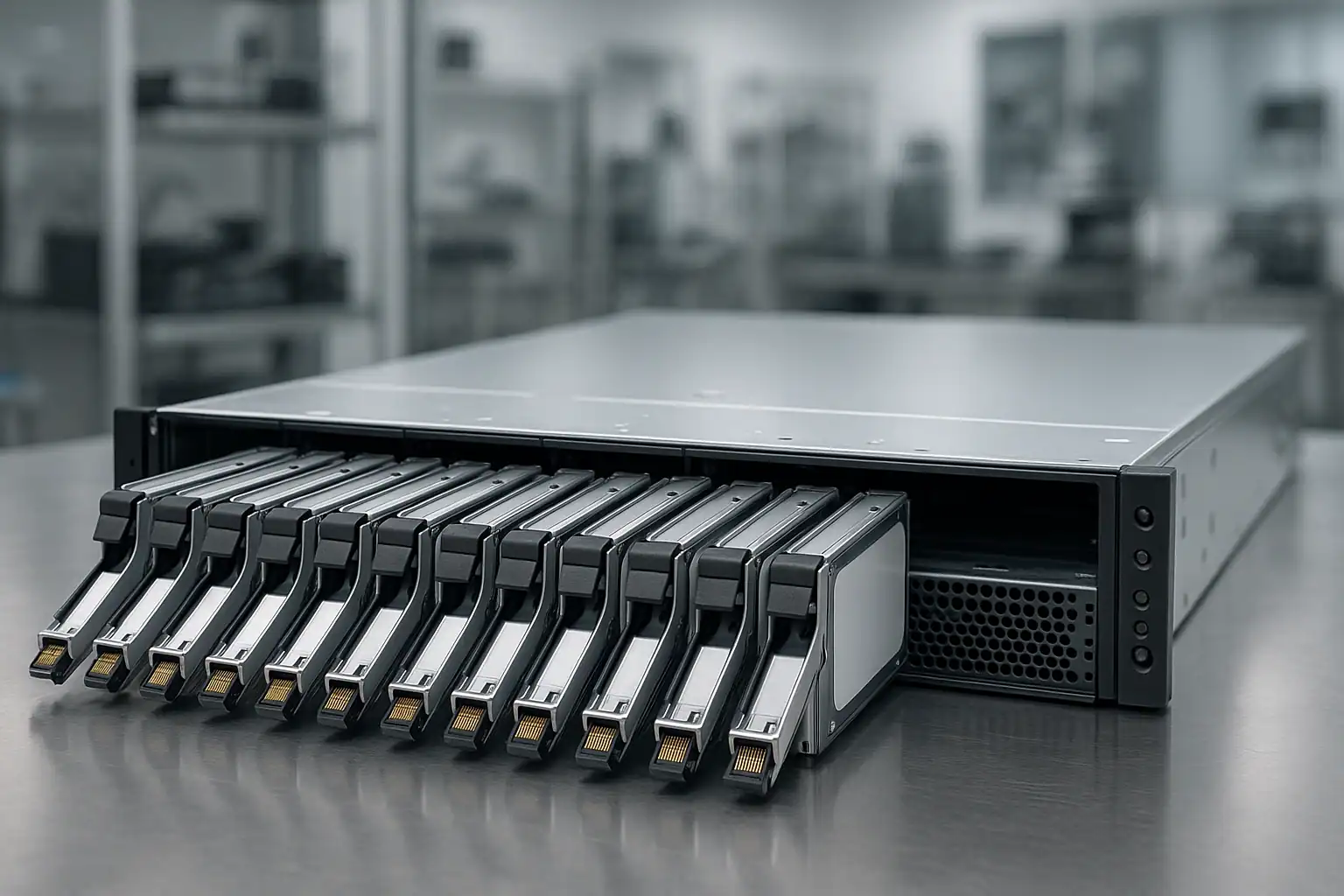
The Gillware ProLiant recovery process follows the same fundamentals as our broader server work, with ProLiant-specific tooling and expertise applied throughout.
It starts with a free consultation where we understand the specific scenario, the ProLiant model and Smart Array controller, what failed, what’s been attempted, and how time-sensitive the situation is. From there, drives ship (or we coordinate on-site work where shipping isn’t feasible).
In our ISO 5 cleanroom, our engineers perform temporary hardware-level repairs on any drives that need them — particularly common with the HPE-branded SAS drives shipped in ProLiant systems. HPE-firmwared drives (HGST Ultrastar, Seagate Exos and Constellation, Toshiba enterprise, Samsung enterprise SSDs) sometimes reject commands from non-HP controllers, and we’ve developed workarounds for the most common interoperability issues. Once stable, each drive is imaged forensically through a hardware write-blocker. The original drives are preserved untouched throughout the entire recovery.
From the drive images, our proprietary tool Hombre reconstructs the original RAID array even when the Smart Array metadata is incomplete, drives are partially unreadable, or the array configuration was never documented. Hombre runs the work of the Smart Array controller in software, with capabilities no commercial controller offers — particularly the ability to gracefully handle missing sectors, mismatched drives, partially-corrupted parity, and HP’s ADG (Advanced Data Guarding) RAID 6 implementations.
Finally, Hombre parses the file system on the reconstructed volume directly (NTFS, ReFS, ext4, XFS, VMFS, ZFS — whatever the volume contains) without trying to mount it. This builds a forensic database of every file the volume contained, from which individual files can be extracted even when the parent file system is unbootable.
The vast majority of ProLiant cases that arrive at our lab come back with most or all of their original data intact, even when the array couldn’t have been brought back online through any in-house effort.
ProLiant Models We Recover
The ProLiant population in active failure today is dominated by Gen8 and Gen9 servers (2014-2018) — the small business systems now reaching age-related failure curves — with growing numbers of Gen10 systems (2017-2020) hitting the same window.
Rack servers (DL series)
- DL380 Gen8 / Gen9 / Gen10 / Gen10 Plus / Gen11 — 2U workhorse, the most-shipped rack server in the world, 8 LFF or 24 SFF configurations, Smart Array P420i / P440ar / P408i / MR416i
- DL360 Gen8 / Gen9 / Gen10 / Gen10 Plus / Gen11 — 1U workhorse, dense compute, 4 LFF or 10 SFF configurations
- DL385 Gen10 / Gen10 Plus / Gen11 — AMD EPYC variant of the DL380, popular in newer deployments
- DL325 Gen10 / Gen10 Plus — 1U AMD EPYC, single-socket density
- DL560 Gen8 / Gen9 / Gen10 / Gen10 Plus — 2U four-socket, mid-enterprise workhorse
- DL580 Gen8 / Gen9 / Gen10 — 4U four-socket, enterprise-class
- DL20 / DL120 / DL160 / DL180 (all generations) — entry-level rack servers, common in smaller deployments
Tower servers (ML series)
- ML350 Gen8 / Gen9 / Gen10 / Gen11 — the dominant ProLiant tower, common in small and mid-sized businesses
- ML110 Gen8 / Gen9 / Gen10 / Gen10 Plus / Gen11 — entry-level tower
- ML30 Gen9 / Gen10 / Gen10 Plus / Gen11 — small business tower
- ML310e Gen8 — older single-socket tower, still in production at many small businesses
MicroServer
- MicroServer Gen8 / Gen10 / Gen10 Plus / Gen10 Plus v2 — small office and home-office systems, often holding more critical data than their owners realize
Blade servers
- BL460c Gen8 / Gen9 / Gen10 — half-height c-Class blade, the most commonly deployed blade across HPE’s lineup
- BL660c Gen8 / Gen9 — full-height four-socket blade
If your model isn’t listed, that doesn’t mean we can’t help — we routinely handle ProLiant models from across the generational lineup, including Gen7 systems still in production at long-tail customers. Contact us and our server team will walk through your specific situation.
What to Do Right Now If Your ProLiant Is Failing
The first hour matters more than any other. The right actions are largely about not doing things:
Don’t accept any “Configuration Detected on Drives” or “Clear Configuration” prompt without understanding what it does. One wrong click here can destroy the entire array irreversibly. When in doubt, leave the system at the prompt and call us.
Don’t initiate a rebuild on a degraded array unless every surviving drive is verified healthy. Check the Active Health System (AHS) log and SMART status on every drive first. A rebuild can introduce permanent data loss or fail catastrophically if surviving drives have any issues.
Don’t clear or discard the Smart Array cache module if it’s reporting dirty cache. The supercapacitor or battery is supposed to preserve in-flight writes through a power loss. If the cache is reporting unflushed data, clearing it discards writes that may be the difference between a clean recovery and a corrupted file system.
Don’t run chkdsk, fsck, or any other filesystem repair tool against an affected volume. These can permanently alter metadata.
If drives are clicking, beeping, or grinding, power off and leave them off. Mechanical drives get worse with every minute of runtime.
Don’t replace drives or change drive order without marking which drive came from which bay. The physical arrangement carries recovery-critical information.
Document everything. Server model and generation (DL380 Gen9 vs Gen10 matters), Smart Array controller (P410, P420, P420i, P421, P440, P440ar, P441, P408i, P816i, MR416i, MR408i, etc.), iLO events, drive LED states, what was tried, by whom, in what order. Pull the Active Health System (AHS) log from iLO if you can — it contains a detailed event history that’s extremely useful in the consultation.
Frequently Asked Questions
What Smart Array controllers do you recover from?
All of them. The B-series and B-cache controllers (B110i, B120i, B140i), the P-series (P212, P222, P410, P410i, P411, P420, P420i, P421, P430, P431, P440, P440ar, P441, P721m, P731m, P741m, P830, P830i, P840, P840ar, P841), the H-series (H240, H241, H244br), and the newer Gen10+ controllers (P408i, P408i-a, P408i-p, P816i, P816i-a, MR216i, MR416i, MR408i). The controller hardware doesn’t constrain us because we read drives directly and reconstruct in software using Hombre.
Can you recover data when iLO won’t even POST?
Yes. iLO and the storage subsystem are independent — a dead or locked iLO doesn’t make the drives unreadable. We can usually still extract the drives and recover the array. The same applies when iLO is asking for an administrator reset that the customer no longer has credentials for.
What if the Smart Array controller says “no logical drives found” even though I know the array exists?
This is often a metadata-read issue on the controller, not actual loss of the array. We can typically reconstruct the array by reading the drives directly and reading the metadata Hombre finds, bypassing the controller’s view entirely. This scenario is particularly common after controller failures or aggressive firmware updates.
What about ProLiant servers that experienced a fire, water damage, or physical destruction?
Depends on severity. Drives with smoke or minor water exposure are often fully recoverable. Drives with extensive heat or water damage are case-by-case — the consultation will tell you what’s possible. We’ve recovered data from ProLiants pulled out of facility fires, sprinkler discharges, and roof leaks.
How do I get a serial number and configuration from a ProLiant that won’t boot?
The serial number is on a pull-out tag on the front of the chassis (DL-series rack servers) or on a sticker on the side panel (ML-series towers and MicroServers). The original configuration can often be looked up at HPE’s support site by serial number — useful information for the consultation, though we don’t strictly need it to recover.
Do you handle ProLiants that were managed through HPE OneView or Synergy Composer?
Yes. The management layer doesn’t affect what’s on the drives. Whether a server was managed through OneView, Synergy, iLO Amplifier Pack, or just stand-alone iLO, the underlying RAID array and file system structures are the same and recover through the same process.
Start Your Free ProLiant Recovery Consultation
If your HPE ProLiant is down, get a free consultation with our server team. We’ll walk through your specific model and failure scenario, tell you what’s possible, and give you a clear path forward.

Start Your Free ProLiant Consultation
Free consultation · Clear upfront pricing · ISO 5 cleanroom recovery
Or call 1-877-624-7206 to speak with our server team directly.