
HPE MSA Data Recovery | Modular Smart Array Recovery Services
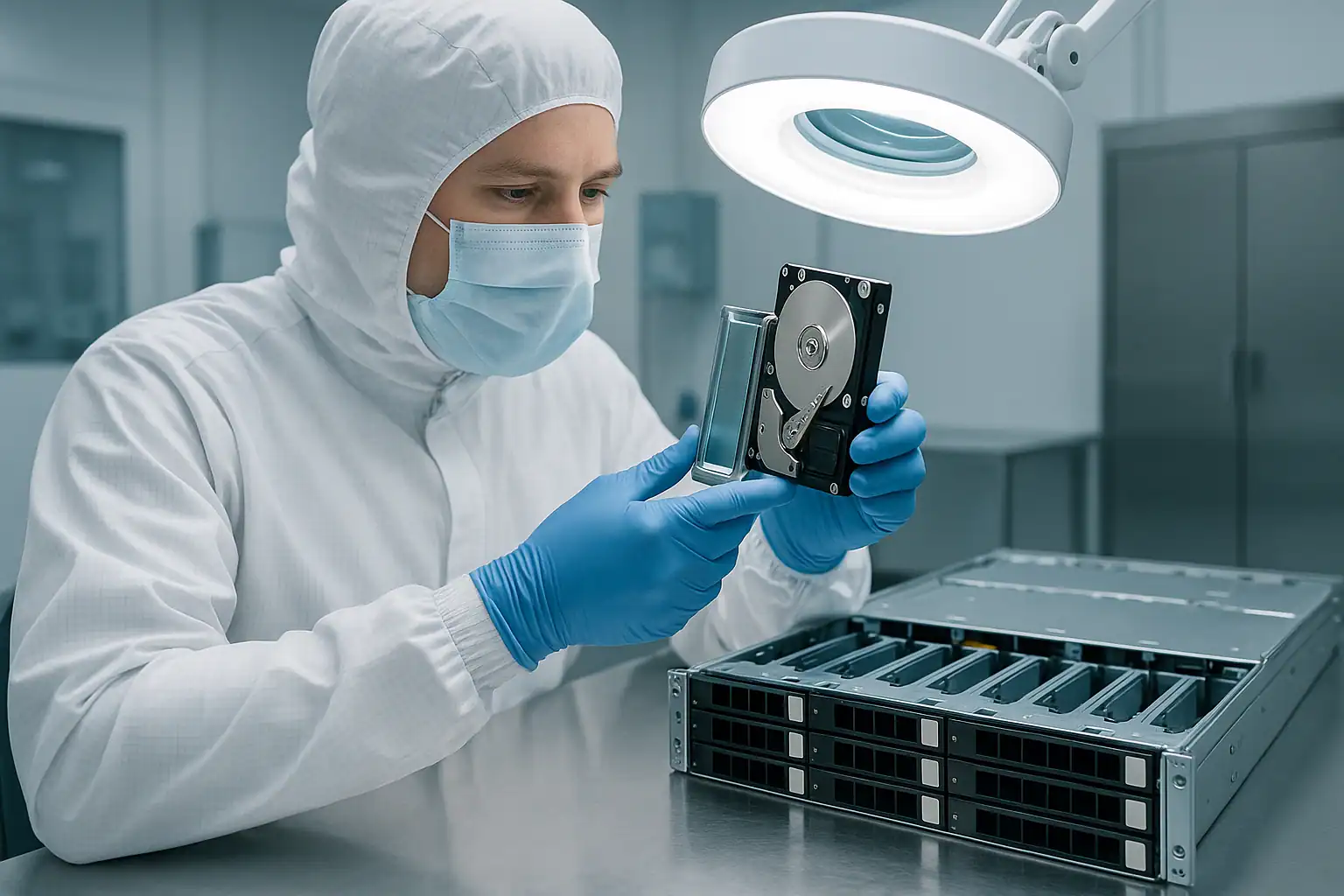
The HPE Modular Smart Array (MSA) line is the dominant SAN platform across small and mid-sized businesses worldwide. From dental office shared storage to mid-market virtualization clusters, MSA arrays sit behind VMware vSphere deployments, Hyper-V clusters, file servers, SQL Server databases, and Exchange environments. The MSA 2040, 2050, and 2052 generation — deployed in enormous volume from 2014 through 2021 — is now 6-12 years old, and we’re seeing it constantly in the lab: dual-controller failures, vdisk corruption, pool metadata damage after firmware updates, and the end-of-support scenarios that come when a SAN ages past HPE’s standard support window while still backing production workloads.
MSA recovery is different from server recovery in several important ways. The array’s storage architecture uses MSA-specific metadata layouts (vdisks, disk groups, storage pools, virtual volumes) that commercial recovery tools generally can’t read. The dual-controller design creates failure modes (split-brain, mismatched controller states, failed controller swaps) that don’t exist on single-controller systems. And the SAN delivery layer means recovery often involves reconstructing not just the underlying storage but the LUN presentation, VMFS or NTFS file systems sitting on top, and the application-layer data extraction. MSA recovery is part of our broader HP server data recovery services, alongside ProLiant, 3PAR, and Nimble platforms. This page covers the MSA product family we recover from, the most common failure modes, and how to engage with our SAN team.
MSA Product Lines We Recover
We work with the full MSA lineup across every generation HPE has shipped, from earlier Modular Smart Array systems through the current MSA 2060 / 2062 platforms.
MSA 2050 / 2052 / 1050 (2017-2021)
The dominant MSA generation in active deployment today. The MSA 2050 was the mid-market workhorse — dual-controller, Fibre Channel / iSCSI / SAS connectivity options, up to 96 SFF or 96 LFF drives with expansion shelves, and storage pool architecture with automated tiering. The MSA 2052 added factory-included SSD drives for performance tiering, popular in deployments needing flash acceleration without a separate purchase. The MSA 1050 is the entry-level variant, common in smaller mid-market deployments.
By 2026, the MSA 2050 / 2052 / 1050 fleet is 5-9 years old — deep in the failure window for drives, dual-controller battery backup modules, expansion shelf cabling, and the controllers themselves. This is the single most common MSA generation in our caseload.
→ Read more about HPE MSA 2050 data recovery — including pool corruption scenarios, linear vs virtual storage mode handling, SSD tiering, and MSA 2052 considerations.
MSA 2040 / 1040 (2013-2017)
The predecessor generation to the 2050 / 1050. The MSA 2040 supported up to 199 drives with expansion shelves — a substantial mid-market SAN footprint — and shipped in Fibre Channel, iSCSI, and SAS variants. The MSA 1040 was the entry-level variant. Many MSA 2040 / 1040 systems remain in production today despite being well past HPE’s standard support window, often because the workloads they back can’t be migrated easily and budget for replacement hasn’t been approved.
The MSA 2040 / 1040 fleet is 9-13 years old in 2026. Recovery cases on this generation are typically out-of-support scenarios where conventional HPE service isn’t available and replacement parts are sourced through the reseller channel.
→ Read more about HPE MSA 2040 data recovery — including dual-controller failures, vdisk corruption, cache battery degradation, and D2700 expansion shelf scenarios.
MSA 2060 / 2062 (2019-present)
The current MSA generation. The MSA 2060 introduced a faster ASIC, NVMe-capable SSDs, and improved storage pool performance. The MSA 2062 includes factory-installed SSDs for tiering. The 2060 / 2062 fleet is newer — 5-7 years old — and recovery cases on this generation are less common, but they do happen: firmware update issues, drive failures exceeding redundancy, and the various scenarios that affect any storage system. The recovery process is the same; the metadata format and tooling adapts to the newer architecture.
Earlier MSA Generations (P2000 G3, MSA2300, MSA2000)
The pre-2013 MSA lineage — HP StorageWorks P2000 G3, MSA2300, MSA2000 series — is rare in active deployment today, but cases do reach us occasionally. These older platforms have different metadata layouts and connection options than the modern MSA line, but the underlying recovery principles still apply: read the drives forensically, reconstruct the vdisk and pool layout from on-disk metadata, extract the LUNs presented to hosts.
Common MSA Failure Scenarios
Dual-controller failures and split-brain conditions
The MSA’s dual-controller design provides redundancy: if one controller fails, the surviving controller takes over the failed controller’s LUNs and continues serving I/O. In practice, this failover doesn’t always work cleanly. Common scenarios:
- One controller fails, the surviving controller can’t take over cleanly — often due to inconsistent cache state, firmware mismatch, or cabling issues. The array goes offline despite redundancy being designed in.
- Both controllers fail simultaneously — usually due to a power event, thermal event, or correlated firmware issue. The drives are intact, but neither controller can present them.
- Split-brain condition — both controllers think they own the same LUNs, leading to corruption when both write metadata. This happens after specific cabling or partner-port failure scenarios.
- Controller swap goes wrong — replacing a failed controller results in the replacement reporting unexpected states, or refusing to take over the failed controller’s LUNs.
Dual-controller MSA failures are recoverable because the drives themselves still contain the storage data and metadata — we read them directly and reconstruct in software, independent of the controllers’ failed state.
Vdisk and disk group failures
The MSA organizes drives into vdisks (older terminology) or disk groups (newer terminology, MSA 2050+) at the RAID level. When more drives fail in a vdisk than its RAID level can tolerate — two drives in a RAID 5 vdisk, three in RAID 6, multiple in RAID 10 — the vdisk goes offline and any virtual volumes or LUNs depending on it become inaccessible.
Recovery from vdisk failures uses the same approach as RAID recovery on direct-attached storage: forensic imaging of all drives, reconstruction of the vdisk from the metadata still present on the drives, and extraction of the data the vdisk contained. The MSA-specific layer is understanding how the vdisk maps to virtual volumes, snapshots, and presented LUNs.
Storage pool corruption
MSA 2040 and later systems use storage pools above the vdisk layer — pools aggregate vdisks, manage tiering between SSD and spinning media, handle thin provisioning, and orchestrate snapshots. When pool metadata is corrupted (after a firmware update, a controller failure, or a power event), virtual volumes presented to hosts can disappear even though the underlying vdisks are intact.
Pool-level recovery requires parsing the MSA-specific pool metadata to reconstruct which vdisks belong to which pool, which virtual volumes were carved out of which pool, and how thin-provisioning and tiering mapped data across the underlying storage. This is more involved than vdisk-level recovery alone, but routine work for our SAN team.
Failed firmware updates
MSA firmware updates — the “bundle” updates that include controller firmware, drive firmware, and management software — can leave the system in inconsistent states when they don’t complete cleanly. Common scenarios:
- Update interrupted by network failure — one controller updates, the other doesn’t, leading to firmware mismatch
- Update fails on drives — certain drive firmware versions become incompatible with the new controller firmware
- Update succeeds but exposes latent issues — new firmware reads existing metadata differently, triggering unexpected behavior
Recovery from firmware-related issues doesn’t require fixing the firmware — we read drives directly and reconstruct regardless of controller firmware state. Don’t attempt further firmware changes during a failure scenario; the right next step is often imaging the drives first.
Drive replacement scenarios gone wrong
A common path to MSA data loss: a single drive fails in a vdisk, a technician replaces what they think is the failed drive but actually pulls a healthy one (LED confusion, mismatched documentation, working from memory), and now the vdisk has lost two drives. On RAID 5, that’s catastrophic; on RAID 6, redundancy is gone and the next event causes loss. We see this scenario regularly — the recovery path involves imaging both the “wrongly removed” drive and the actually failed drive to reconstruct the original layout.
Power events without UPS protection
MSA arrays in smaller deployments often have inadequate UPS protection — the SAN is on UPS but with limited runtime, or the UPS battery has degraded without anyone noticing, or the storage is on UPS but the SAN switch isn’t. When power events hit an MSA, the controllers’ cache contents are at risk; the controllers’ cache battery backup is designed to flush cache to non-volatile storage during power loss, but aged battery modules sometimes can’t complete the flush. The result: cache data lost, file systems inconsistent on the LUNs, applications crash.
End-of-support scenarios on aging MSA systems
The MSA 1040 / 2040 generation is well past HPE’s standard support window, and MSA 1050 / 2050 / 2052 support is winding down. When a failure occurs on an out-of-support MSA, conventional escalation paths aren’t available — HPE can’t engage, replacement parts go through reseller channels at variable timing, and the customer is left with the choice of replacing the entire SAN or finding alternative recovery paths.
Out-of-support MSA cases are a substantial share of our SAN caseload. The recovery doesn’t require HPE involvement; we work from the drives directly.
Wrong-system drive migration
Drives are sometimes moved between MSA arrays — intentionally during planned migrations, or accidentally during maintenance. MSA metadata identifies drives by serial number, vdisk membership, and pool affiliation; drives moved to a different MSA system don’t simply “import” the way some storage architectures support. The wrong sequence of actions when integrating moved drives can destroy the original layout, leaving the recovery effort to reconstruct from on-disk metadata.
How Our MSA Recovery Process Works
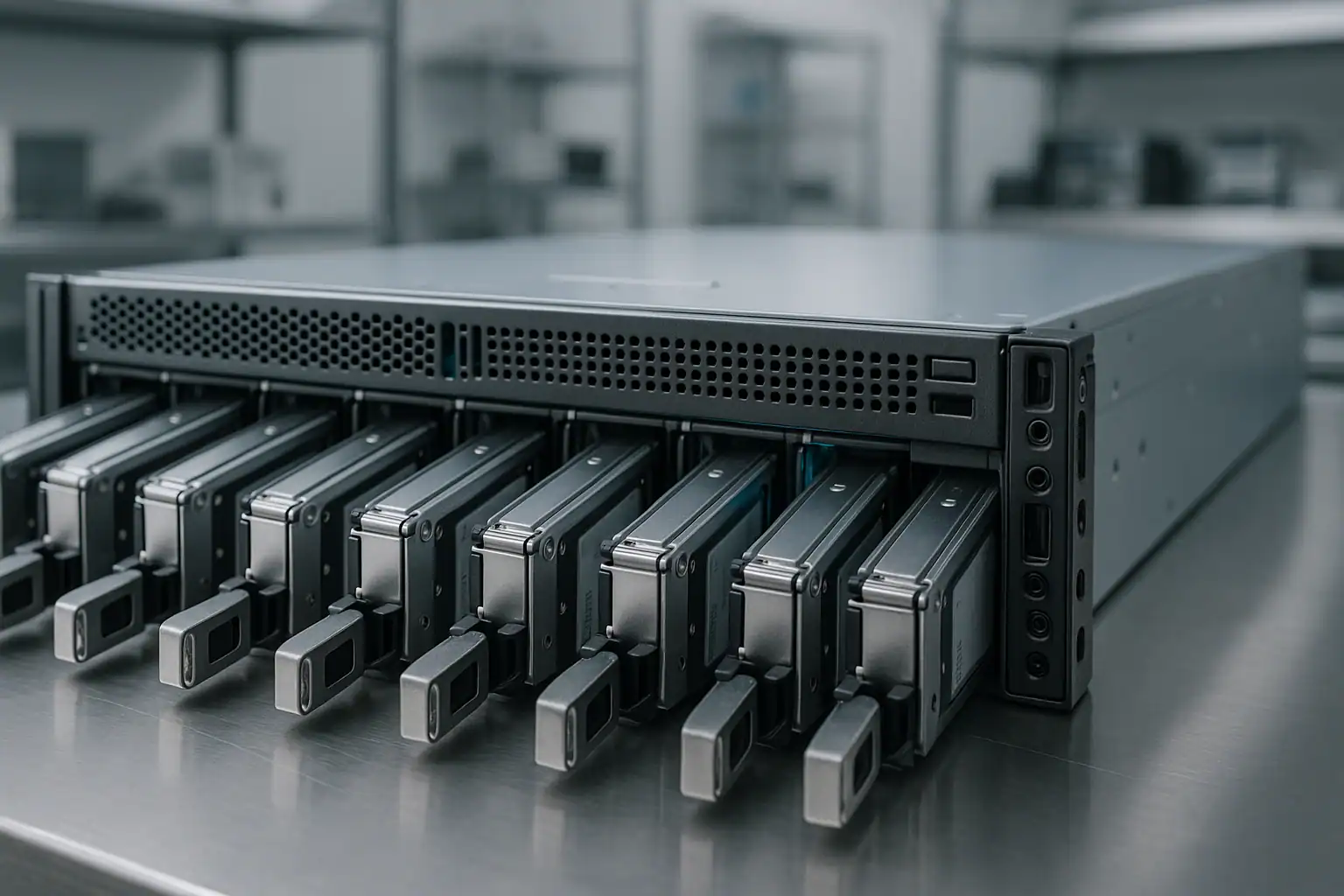
MSA recoveries follow the same fundamental approach as our broader storage work, with MSA-specific tooling applied throughout.
Step 1: Free consultation and case scoping
Every MSA recovery starts with a conversation with our SAN team. We need to understand the specifics: which MSA model and generation, drive count, vdisk and pool configuration, the failure sequence, what’s been attempted, and which workloads depend on the storage. The consultation is free. From it, we determine scope, feasibility, and engagement structure.
Step 2: Temporary hardware-level repairs
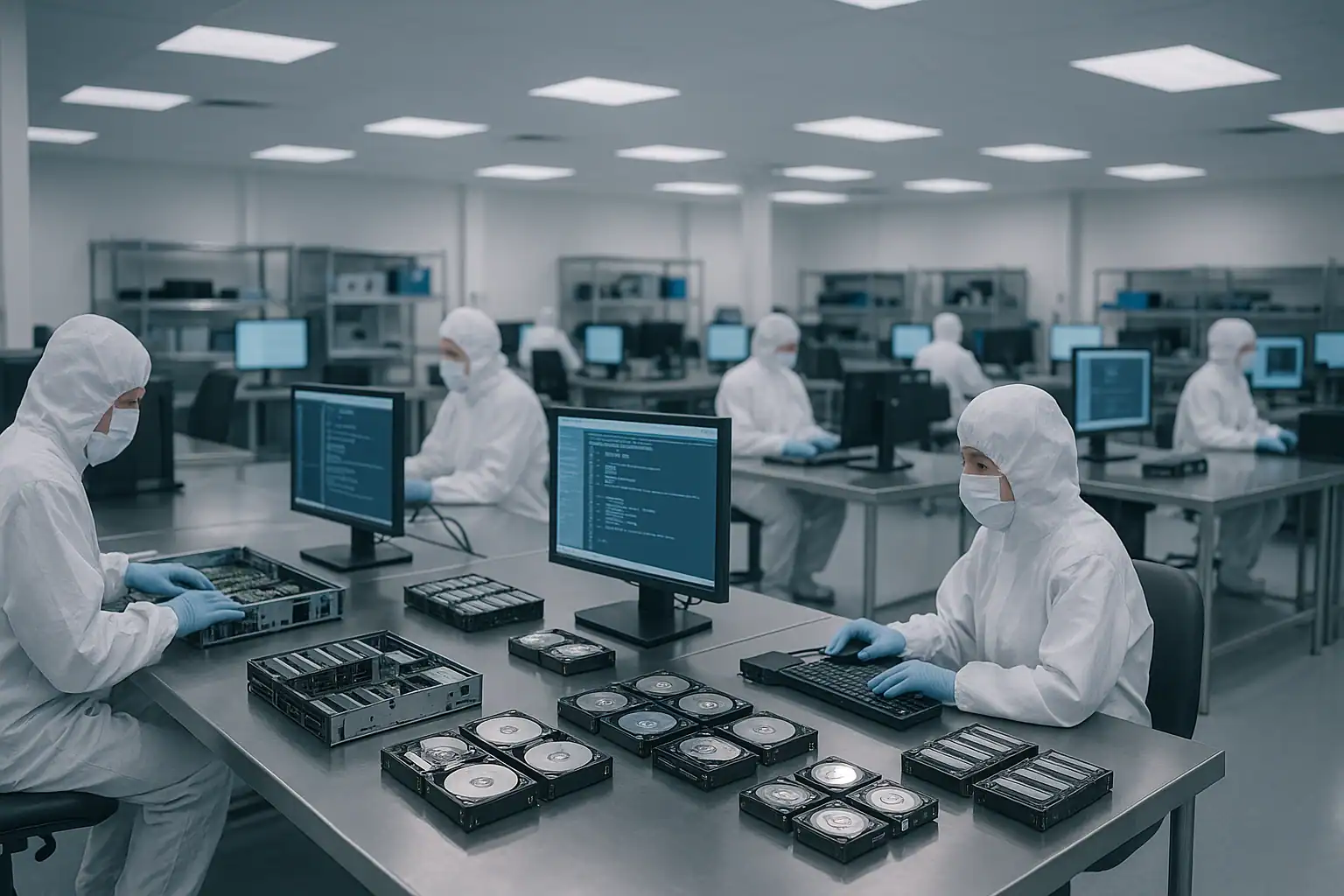
For drives needing mechanical or electronic repairs, our engineers work in our ISO 5 Class 10 cleanroom: head transplants, PCB repairs, firmware adjustments. The HPE-branded SAS drives common in MSA systems (HGST Ultrastar, Seagate Exos and Constellation, Toshiba enterprise, Samsung enterprise SSDs) sometimes reject commands from non-HP controllers, and we’ve developed workarounds for the most common interoperability issues. These repairs are temporary — only meant to make the drive readable long enough to capture a clean image.
Step 3: Write-blocked forensic imaging
We image every drive through a hardware write-blocker, capturing bit-for-bit forensic copies. This applies to every drive in the affected vdisks — including the ones that “failed” — because vdisk reconstruction requires all members. The original drives are never written to. Every subsequent step happens against the images.
Step 4: MSA metadata reconstruction with Hombre
Our proprietary tool, Hombre, performs the work of an MSA controller in software — but with capabilities no commercial MSA controller offers. Hombre parses MSA-specific metadata layers in sequence:
- Drive-level vdisk membership — identifying which drives belong to which vdisks based on the on-disk metadata that the MSA controllers wrote
- Vdisk reconstruction — performing the RAID work of the original vdisk in software, including handling missing or partially-readable drives
- Storage pool aggregation — reassembling pools above the vdisk layer, including tiering structures (when present), thin provisioning maps, and snapshot relationships
- Virtual volume extraction — carving out the virtual volumes (LUNs) that were presented to hosts
This layered approach handles MSA-specific scenarios that direct RAID reconstruction can’t: pool-level corruption that affects volume presentation without affecting underlying vdisks, snapshot chain damage, tiering migration partial completion states, and split-brain controller scenarios where two controllers wrote different metadata to the same drives.
Step 5: File system and host-layer extraction
Once the virtual volume (LUN) is reconstructed, the data on it — VMFS-5 or VMFS-6 datastores from VMware deployments, NTFS or ReFS volumes from Windows hosts, ext4 or XFS from Linux hosts, raw database files from Oracle or SQL Server — needs to be extracted at the file system layer. Hombre parses these file systems directly without mounting them, building a forensic database of every file the volume contained. From that database we extract individual files, VMs, database tables, and mailboxes, even when the volume itself is unbootable.
What to Do Right Now If Your MSA Is Down
The first hour of an MSA failure is the most critical. The wrong actions in that hour can turn a routine recovery into a difficult or impossible one.
Don’t accept any “Initialize,” “Recreate,” or “Configuration Recovery Wizard” prompts in the SMU. The Storage Management Utility has options for recovery and recreation of configurations that can permanently destroy on-disk metadata. When in doubt, leave the system at the prompt and call us.
Don’t attempt firmware updates during a failure scenario. SPP-style bundle updates, controller firmware updates, and drive firmware updates can all compound an already-stressed system. If you were planning maintenance, postpone it until the failure is resolved.
Don’t initiate vdisk rebuilds without verifying every surviving drive. MSA vdisks on aging arrays often have multiple drives with accumulated bad sectors — a rebuild can fail catastrophically or introduce data loss when surviving drives can’t read every block parity needs to verify.
Don’t move drives between MSA systems looking for “import” behavior. Unlike some storage architectures, MSA doesn’t cleanly import foreign drive groups by simply inserting them in another chassis. The wrong sequence of actions can destroy the original vdisk metadata.
Don’t recreate vdisks or pools, even if the SMU offers to do so with the “same configuration.” Recreation overwrites the metadata recovery depends on. If a vdisk has gone offline, the right path is to preserve current state, not to recreate.
Don’t run host-level filesystem repair tools against affected LUNs. ESXi datastore repair, VMFS repair tools, NTFS chkdsk, ext4 fsck — all can permanently alter metadata recovery depends on.
Document the failure timeline. SMU event log, controller LED states, host-side multipath status, what was attempted by whom and in what order. The SMU’s event log is particularly valuable — export it before the system state changes further.
If both controllers are down, leave the system powered off rather than attempting controller swaps without a recovery plan. Powering off preserves on-disk metadata; aggressive controller-level actions during an outage can damage it.
Mark every drive’s original position before removing anything. MSA vdisk and pool reconstruction depends on knowing which drive came from which bay. Numbered stickers on each drive caddy before extraction is the safest documentation.
Document the configuration upfront. Model and generation (MSA 2050 vs 2040 matters), connectivity (Fibre Channel vs iSCSI vs SAS), drive count and capacity, vdisk and pool layout, firmware version, hosts attached (ESXi, Hyper-V, bare-metal Windows, bare-metal Linux), and primary workloads (VMware datastores, Hyper-V CSVs, file shares, databases). The more we know going in, the faster the consultation moves.
How MSA Recovery Pricing Works
MSA recovery pricing scales with drive count, the complexity of the storage architecture (vdisk count, pool layers, snapshots, tiering), drive condition, and time-sensitivity. A 12-drive MSA 1050 with a single vdisk and one virtual volume is a very different job from a 96-drive MSA 2050 with multiple pools, automated tiering, and dozens of LUNs serving a VMware cluster.
Every engagement starts with a free consultation. We use that conversation to scope the work and provide a clear upfront quote before any recovery work begins. The consultation is never billed. For cases that aren’t feasible — typically scenarios involving extensive physical destruction or lost encryption keys — we tell you honestly rather than billing for work that can’t succeed.
Remote and Emergency MSA Recovery
Most MSA recoveries involve shipping the drives or the entire array to our Madison, Wisconsin facility. For situations where shipping isn’t feasible — regulated data, large MSA deployments with expansion shelves, international shipping delays — we can sometimes perform on-site or remote recovery. For time-critical failures where MSA-backed workloads can’t resume until storage is recovered, our expedited service tier prioritizes the case and dedicates engineers to it. Both options are discussed during the consultation based on your specific situation.
Frequently Asked Questions
Both of my MSA controllers failed. Is my data recoverable?
Usually yes. The drives themselves contain the storage data and metadata; the controllers’ role is to read and present that data to hosts. Their failure doesn’t affect the on-disk content. We read the drives directly through write-blocked forensic imaging, then reconstruct the vdisks, pools, and virtual volumes in software using the metadata still present on the drives. The dead controllers become irrelevant.
My MSA went offline after a firmware update. Can it be recovered without rolling back the firmware?
Yes. Firmware-related issues on the controllers don’t affect what’s on the drives. We can recover from the drives regardless of whether the firmware issue gets resolved on the customer’s side. Don’t attempt further firmware changes during the failure — the right next step is to preserve the current state.
I lost the SMU administrator credentials. Can you still recover?
Yes. The SMU is the management interface — it’s independent of the storage subsystem. We recover from your MSA without needing SMU access. The drives themselves contain everything we need. SMU password reset typically requires physical access to the array and a documented HPE procedure; the recovery doesn’t wait on that.
What if someone replaced the wrong drive during a failure event?
Common scenario, recoverable in most cases. We need both the “wrongly removed” drive and the originally failed drive to reconstruct the vdisk completely. Ship everything — don’t assume any drive is “just” the failed one. We’ll determine which drives belonged in which positions from the on-disk metadata.
My MSA storage pool went offline. The underlying vdisks look healthy in SMU. What’s going on?
This usually indicates pool-level metadata corruption above the vdisk layer — common after firmware updates, controller swaps, or power events. The underlying RAID groups are intact, but the pool aggregation, virtual volume mapping, or tiering metadata has been damaged. Recovery involves parsing the pool metadata directly to reconstruct which vdisks belong to which pools and which virtual volumes were presented to hosts. This is routine for us; we don’t need the controllers to present a working pool view.
My MSA was backing a VMware vSphere cluster. The datastores went offline. Are my VMs recoverable?
Yes. VMFS datastores sit on top of the LUNs that the MSA presents to ESXi hosts — the LUNs are virtual volumes carved from the MSA storage pool, the datastores are VMFS file systems on those LUNs, and the VMs are .vmdk files on the VMFS. We recover each layer in sequence: vdisks, pool, virtual volumes, VMFS, individual VMs. The customer’s VMware admins attach the recovered .vmdk files to surviving infrastructure to resume operations.
My MSA was backing a Hyper-V Failover Cluster. The CSVs went offline. Same recovery process?
Yes, same fundamental approach with Hyper-V-specific extraction. Cluster Shared Volumes use NTFS on the underlying LUNs; we reconstruct the storage layers, extract the NTFS file system, and recover the VHD / VHDX files that hold the VMs. Your Hyper-V admins attach the recovered VHDs to surviving cluster nodes or replacement hosts.
My MSA is past HPE support. Will that affect recovery?
No. Our recovery process doesn’t require HPE involvement; we work from the drives directly. Out-of-support MSA cases are common in our caseload — especially MSA 1040 / 2040 systems still in production at organizations that couldn’t justify replacement. The recovery is the same regardless of support status.
I had snapshots and clones configured on my MSA. Can those be recovered along with the primary virtual volumes?
Often yes. MSA snapshots are stored within the pool, sharing physical space with the source virtual volumes through copy-on-write mechanisms. If pool metadata is intact enough to identify which blocks belong to which snapshot generation, we can extract individual snapshots. Heavy pool corruption may limit which snapshots are reconstructible; the consultation will scope this based on your specific failure scenario.
My MSA was configured with Remote Snap replication to another MSA. The primary MSA failed. Should I just use the replica?
If the replica is fully synchronized and accessible, that’s your fastest path back to service. If replication had been broken for some time before the primary failure, or if the replica also has issues, the primary’s drives may still contain data the replica doesn’t have. Many of our cases involve replicas that turned out to be incomplete; the primary MSA’s drives are the authoritative source for any data that wasn’t fully replicated.
What about MSA arrays with mixed SSD / spinning drive tiering? Are tiered configurations more complex to recover?
Somewhat. MSA tiering moves frequently-accessed blocks to SSDs and infrequently-accessed blocks to spinning media within the same storage pool. Recovery reads both tiers and reassembles the data in the order applications expect. We’ve recovered from MSA 2050 / 2052 / 2062 systems with tiering extensively; the additional complexity is manageable.
Can you handle MSA arrays with expansion shelves attached?
Yes. Expansion shelves (D2700, D3600, D3700, D6020 depending on era) connected via SAS to MSA controllers extend the drive count significantly — an MSA 2050 with multiple expansion shelves can reach 96 SFF drives. We handle the expansion shelf drives through the same forensic imaging and reconstruction process as drives in the primary chassis. The MSA-specific metadata identifies which drives lived in which shelf at which bay position.
What’s the typical turnaround for MSA recovery?
For straightforward cases on smaller MSA configurations, days. For complex cases on large MSA deployments with multiple pools, expansion shelves, and physical drive damage, weeks. Our expedited service tier compresses these timelines significantly when MSA-backed production workloads can’t resume until recovery completes. The consultation will give you a realistic estimate.
Do you work with MSPs and IT consultants on MSA recoveries?
Yes — a substantial portion of our MSA caseload comes through MSPs and resellers managing client environments. We’re comfortable working as a white-label recovery service behind your customer relationship. Mention this during your consultation.
Start Your Free MSA Recovery Consultation
If your HPE MSA SAN is down, every hour matters. Get a free consultation with our SAN team — we’ll walk through your specific situation, tell you what’s possible, and give you a clear path forward.
Start Your Free MSA Recovery Consultation
Free consultation · Clear upfront pricing · ISO 5 cleanroom recovery
Or call 1-877-624-7206 to speak with our SAN team directly.