
HPE ProLiant DL360 Gen10 Data Recovery Services
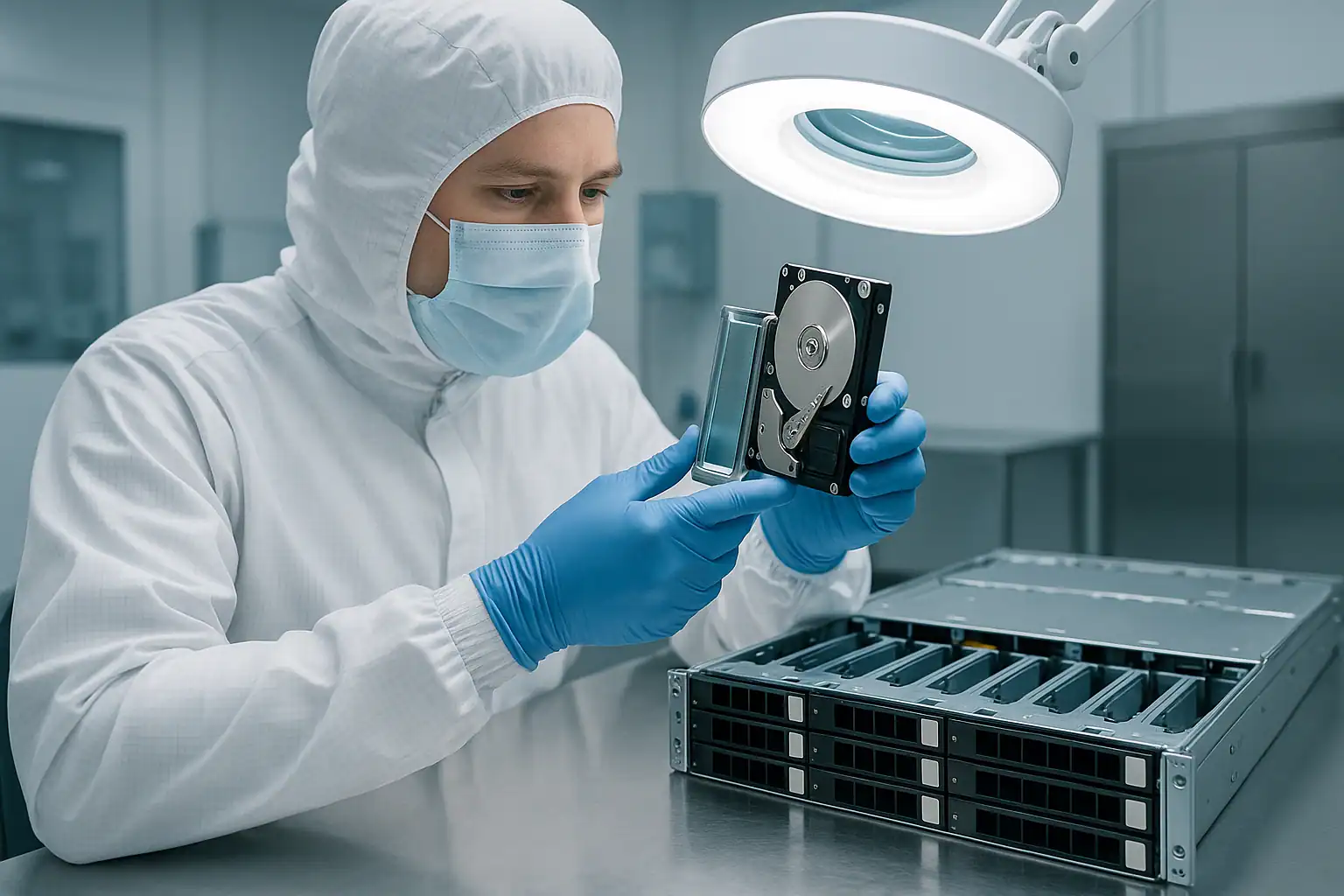
The HPE ProLiant DL360 Gen10 was HPE’s 1U rack workhorse through the 10th generation lifecycle (2017-2020) — the dense compute platform behind countless virtualization clusters, hyperconverged deployments, Kubernetes hosts, colocation deployments, and edge compute installations. DL360 Gen10 systems deployed during that window are now 6-9 years old — younger than Gen9 but increasingly common in our caseload as NVMe drives reach their wear thresholds, 1U thermal stress accumulates, and aging clusters lose their first nodes.
The DL360 Gen10 shares the Gen10 architectural shift of its 2U sibling the DL380 Gen10 — Smart Array P408i-a (MR-derived rather than P440ar), iLO 5 with Silicon Root of Trust security, NVMe-default storage, and Optane Persistent Memory support — but it adds the failure profile of dense 1U deployments: aggressive thermal cycling, fan cascade failures, colocation remote-hands scenarios, and the cluster-node failure modes that come from servers designed to be deployed in pairs and pods. This page covers what we see in DL360 Gen10 cases and what to do if yours is down.
DL360 Gen10-Specific Failure Patterns
Fan failure cascades in dense NVMe configurations
The DL360 Gen10 cools with seven dual-rotor high-velocity 40mm fans — and in NVMe-equipped configurations, the heat load is higher than any prior 1U HPE generation. NVMe drives generate substantially more heat than spinning disks or SATA SSDs, and packing eight or ten NVMe drives into a 1U chassis pushes the thermal envelope hard. After 5-8 years of operation, fan bearings wear, RPM drift increases, and individual fans begin to fail. Surviving fans ramp up to compensate — accelerating their own wear and pushing drive temperatures higher.
The pattern we see: a DL360 Gen10 with NVMe drives shows fan alerts that get ignored for months, drive operating temperatures climb steadily, NVMe drive wear acceleration becomes visible in SMART data, and eventually one or more drives fail. The failure looks like “an NVMe drive went bad,” but the underlying cause is thermal — and the “healthy” surviving drives have been cooking too.
Smart Array P408i-a controller behavior
The DL360 Gen10 most commonly shipped with the HPE Smart Array P408i-a embedded controller (or the lighter E208i-a for entry-level SKUs). The P408i-a is a Broadcom MegaRAID-derived design that’s fundamentally different from the P440ar that came before it — different metadata format, different rebuild behavior, different foreign configuration handling, and different firmware update interactions. Customers familiar with P440ar behavior on a DL360 Gen9 sometimes assume the same troubleshooting steps apply, and they don’t.
The P408i-a uses “Foreign Configuration Found” or “Import Configuration” rather than the older “Configuration Detected on Drives” phrasing. The destructive option is the same — clearing the foreign config permanently destroys array metadata — but the prompts look slightly different, and customers can mis-recognize the equivalent state.
NVMe failures and PCIe link errors
NVMe drives are commonly deployed in DL360 Gen10 configurations — up to 10 NVMe drives in 10 SFF NVMe variants, the densest NVMe-per-U HPE offered in the Gen10 lifecycle. NVMe failure modes are different from spinning disks or SATA SSDs: PCIe link training failures, controller firmware bugs, namespace corruption, U.2 connector wear, and lane configuration mismatches that produce intermittent drive drops. The 1U chassis’s tighter signal paths and higher thermal load amplify these issues compared to 2U deployments.
Common NVMe-specific symptoms on DL360 Gen10: drives intermittently disappearing from the OS, “PCIe Training Error” entries in iLO IML, namespace UUIDs changing unexpectedly, or drives showing as present but unable to enumerate. Customers troubleshooting NVMe issues sometimes don’t realize they’re looking at the wrong category of fault.
Silicon Root of Trust lockouts after firmware events
HPE Silicon Root of Trust verifies firmware integrity at boot — iLO, BIOS, Smart Array firmware, and other components are cryptographically signed and the SRT chain rejects unsigned or rolled-back firmware. When a firmware update goes wrong — failed SPP installation, attempted rollback, certificate issues, or inconsistent state across components — SRT can lock the server from booting entirely.
SRT lockouts in DL360 Gen10 deployments are particularly painful in clustered configurations: if an SPP rollout hits multiple cluster nodes before the issue is caught, several servers in the cluster can become unbootable simultaneously. The data on the drives is unaffected, but the cluster loses capacity until SRT is resolved on each affected node.
HBA mode and software-defined storage failures
A substantial share of DL360 Gen10 systems were deployed with Smart Array controllers running in HBA pass-through mode (H240, H240ar, or HBA-mode P408i-a configurations) rather than as hardware RAID controllers. The drives present as JBOD to the operating system, and redundancy is provided by software: Storage Spaces Direct on Windows Server 2019 / 2022, VMware vSAN on ESXi 6.7 / 7.0 / 8.0, ZFS on Linux, or Ceph in containerized deployments.
When these systems fail, the recovery picture changes substantially. There’s no Smart Array RAID metadata to reconstruct — the parity, mirroring, or erasure coding lives in the software layer. S2D virtual disks, vSAN object metadata, ZFS vdevs, and Ceph object stores are all things we’ve recovered from on DL360 Gen10 systems — including all-NVMe S2D and vSAN deployments — but the workflow requires capturing the software-defined storage configuration alongside the drives.
Cluster node failures in HA and HCI configurations
DL360 Gen10 systems are commonly deployed in clusters and hyperconverged pods: Hyper-V failover clusters, VMware vSphere HA / DRS clusters, S2D pools, vSAN clusters, AD domain controller pairs, Kubernetes worker pools, and OpenShift node groups. When one node fails, the workload usually migrates to surviving nodes and the immediate crisis is contained. But the failed node may still hold local data, VM files on local datastores, persistent volumes, cluster-shared metadata, or container state that needs to be recovered separately. We see DL360 Gen10 cases where the cluster “saved” the workload but specific data that lived on the failed node’s local storage is still inaccessible.
Persistent Memory configurations (less common than DL380 Gen10)
The DL360 Gen10 supports Intel Optane DC Persistent Memory modules in DIMM slots, though the lower DIMM slot count compared to the DL380 Gen10 makes large PMem deployments less common. Where PMem is configured in App-Direct Mode, PMem-aware applications (databases, in-memory analytics, custom workloads) write data directly to the modules. Recovery from a DL360 Gen10 with Optane in App-Direct Mode requires capturing the PMem state separately from the drives. If your DL360 Gen10 ran any PMem-aware workload, identify it upfront in the consultation.
Colocation and remote-hands recovery scenarios
The 1U DL360 Gen10 form factor is the most common HPE platform in colocation and managed hosting environments. When a server fails, “remote hands” staff handle drive replacements and diagnostic work — often without full context of the customer’s configuration. Drive removal order can get lost, replacement drives can be installed in wrong bays, and diagnostic actions can be taken without coordination with the customer. NVMe drives compound this risk: U.2 connectors are sturdier than M.2 but still vulnerable to repeated insertion cycles. If your DL360 Gen10 is in a colocation facility, coordinate carefully with remote hands before any physical work.
Critical DL360 Gen10 Error Conditions
Smart Array P408i-a / E208i-a POST and iLO Error Messages
| Error / Message | What it means | Data loss risk |
|---|---|---|
| Logical Drive in Interim Recovery Mode | One drive failed; redundancy is gone | Moderate — high if second drive fails before rebuild |
| Logical Drive Failed | More drives failed than RAID level can tolerate | Critical |
| Foreign Configuration Found / Import Configuration | Controller detected RAID metadata not matching current config — common after controller swap, drive migration, firmware update | Critical — wrong choice is irreversible |
| Rebuild Failed | Rebuild encountered unreadable sectors on surviving drives | Critical — data in affected stripes at risk |
| Cache Module Status: Permanent Error | Smart Array energy pack (battery/supercap) cannot reliably back up write cache | Moderate — data loss risk during power events |
| Energy Pack Status: Failed | Energy pack module replacement required to restore write-back cache | Moderate |
| PCIe Training Error (NVMe) | NVMe drive cannot establish PCIe link with controller | Moderate to High depending on drive role |
| NVMe Drive Removed / Not Present | NVMe drive disappeared from controller view — may be U.2 connector, link failure, or actual drive failure | Moderate to High |
| Silicon Root of Trust Verification Failed | Firmware integrity check failed at boot — server will not POST until resolved | Low directly — data on drives unaffected, but server unusable until SRT resolved |
| Fan zone alert / Fan failure | 1U fan failure — surviving fans ramp up, accelerating their own wear | Low directly, High indirectly — thermal risk to drives, especially NVMe |
| Thermal threshold exceeded | Component temperature crossed safe operating range | Moderate — drive failure risk escalating |
| Persistent Memory Module: Uncorrectable Error | Optane DCPMM module reported uncorrectable error — PMem state may be inconsistent | Critical for PMem-aware workloads |
DL360 Gen10 Drive Carrier LED Patterns
| LED Pattern | SAS / SATA meaning | NVMe meaning |
|---|---|---|
| Steady green | Drive online and active | Drive online and active |
| Slow flashing green (1 Hz) | Drive activity, or rebuild in progress — do not remove | Drive activity |
| Off | Drive ready for removal OR not detected | Drive ready for removal OR not detected |
| Steady amber | Drive has failed | Drive has failed or PCIe link error |
| Slow flashing amber | Predictive failure (SMART) — back up before replacing | Predictive failure / wear threshold approached |
| Alternating amber and green | Drive identify / locator activated | Drive identify / locator activated |
| Steady blue | Drive selected by management interface | Drive selected by management interface |
iLO 5 Integrated Management Log (IML) Events to Watch
| Event source | Meaning |
|---|---|
| Smart Storage — Logical Drive Status Change | Logical drive transitioned to Degraded, Failed, or Rebuilding |
| Smart Storage — Physical Drive Status Change | Drive transitioned to Failed, Predictive Failure, or Removed state |
| Smart Storage — Energy Pack Status | Energy pack (battery/supercap) state change |
| Smart Storage — Surface Analysis Error | Bad block detected during background surface scan |
| Smart Storage — Rebuild Failed | Rebuild attempt aborted due to errors |
| NVMe — PCIe Training Error | NVMe drive could not establish PCIe link |
| NVMe — Drive Removed | NVMe drive removed from PCIe enumeration |
| Security — Silicon Root of Trust Event | SRT firmware integrity verification result |
| Memory — Persistent Memory Module Error | Optane DCPMM module reported an error |
| System Environment — Fan Failure / Removed | 1U fan failure — thermal stress accelerating |
| System Environment — Temperature Threshold Exceeded | Internal temperature climbed past safe operating range |
| System Environment — Thermal Shutdown | System forced shutdown for thermal protection |
The Active Health System (AHS) log in iLO 5 is the deciding diagnostic artifact for DL360 Gen10 recovery cases. It captures NVMe-specific events, Silicon Root of Trust verification history, persistent memory state, federation activity, fan and thermal events — all in a single timeline. For 1U deployments where the fan-thermal-NVMe interaction matters, the AHS log usually distinguishes between “the drives failed” and “the cooling failed first and then the drives failed.” Download the AHS log from iLO 5 before doing anything else when possible.
How We Recover Failed DL360 Gen10 Servers
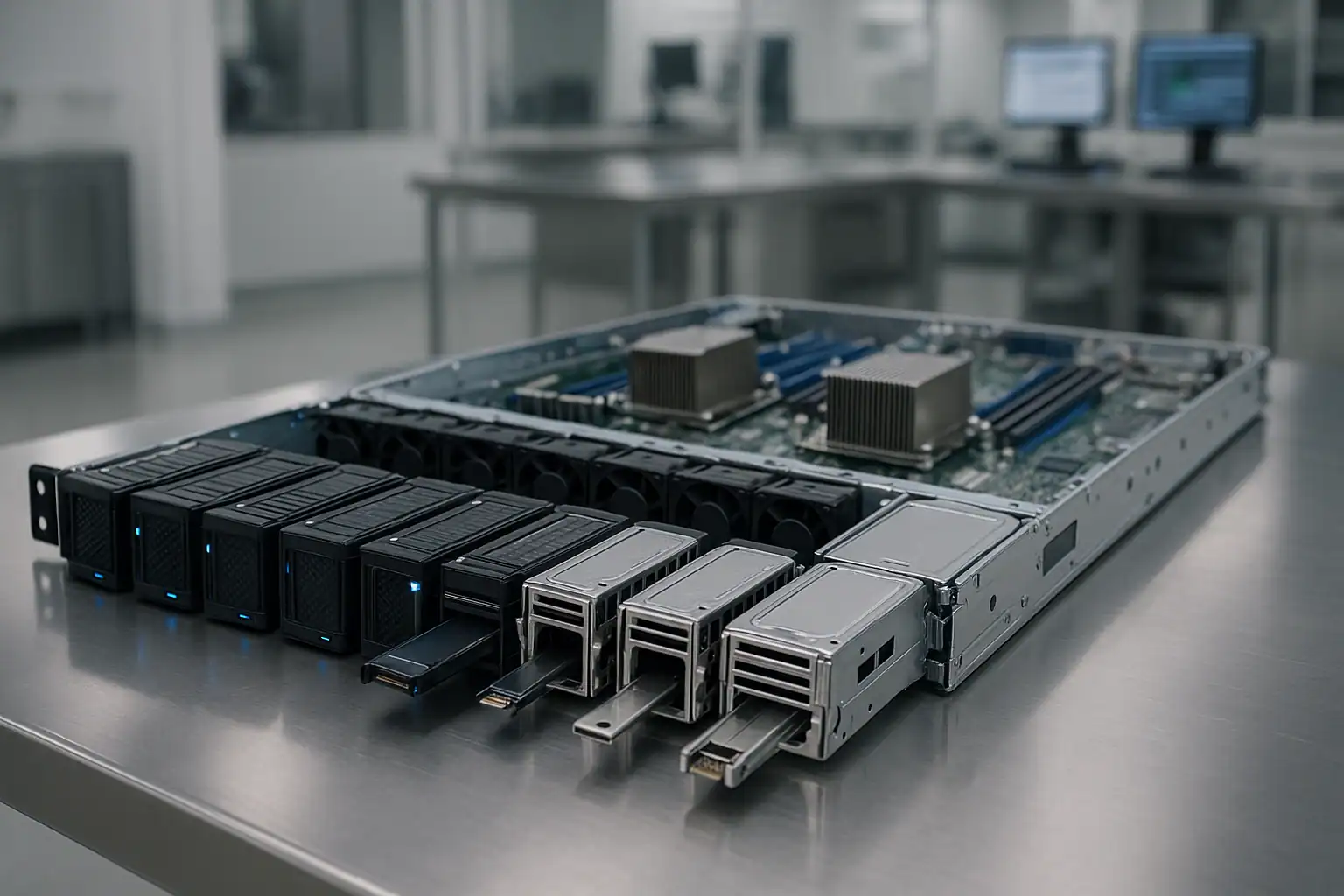
DL360 Gen10 recoveries follow our standard ProLiant recovery process with adaptations for Gen10 architecture and 1U-specific failure patterns: free consultation, temporary hardware repairs in our ISO 5 cleanroom, write-blocked forensic imaging of every drive (including NVMe drives via U.2 imaging hardware), RAID or software-defined storage reconstruction with Hombre, and file system extraction.
For DL360 Gen10 cases specifically, our work involves the Smart Array P408i-a, P408i-p, E208i-a, S100i, H240, H240ar, and external P408e-p controller families. The P408i-a’s MR-derived metadata format requires different reconstruction logic than the earlier P440ar generation — we’ve developed dedicated tooling for the P408i-a family that handles its specific quirks around foreign configuration imports, rebuild interruption states, and energy pack interaction.
For DL360 Gen10 systems running in HBA mode with software-defined storage (Storage Spaces Direct, VMware vSAN, ZFS, Ceph), the recovery adapts to reconstruct from software metadata rather than controller-level RAID metadata. The forensic imaging discipline at the foundation remains the same; the reconstruction layer changes. All-NVMe S2D and vSAN deployments are increasingly common on DL360 Gen10, and we handle them through the same workflow extended to NVMe imaging.
For systems in clustered configurations, recovery may involve coordinating with the cluster’s shared metadata. When a single node has failed but the cluster remains functional on other nodes, we work with the customer’s admin team to extract just the data that lived on the failed node’s local storage — without disrupting surviving cluster operations.
For colocation-resident systems where shipping the whole server isn’t practical, we can typically work from just the drives if they’re extracted with original slot positions documented. Photographs of the front bezel with drive LEDs lit, and a clear record of which drive came from which bay, save significant time during the consultation. For NVMe drives, photograph the U.2 connectors before extraction so connector wear is visible if it becomes relevant.
For Silicon Root of Trust lockouts where the server won’t boot, the recovery is independent of the chassis state: we extract the drives and recover regardless of whether the SRT issue gets resolved on the customer’s side.
What to Do Right Now If Your DL360 Gen10 Is Failing
Don’t accept any “Import Configuration,” “Foreign Configuration Found,” or equivalent prompt without consultation. P408i-a phrasing differs from Gen9-era controllers, but the destructive potential is the same. One wrong click destroys array metadata irreversibly.
Don’t initiate a rebuild on a degraded array without verifying every surviving drive. DL360 Gen10 arrays where one drive has failed almost always have other drives showing wear — the 1U thermal environment ages drives at similar rates, especially with NVMe configurations. Check SMART status and the iLO 5 AHS log before any rebuild.
Address fan issues before doing anything else. If iLO 5 is reporting fan alerts or surviving fans are running at sustained high RPMs, the drives are at elevated temperatures and additional runtime increases failure risk — especially for NVMe drives which run hot to begin with. The right response to a degraded DL360 Gen10 with fan alerts is often to power off and ship rather than attempt in-place recovery.
Don’t attempt firmware rollback on a system that’s already in a Silicon Root of Trust verification failure state. SRT lockouts have a specific recovery path through HPE support that involves reflashing signed firmware — arbitrary rollback attempts can leave the system in worse states. If SRT is locking your DL360 Gen10 out of booting, the data on the drives is unaffected. Don’t prioritize fixing the chassis over preserving the drives.
If the system is in a colocation facility, coordinate with remote hands carefully. Document the exact state of the system, the drive LED states, and any planned actions before remote hands touches anything. Casual diagnostic actions in colocation environments have destroyed recoverable arrays. NVMe drives are particularly vulnerable to U.2 connector wear from repeated insertion cycles — don’t let remote hands repeatedly reseat NVMe drives in diagnosis attempts.
For clustered deployments, identify what data lives only on the failed node before initiating cluster recovery actions. If the cluster will re-converge by treating the failed node as gone, any local-only data on that node may become unreachable.
For NVMe-specific failures, distinguish between PCIe link errors and actual NVMe drive failures. PCIe training errors sometimes resolve with a firm reseat of the U.2 connector, but only if the underlying issue is connector wear rather than drive failure. Don’t initiate aggressive replacement workflows without confirming the failure mode.
Don’t update iLO, BIOS, or Smart Array firmware while in a degraded or failed state. SPP firmware updates on already-stressed DL360 Gen10 systems can compound issues, especially when Silicon Root of Trust is involved. SPP rollouts across multiple cluster nodes should be paused if any single node is showing problems.
For software-defined storage configurations (S2D, vSAN, ZFS, Ceph), don’t attempt to rebuild or rebalance the storage layer while the underlying hardware is in an unknown state. Doing so can cause the software layer to rewrite metadata across surviving disks, complicating recovery.
For systems with Optane Persistent Memory in App-Direct mode, do not remove or reseat PMem modules without preserving their state. Mishandling PMem during recovery can lose data that the application expects to be available.
Don’t clear the Smart Array energy pack module if dirty cache is reported. Clearing discards in-flight writes that may be the difference between a clean recovery and a corrupted file system.
Don’t run filesystem repair tools. NTFS chkdsk, ReFS integrity scrub, ESXi datastore repair, ext4 fsck, XFS repair, ZFS scrub on a degraded vdev — all can permanently alter metadata recovery depends on.
Download the iLO 5 AHS log if possible. The Gen10 AHS log is the most detailed diagnostic artifact HPE produces, and the fan / thermal / NVMe events it captures are often the deciding evidence in 1U recovery scenarios.
Document the controller model (P408i-a, P408i-p, E208i-a, S100i, H240ar, etc.), iLO 5 firmware version, server BIOS / ROM version, drive types present (SAS / SATA / NVMe / Optane PMem), OS or hypervisor version, cluster role if applicable, and recent maintenance history.
DL360 Gen10 Configurations We’ve Recovered
- DL360 Gen10 4 LFF (4x 3.5″) running RAID 5 or RAID 6 — entry-level rack workloads, branch office servers
- DL360 Gen10 8 SFF (8x 2.5″) running RAID 10 — database servers, transaction-heavy workloads
- DL360 Gen10 8 SFF running RAID 5 — mixed virtualization workloads, web/app servers
- DL360 Gen10 10 SFF (10x 2.5″) running RAID 6 — dense virtualization hosts, the highest-drive-count 1U SAS configuration
- DL360 Gen10 with NVMe Express Bay configurations (mixed SAS + NVMe in same chassis)
- DL360 Gen10 all-NVMe configurations (up to 10 U.2 NVMe drives) — high-IOPS database, in-memory analytics, low-latency workloads
- DL360 Gen10 with Optane DC Persistent Memory in App-Direct Mode
- DL360 Gen10 in HBA mode running Storage Spaces Direct (S2D) on Windows Server 2019 / 2022
- DL360 Gen10 in HBA mode running VMware vSAN on ESXi 6.7 / 7.0 / 8.0 (including all-NVMe vSAN deployments)
- DL360 Gen10 in HBA mode running ZFS on Linux or TrueNAS
- DL360 Gen10 in HBA mode running Ceph as part of OpenStack or Rook-Ceph on Kubernetes
- DL360 Gen10 as a Hyper-V Failover Cluster node with Cluster Shared Volumes (Server 2019 / 2022)
- DL360 Gen10 as a VMware ESXi cluster node (6.5, 6.7, 7.0, 8.0) with vSphere HA / DRS
- DL360 Gen10 as a Kubernetes worker node, OpenShift compute node, or Rancher node
- DL360 Gen10 running Windows Server 2016 / 2019 / 2022 with NTFS or ReFS
- DL360 Gen10 running enterprise Linux (RHEL 7/8/9, Ubuntu LTS, SUSE) with ext4, XFS, or ZFS
- DL360 Gen10 connected to external D-series enclosures via P408e-p external controllers
- DL360 Gen10 as HPE SimpliVity 325 / 380 hyperconverged nodes (where applicable)
- DL360 Gen10 as HPE dHCI compute nodes connected to Nimble or Alletra storage
- DL360 Gen10 as Active Directory domain controllers (often deployed in pairs)
- DL360 Gen10 as Citrix XenApp / RDS session hosts and VDI infrastructure nodes
Frequently Asked DL360 Gen10 Questions
My DL360 Gen10 keeps showing fan alerts. Are my NVMe drives at risk?
Yes — especially with NVMe. 1U servers depend on aggressive cooling, and any fan failure causes surviving fans to ramp up significantly, accelerating their own wear and elevating drive temperatures. NVMe drives run hotter than SAS/SATA to begin with, so temperature increases hit them harder. If iLO 5 has been reporting fan alerts and the array still “looks healthy,” that healthy status is misleading — the wear is happening at SMART-data level, not yet at controller-status level. Address the fans and consider proactive imaging if the system has been running hot for an extended period.
My DL360 Gen10 is showing “Silicon Root of Trust Verification Failed” and won’t POST. Is my data lost?
No — the data on your drives is unaffected by SRT verification failures. SRT prevents the chassis from booting until firmware integrity is restored, but the storage subsystem and drive contents are independent. We can extract the drives and recover the data while the chassis itself is unbootable. Fixing the SRT issue is a separate problem you can address through HPE support; preserving the data shouldn’t wait on it. This is a particularly common question on DL360 Gen10 cluster deployments where an SPP rollout hit multiple nodes.
My DL360 Gen10 runs Storage Spaces Direct (S2D) on Windows Server 2019. The cluster is degraded. Can you recover?
Yes. S2D presents drives as JBOD to Windows and provides redundancy through software (mirrors, parity spaces, nested resiliency). The recovery process involves imaging individual drives forensically, then reconstructing the S2D storage pool and virtual disks in software. We’ve recovered from S2D clusters on DL360 Gen10 in various failure scenarios — single-node failures, multi-disk failures within a node, NVMe-tier failures, and full pool corruption events. Provide the cluster configuration upfront in the consultation.
My DL360 Gen10 is a vSAN node and the cluster is degraded. What does recovery look like?
Depends on the failure scope. If vSAN has tolerated the failure and the cluster is still serving data, recovery may focus on extracting specific objects that lived primarily on the failed node. If vSAN has lost more redundancy than the storage policy was designed to tolerate, we image the drives forensically and reconstruct from vSAN’s object metadata. All-NVMe vSAN deployments on DL360 Gen10 are common; we handle them through the same workflow.
My DL360 Gen10 has all-NVMe configuration and one drive disappeared from iLO. Is it failed?
Possibly — but on NVMe drives, “disappeared” can also mean PCIe link training error (the drive is fine, but the link couldn’t establish), U.2 connector wear (intermittent enumeration), or NVMe controller firmware issue (drive is healthy but the controller-level state is broken). The iLO 5 IML and AHS log usually distinguish between these. Don’t replace the drive until the failure mode is confirmed — replacing a healthy drive that experienced a transient link error can cause more problems, and in 1U deployments NVMe U.2 connectors can wear out with repeated insertion cycles.
My DL360 Gen10 P408i-a shows “Foreign Configuration Found” after I swapped the motherboard. What now?
This is one of the highest-risk prompts on a P408i-a. Importing the foreign configuration usually works, but clearing it permanently destroys the array. Importing can fail if the configuration is partially corrupted or if drives were moved across slots during the motherboard swap. Don’t make a choice yet — image the drives forensically first, then attempt import only after the originals are preserved. We can help walk through this if you call before clicking either option.
My DL360 Gen10 is in a colocation facility and remote hands replaced a drive in the wrong bay. Can you help?
Probably yes. If the original drives are still available (the “wrong bay” insertion didn’t trigger an immediate rebuild that wrote to a healthy drive’s slot), we can reconstruct from the drive images regardless of their current physical positions. The key information is what was where originally, and what happened in what order. Document everything you can and ship the drives in their current state.
My DL360 Gen10 is one node in a Hyper-V Failover Cluster. The other nodes are still running. Can you recover from the failed node?
Yes. The cluster has typically migrated workloads to surviving nodes, but the failed node may still hold local-only data, configuration state, VM files, or persistent volumes that were pinned to it. We can recover from the failed node’s drives independently of the rest of the cluster. Coordinate with your admin team to ensure no cluster reconfiguration actions overwrite the data you need.
I updated my DL360 Gen10 via SPP and now Silicon Root of Trust is flagging the new firmware as invalid. Help?
This is a known scenario when SPP delivers firmware versions that don’t match the SRT chain’s expectations. HPE support has a documented recovery process for this. From our perspective, the data on the drives is fine — we can recover independently of whether SRT can be resolved. If the firmware issue is blocking your operations and the data needs to be migrated to another system, that’s a natural use case for shipping us the drives while you work through the SRT resolution separately. For cluster deployments where an SPP rollout has hit multiple nodes, pause further rollouts immediately.
My DL360 Gen10 won’t POST — iLO 5 doesn’t respond, front panel shows amber. Can I still recover the data?
Yes. The data lives on the drives, not in the server. Even if the chassis is completely dead, removing the drives (including NVMe U.2 drives) in their original slot order and shipping them lets us reconstruct the array. Mark which drive came from which physical bay before removing anything. For NVMe drives specifically, handle U.2 connectors carefully — in 1U deployments where connectors have been worked repeatedly, gentle extraction matters.
How can I tell if my server is a DL360 Gen9 or Gen10?
Several visual cues distinguish them: the Gen10 front bezel design is updated with a different status panel layout, the drive carriers have a different latch design (especially NVMe carriers, which don’t appear in significant numbers on Gen9), and the product label / service tag will show the generation. Gen10 DL360 product numbers typically start with 867959, 867962, 867963, 874455, or 874461 depending on the SKU. A photograph of the front bezel and the service tag confirms the generation quickly.
My DL360 Gen10 has SED with controller-managed encryption. What’s recoverable?
With the encryption keys available (typically managed via iLO 5, HPE Secure Encryption, or an external key management server such as HPE Enterprise Secure Key Manager), the recovery works the same as non-encrypted arrays. Without the keys, the encrypted data is mathematically inaccessible. Gen10 systems sometimes use OPAL-compliant SEDs with keys managed by the application layer rather than the controller; discuss key-management specifics during your consultation.
Start Your Free DL360 Gen10 Recovery Consultation
If your HPE ProLiant DL360 Gen10 is down, get a free consultation with our server team. We’ll walk through your specific configuration — including NVMe, software-defined storage, clustering, colocation logistics, and SRT state — and tell you what’s possible.
Start Your Free DL360 Gen10 Consultation
Free consultation · Clear upfront pricing · ISO 5 cleanroom recovery
Or call 1-877-624-7206 to speak with our server team directly.