
HPE ProLiant ML350 Gen10 Data Recovery Services
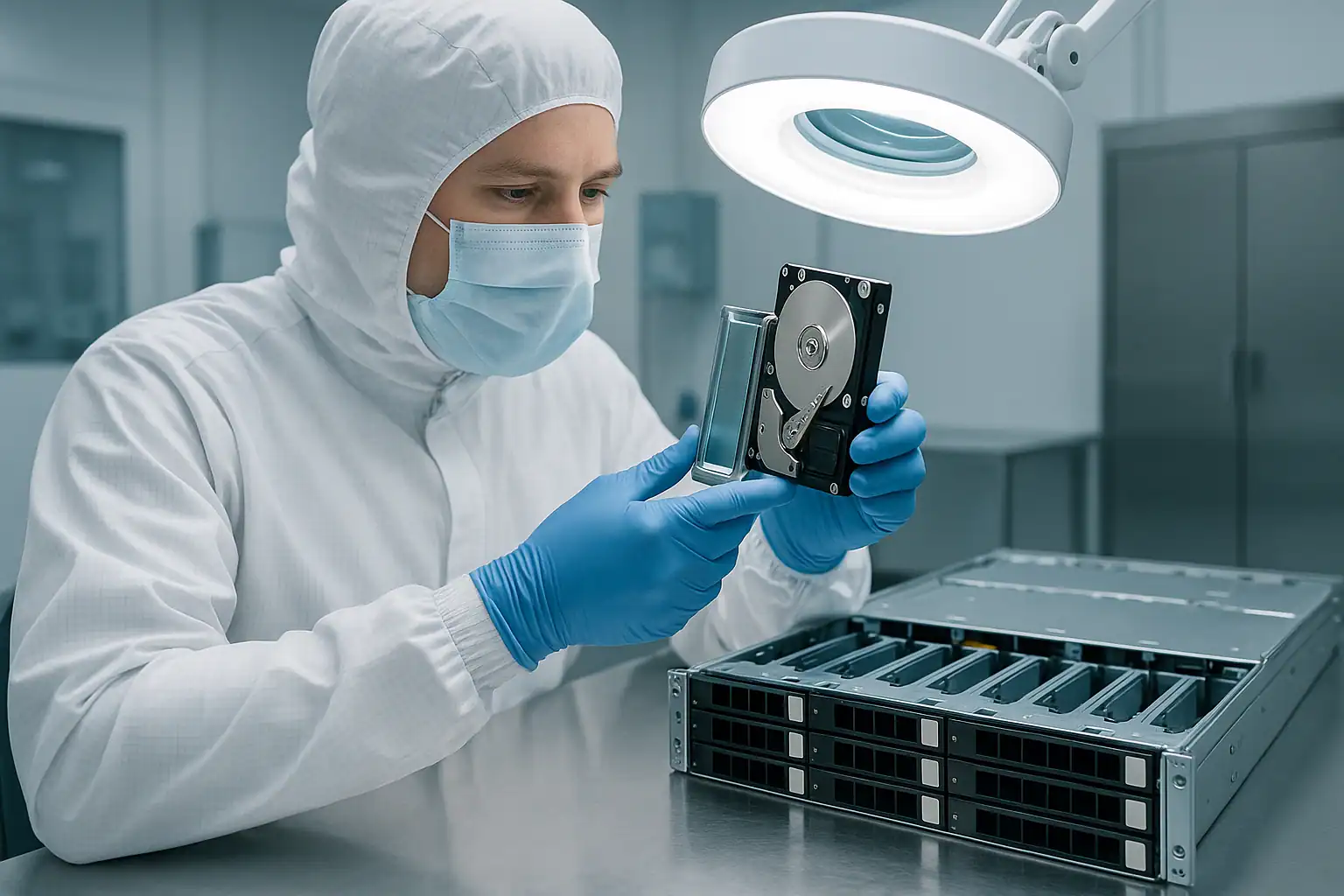
The HPE ProLiant ML350 Gen10 was the Gen10-era tower workhorse for small and mid-sized business IT — the system that replaced aging ML350 Gen9 deployments at organizations doing their second or third server refresh between 2017 and 2020. Like its predecessor, the ML350 Gen10 quietly handles file serving, Exchange, Active Directory, Hyper-V virtualization, QuickBooks, and the mix of workloads that keeps a small organization running. The active ML350 Gen10 population is now 6-9 years old — younger than the Gen9 fleet but already showing the same patterns: the SMB environments these systems live in (dusty offices, marginal HVAC, no UPS protection, no monitoring) age them faster than data center deployments.
The ML350 Gen10 shares the Gen10 architectural shift of its rack-mount siblings the DL380 Gen10 and DL360 Gen10 — Smart Array P408i-a (MR-derived rather than P440ar), iLO 5 with Silicon Root of Trust security, NVMe-capable storage, and Optane Persistent Memory support — but it carries the SMB tower deployment story of the ML350 Gen9: office-closet environments, single-server criticality, lost iLO credentials, and the failure modes that come from servers no one’s actively monitoring. This page covers what we see in ML350 Gen10 cases and what to do if yours is down.
ML350 Gen10-Specific Failure Patterns
Smart Array P408i-a controller behavior
The ML350 Gen10 most commonly shipped with the HPE Smart Array P408i-a embedded controller (or the lighter E208i-a for entry-level SKUs). The P408i-a is a Broadcom MegaRAID-derived design fundamentally different from the P440ar that came before it — different metadata format, different rebuild behavior, different foreign configuration handling, and different firmware update interactions. SMB customers or MSPs familiar with P440ar behavior on a Gen9 server sometimes assume the same troubleshooting steps apply to a Gen10, and they don’t.
The P408i-a uses “Foreign Configuration Found” or “Import Configuration” rather than the older “Configuration Detected on Drives” phrasing. The destructive option is the same — clearing the foreign config permanently destroys array metadata — but customers can mis-recognize the equivalent state.
Thermal and dust-related drive failures
The ML350 Gen10 sits in the same environments rack servers don’t: under desks, on the floor of office closets, in unfinished basement IT corners, next to printer toner that sheds dust everywhere. Chassis intake fans pull office air directly into the drive bays. After several years, fan filters (if present) clog, internal airflow drops, drive operating temperatures climb, and the failure curve accelerates. We see ML350 Gen10 servers come in with all chassis fans dust-loaded to the point of significant airflow restriction — the drives show the cumulative effect, often more severely on NVMe drives if the customer was using them as a performance tier.
The classic signature: multiple drives developing predictive failure warnings within weeks of each other, followed by a primary drive failure, followed by the rebuild failing because surviving drives weren’t actually healthy — they were the same age, in the same thermal environment, with the same accumulated wear.
Power events without UPS protection
Small business ML350 Gen10 deployments often lack proper UPS coverage — either no UPS at all, an undersized consumer UPS, or a business UPS whose battery died years ago and was never replaced. The result: brownouts, surges, and outright power loss events hit the server directly. When this happens to a system with a degraded Smart Array energy pack (the Gen10 equivalent of Gen9’s FBWC supercapacitor), in-flight writes are lost. When it happens during a rebuild, the rebuild can fail catastrophically. When it happens repeatedly over years, drives accumulate unclean-shutdown stress.
NVMe drives in SMB tower deployments
NVMe drives are increasingly common in ML350 Gen10 configurations — sometimes as the primary storage tier, more often as a boot drive or accelerator tier alongside spinning disks for bulk data. NVMe in tower environments faces different challenges than in data center deployments: ambient temperatures are higher than DC-controlled environments, dust accumulation affects PCIe and U.2 connectors over time, and SMB customers often don’t recognize NVMe-specific failure modes (PCIe link training errors, namespace corruption, controller firmware issues) when they happen.
If your ML350 Gen10 has NVMe drives and one has “disappeared” from the OS or iLO 5, the failure mode is often distinct from spinning-disk failures — and the right diagnostic path is different.
Silicon Root of Trust lockouts after MSP firmware updates
HPE Silicon Root of Trust verifies firmware integrity at boot. When firmware updates go wrong — failed SPP installation, attempted rollback, or inconsistent state across components — SRT can lock the server from booting entirely. This is particularly painful in SMB deployments because the firmware update is often performed by an MSP or contractor during after-hours maintenance, the lockout isn’t discovered until Monday morning when staff try to access files, and the original contractor may not be reachable to help recover from the SRT issue.
The data on the drives is unaffected by SRT lockouts — but SMB customers facing an unbootable server often assume the worst. Recovery doesn’t require resolving the SRT issue first.
P408i-a firmware-related rebuild and import issues
The P408i-a firmware went through multiple revisions during the ML350 Gen10’s active production. Specific revisions have documented issues around rebuild handling, foreign configuration imports, and interaction with iLO 5. A common SMB scenario: an array operating normally for years suddenly has issues after an SPP firmware update — logical drives not appearing correctly, rebuilds initiating but not completing, or unexpected foreign configuration prompts. The MSP who performed the update may not have a rollback plan, and the small business is left with a non-functioning server until recovery is initiated separately.
Lost iLO 5 credentials
ML350 Gen10 servers often outlive the IT staff or contractor who originally configured them. When something goes wrong years later, the current administrator frequently can’t log in to iLO 5 because the credentials were never documented, the original contractor is unreachable, or the federated authentication account stopped working when AD or the directory was restructured. This blocks AHS log download, blocks remote console access, and blocks visibility into the storage subsystem during a crisis. iLO 5 password reset requires physical access and the System Maintenance Switch on the system board.
Single-drive failures escalating to total array loss
Small business ML350 Gen10 deployments often don’t have active monitoring. Predictive failure alerts (LED amber blink) fire for weeks or months and nobody notices. Then a drive fails outright, the array goes degraded, somebody finally calls IT, and during the rebuild a second drive fails because it had been predictive-failing for months. We see this pattern repeatedly on ML350 Gen10 systems — the root cause is the monitoring gap, not the drives themselves.
Persistent Memory in small business deployments
Optane Persistent Memory in App-Direct Mode is uncommon in SMB tower deployments but does occur — typically at organizations that bought the ML350 Gen10 specifically for SAP HANA or other PMem-aware workloads. If your ML350 Gen10 ran any PMem-aware application, the recovery scope extends beyond the drives to include the Optane DCPMM modules themselves. Identify it upfront in the consultation.
Critical ML350 Gen10 Error Conditions
Smart Array P408i-a / E208i-a POST and iLO Error Messages
| Error / Message | What it means | Data loss risk |
|---|---|---|
| Logical Drive in Interim Recovery Mode | One drive failed; redundancy is gone | Moderate — high if second drive fails before rebuild |
| Logical Drive Failed | More drives failed than RAID level can tolerate | Critical |
| Foreign Configuration Found / Import Configuration | Controller detected RAID metadata not matching current config — common after controller swap, drive migration, firmware update | Critical — wrong choice is irreversible |
| Rebuild Failed | Rebuild encountered unreadable sectors on surviving drives | Critical — data in affected stripes at risk |
| Cache Module Status: Permanent Error | Smart Array energy pack cannot reliably back up write cache | Moderate — data loss risk during power events |
| Energy Pack Status: Failed | Energy pack module replacement required to restore write-back cache | Moderate |
| PCIe Training Error (NVMe) | NVMe drive cannot establish PCIe link with controller | Moderate to High depending on drive role |
| NVMe Drive Removed / Not Present | NVMe drive disappeared from controller view — may be U.2 connector, link failure, or actual drive failure | Moderate to High |
| Silicon Root of Trust Verification Failed | Firmware integrity check failed at boot — server will not POST until resolved | Low directly — data on drives unaffected, but server unusable until SRT resolved |
| Fan failure / Fan zone alert | One or more chassis fans failed; surviving fans ramp up to compensate | Low directly, High indirectly — drives at elevated temperature |
| Thermal threshold exceeded | Internal temperature climbed past safe operating range | Moderate |
| Persistent Memory Module: Uncorrectable Error | Optane DCPMM module reported uncorrectable error — PMem state may be inconsistent | Critical for PMem-aware workloads |
ML350 Gen10 Drive Carrier LED Patterns
| LED Pattern | SAS / SATA meaning | NVMe meaning |
|---|---|---|
| Steady green | Drive online and active | Drive online and active |
| Slow flashing green (1 Hz) | Drive activity, or rebuild in progress — do not remove | Drive activity |
| Off | Drive ready for removal OR not detected | Drive ready for removal OR not detected |
| Steady amber | Drive has failed | Drive has failed or PCIe link error |
| Slow flashing amber | Predictive failure (SMART) — back up before replacing | Predictive failure / wear threshold approached |
| Alternating amber and green | Drive identify / locator activated | Drive identify / locator activated |
| Steady blue | Drive selected by management interface | Drive selected by management interface |
iLO 5 Integrated Management Log (IML) Events to Watch
| Event source | Meaning |
|---|---|
| Smart Storage — Logical Drive Status Change | Logical drive transitioned to Degraded, Failed, or Rebuilding |
| Smart Storage — Physical Drive Status Change | Drive transitioned to Failed, Predictive Failure, or Removed state |
| Smart Storage — Energy Pack Status | Energy pack (battery/supercap) state change |
| Smart Storage — Surface Analysis Error | Bad block detected during background surface scan |
| Smart Storage — Rebuild Failed | Rebuild attempt aborted due to errors |
| NVMe — PCIe Training Error | NVMe drive could not establish PCIe link |
| NVMe — Drive Removed | NVMe drive removed from PCIe enumeration |
| Security — Silicon Root of Trust Event | SRT firmware integrity verification result |
| Memory — Persistent Memory Module Error | Optane DCPMM module reported an error |
| System Environment — Fan Failure / Removed | Chassis fan failed or removed — thermal stress increasing |
| System Environment — Temperature Threshold Exceeded | Internal temperature climbed past safe operating range |
The Active Health System (AHS) log in iLO 5 is the deciding diagnostic artifact for ML350 Gen10 recovery cases — it captures NVMe-specific events, Silicon Root of Trust verification history, persistent memory state, fan and thermal events — in a single timeline. For SMB tower deployments where dust, thermal, and power events compound over years of inattentive operation, the AHS log usually distinguishes between “the drives failed” and “the cooling failed first and then the drives failed.” Download the AHS log from iLO 5 before doing anything else when possible.
How We Recover Failed ML350 Gen10 Servers
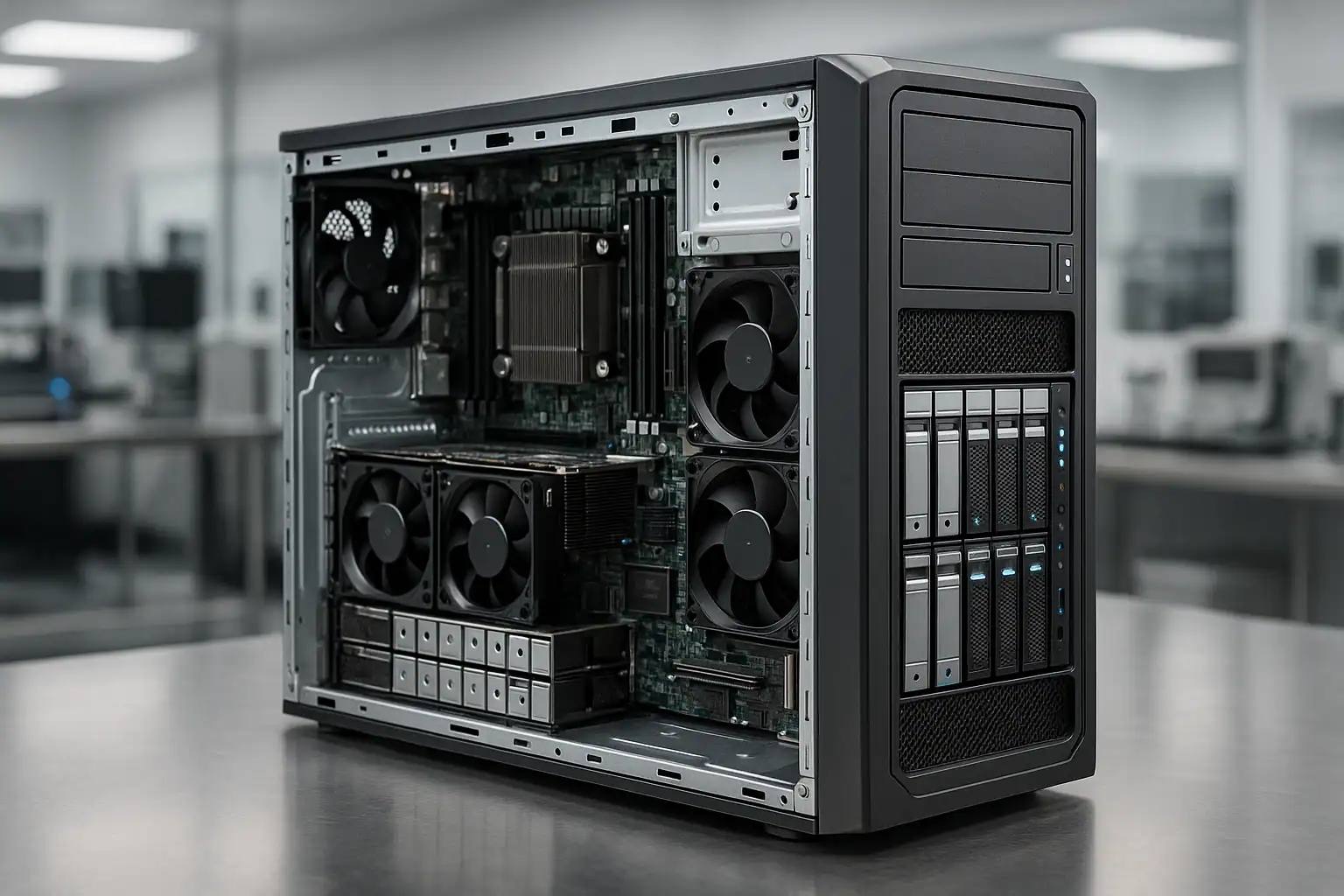
ML350 Gen10 recoveries follow our standard ProLiant recovery process with adaptations for the Gen10 architecture: free consultation, temporary hardware repairs in our ISO 5 cleanroom, write-blocked forensic imaging of every drive (including NVMe drives via appropriate U.2 imaging hardware), RAID reconstruction with Hombre, and file system extraction.
For ML350 Gen10 cases specifically, our work involves the Smart Array P408i-a, P408i-p, E208i-a, S100i, H240, and H240ar controller families. The P408i-a’s MR-derived metadata format requires different reconstruction logic than the earlier P440ar generation — we’ve developed dedicated tooling for the P408i-a family that handles its specific quirks around foreign configuration imports, rebuild interruption states, and energy pack interaction.
Because ML350 Gen10 deployments often involve drives that have been operating in suboptimal thermal environments for years, drive-level repairs are commonly needed during the recovery. Head transplants, PCB-level work, and firmware adjustments in the cleanroom are routine for the kinds of drives we see come out of these systems. NVMe drives in tower deployments face similar elevated-wear conditions, and we handle them through the same forensic imaging discipline applied to NVMe-specific failure modes.
For Silicon Root of Trust lockouts where the server won’t boot, the recovery is independent of the chassis state: we extract the drives and recover regardless of whether the SRT issue gets resolved on the customer’s side. For systems running with Persistent Memory in App-Direct Mode, recovery extends to include the Optane DCPMM modules themselves.
For systems that can be shipped whole (and many ML350 Gen10 deployments fit in a single shipping box), sending the entire chassis lets us pull the drives in original slot order without the customer needing to label and remove them — reducing one common source of confusion. This is especially helpful for SMB customers who don’t have IT staff available to manage drive extraction.
What to Do Right Now If Your ML350 Gen10 Is Failing
Don’t accept any “Import Configuration,” “Foreign Configuration Found,” or equivalent prompt without consultation. One wrong click here destroys the entire array irreversibly. When in doubt, leave the system at the prompt and call us.
Don’t initiate a rebuild on a degraded array without verifying every surviving drive. ML350 Gen10 arrays where one drive has failed almost always have other drives showing wear — they’ve been in the same thermal environment for the same number of years. Check SMART status and the iLO 5 AHS log before attempting any rebuild.
If multiple drives are showing predictive failure or failed states, suspect a systemic issue (fans, thermal, dust, energy pack, backplane) before assuming coincidental drive failures. On ML350 Gen10 tower deployments, environmental causes are more common than rack equivalents.
Don’t attempt firmware rollback on a system that’s already in a Silicon Root of Trust verification failure state. SRT lockouts have a specific recovery path through HPE support that involves reflashing signed firmware — arbitrary rollback attempts can leave the system in worse states. If SRT is locking your ML350 Gen10 out of booting, the data on the drives is unaffected. Don’t prioritize fixing the chassis over preserving the drives.
Don’t update iLO, BIOS, or Smart Array firmware while in a degraded or failed state. SPP firmware updates on already-stressed ML350 Gen10 systems have caused issues. If you want to update firmware, do it before the failure — not during.
Don’t clear the Smart Array energy pack module if it’s reporting dirty cache. Clearing discards in-flight writes that may be the difference between a clean recovery and a corrupted file system.
For NVMe-specific failures, distinguish between PCIe link errors and actual NVMe drive failures. PCIe training errors sometimes resolve with a firm reseat of the U.2 connector, but only if the underlying issue is connector wear rather than drive failure. Don’t initiate aggressive replacement workflows without confirming the failure mode.
For systems with Optane Persistent Memory in App-Direct mode, do not remove or reseat PMem modules without preserving their state. Mishandling PMem during recovery can lose data that the application expects to be available.
Don’t run filesystem repair tools. NTFS chkdsk, ReFS integrity scrub, ESXi datastore repair, ext4 fsck, ZFS scrub on a degraded vdev — all can permanently alter metadata recovery depends on.
If drives are clicking, beeping, or grinding, power off and leave them off. Mechanical drives get worse with every minute of runtime. This is especially common on ML350 Gen10 drives that have been running in dust-loaded thermal environments.
Check the fans before doing anything else. If chassis fans are dust-loaded or failed, the drives are at elevated temperature and every additional minute of runtime increases failure risk. The right response to a degraded ML350 Gen10 is sometimes to power off and ship rather than attempt in-place recovery.
Download the AHS log from iLO 5 if you can. If iLO credentials are lost, document that fact upfront in the consultation — we can work around it but it slows the initial diagnosis.
Mark every drive’s original slot position before removing anything. The physical arrangement carries recovery-critical information. The simplest method: put small numbered stickers on each drive caddy before extraction.
Document the controller model (P408i-a, E208i-a, S100i, H240ar, etc.), iLO 5 firmware version, server BIOS / ROM version, drive types (SAS / SATA / NVMe), presence of Optane PMem, OS or hypervisor, and recent maintenance history.
ML350 Gen10 Configurations We’ve Recovered
- ML350 Gen10 4 LFF entry configuration running RAID 1 or RAID 5 — small office file servers, basic Active Directory deployments
- ML350 Gen10 8 LFF (8x 3.5″) running RAID 5 or RAID 6 — small business file servers, video surveillance, backup repositories
- ML350 Gen10 8 SFF (8x 2.5″) running RAID 10 — database servers, Exchange mailbox servers, small SQL deployments
- ML350 Gen10 16 SFF (16x 2.5″) running RAID 5 or RAID 10 — mid-sized SMB virtualization workloads
- ML350 Gen10 24 SFF (24x 2.5″) — the densest tower configuration, common for mixed virtualization and file serving
- ML350 Gen10 with NVMe drives as a boot tier or accelerator alongside SAS storage
- ML350 Gen10 with all-NVMe configurations (where ordered with NVMe-only kits) — uncommon but increasing in mid-market deployments
- ML350 Gen10 with Optane DC Persistent Memory in App-Direct Mode — SAP HANA shops, custom PMem-aware workloads
- ML350 Gen10 connected to external HPE StoreEver LTO tape drives for backup workflows
- ML350 Gen10 connected to external D-series enclosures via P408e-p PCIe controllers
- ML350 Gen10 running Windows Server 2016 / 2019 / 2022 with NTFS or ReFS — Active Directory, file shares, Exchange 2016/2019, SQL Server
- ML350 Gen10 running Hyper-V on Server 2019 / 2022 hosting small business workloads
- ML350 Gen10 running VMware ESXi 6.5, 6.7, 7.0, 8.0 with VMFS-6 or vVol datastores
- ML350 Gen10 running enterprise Linux (RHEL 7/8/9, CentOS, Ubuntu LTS) with ext4 or XFS
- ML350 Gen10 running as a Veeam backup repository or backup target for a separate production server
- ML350 Gen10 hosting QuickBooks Enterprise, Sage, and other small business accounting applications on top of file shares
- ML350 Gen10 as branch office or regional office server in distributed multi-site organizations
Frequently Asked ML350 Gen10 Questions
My ML350 Gen10 keeps reporting energy pack errors. Is my data at risk?
The Smart Array energy pack (the Gen10 name for the cache backup module) has degraded past usable life — this is age-related and affects ML350 Gen10 systems as they reach the 6-9 year mark. The controller has automatically switched to Write-Through cache mode to protect data, so steady-state operations are safe. However, performance has dropped, and the system is more vulnerable to data loss during power events. Replace the energy pack module before any rebuild or extended maintenance window.
My ML350 Gen10 is showing “Silicon Root of Trust Verification Failed” after my MSP did a firmware update. Help?
The data on your drives is unaffected by SRT verification failures. SRT prevents the chassis from booting until firmware integrity is restored, but the storage subsystem and drive contents are independent. We can extract the drives and recover the data while the chassis itself is unbootable. Fixing the SRT issue is a separate problem you can address through HPE support or another MSP; preserving the data shouldn’t wait on it.
My ML350 Gen10’s fans are loud or covered in dust. Should I worry about the drives?
Yes. Tower servers operating in dust-loaded thermal environments cook their drives. If the chassis is dusty, the drives have likely been operating at elevated temperatures for years, which accelerates failure — and NVMe drives are particularly vulnerable since they run hotter than SAS/SATA to begin with. If you’re seeing degraded array status alongside obvious dust accumulation, the right next step is often to power off and call us before attempting any rebuild — surviving drives in a hot, dusty ML350 frequently aren’t actually healthy.
I lost the iLO 5 password. Can you still recover the data?
Yes, easily. iLO 5 is the management interface — it’s independent of the storage subsystem. We can recover from your ML350 Gen10 without ever logging in to iLO. The drives themselves contain everything we need. (For your own future use: iLO 5 password reset requires the System Maintenance Switch on the system board, which means physical access to the server with the side panel removed.)
My Smart Array P408i-a keeps failing rebuilds on my ML350 Gen10. Why?
Multiple possibilities: surviving drives have accumulated bad sectors (most common in dust-loaded tower deployments), the P408i-a firmware has a bug affecting your specific rebuild scenario, the chassis is overheating, or the failed drive’s replacement has its own problems. The diagnosis matters — the wrong response makes things worse. The AHS log usually distinguishes between these scenarios.
I updated my ML350 Gen10 firmware via SPP and now the array won’t come online. Can you help?
Yes — this is a scenario we see regularly. The recovery approach is the same: forensic imaging of all drives, reconstruction in software. Firmware-related issues on the controller don’t affect the data on disk; they affect whether the controller can present that data. Don’t attempt further firmware changes — ship the drives or contact us first. Be especially careful if the firmware update triggered both an array issue and a Silicon Root of Trust state — those compound badly.
My ML350 Gen10 has NVMe drives and one disappeared from iLO 5. Is it failed?
Possibly — but on NVMe drives, “disappeared” can also mean PCIe link training error (the drive is fine, but the link couldn’t establish), U.2 connector wear, or NVMe controller firmware issue (drive is healthy but the controller-level state is broken). The iLO 5 IML and AHS log usually distinguish between these. Don’t replace the drive until the failure mode is confirmed.
My ML350 Gen10 won’t POST — iLO 5 doesn’t respond and the front panel shows amber. Can I still recover the data?
Yes. The data lives on the drives, not in the server. Even if the chassis is completely dead, removing the drives in their original slot order and shipping them to us lets us reconstruct the array. Mark which drive came from which physical bay before removing anything. Many ML350 Gen10 systems are small enough that we recommend shipping the entire chassis intact — it’s often easier than extracting drives, and it gives us access to the slot positions directly.
My ML350 Gen10 was hosting Exchange. Is the mailbox data recoverable?
Yes. Exchange mailbox databases (.edb files) sit on the file system like any other large files. Once we reconstruct the underlying RAID array and extract the file system contents, the Exchange databases are available to extract. Individual mailbox extraction from .edb files is also possible — mention this during the consultation if it’s your priority.
What if my ML350 Gen10 was running QuickBooks or another accounting application?
The data lives in QuickBooks company files (.qbw) or equivalent files for other applications, sitting on the file system. Once we reconstruct the array and extract the files, you can open them in QuickBooks on a different machine. We’ve recovered countless small business accounting deployments from failed ML350 systems.
How can I tell if my server is an ML350 Gen9 or Gen10?
Several visual cues distinguish them: the Gen10 front bezel design is updated with a different status panel layout, the drive carriers have a different latch design (especially NVMe carriers, which are rare on Gen9), and the product label / service tag will show the generation. Gen10 ML350 product numbers typically start with 877619, 877620, 877621, 877624, or 882007 depending on the SKU. A photograph of the front bezel and the service tag confirms the generation quickly.
The ML350 Gen10 is the only server we have. How long will recovery take?
Most ML350 Gen10 recoveries complete in days, not weeks — the configurations are typically smaller than enterprise rack deployments and the drive counts are manageable. Our expedited service tier can compress this further if your business is fully down. The consultation will give you a realistic estimate based on your specific situation, drive count, and condition.
My ML350 Gen10 has SED with controller-managed encryption. What’s recoverable?
With the encryption keys available (typically managed via iLO 5, HPE Secure Encryption, or an external key management server), the recovery works the same as non-encrypted arrays. Without the keys, the encrypted data is mathematically inaccessible. Discuss key-management specifics during your consultation.
Start Your Free ML350 Gen10 Recovery Consultation
If your HPE ProLiant ML350 Gen10 is down, get a free consultation with our server team. We’ll walk through your specific configuration and tell you what’s possible.
Start Your Free ML350 Gen10 Consultation
Free consultation · Clear upfront pricing · ISO 5 cleanroom recovery
Or call 1-877-624-7206 to speak with our server team directly.