
Dell EqualLogic Data Recovery
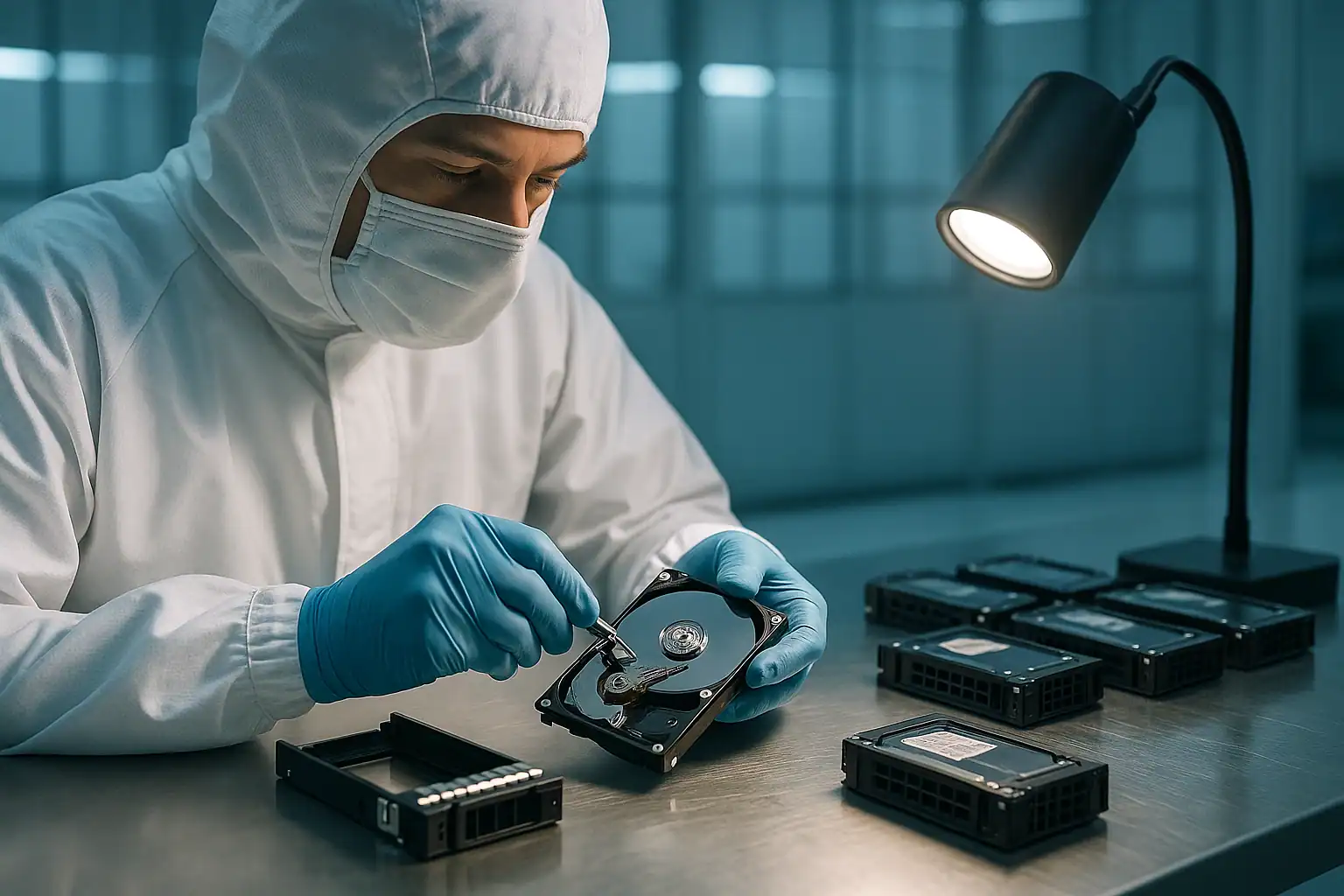
Dell EqualLogic PS-series arrays were Dell’s mid-market iSCSI SAN platform from 2008 until the line was discontinued in 2017. During that nine-year run, Dell shipped enormous quantities of EqualLogic into healthcare, education, manufacturing, professional services, and small-to-mid-market businesses that needed shared block storage but didn’t need the price tag of an enterprise SAN. The PS4100, PS6100, PS6500, and their successors became the de facto standard storage layer behind countless VMware and Hyper-V environments.
Nine years of shipment and another nine years of post-discontinuation operation means there’s an enormous installed base of EqualLogic arrays still in active production. Healthcare practices that bought a PS6100 in 2014. School districts running PS4100s purchased in 2013. Manufacturers whose ERP system is anchored on a PS6500 from 2012. These arrays are now well past Dell’s official end-of-support — but they’re still running production workloads, and when they fail, the customer often has no first-party recovery path at all.
This page covers Dell EqualLogic PS-series data recovery across the lineup we work on most often: PS4000, PS4100, PS4110, PS4210, PS6000, PS6100, PS6110, PS6210, PS6500, PS6510, and the related FS-series unified storage variants. EqualLogic recovery is part of our broader Dell server data recovery services, alongside PowerEdge, PowerVault, and Compellent platforms. EqualLogic recovery is more specialized than typical RAID work — the proprietary group manager, Linux-based controller firmware, and EqualLogic-specific data layout require tooling that commercial recovery software generally doesn’t have.
The EqualLogic Failures We Recover Most Often
Controller module hardware failures
By far the most common single EqualLogic failure scenario. Each PS-series array contains two controller modules (Type 7, Type 8, Type 9, Type 11, Type 13, Type 14, etc. depending on model and refresh), running in an active/passive configuration — only one controller serves I/O at a time, with the other ready to take over on failover. When the active controller fails, failover is supposed to happen automatically. When both controllers fail, the array goes offline.
We see controller failures present in several ways: the active controller’s status LED is amber, the array reports “Member is in a critical state” or “Both control modules are not operational,” failover happens but doesn’t fail back cleanly, or the entire group disappears from the host’s iSCSI initiator and won’t reappear after power cycling.
Replacement EqualLogic controllers are scarce — Dell stopped manufacturing them after the line was discontinued, and the available stock of refurbished controllers continues to shrink each year. Many customers facing a dual-controller failure find that buying replacement parts isn’t a realistic option.
Group manager database corruption
EqualLogic stores its configuration metadata — group composition, volume layout, RAID structure, snapshot information, permission settings — in a database managed by the group manager software running on the active controller. When that database becomes corrupted (from firmware bugs, ungraceful shutdowns, or hardware issues), the array may continue to operate in a limited mode but be unable to present volumes correctly, or may refuse to come fully online after a restart.
Group manager database issues are particularly insidious because the underlying drive data is usually fine — the array just can’t figure out what it has. Recovery in these cases involves reconstructing the database structure or reading the on-disk metadata directly to identify and extract volumes.
“Lost block” errors
EqualLogic logs “lost block” errors when it can’t read a specific block from the storage and can’t reconstruct it from parity. These errors are warnings of data damage that’s already happened — the underlying RAID has failed to deliver data the group manager expected to be there. Persistent lost block errors indicate either drive failures that exceeded the RAID’s tolerance, or deeper issues with the RAID metadata itself.
Multiple drive failures exceeding RAID tolerance
Same fundamental scenario as any RAID array: drives fail, and when more fail than the configured RAID level (typically RAID 5, RAID 6, or RAID 10 within EqualLogic) can tolerate, volumes go offline. Aging drives in EqualLogic arrays — particularly the SATA drives in PS6100E and similar capacity-tier models — are reaching cluster-failure age. Multiple drives failing within days or weeks of each other is increasingly common.
Volume offline / RAIDset failed
Specific volumes become inaccessible while the array as a whole continues to operate. Hosts lose connection to the affected volumes; iSCSI initiators report the targets as offline. This typically indicates either RAIDset-level failure (the underlying RAID structure has lost too many drives) or metadata corruption affecting that specific volume’s mapping.
Member offline in multi-member groups
EqualLogic supports groups containing multiple physical arrays, presenting them to hosts as a unified storage pool. When one member of a multi-member group fails, the group can lose access to volumes that had data spread across that member. Member offline scenarios can also be caused by group manager issues, network connectivity issues between members, or hardware failures on the affected member.
Accidental volume deletion
An administrator opens the Group Manager interface intending to manage one volume and deletes another by mistake. The underlying drive data isn’t immediately erased — volume deletion in EqualLogic removes the volume’s mapping and frees its space for reuse, but the actual data persists until something writes over it. The faster recovery begins after a deletion, the more recoverable data exists.
Firmware update issues
EqualLogic firmware updates required specific procedures — staggered controller updates, group health checks, sometimes multiple update passes for jumps between major versions. Updates that didn’t complete cleanly, or that exposed firmware bugs in the new version, could leave arrays in inconsistent states. With Dell support gone, customers experiencing firmware-related issues often have no escalation path.
End of Dell support implications
Beyond the immediate failure modes, EqualLogic customers face a structural issue: Dell ended hardware support in 2019 and software support in 2020. Replacement parts are increasingly hard to source. Documentation has been removed from Dell’s support portal. Firmware updates are no longer available. When an EqualLogic fails today, the customer’s options are typically: refurbished parts from third-party brokers (where available), data recovery to extract data for migration to new storage, or accepting the data loss.
The EqualLogic Architecture and Why It Matters for Recovery
EqualLogic uses a proprietary architecture that differs significantly from typical RAID arrays. Understanding the architecture helps explain why specialized recovery is often required.
Each PS-series array contains two controller modules running EqualLogic-specific Linux-based firmware (Distributed Storage Manager, or DSM). At any given moment, only one controller is active — serving I/O, managing the group, running the group manager database. The other controller is passive, mirroring the active controller’s cache and ready to take over on failover. When the active controller fails, the passive controller promotes itself, the cache is preserved across the transition, and host I/O continues.
The drives in the array are organized into RAIDsets (groups of physical drives forming RAID 5, RAID 6, or RAID 10 sets internally). Volumes are striped across the RAIDsets, with the layout managed by the group manager. Configuration metadata is stored both in the group manager database (on the controllers’ system disks) and in EqualLogic-specific structures on the data drives themselves.
This architecture has two important implications for recovery:
First, the data on the drives is organized using EqualLogic-specific structures that commercial recovery tools generally don’t understand. Pulling drives from an EqualLogic and connecting them to a Windows or Linux host won’t reveal anything useful — they look like blank or unformatted drives because the file system isn’t NTFS, FAT, or any common Linux filesystem. EqualLogic recovery requires tooling that understands the proprietary layout.
Second, the controller modules’ system disks (where the group manager database lives) are independent from the data drives. Even when both controllers fail catastrophically, the data drives still contain enough information to reconstruct volumes — assuming the right tooling can read them.
How Our EqualLogic Recovery Process Works
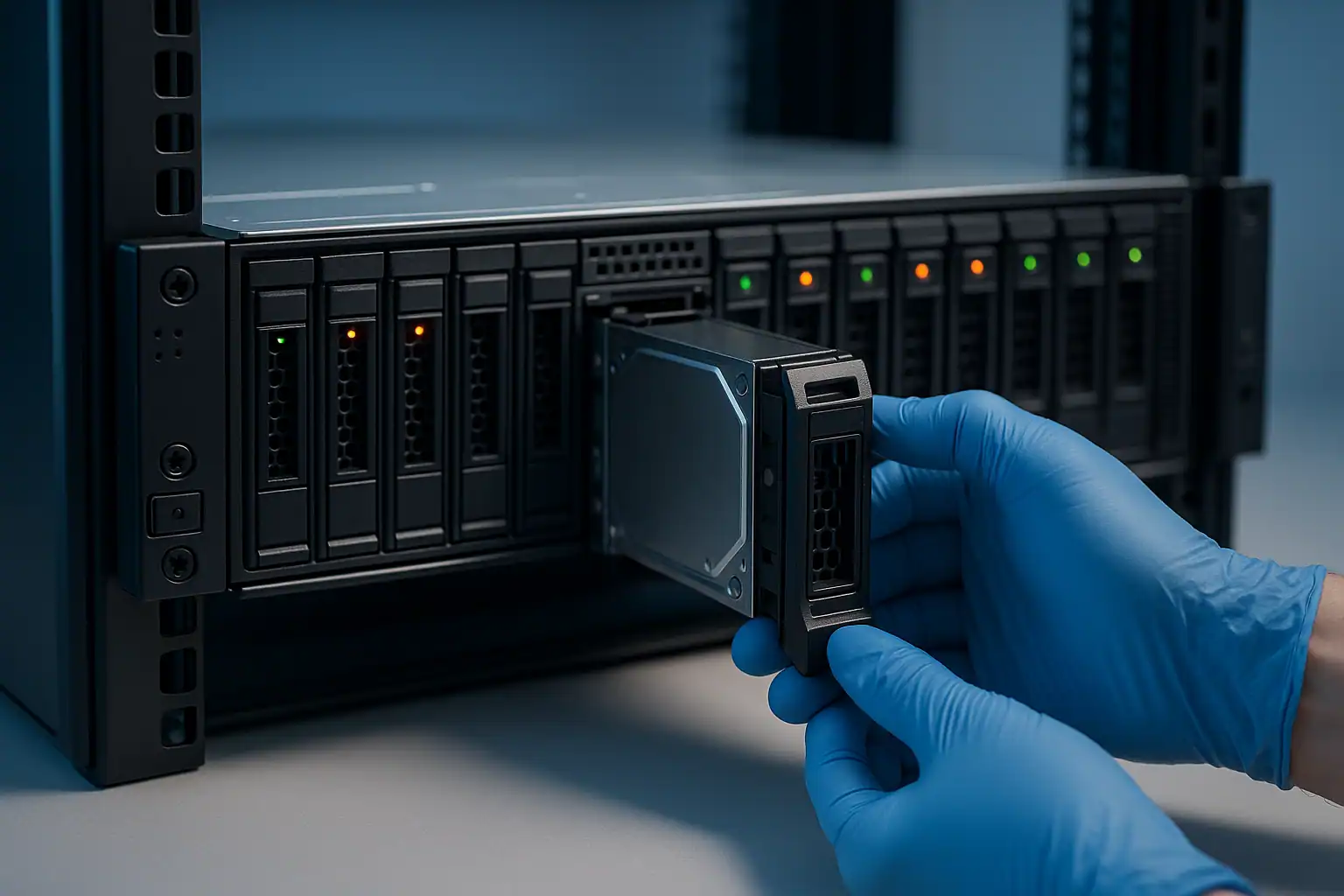
EqualLogic recovery follows the same fundamentals as our other Dell storage work, with EqualLogic-specific tooling and process applied throughout.
1. Free consultation to scope the case. EqualLogic recoveries vary widely in complexity, and the consultation is where we determine what your specific situation looks like: which PS-series model, what firmware version was running, what failure mode triggered the issue, single-member or multi-member group, what’s already been attempted (especially any firmware operations or controller swaps performed after the initial failure), and what data is critical. The consultation is free; for larger EqualLogic recoveries we provide a clear upfront quote.
2. Temporary hardware repairs in our ISO 5 cleanroom. For drives with mechanical or electronic failures, our engineers perform temporary repairs to make the drives readable long enough to image. EqualLogic arrays contain a mix of enterprise SAS, NL-SAS, and SATA drives depending on the model and tier, and we work with all of them.
3. Write-blocked forensic imaging of every drive. Each drive in the array — including drives marked failed by the array — is imaged bit-for-bit through a hardware write-blocker. The original drives are never written to.
4. EqualLogic-specific reconstruction. This is the step that distinguishes professional EqualLogic recovery from generic RAID work. Our tooling parses the EqualLogic on-disk metadata structures directly — identifying RAIDset configurations, volume layouts, member relationships, and the EqualLogic-specific block-mapping structures that organize data across the array. We can reconstruct volumes even when:
- Both controllers are dead and the original chassis isn’t available
- The group manager database is corrupt or missing
- The array was part of a multi-member group and other members are inaccessible
- The drives were extracted in unknown order and the original arrangement was never documented
- One or more drives are partially unreadable
- The firmware version is one of the older releases where Dell documentation has become hard to find
5. File system extraction. Once the EqualLogic volumes are reconstructed, we extract the file systems they contained. For VMware deployments, this means parsing VMFS to extract individual VMDK files. For Hyper-V, this means parsing the NTFS volumes containing VHDX files. For direct-host-attached volumes, this means parsing whatever filesystem the host was running (NTFS, ReFS, ext4, XFS) and extracting individual files.
6. Honest reporting on what came back. EqualLogic recoveries are rarely 100% — particularly when controllers have been replaced after the failure, when firmware operations were attempted, or when drives had advanced wear. We report honestly on what percentage of the volume structure and individual files came back intact.
What to Do Right Now If Your EqualLogic Is Failing
The first hour of decisions often determines what’s recoverable. EqualLogic-specific guidance:
Don’t attempt firmware operations on a failing array. Firmware updates, downgrades, or “reset to defaults” operations on an EqualLogic that’s showing problems can compound the issue significantly. The group manager database may be in an inconsistent state; firmware operations write to that database and can make recoverable problems unrecoverable.
Don’t swap controllers between arrays. EqualLogic controllers store group-specific information; moving a controller from one array to another can confuse the group manager database. If you have a spare controller and want to swap it in to replace a failed one, do it carefully — the replacement controller should be at the same firmware level as the surviving controller, and the swap procedure should follow Dell’s documented process (which is still findable in archives, even though it’s no longer on Dell’s support portal).
Don’t initialize, reset, or reformat the array. “Reset to factory defaults” or “reinitialize” operations on an EqualLogic destroy the group manager database and the volume mappings — making recovery much harder. The data on the drives may still be there, but reconstructing the layout from scratch is dramatically more work than reading an intact database.
Don’t delete what looks like an “old” or “unused” volume to free space. Customers sometimes look at a Group Manager showing volumes they don’t recognize and assume those are orphans they can clean up. Deletion is permanent (and the data starts being overwritten). When in doubt, leave volumes alone.
If you’ve lost connectivity but the array is still powered, document the current state before intervening. Screenshots of Group Manager (if accessible), output from show group and show member CLI commands (if you can reach the array’s CLI), the front-panel LED states, and any error events visible from the host’s iSCSI initiator side.
Don’t reuse drives or controllers in another array thinking the data is gone. Customers facing an EqualLogic failure sometimes assume the data is lost and reuse the hardware for other purposes — only to realize later that they needed the data after all. The drives in particular hold the recoverable data; reusing them for another array overwrites whatever was there.
EqualLogic Models We Recover
For the most commonly failing PS-series models, we have dedicated recovery pages:
- EqualLogic PS4100 Data Recovery — small to mid-market workhorse, heavily deployed 2011-2017, common in healthcare, education, and SMB environments
- EqualLogic PS6100 Data Recovery — Dell’s most-shipped EqualLogic, mid-market enterprise, deployed 2011-2017, largest installed base in active failure today
Other EqualLogic models we handle
We also recover from EqualLogic models not yet covered by dedicated pages, including:
PS4000 series (2009-2012): PS4000E, PS4000X, PS4000XV — first-generation small array models. Many still in production at small businesses.
PS4100 refresh series (2013-2017): PS4110, PS4210 — successor controllers with 10GbE iSCSI host connectivity.
PS6000 series (2008-2012): PS6000E, PS6000X, PS6000XV, PS6000S — mid-market workhorses of the early EqualLogic era.
PS6100 refresh series (2013-2017): PS6110, PS6210 — successor controllers with 10GbE iSCSI connectivity.
PS6500 / PS6510 / PS6610 series: High-density variants with 48+ drive bays. Less common in our caseload but recoverable.
FS-series unified storage variants: FS7500, FS7600, FS7610 — EqualLogic with file-level (NAS) head units providing CIFS/NFS access.
For EqualLogic case studies, see our PS4100 data recovery case study.
How EqualLogic Recovery Pricing Works
EqualLogic recovery is more specialized than typical RAID work — the proprietary architecture, the multi-layered metadata, and the diminishing availability of reference documentation all add to the engineering complexity. Pricing scales accordingly.
Every engagement starts with a free consultation. We use that conversation to scope the work and provide a clear upfront quote before any recovery work begins. For larger EqualLogic recoveries — multi-member groups, high-density arrays, multiple controller and drive failures — the quote is based on projected engineering hours, machine hours, and data transfer time. We never charge for cases that aren’t feasible.
Frequently Asked Questions
Dell no longer supports my EqualLogic. Can you still help?
Yes. End of vendor support doesn’t mean end of recoverability. We handle EqualLogic recoveries regularly for customers whose Dell support has lapsed and who have no first-party recovery path available.
Both controllers in my EqualLogic have failed. Can the data still be recovered?
Usually yes. The data on the drives doesn’t depend on either controller working. We read the drives directly with EqualLogic-aware tooling, reconstruct the array using the on-disk metadata, and extract volumes without depending on the original controllers to cooperate.
What if my group manager database is corrupted?
Recoverable in most cases. The group manager database holds organizational metadata, but the actual volume structure and data layout are also recorded in EqualLogic-specific structures on the data drives themselves. We can reconstruct volumes from those on-disk structures even when the group manager database is unreadable.
Can you recover from a multi-member EqualLogic group where one member has failed?
Yes. Multi-member group recoveries are more complex than single-array recoveries — we need to reconstruct the data layout across all members — but the recovery is feasible. The faster we can image all the members, the better.
What if I’ve lost the encryption keys for my encrypted volumes?
EqualLogic supported various encryption configurations during its life. If encryption was managed by an external key management server and the keys are no longer available, the encrypted data is mathematically inaccessible — no legitimate recovery method can decrypt it.
How long does EqualLogic recovery take?
EqualLogic recoveries typically take longer than equivalent PowerVault or PowerEdge recoveries because of the specialized tooling and process required. Smaller PS4000 / PS4100 cases can complete in days; larger PS6100 / PS6500 / multi-member group cases can take weeks. The consultation will give you a realistic estimate.
Do I need to ship the entire EqualLogic chassis, or just the drives?
For most EqualLogic recoveries, just the drives are sufficient. The metadata needed for reconstruction lives on the drives themselves. For specific cases involving controller-related issues (firmware-specific metadata, certain encryption configurations), we may also ask for the controllers.
What about EqualLogic FS-series unified storage with the file-level NAS heads?
We handle those too. The FS-series adds a file-level NAS layer on top of the EqualLogic block storage; recovery involves reconstructing both layers — first the underlying block volumes, then the file system that the FS head presented over CIFS/NFS.
Start Your Free EqualLogic Recovery Consultation
If your Dell EqualLogic PS-series array is down — failed controllers, group manager issues, multiple drive failures, lost blocks, accidental volume deletion, or anything else — get a free consultation with our server team. EqualLogic recovery is specialized work, and the consultation lets us scope your specific situation accurately.
Free consultation · Clear upfront pricing · ISO 5 cleanroom recovery
Or call 1-877-624-7206 to speak with our server team directly