
Dell EqualLogic PS6100 Data Recovery
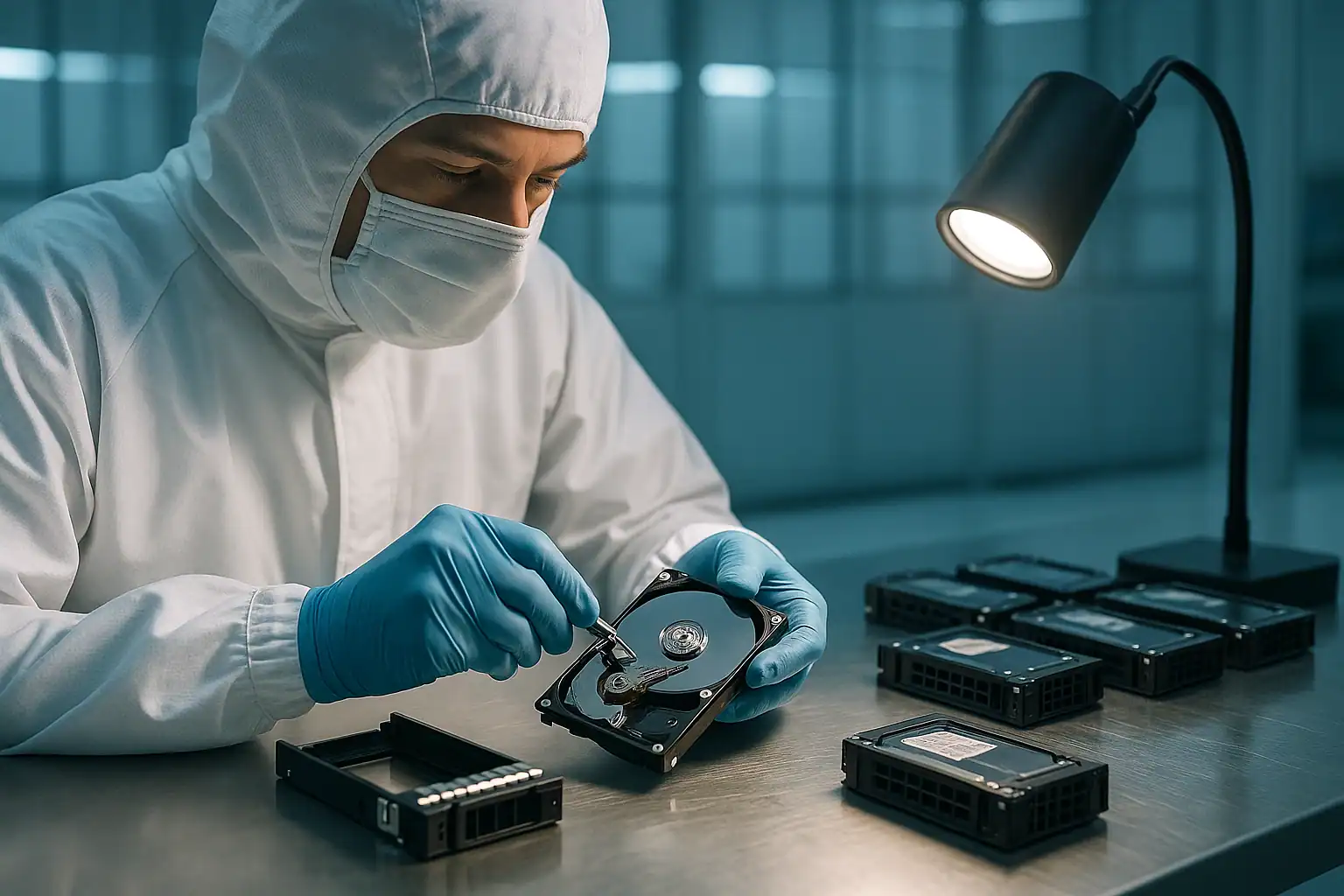
The Dell EqualLogic PS6100 was Dell’s most-shipped mid-market iSCSI SAN — the workhorse of the EqualLogic line during its 2011-2017 production run. Twenty-four drive bays, dual controller modules, redundant power, and full Group Manager integration meant a single PS6100 could anchor an entire mid-sized business’s virtualization environment. Mid-market enterprises, larger healthcare systems, regional MSPs, manufacturing firms with substantial database workloads — all built infrastructures on PS6100 arrays.
The PS6100 installed base in active failure today is enormous. Arrays deployed in 2012-2015 are 10-13 years old. Drives have spun continuously through more than a decade of business operation. Controller batteries have failed. Group manager databases have accumulated subtle inconsistencies that don’t surface until something triggers a deep read. And Dell ended support for the PS-series line in 2019-2020, leaving thousands of PS6100 customers with no first-party recovery path when failures happen.
This is the EqualLogic model we recover most often, and the failure patterns are recognizable enough to be worth covering specifically.
PS6100 Specific Failure Patterns
Type 11 / Type 14 controller failures
The PS6100 originally shipped with Type 11 controller modules, refreshed to Type 14 controllers in 2014. Both controller types are now well past mean-time-between-failures for their components. Common failure presentations:
- Active controller fails, array fails over to passive, then passive controller fails months later (the “two failures, separated in time” pattern)
- Both controllers reporting issues simultaneously after a power event
- Controllers appearing functional but the array unable to come fully online — typically a group manager database issue
- Controller cache backup battery failures causing reduced performance and write-through fallback
Replacement controllers for the PS6100 are scarce. Dell’s official supply ended; third-party brokers have dwindling stock; pulls from decommissioned PS6100 arrays are now the primary source. Pricing for available controllers has climbed substantially as supply has tightened. Many customers facing PS6100 dual-controller failures find that buying replacement parts isn’t a viable path.
PS6100E / PS6100X / PS6100XV / PS6100XS / PS6100S variant differences
The PS6100 came in multiple variants reflecting different storage tiers:
- PS6100E: 7.2K SATA / NL-SAS drives, capacity tier — the most common variant we see in our recovery work, with the most drive-aging failures
- PS6100X: 10K SAS drives, balanced performance and capacity
- PS6100XV: 15K SAS drives, highest-performance traditional spinning variant
- PS6100XS: Hybrid configuration with SSDs as a cache/performance tier alongside SAS capacity drives
- PS6100S: All-SSD configuration, premium tier
The PS6100E variants are where drive-aging failures cluster most heavily. 7.2K SATA drives have shorter MTBF than enterprise SAS, and the high drive count (24 drives per array) means cumulative drive-aging risk is substantial after a decade.
Group manager database corruption
One of the more common PS6100 failure modes — and one of the most insidious. The group manager database holding the array’s configuration metadata is stored on the controller modules. Corruption can come from ungraceful shutdowns, firmware bugs in certain releases, or hardware issues with the controller’s storage. Symptoms include:
- Group Manager interface accessible but reporting strange or inconsistent volume states
- Array refusing to come fully online after a planned or unplanned restart
- Specific volumes disappearing from Group Manager while the underlying RAID structure remains intact
- “Configuration mismatch” warnings between controllers that don’t resolve through standard procedures
The data on the drives is usually fine — the database that organizes them is what’s damaged. Recovery requires either reconstructing the database from on-disk metadata or working entirely around the database to extract volumes from the underlying EqualLogic structures.
Lost blocks in aging RAID
EqualLogic logs “lost block” errors when it can’t read a specific block from storage and can’t reconstruct it from parity. On aging PS6100 arrays with multiple drives showing wear, lost block errors begin appearing as drives develop sectors that can no longer be reliably read. Persistent lost block errors indicate the RAID structure is being eroded by accumulating drive issues.
RAID 5 across 24 drives running for years
Some PS6100 deployments — particularly PS6100E configurations — used RAID 5 across most of the drives. After 10+ years of operation, the probability that any of the 24 drives has accumulated bad sectors is high; the probability that a rebuild would encounter at least one is near-certain. RAID 5 rebuilds on aging 24-drive PS6100s frequently fail partway through or produce volumes with lost blocks scattered across the data.
Member offline in multi-member groups
PS6100s deployed as members of multi-member groups — alongside PS4100s, other PS6100s, or PS6500/6510 arrays — can show as offline to the group manager while the hardware appears functional. Network issues between members, firmware version inconsistencies, or group manager database issues on the affected member can all produce this state. Multi-member group recoveries involve coordinating across all members and reconstructing volumes that may have been striped across multiple physical arrays.
Volume offline after failover
Failover events from active to passive controller don’t always complete cleanly on aging PS6100s. Symptoms include specific volumes going offline after a failover, hosts losing connection to iSCSI targets that don’t recover, or group manager reporting an inconsistent state between controllers. Failback to the original controller (after repair) sometimes produces additional issues.
10GbE iSCSI variant (PS6110)
The PS6110 is the 10GbE refresh of the PS6100, using Type 14 controllers with 10GbE iSCSI connectivity. PS6110 customers face the same general failure patterns as PS6100 owners, with the additional complication that 10GbE network issues (different switching gear, different SFP+ optics, different multipath configurations) can produce array-failure-like symptoms more easily than 1GbE deployments.
End of support hits the PS6100 hardest
Because the PS6100 was the most-shipped EqualLogic model and the most heavily deployed in mid-market business-critical environments, end of Dell support affects PS6100 customers most acutely. The aggregate of “thousands of PS6100s still running production workloads with no parts supply chain and no firmware updates” is one of the defining storage situations of the current mid-market enterprise landscape.
Critical PS6100 Error Conditions
The error condition table from the PS4100 recovery page applies broadly to the PS6100 as well — same EqualLogic firmware family, same general error vocabulary. PS6100-specific considerations:
| Scenario | PS6100-specific implication |
|---|---|
| “Member is in a critical state” on PS6100 in multi-member group | May affect availability of volumes striped across the affected member with other arrays |
| “RAIDset is failed” on 24-drive RAID 5 | Higher cumulative drive risk; reconstruction more complex with more drives to image |
| “Both control modules not operational” on Type 11 / Type 14 controllers | Replacement parts difficult to source; recovery from drives directly often the right path |
| Group manager database corruption | PS6100 stores extensive metadata; reconstruction from on-disk EqualLogic structures usually possible |
| “Lost blocks detected on volume X” | Especially common on PS6100E (SATA capacity tier) after 8+ years |
| “Battery requires replacement” | Common on aging PS6100s; replacement batteries also increasingly scarce |
| Configuration mismatch between Type 11 and Type 14 controllers | Can happen when refurbished controllers from different generations are mixed |
How We Recover Failed PS6100 Arrays
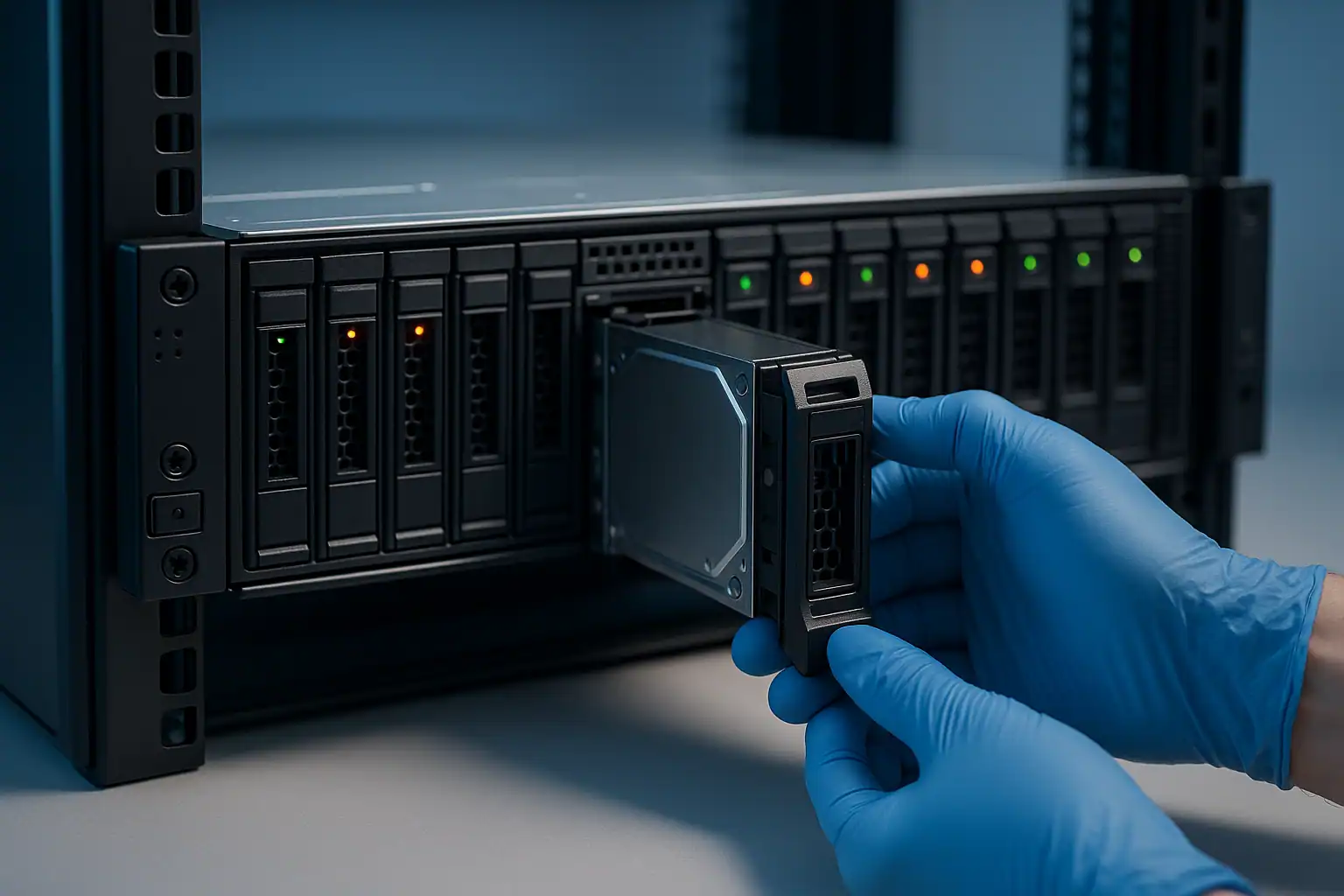
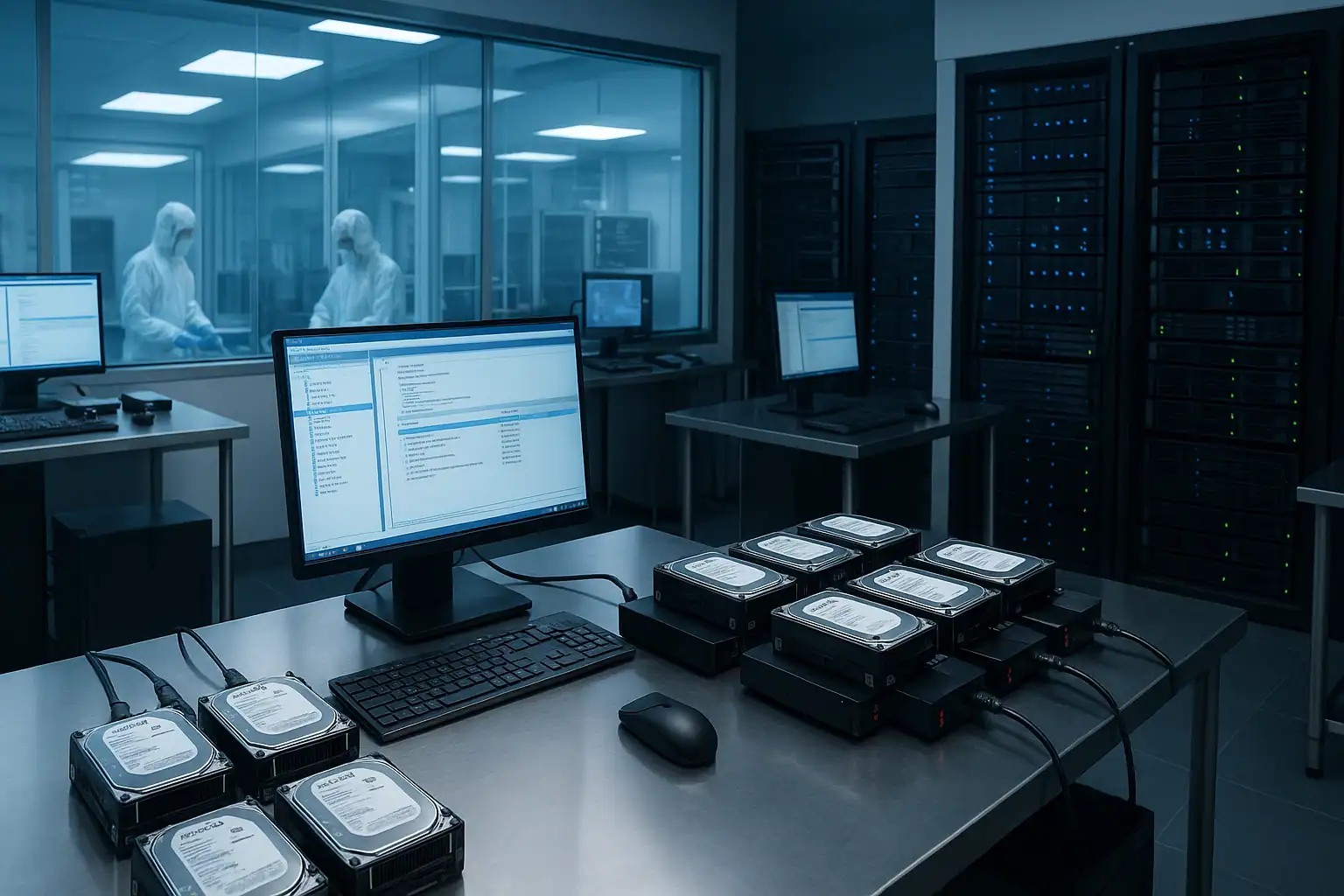
PS6100 recovery follows the standard EqualLogic recovery process: free consultation, temporary hardware repairs in our ISO 5 cleanroom, write-blocked forensic imaging of every drive, EqualLogic-specific reconstruction with our internal tooling, and file system extraction from the reconstructed volumes.
PS6100 cases involve more drives than smaller EqualLogic models — 24 drives per array, sometimes spread across multiple arrays in multi-member groups — which means more imaging time and more reconstruction complexity. The work is more involved than PS4100 recovery but follows the same fundamentals.
Two PS6100-specific considerations:
Drive count and shipping logistics. Shipping 24 drives from a single PS6100 (or 48+ from a multi-member group) is a substantial logistical exercise. We provide guidance on safe packaging, drive labeling for position tracking, and shipping protocols. The drive labels matter for reconstruction; we don’t strictly need to know which drive was in which slot, but having that information speeds the work.
Multi-member group reconstruction. If your PS6100 was part of a multi-member group, we may need drives from other group members as well to fully reconstruct volumes. The consultation will scope which arrays need to come in based on how your data was distributed.
What to Do Right Now If Your PS6100 Is Failing
The general EqualLogic and PS4100 guidance applies, with PS6100-specific notes:
Don’t run cleanup or maintenance operations from Group Manager on a failing array. Operations like “rebuild,” “verify volume,” “snapshot delete,” or “reclaim space” all write to the storage. On a degraded array, those writes can compound damage. Pause maintenance schedules and contact us.
Don’t keep adding hot spares to a failing 24-drive RAIDset. When drives fail on a heavily-loaded PS6100, the temptation is to add hot spares so the array can self-heal. On an aging array where multiple drives are near end of life, the rebuilds triggered by hot spare activation can cascade into additional failures. If you’ve already seen multiple drives fail in a short window, stop letting the array rebuild and contact us before more drives go.
Don’t update firmware on a PS6100 that’s already showing issues. Even if Dell support is gone, the temptation to “try the latest firmware” remains. On a degraded array, firmware updates can fail to complete and leave the controllers in worse shape.
Don’t repurpose drives from a “failed” PS6100 thinking the data is lost. The drives carry the recoverable data even after the array stops working. Reusing them for other purposes overwrites whatever was on them. Keep them off and contact us before deciding what to do with them.
For multi-member group customers, document the group composition before any intervention. Which member was the group leader, which arrays were in the group, what storage pools were defined, which volumes lived in which pool. This information matters for reconstruction even if Group Manager is no longer accessible.
PS6100 Configurations We’ve Recovered
- PS6100E (24-drive SATA capacity tier) running VMware vSphere VMFS datastores for mid-market virtualization
- PS6100X (24-drive SAS performance tier) hosting Hyper-V cluster shared volumes and SQL Server databases
- PS6100XV (15K SAS) running high-IO Exchange Server and database workloads
- PS6100XS hybrid configurations with SSDs accelerating SAS capacity tiers
- PS6110 (10GbE refresh) running enterprise workloads with multipath iSCSI
- PS6100 as primary member of multi-member groups containing additional PS6100, PS4100, or PS6500 arrays
- PS6100 deployments where Dell support has lapsed and replacement parts are no longer available
Frequently Asked PS6100 Questions
My PS6100 has been running degraded for over a year because we couldn’t get replacement parts. Should we just wait until total failure?
No — and please don’t. Waiting until total failure dramatically reduces what’s recoverable. Imaging a still-partially-functional PS6100 captures drives in their best readable state; waiting until additional drives fail means we’re working with progressively less material. If you’ve been operating on borrowed time with an array that should have been retired years ago, the right move is proactive recovery now — while the data is still mostly intact — rather than waiting for the cascade that will eventually happen.
I’m running a multi-member group with one PS6100 and one PS4100. The PS6100 has failed but the PS4100 is fine. Can I still get my data?
Depends on how volumes were distributed across the group. EqualLogic volumes in a multi-member group can be entirely on one member, or striped across multiple members. If your critical volumes lived entirely on the PS4100, you may still have access to them through Group Manager. If they were striped across both members, recovery requires both arrays. The consultation will help determine which scenario applies to your specific setup.
What if my PS6100 contained over 100TB of data?
We handle large recoveries regularly. The work scales with capacity — more drives to image, more data to reconstruct, larger volumes to extract from. For multi-terabyte and especially multi-100TB recoveries, the data transfer phase at the end is a substantial part of the work. We’ll discuss target media and transfer logistics during the consultation.
Can you recover encrypted PS6100 volumes?
With the encryption keys available, yes. Without the keys, no — encryption is mathematically irreversible without them. If your encryption was managed by an external key management server that’s also been lost or decommissioned, the encrypted data is inaccessible.
My PS6100 has 4 failed drives in what was supposed to be a RAID 6. Is recovery still possible?
RAID 6 tolerates 2 failures. Four failures puts the array past its design tolerance — but “failed” in EqualLogic terms often means “controller marked the drive bad based on read errors or thresholds.” The drives may still be substantially readable. Forensic imaging captures whatever’s accessible on each drive, and EqualLogic-aware reconstruction can often produce usable data even when nominally four drives are gone.
Can I migrate from a failing PS6100 to new storage during recovery?
That’s frequently the outcome customers want. We extract data from the PS6100 and deliver it on new media, which you migrate into your replacement storage platform. For customers who needed to retire their PS6100 anyway, recovery can serve as the controlled migration path off aging hardware.
What’s the difference between PS6100 and PS6110 for recovery purposes?
The PS6110 uses Type 14 controllers with 10GbE iSCSI; the original PS6100 uses Type 11 controllers with 1GbE. The on-disk data format and EqualLogic-specific structures are essentially the same — recovery uses the same tooling. The main difference is the host connectivity side, which generally doesn’t affect data recovery (we read drives directly, not through the host network).
Start Your Free PS6100 Recovery Consultation
If your Dell EqualLogic PS6100 is down — failed controllers, group manager issues, lost blocks, multiple drive failures, or anything else — get a free consultation with our server team. PS6100 is one of the most common EqualLogic recoveries we handle, and the consultation will tell you what’s possible in your specific situation.
Start Your Free Consultation
Free consultation · Clear upfront pricing · ISO 5 cleanroom recovery
Or call 1-877-624-7206 to speak with our server team directly