
Dell EqualLogic PS4100 Data Recovery
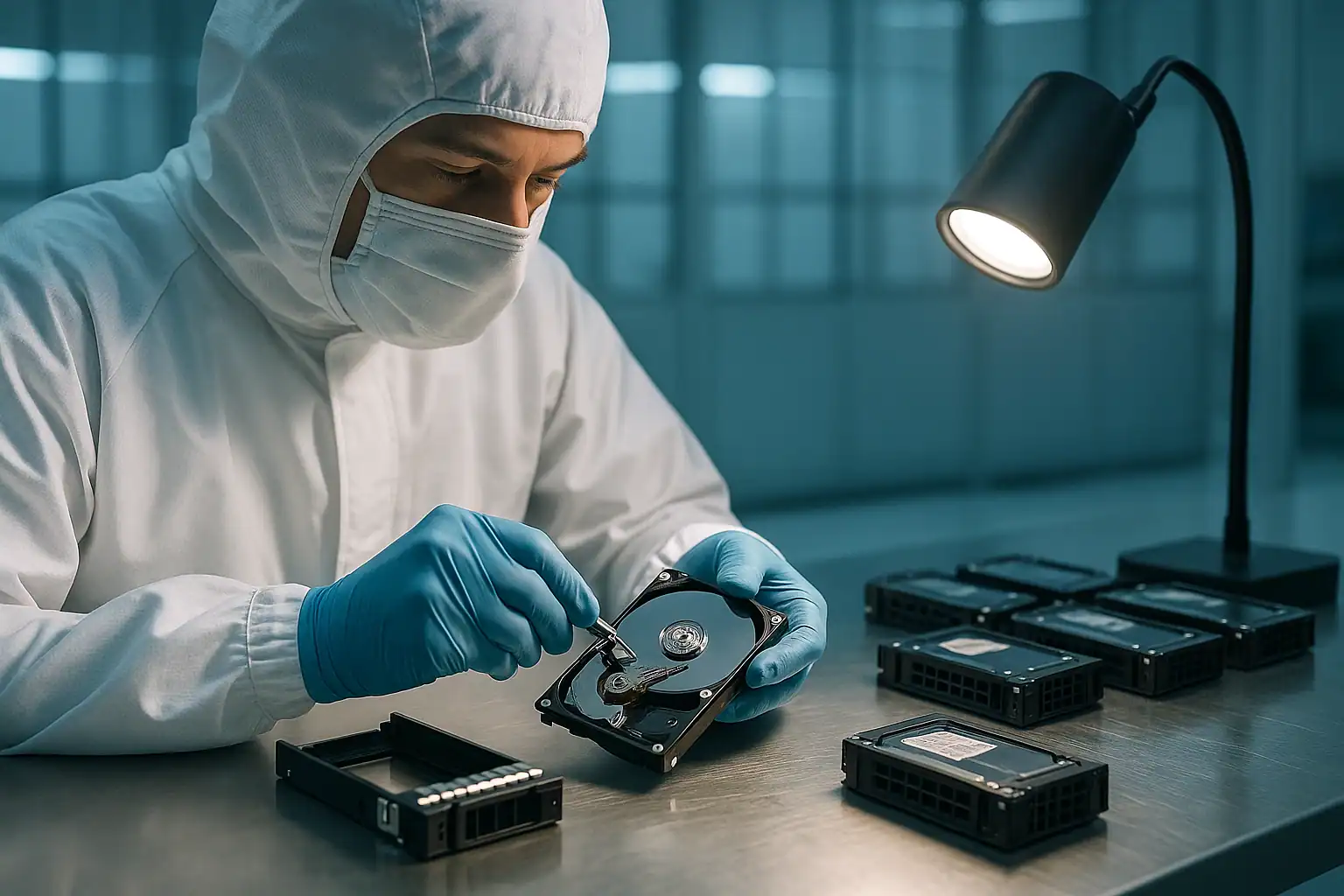
The Dell EqualLogic PS4100 was the small-to-mid-market workhorse of the EqualLogic line during its 2011-2017 production run. Healthcare practices, school districts, small manufacturers, professional services firms — anywhere a business needed shared iSCSI storage but didn’t need (or couldn’t budget for) a full enterprise SAN — the PS4100 was Dell’s recommended answer. Twelve 3.5″ drive bays, dual controller modules, redundant power, integrated group management software. Drop it in a rack, plug it into the iSCSI network, and you had shared block storage for VMware or Hyper-V deployments.
PS4100 arrays deployed in 2012-2015 are now 10-13 years old. Drives have spun continuously through more than a decade of business operation. Controllers are reaching mean time between failures. Dell support ended for the PS-series line in 2019-2020, meaning customers with PS4100 issues today often have no first-party recovery path. We see PS4100 cases regularly, and the failure patterns are consistent enough to be worth covering specifically.
PS4100 Specific Failure Patterns
Type 9 / Type 11 controller failures
The PS4100 originally shipped with Type 9 controller modules (1GbE iSCSI host connectivity), refreshed to Type 11 controllers later in the product life. Both controller types are now well past mean-time-between-failures for their components. We see controllers failing in several ways: the active controller’s amber LED is solid and the array fails over to the passive (then the passive’s also showing issues months later); both controllers appearing functional but the array refusing to come fully online after a restart; or one controller hard-failed and the other showing intermittent issues.
Replacement Type 9 and Type 11 controllers are increasingly scarce. Dell’s official supply ended years ago; third-party brokers have dwindling stock; pulls from decommissioned arrays are the primary source. Many PS4100 customers facing dual-controller failures find that buying replacement parts isn’t a realistic path forward.
PS4100E / PS4100X / PS4100XV / PS4100XS variant-specific issues
The PS4100 came in several variants based on drive type:
- PS4100E: SATA drives, capacity tier — most prone to drive aging issues now, as SATA enterprise drives generally have lower MTBF than SAS
- PS4100X: SAS drives, performance tier
- PS4100XV: 15K SAS drives, highest-performance variant
- PS4100XS: Hybrid with SSDs as cache, SAS drives as capacity
The PS4100E (SATA) variants are where we see the most drive-aging failures today. The PS4100X and PS4100XV (SAS) are more robust mechanically but had their own issues with controller-firmware combinations over the years.
Group manager database issues
The group manager database holding the array’s configuration metadata is stored on the controller modules’ system disks. Corruption of this database — from ungraceful shutdowns, firmware bugs in certain releases, or hardware issues with the controller’s system flash — can leave the array unable to come fully online after a restart. The drives are usually fine; the database that organizes them isn’t readable.
Failed volume online operations after controller swap
Customers attempting to recover from a controller failure by installing a replacement (refurbished or pulled from a decommissioned array) sometimes find that the replacement controller doesn’t properly recognize the array’s volumes. The replacement may need firmware updates first, may need to be initialized into the existing group, or may have group-specific information from its previous deployment that conflicts with the current array. Failed controller swaps can leave the array in worse shape than it was before the attempt.
1GbE iSCSI network issues misattributed to array failures
PS4100s shipped with 1GbE iSCSI host connectivity. Network issues — switch failures, cable problems, multipath misconfiguration on the host side — can produce symptoms that look identical to array failures. Diagnostic clue: connecting a different host to the array via a different network path and seeing the array correctly indicates the original network path is the problem, not the array.
“Member offline” in multi-member groups
PS4100s deployed as members of multi-member groups can show as offline to the group manager while the array hardware appears healthy. Causes include network issues between the member and the group leader, firmware version mismatches between members, or group manager database issues on the affected member. Multi-member group recoveries require coordinating across all members.
End of support implications for PS4100 specifically
Dell ended hardware support for the PS4100 line in 2019 and software updates ended in 2020. Documentation has been removed from Dell’s active support portal (though archived copies remain accessible). Firmware updates beyond the final release are no longer available. The PS4100 community on Dell’s forums has largely gone quiet. When a PS4100 fails today, the customer is essentially on their own — except for third-party recovery services.
Critical PS4100 Error Conditions
| Error / State | What it means | Data loss risk |
|---|---|---|
| “Member is in a critical state” | The array has lost redundancy at some layer (drive, controller, or volume) | Moderate to High — depends on what failed |
| “Both control modules are not operational” | Both controllers have failed or are non-responsive | Critical for array operation; Low for data with proper recovery |
| “Volume is offline” | A specific volume can’t be presented to hosts | High |
| “RAIDset is failed” | Underlying RAID structure has lost too many drives | Critical |
| “Lost blocks detected on volume X” | Specific blocks could not be read from the array’s storage | High — data damage has already happened |
| “Configuration mismatch” | Controllers have inconsistent configuration data | Moderate — depends on resolution |
| “Member offline” | In multi-member groups, a member is unreachable | High — if volumes were striped across the offline member |
| “Disk failed” / amber drive LED | An individual drive has failed | Variable — depends on RAID tolerance |
| “Battery requires replacement” | Controller cache backup battery has reached end of life | Moderate — risk during power events |
How We Recover Failed PS4100 Arrays
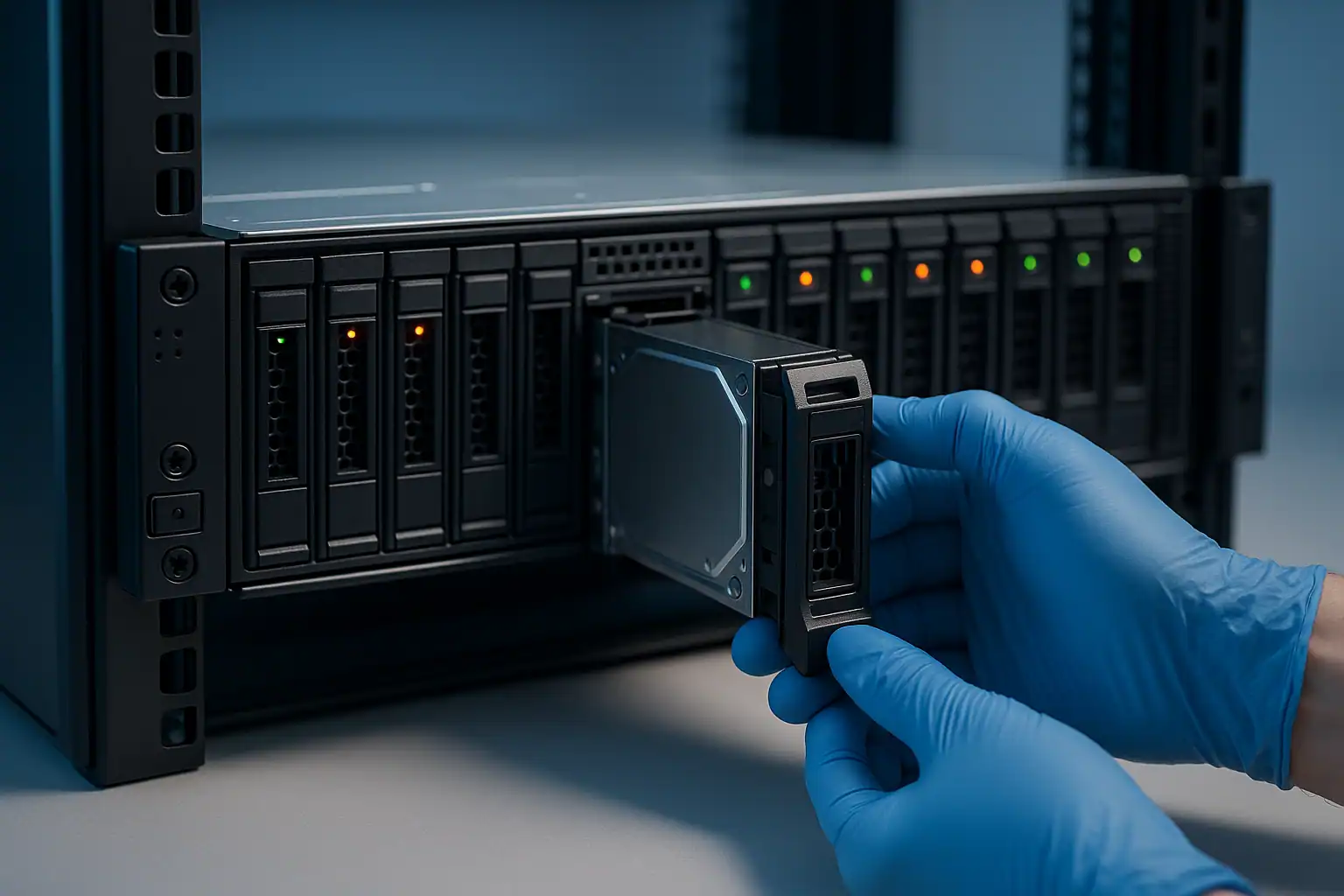
PS4100 recovery follows the standard EqualLogic recovery process: free consultation, temporary hardware repairs in our ISO 5 cleanroom, write-blocked forensic imaging of every drive, EqualLogic-specific reconstruction with our internal tooling, and file system extraction from the reconstructed volumes.
For PS4100 cases specifically, we have extensive experience with the Type 9 and Type 11 controller firmware lineages and the EqualLogic-specific on-disk metadata format these controllers used. We can reconstruct arrays where both controllers are non-functional and the original chassis isn’t available — the drives carry enough information to make this possible.
For an example of PS4100 recovery work in detail, see our PS4100 case study.
What to Do Right Now If Your PS4100 Is Failing
Don’t attempt to “fix” the array by reinitializing, resetting to defaults, or running configuration recovery operations. These operations write to the group manager database, and on a failing array they can compound the issue significantly. Once the database is in an inconsistent state, additional write operations tend to make recovery harder, not easier.
Don’t swap in a refurbished controller without verifying firmware compatibility. Refurbished Type 9 or Type 11 controllers may be at a different firmware level than the surviving controller in your array. Installing a mismatched controller can trigger configuration mismatches or, worse, can lead to one controller writing data that the other can’t read.
Don’t run firmware updates on a degraded PS4100. Firmware updates require the array to be in a healthy state to complete cleanly. On a degraded array, an interrupted firmware update can leave you with controllers that won’t boot or won’t read the existing configuration.
Don’t delete “old” or “unrecognized” volumes from Group Manager. If you’re looking at a Group Manager interface showing volumes you don’t recognize, leave them alone. They might be orphans from a previous configuration, or they might be live volumes whose names have been changed or whose host mappings have been lost. Deletion is permanent.
Don’t repurpose the drives. Customers facing a PS4100 failure sometimes assume the data is gone and pull the drives to repurpose them — either for spares in another array or for general storage. The drives hold the recoverable data; reusing them overwrites whatever was on them.
Document the array state before any intervention. Screenshots of Group Manager (if reachable), output from the array’s CLI (show group, show member, show volume, show pool), front-panel LED states on both controllers, and the timeline of what changed before the failure was noticed.
PS4100 Configurations We’ve Recovered
- PS4100E (SATA capacity tier) running VMware vSphere datastores — common SMB virtualization platform
- PS4100X (SAS performance tier) hosting Hyper-V cluster volumes
- PS4100XV (15K SAS) running SQL Server data with high IO requirements
- PS4100 as member of a multi-member group with PS6000 / PS6100 arrays
- PS4100 with one or more controller failures, where the customer has exhausted Dell support and replacement parts
- PS4100 deployments at healthcare practices, school districts, manufacturing firms, and professional services organizations
Frequently Asked PS4100 Questions
Dell told me they can’t help with my PS4100 anymore. Is recovery still possible?
Yes. Dell ending support for the PS4100 line affects parts availability and software updates — it doesn’t affect the recoverability of the data on the drives. We work on PS4100 recoveries regardless of Dell support status. End-of-support is actually one of the most common reasons PS4100 customers reach us.
I bought a refurbished Type 11 controller and the swap didn’t go well. Now neither controller is working. Can the data still be recovered?
Usually yes. Failed controller swaps are recoverable — the data on the drives doesn’t depend on either the original or the replacement controller. We read the drives directly with EqualLogic-aware tooling and reconstruct the volumes from the on-disk metadata.
My PS4100 has multiple drives showing amber LEDs but I think it’s a backplane issue. How can I tell?
A genuine multi-drive failure scenario is uncommon — drives don’t typically fail in clusters. Multiple amber LEDs simultaneously is much more often a backplane or controller issue. The diagnostic clue: if pulling and replacing one of the supposedly-failed drives doesn’t restore that drive to green status (and the new drive also goes amber after a brief period), the issue isn’t the drives. Don’t keep replacing drives; image the array as it is and contact us.
Can I migrate data from a failing PS4100 to new storage during recovery?
That’s exactly one of the most common outcomes of PS4100 recovery work. We extract data from the failed array and deliver it on new media that you migrate into your replacement storage platform. For customers planning a migration anyway, a proactive recovery from a still-partially-functional PS4100 can be a controlled way to move data off aging hardware before total failure happens.
What about the system disks in the PS4100 controllers — do I need those for recovery?
Usually not required. The system disks hold the group manager database, but the volume layout and data are recorded in EqualLogic-specific structures on the data drives themselves. We can reconstruct from those without the controller system disks. If specific group-level metadata is needed and the controllers are still partially functional, we’ll request the controllers as well during consultation.
My PS4100 was used for both VMware VMs and SMB file storage via the iSCSI initiator. Can both be recovered?
Yes. We recover the underlying EqualLogic volumes, then extract whatever filesystem the host was running on each volume. VMware VMFS volumes get parsed to extract individual VMDK files; Windows-formatted iSCSI volumes get parsed as NTFS to extract individual files. Both paths work with the same recovery foundation.
Start Your Free PS4100 Recovery Consultation
If your Dell EqualLogic PS4100 is down, get a free consultation with our server team. We work on PS4100 recoveries regardless of your Dell support status, and the consultation will tell you what’s possible in your specific situation.
Start Your Free Consultation
Free consultation · Clear upfront pricing · ISO 5 cleanroom recovery
Or call 1-877-624-7206 to speak with our server team directly