
Data Recovery in Houston
An energy consultant in the Energy Corridor missing a folder of field reports. A Montrose photographer who formatted the wrong card mid-shoot. A Rice student whose laptop died in a boot loop the night before a project was due. Houston is a big city with big data emergencies, and Gillware has been solving them for more than 20 years from our engineering lab in Madison, Wisconsin.
If the device still works and the problem is deleted, formatted or unreachable files, there’s a local option. Our data recovery kiosk at Micro Center Houston can handle it right in the store.
Houston data loss? Start here.
Visit our kiosk at Micro Center Houston, or call and we’ll tell you whether the kiosk or our lab is the better fit.
- Two decades of data recovery experience
- Referred by over 1,500 IT professionals nationwide
- 4.8-star rating from 340+ Google reviews
Find Us at Micro Center Houston
The Gillware kiosk is at the service desk inside Micro Center Houston on South Rice Avenue, just off the Southwest Freeway near Bellaire and the 610 Loop. Appointments aren’t necessary. Bring your device in during store hours and the service desk will check it in for an evaluation.
Micro Center Data Recovery (powered by Gillware)
5305 S Rice Ave, Houston, TX 77081
Phone: (346) 641-1499
Monday – Saturday: 10:00 am – 9:00 pm
Sunday: 11:00 am – 6:00 pm
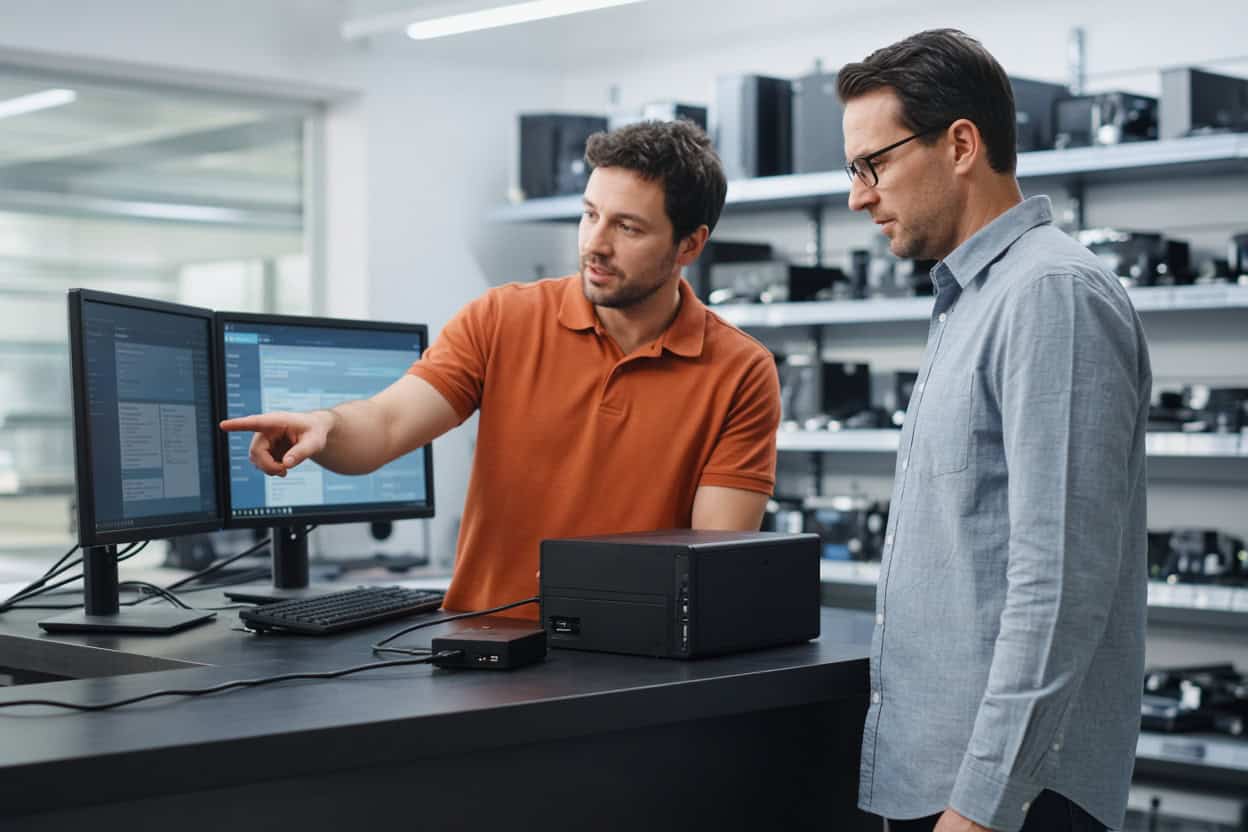
Everyday Data Loss We Handle in Houston
Most devices that reach the Houston kiosk aren’t broken. They work fine, but the files on them have been deleted, formatted away or hidden by a damaged file system or crashed operating system. That’s logical data loss, and the data is usually still physically present. The challenge is getting it back without writing anything new over it, which is exactly where home attempts tend to go wrong. The kiosk team uses professional tools and a careful process built around protecting your original data.
Recovering deleted photos
Rodeo nights, Gulf Coast weekends, family reunions, a wedding photographer’s whole shoot. Deleted photos usually stay on a card or drive until something new takes their place. Stop using the device the moment you notice, and bring it in for deleted photo recovery.
Recovering deleted video
Big video files break into many pieces across storage, so they need more care to put back together than photos. The kiosk recovers deleted video from cameras, drones, dash cams, laptops, external drives and memory cards, and checks that each clip plays all the way through.
Recovering deleted files
Spreadsheets, engineering drawings, legal documents, school papers. Deleted file recovery often succeeds even after the Recycle Bin or Trash has been emptied, provided the drive hasn’t been heavily used since. If you want a file recovery service rather than another program to try, the kiosk does the technical work for you.
Recovering formatted drives
Reformatted a drive for a new computer? Let a game console claim it? Formatted an SD card in a different camera? A standard format rewrites the drive’s index rather than wiping your files. Formatted drive recovery is standard kiosk work as long as you haven’t filled the drive with new data.
Drives showing as RAW or unreadable
A drive that suddenly appears as RAW, prompts you to format it, or is missing a partition has a damaged file system, and the data is usually still there. Don’t let your computer “fix” it. The kiosk can recover the files safely.
Computers stuck at startup
A bad update, a corrupted boot sector, recurring blue screens, a Mac that never finishes loading. Operating system failures rarely damage your files, but a reset or reinstall will overwrite them. Let the kiosk recover your data before anyone wipes the drive.
Files lost during a migration
Company laptop refreshes, home computer upgrades and cloud sync settings can leave folders behind or delete local copies. Houston clients regularly find their files still waiting on the old drive.
Corrupted files and blank memory cards
Photos that half-load, documents flagged as damaged, an SD card that suddenly shows nothing. When the card or drive is still physically fine and detected, the kiosk can usually recover clean copies. Cracked or undetectable cards need the lab.
Before Your Visit
- Stop using the device immediately.
- Don’t install recovery software on the affected drive.
- Decline any format, initialize or repair prompt.
- Bring cables and power adapters for external drives, plus a list of the files you need most.
Flood and Storm Damage Goes to Our Lab
Houstonians know flooding and hurricane-season power problems better than anyone. Physically damaged devices need cleanroom recovery, and powering them on after water exposure can cause permanent harm. Send these to our lab:
- Drives that click, grind or won’t spin
- Dropped external hard drives
- Surge, lightning or outage damage
- Flood water, spills or fire
- SSDs and flash drives that aren’t detected
- Failed NAS boxes and RAID arrays
Phones are lab work too. The Houston kiosk doesn’t recover data from smartphones. Dead, cracked or water-damaged phones need chip-level phone data recovery from our engineers.
At our Madison lab, engineers work in ISO 5 cleanroom stations, replace failed components from a deep donor library, and image weak drives using read-only tools we built in-house. The Micro Center Houston service desk can assess a damaged device and refer it to the Gillware lab, or you can ship it to us directly. Standard single-device cases in the continental US ship free with a prepaid label. Evaluations are free, and you pay only when we meet your recovery goals at a price that works for you.
Not sure where to start?
Call 877-624-7206. Tell us what the device is doing and we’ll point you to Micro Center Houston or our lab.
Houston Data Recovery FAQ
Where can I find data recovery in Houston?
Our kiosk is inside Micro Center Houston on South Rice Avenue, minutes from Bellaire, West University, the Galleria and Meyerland. Houston clients can also ship directly to our Madison lab with free inbound shipping on standard single-device cases.
My computer got flood water in it. Should I bring it to the kiosk?
Don’t turn it on. Water damage is lab work. The Houston service desk can refer it, or you can ship it to our lab for a free evaluation.
Can you recover files I deleted from an external drive?
Usually, if the drive hasn’t been used much since. Unplug it and bring it to the kiosk.
How much will it cost?
It depends on the device and what happened. The evaluation is free, and you’ll approve a quote before recovery starts.
Do I need to schedule a time?
No. Bring your device to the Houston service desk whenever the store is open.
Can the kiosk recover my phone?
No. Phones go to our lab, where engineers work directly on the circuit board. Start a phone case online or call 877-624-7206.
Will my files stay confidential?
Yes. Files are opened only to recover and verify them. Gillware never sells or shares client data, and lab cases are handled by background-checked staff in a secure facility.
Serving Greater Houston
Our Micro Center Houston kiosk serves Houston, Bellaire, West University Place, the Galleria and Uptown, Meyerland, Sharpstown, Sugar Land, Missouri City, Pearland and Katy. Everyday file loss is handled locally, while flood-damaged and failed hardware goes to the Gillware lab. Same company, same engineers, whichever path your device takes.
Your data is worth another look.
Drop off at Micro Center Houston, or send your device to our lab for a free evaluation.
- More than 20 years recovering data from failed drives
- Trusted by 1,500+ IT professionals nationwide
- Whatever failed, we’ve seen it hundreds of times
- Pay only if we meet your recovery goals (lab cases)