
Data Recovery in San Jose and Santa Clara
Silicon Valley runs on data, and it loses plenty of it too: a startup’s demo build on a laptop that suddenly won’t boot, a Sunnyvale engineer who reformatted the wrong external drive, a Santa Clara University student whose thesis folder vanished after a sync. Gillware has spent more than 20 years recovering data like this from our engineering lab in Madison, Wisconsin, for individuals, startups and IT teams alike.
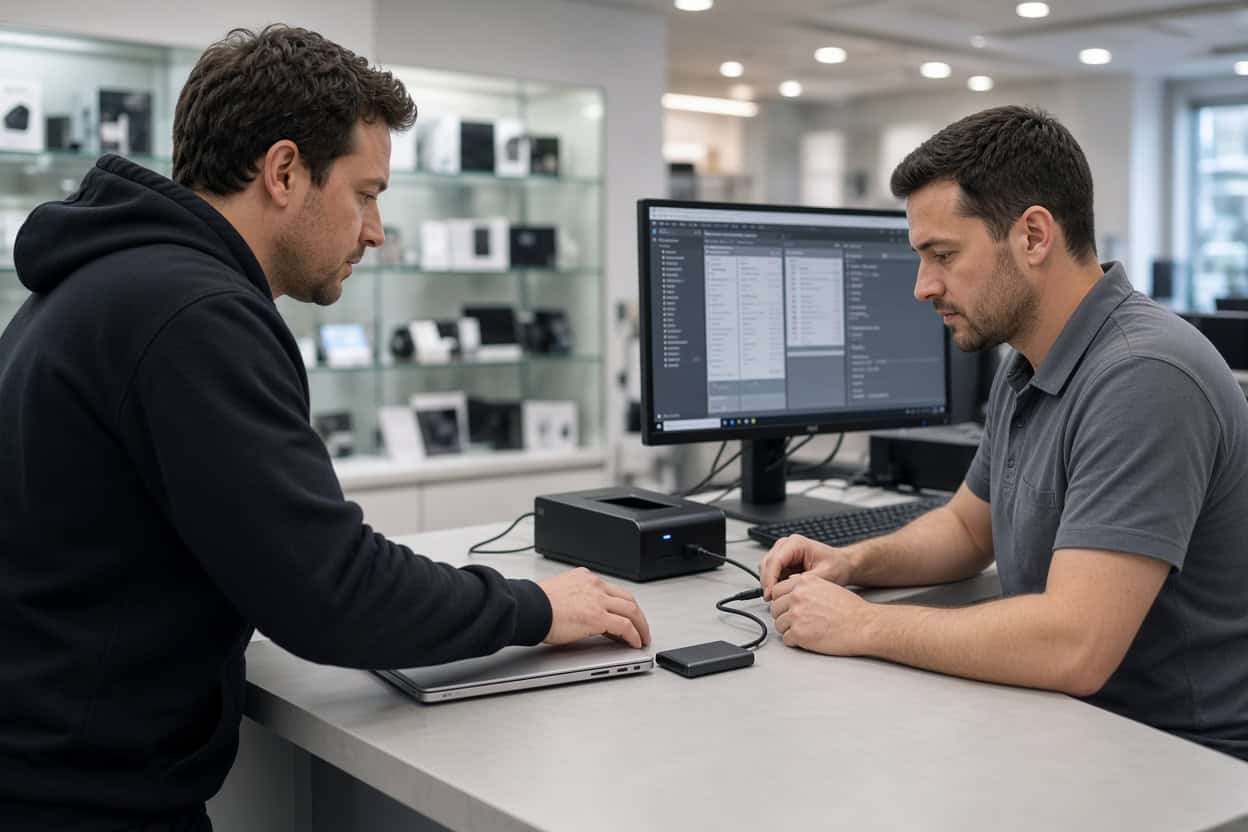
For South Bay residents, there’s a local starting point. If the device still works and the problem is deleted, formatted or unreachable files, our data recovery kiosk at Micro Center Santa Clara can handle it in the store.
Lost files in the South Bay?
Bring the device to our kiosk at Micro Center Santa Clara, or call and we’ll help you decide where it should go.
- More than two decades of data recovery engineering
- Trusted by 1,500+ IT professionals who refer their clients
- 4.8-star rating across 340+ Google reviews
Drop Off at Micro Center Santa Clara
Gillware’s kiosk is at the service desk inside Micro Center Santa Clara on Stevens Creek Boulevard, close to Lawrence Expressway and I-280. No appointment needed. Bring your device in during store hours and the service desk team will check it in for evaluation.
Micro Center Data Recovery (powered by Gillware)
5201 Stevens Creek Blvd, Santa Clara, CA 95051
Phone: (408) 471-4110
Monday – Saturday: 10:00 am – 9:00 pm
Sunday: 11:00 am – 6:00 pm
What Our Santa Clara Kiosk Recovers
Plenty of people in the Valley could run recovery software themselves. The question is whether they should on a drive holding the only copy of something important. Logical data loss, meaning deleted files, formatted drives, damaged file systems and crashed operating systems, leaves the data physically intact but extremely easy to overwrite. One scan that writes to the wrong disk, or one recovered file saved back to the source, can make the rest unrecoverable. The kiosk team handles these cases daily with professional tools and a process designed to never touch your original data.
Deleted photos
Family pictures cleared from a laptop, a camera card wiped after a trip to Big Sur, a photography portfolio deleted during a reorganization. Deleted images stay on the storage until new data takes their place. Stop using the card or drive right away and bring it in for deleted photo recovery.
Deleted video and recordings
Product demo recordings, conference talks, drone footage, a child’s school play. Video files are large and stored in fragments, so recovering them intact takes care. The kiosk recovers deleted video from cameras, drones, laptops, external drives and memory cards, and confirms each file plays.
Deleted documents, code and project files
Spec docs, spreadsheets, design files, a local repository that never got pushed. Deleted file recovery often works even after the Recycle Bin or Trash has been emptied, provided the drive hasn’t been heavily used since. The kiosk is a file recovery service you can hand the problem to, not another tool to experiment with.
Accidentally formatted drives
Reformatting an external drive to switch between macOS and Windows, wiping the wrong disk during an OS install, or letting a console claim a drive are common ways data disappears. A standard format replaces the index, not the files. Formatted drive recovery is routine when nothing new has been written since.
RAW volumes and missing partitions
A volume that suddenly shows as RAW, a partition that has vanished, or a disk your Mac wants to initialize usually has a damaged file system with the data still underneath. Don’t run repair utilities on it. Bring it to the kiosk so the files can be recovered first.
Laptops and desktops that won’t boot
A failed macOS or Windows update, a corrupted boot volume, kernel panics or blue screens on every start. The files are usually fine underneath. A reinstall or reset is not, because it overwrites data, so have the kiosk recover what you need before anyone wipes the machine.
Files lost in a migration or sync
Laptop refreshes, Migration Assistant hiccups, and cloud sync tools that “reconcile” folders by deleting local copies are frequent culprits. South Bay clients often find the missing files still sitting on the old drive.
Memory cards and USB drives
SD cards that read as empty, flash drives that ask to be formatted, and microSD cards from dash cams or drones that lost their recordings are kiosk jobs when they’re still detected. Physically broken or undetectable cards and drives need our lab.
Before You Bring It In
Stop using the device. Resist the urge to run recovery tools on it, even ones you trust, and don’t accept any format, initialize or First Aid repair prompt. Bring external drive cables and power adapters, and note the folders or file types you care about most so the team can prioritize them.
Hardware Failures Go to Our Lab
Physical failures need cleanroom work, and powering a damaged drive repeatedly can make recovery harder. Bay Area earthquakes, power events and plain drops send plenty of devices our way. These belong in the lab:
- Hard drives that click, beep or grind
- External drives that were dropped
- Surge, outage or wrong-adapter damage
- Water, heat or fire damage
- SSDs and NVMe drives that aren’t detected
- Failed NAS devices and RAID arrays
Phones need the lab, too. The Santa Clara kiosk doesn’t recover data from smartphones. Dead, cracked or water-damaged phones are handled by our engineers through chip-level phone data recovery.
Our Madison engineers open drives only in ISO 5 cleanroom workstations, replace failed components from a large donor library, and image unstable drives with read-only tools we engineered in-house. The Micro Center Santa Clara service desk can take a first look and refer a damaged device to our data recovery lab, or you can ship it to us directly. Standard single-device cases in the continental US ship free with a prepaid label. Evaluations are free, and you pay only when we meet your recovery goals at a price that makes sense.
Not sure which path fits?
Call 877-624-7206 and describe the problem. We’ll tell you whether Micro Center Santa Clara or our lab is the right first stop.
San Jose and Santa Clara Data Recovery FAQ
Where can I get data recovery near San Jose?
Our kiosk is inside Micro Center Santa Clara on Stevens Creek Boulevard, a short drive from San Jose, Cupertino, Sunnyvale and Campbell. South Bay clients can also ship directly to our Madison lab with free inbound shipping on standard single-device cases.
I reformatted my external SSD by mistake. Can it be recovered?
Often, yes, especially if you haven’t copied new files onto it. SSDs can clear deleted data on their own over time, so stop using it and bring it in quickly.
My MacBook won’t boot after an update. Can you save my files?
In many cases. If the internal storage is healthy, the kiosk can recover your files before macOS is reinstalled. Hardware failures are referred to our lab.
How much does recovery cost?
It depends on the device and the situation. The evaluation is free, and you’ll approve a quote before recovery starts.
Do I need an appointment?
No. Walk up to the Micro Center Santa Clara service desk any time during store hours.
Can the kiosk recover my phone?
No. Phones go to our lab, where engineers recover data directly from the board. Start a phone case online or call 877-624-7206.
Can you handle confidential company data?
Yes. Files are opened only to recover and verify them. Gillware never sells or shares client data, and lab cases are handled by background-checked staff in a secure facility.
Serving the South Bay and Silicon Valley
Our Micro Center Santa Clara kiosk serves Santa Clara, San Jose, Sunnyvale, Cupertino, Campbell, Mountain View, Saratoga, Los Gatos, Milpitas and Palo Alto. Everyday file loss can be handled locally, and failed hardware has Gillware’s cleanroom lab behind it. Walk in or ship it; it’s the same team either way.
Your data deserves a second chance.
Drop off at Micro Center Santa Clara, or send your device to our lab for a free evaluation.
- More than 20 years recovering data from failed drives
- Trusted by 1,500+ IT professionals nationwide
- Whatever failed, we’ve seen it hundreds of times
- Pay only if we meet your recovery goals (lab cases)