
Data Recovery in Denver
A ski-season GoPro card wiped before anyone backed it up. A Cherry Creek design studio missing a client folder after a laptop swap. A CU Denver student whose computer locks up on the startup screen. Data loss along the Front Range looks a lot like it does everywhere else, and Gillware has been reversing it for more than 20 years from our engineering lab in Madison, Wisconsin.
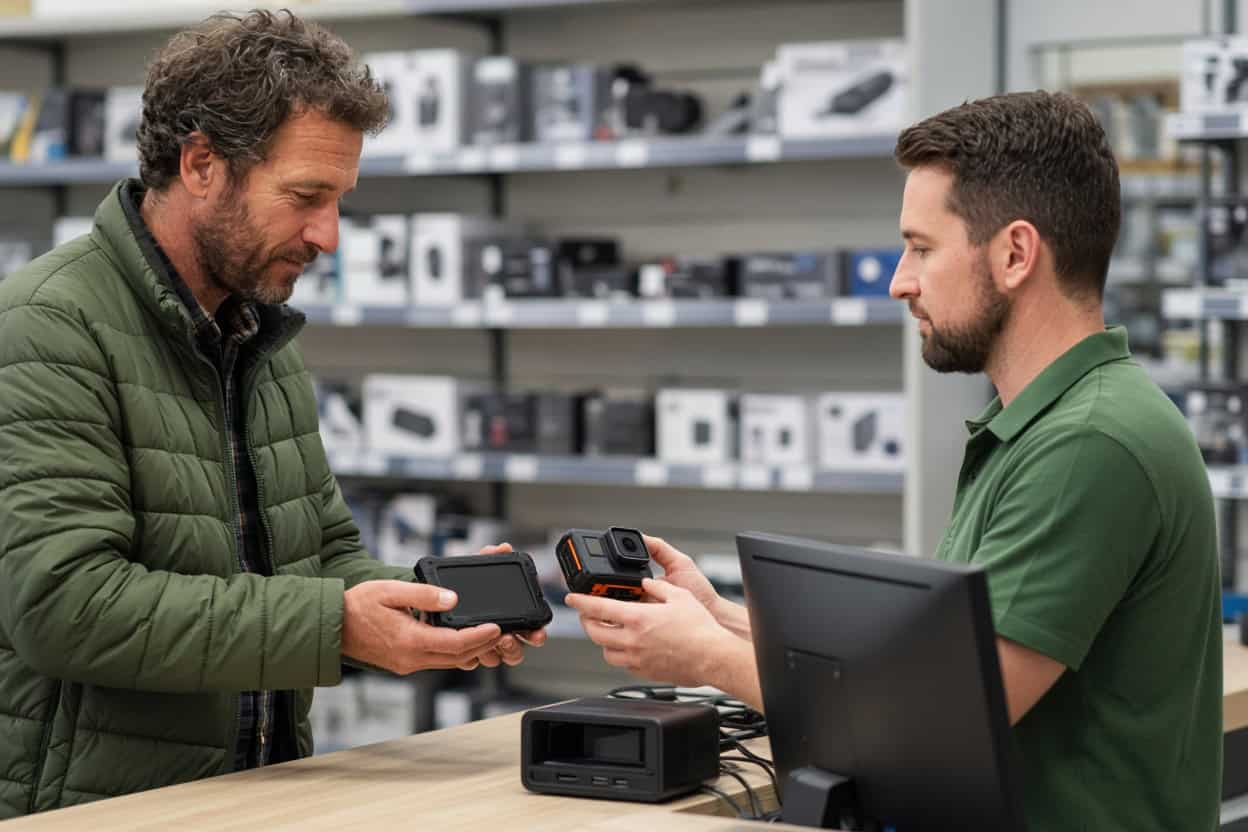
When the device still runs and the trouble is deleted, formatted or inaccessible files, you can start close to home. Our data recovery kiosk at Micro Center Denver in the Denver Tech Center handles those cases in the store.
Lost files in the Denver area?
Bring the device to our kiosk at Micro Center Denver, or call us and we’ll help you choose the right next step.
- More than 20 years of professional data recovery
- 1,500+ IT pros and repair shops refer their clients to us
- 4.8 stars across more than 340 Google reviews
Drop Off at Micro Center Denver
Gillware’s kiosk is at the service desk inside Micro Center Denver on East Quincy Avenue in the Denver Tech Center, near I-25 and I-225. There’s no appointment to make. Bring the device in during store hours and the service desk team will check it in for evaluation.
Micro Center Data Recovery (powered by Gillware)
8000 E Quincy Ave, Denver, CO 80237
Phone: (303) 529-6820
Monday – Saturday: 10:00 am – 9:00 pm
Sunday: 11:00 am – 6:00 pm
What the Denver Kiosk Can Recover
The kiosk is built for logical data loss, the kind where nothing is physically broken. Files get deleted, drives get formatted, operating systems get corrupted, and yet the storage hardware carries on working. In those cases your data is usually still sitting on the device, waiting to be found. The danger is what happens next: installing recovery software on the same drive, saving rescued files back to it, or clicking through a repair prompt can each overwrite the very data you want. The kiosk team handles these cases every day and keeps your original data untouched.
Deleted photos
Trailhead sunrises, a mountain wedding, a decade of family pictures on an old laptop. When photos are deleted, the space they used is marked available, but the pictures themselves generally remain until something new overwrites them. Stop using the card or drive and bring it in for deleted photo recovery as soon as you can.
Deleted video and action-cam footage
Helmet-cam runs, drone footage over the foothills, a kid’s first recital. Large video files get split into fragments across a card or drive, which makes them trickier to recover in playable form. The kiosk recovers deleted video from action cameras, drones, laptops, external drives and memory cards, then confirms each clip actually plays.
Documents and business files
Proposals, invoices, CAD files, tax records, coursework. Emptying the Recycle Bin or Trash doesn’t make files unrecoverable; it just removes the shortcut to them. Deleted file recovery works best when the drive hasn’t been used much since, and the kiosk is a genuine file recovery service, so you don’t have to learn any software yourself.
Drives formatted by mistake
Reformatting an external drive to use with a new Mac, letting a console or DVR take one over, or formatting an SD card in the wrong camera are some of the most common ways data seems to vanish. A standard format clears the index, not the contents. Formatted drive recovery is routine kiosk work as long as nothing new has been written since.
RAW drives and lost partitions
Windows calling a drive RAW, a partition that’s disappeared, or a Mac that offers to initialize a disk it read fine last week all point to file system damage. The data underneath is usually intact. Don’t accept the format offer; bring the drive in and let the kiosk recover it properly.
A computer that won’t boot
Interrupted updates, corrupted startup files, endless restart loops and blue screens can make a healthy drive look dead. Your files usually survive an operating system failure, but they won’t survive a factory reset or reinstall. Get the kiosk to recover your data first.
Files that disappeared after an upgrade
New computers, OS upgrades that create a fresh user profile, and cloud syncs that delete local copies can all leave important folders behind. Denver-area clients often find everything still sitting on the original drive.
Memory cards and flash drives
SD cards that suddenly read as empty, USB drives that ask to be formatted, and microSD cards from dash cams or trail cams that lost their recordings are kiosk jobs when they’re still detected. If a card is cracked or a flash drive won’t show up at all, it needs the lab.
Before You Head to the Tech Center
Stop using the device as soon as you realize files are missing. Don’t install recovery apps on it, don’t accept any prompt to format, initialize or repair it, and don’t keep rebooting a computer that won’t start. Bring external drive cables and power adapters, and make a short list of the files that matter most so the team can focus there first.
Damaged Hardware Needs the Lab
Physical failures can’t be fixed with software, and running a damaged drive can make recovery harder. Front Range thunderstorms, power surges and plain old drops send plenty of devices our way. These belong in a cleanroom:
- A hard drive that clicks, beeps or grinds
- An external drive that was dropped
- Lightning, surge or wrong-adapter damage
- Water, snowmelt, fire or smoke exposure
- An SSD or flash drive that isn’t detected
- A failed NAS or RAID array
Phones go to the lab. The Denver kiosk doesn’t recover data from smartphones. Dead, cracked or water-damaged phones need our engineers and chip-level phone data recovery.
Our Madison engineers open drives only in ISO 5 cleanroom workstations, rebuild them with parts from a large donor library, and image failing media with read-only tools we designed ourselves. The Micro Center Denver service desk can look over a damaged device and refer it to our data recovery lab, or you can ship it to us directly. Standard single-device cases in the continental US ship free with a prepaid label. The evaluation is free, and you pay only when we meet your recovery goals at a price that makes sense.
Kiosk or lab? Let us help.
Call 877-624-7206 and describe what happened. We’ll tell you whether Micro Center Denver or our lab is the right place for your device.
Denver Data Recovery FAQ
Where can I get data recovery in Denver?
Our kiosk is inside Micro Center Denver in the Denver Tech Center, an easy drive from Aurora, Centennial, Englewood and Greenwood Village. Denver clients can also ship straight to our Madison lab with free inbound shipping on standard single-device cases.
My GoPro card shows no files. Can you help?
Usually, yes. A card that reads as empty typically has deleted or unindexed files that are still physically there. Stop recording on it and bring it in.
My laptop is stuck restarting. Are my files safe?
Most likely. Restart loops usually come from software problems. The kiosk can recover your files from a healthy drive before anything is reinstalled; a failing drive goes to our lab.
How much does recovery cost?
It depends on the device and the situation. The evaluation is free, and you’ll approve a quote before recovery begins.
Do I need an appointment?
No. Walk up to the Micro Center Denver service desk any time during store hours.
Can the kiosk recover my phone?
No. Phone recovery is done in our lab at the board level. Start a phone case online or call 877-624-7206.
Is my data kept private?
Yes. Files are opened only to recover and verify them. Gillware never sells or shares client data, and lab work is done by background-checked staff in a secure facility.
Serving Denver and the South Metro
Our Micro Center Denver kiosk serves Denver, Aurora, Centennial, Englewood, Greenwood Village, Littleton, Lakewood, Highlands Ranch, Lone Tree and Parker. Everyday file loss can be handled right in the Tech Center, and anything that needs a cleanroom has the Gillware lab behind it. Whichever way your device reaches us, it’s the same team.
Get your files back, Denver.
Drop off at Micro Center Denver, or send your device to our lab for a free evaluation.
- More than 20 years recovering data from failed drives
- Trusted by 1,500+ IT professionals nationwide
- Whatever failed, we’ve seen it hundreds of times
- Pay only if we meet your recovery goals (lab cases)