
Data Recovery in Cleveland
A Case Western researcher whose lab notebook files disappeared in a sync glitch. A Beachwood insurance agency missing a folder of client policies after a computer upgrade. A Mentor family whose decade of photos vanished from a reformatted backup drive. Northeast Ohio has its share of data emergencies, and Gillware has been resolving them for more than 20 years from our engineering lab in Madison, Wisconsin.
When your device still runs and the trouble is deleted, formatted or inaccessible files, start on the East Side. Our data recovery kiosk at Micro Center Mayfield Heights can handle it in the store.
Lost files in Greater Cleveland?
Bring the device to our kiosk at Micro Center Mayfield Heights, or call us and we’ll point you in the right direction.
- More than 20 years of data recovery from our Midwest lab
- Over 1,500 IT pros and repair shops refer their clients to us
- Rated 4.8 stars by 340+ Google reviewers
Visit Micro Center Mayfield Heights
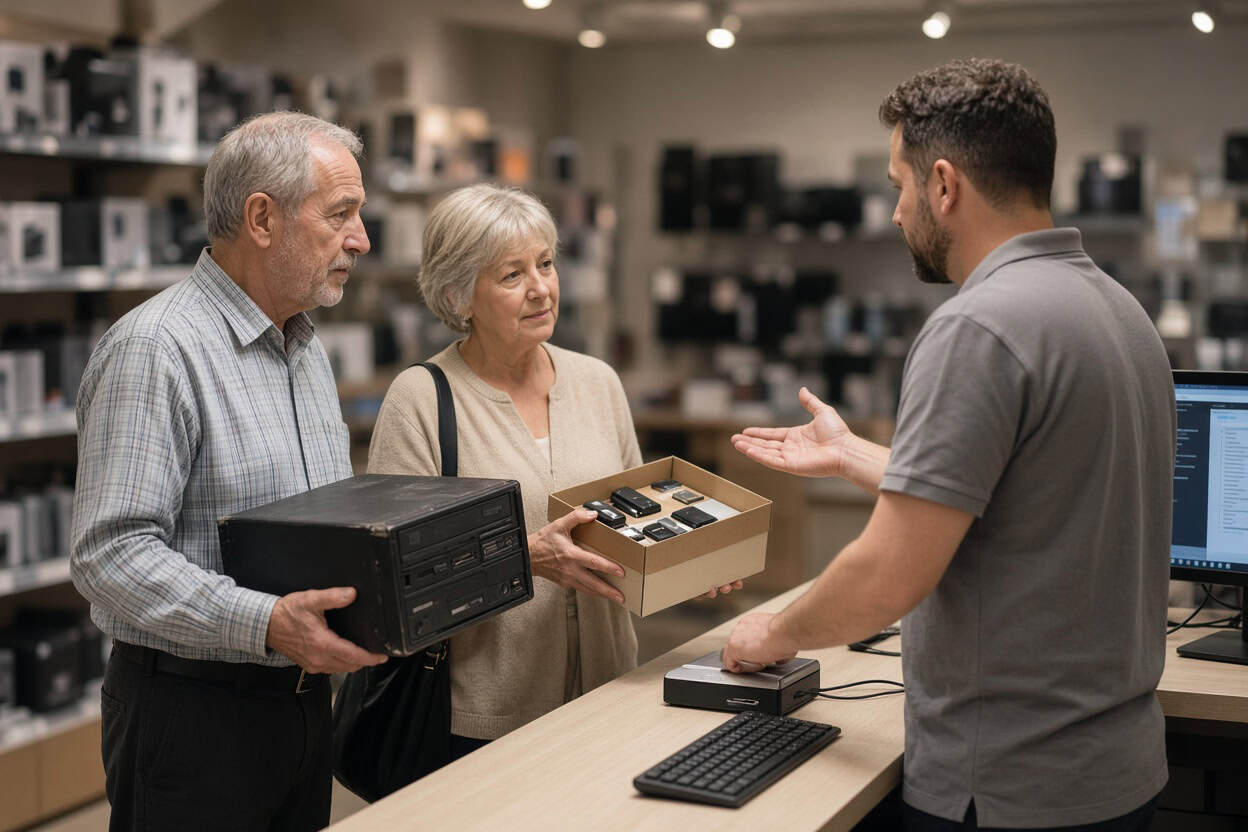
Gillware’s kiosk is at the service desk inside Micro Center Mayfield Heights on SOM Center Road, close to I-271 and Mayfield Road. No appointment is required. Bring your device in during store hours and the service desk team will check it in for evaluation.
Micro Center Data Recovery (powered by Gillware)
1349 SOM Center Rd, Mayfield Heights, OH 44124
Phone: (440) 689-2299
Monday – Saturday: 10:00 am – 9:00 pm
Sunday: 11:00 am – 6:00 pm
Everyday Data Loss We Handle in Mayfield Heights
The kiosk is built for logical recovery, which covers devices that still work but have lost access to their files through deletion, formatting, file system damage or operating system failure. The good news is that the data is usually still on the device. The risk is that the wrong first step overwrites it: a recovery program installed on the drive, rescued files saved back onto it, or a “check disk” repair run in a hurry. The kiosk team uses professional tools and leaves your original data untouched.
Deleted photos
Browns tailgates, summers on Lake Erie, a grandchild’s first year, scanned family albums. Deleted photos usually remain on the storage until something new takes their place. Stop using the card or drive right away and bring it in for deleted photo recovery.
Deleted video
Digitized home movies, recitals, a church’s recorded services, footage from a hunting trip. Video files are big and fragmented, so rebuilding them takes care. The kiosk recovers deleted video from cameras, laptops, external drives and memory cards and confirms each clip plays.
Deleted documents
Client policies, spreadsheets, research data, school papers and tax records can usually be recovered after deletion, even once the Recycle Bin or Trash has been emptied. Deleted file recovery works best when the drive hasn’t been heavily used since. The kiosk is a file recovery service that does the technical work for you.
Formatted drives
A backup drive reformatted for a new computer, an external disk claimed by a game console, a camera card formatted in the wrong camera. A standard format clears the index while leaving the files in place, so formatted drive recovery is routine work when the drive hasn’t been refilled.
RAW drives and lost partitions
A drive that suddenly shows as RAW, a missing partition, or a disk your computer wants to format before opening usually has file system damage with intact data underneath. Decline the prompt and let the kiosk recover the files.
Computers that won’t boot
A failed Windows update, a corrupted boot sector, recurring blue screens, a Mac that hangs at startup. Operating system failures rarely damage your files, but a reset or reinstall will. Let the kiosk recover your data first.
Files lost in an upgrade
New laptops, migrations that skip folders, and cloud syncs that delete local copies all leave people searching for missing files. Cleveland-area clients often find everything still on the old drive.
SD cards and thumb drives
Cards that read as empty, USB drives that ask to be formatted, and microSD cards from trail cams or dash cams that lost their footage are kiosk jobs as long as they’re still detected. A cracked card or an undetectable flash drive needs the lab.
Before You Stop By
Power the device down and leave it alone until you bring it in. Don’t run recovery software on it, and skip any prompt to format, initialize or repair. Bring the cable and power adapter for external drives, and jot down which folders or file types matter most.
Hardware Problems Go to Our Lab
Physical damage needs cleanroom recovery, and powering a failing drive repeatedly can make things worse. Lake-effect storms, power outages and wet basements all play a part in Northeast Ohio. These belong in our lab:
- Drives that click, beep or grind
- External drives that were dropped
- Surge, outage or wrong-adapter damage
- Water, spill or fire damage
- SSDs and flash drives that aren’t detected
- Failed NAS devices and RAID arrays
Phones aren’t handled at the kiosk. Data recovery from dead, cracked or water-damaged smartphones is done in our lab through chip-level phone data recovery.
Our Madison engineers work inside ISO 5 cleanroom stations, replace failed parts from a large donor library, and image unstable drives with read-only tools we built ourselves. The Micro Center Mayfield Heights service desk can take a first look and refer a damaged device to our data recovery lab, or you can ship it to us directly. Standard single-device cases in the continental US ship free with a prepaid label. Evaluations are free, and you pay only when we meet your recovery goals at a price that makes sense.
Not sure which option fits?
Call 877-624-7206 and tell us what happened. We’ll say whether Micro Center Mayfield Heights or our lab is the better first stop.
Cleveland Data Recovery FAQ
Is there data recovery near me in Cleveland?
Yes. Our kiosk is inside Micro Center Mayfield Heights on SOM Center Road, an easy drive from Beachwood, Lyndhurst, Cleveland Heights and Euclid. Cleveland clients can also ship straight to our Madison lab with free inbound shipping on standard single-device cases.
I reformatted our backup drive by accident. Can it be recovered?
Usually, if no new backups have been written to it since. Unplug it and bring it in.
My PC keeps blue-screening. Can my files be saved?
Often, yes. If the drive is healthy, the kiosk can recover your files before any reinstall. A physically failing drive goes to our lab.
What does recovery cost?
It depends on the device and the situation. The evaluation is free, and you’ll approve a quote before recovery starts.
Do I need to make an appointment?
No. Bring your device to the Mayfield Heights service desk any time during store hours.
Can the kiosk recover my phone?
No. Phones go to our lab, where engineers work directly on the board. Start a phone case online or call 877-624-7206.
How do you keep my data private?
Files are opened only to recover and verify them. Gillware never sells or shares client data, and lab cases are handled by background-checked staff in a secure facility.
Serving Greater Cleveland
Our Micro Center Mayfield Heights kiosk serves Cleveland, Mayfield Heights, Lyndhurst, Beachwood, Highland Heights, Cleveland Heights, Shaker Heights, Euclid, Willoughby, Mentor and Solon. Everyday file loss is handled on the East Side, and failed hardware has Gillware’s cleanroom lab behind it. Walk in or ship it; it’s the same team either way.
Those files may still be recoverable.
Drop off at Micro Center Mayfield Heights, or send your device to our lab for a free evaluation.
- More than 20 years recovering data from failed drives
- Trusted by 1,500+ IT professionals nationwide
- Whatever failed, we’ve seen it hundreds of times
- Pay only if we meet your recovery goals (lab cases)