
Data Recovery in Brooklyn
A Park Slope illustrator whose portfolio vanished from an external drive. A Bay Ridge accountant missing client files after a laptop upgrade. A Pratt student whose thesis renders disappeared in a crash the week of critiques. Brooklyn creates a staggering amount of irreplaceable work, and Gillware has been recovering lost files for more than 20 years from our engineering lab in Madison, Wisconsin.
When the device still works and the files are deleted, formatted or stuck behind a crashed system, the fix may be right in the borough. Our data recovery kiosk at Micro Center Brooklyn in Sunset Park handles those cases in the store.
Lost files in Brooklyn?
Bring the device to our kiosk at Micro Center Brooklyn, or call us and we’ll tell you the best next step.
- More than 20 years of professional data recovery
- Over 1,500 IT pros and repair shops send their clients to us
- 4.8 stars across more than 340 Google reviews
Drop Off at Micro Center Brooklyn
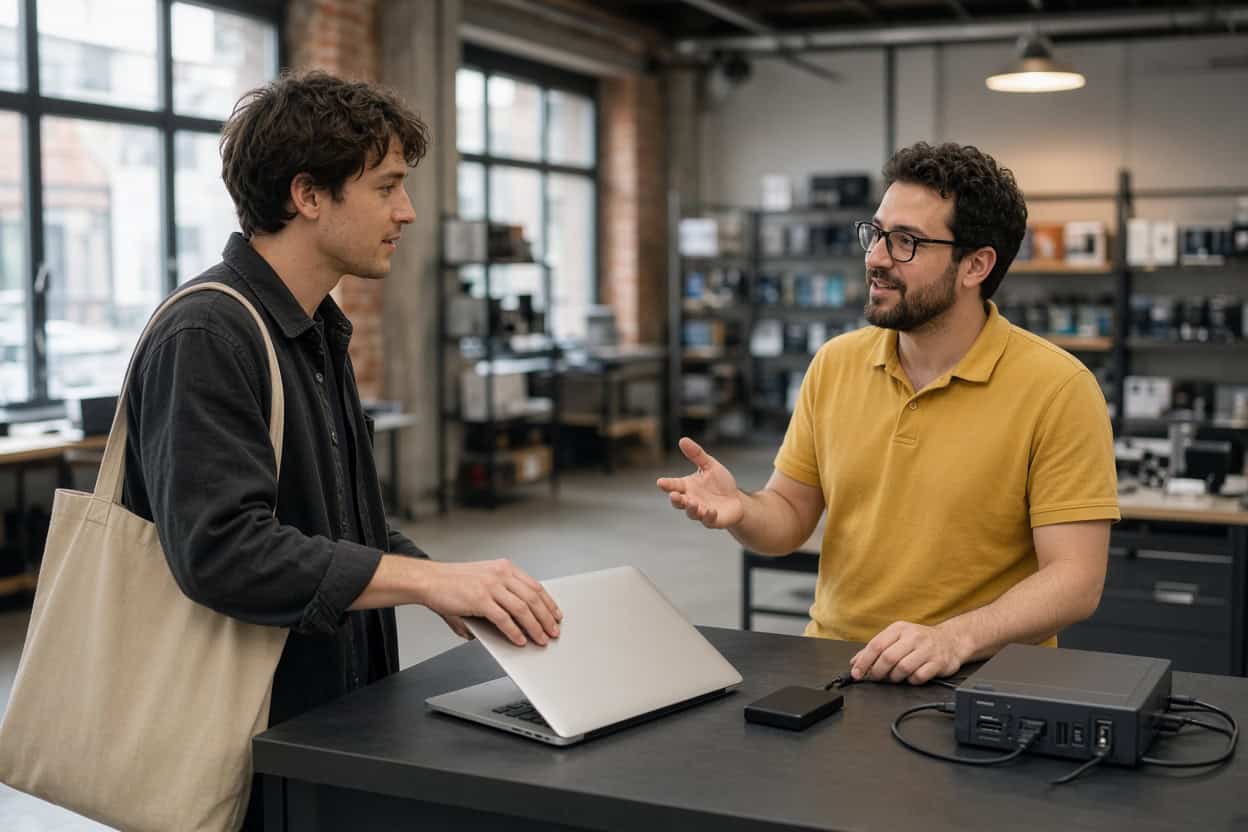
Gillware’s kiosk is at the service desk inside Micro Center Brooklyn on Third Avenue in Sunset Park, under the Gowanus Expressway near Industry City. No appointment is needed. Bring your device during store hours and the service desk team will check it in for evaluation.
Micro Center Data Recovery (powered by Gillware)
850 3rd Ave, Brooklyn, NY 11232
Phone: (929) 581-7710
Monday – Saturday: 10:00 am – 9:00 pm
Sunday: 11:00 am – 6:00 pm
What Our Brooklyn Kiosk Recovers
The Brooklyn kiosk handles logical data loss: devices that still power on and work, but whose files have been deleted, formatted away, or blocked by a damaged file system or crashed operating system. The data in these cases is usually still physically there, which makes them some of the most recoverable situations we see. The danger is the do-it-yourself detour. Install a recovery app on the affected drive, save rescued files back to it, or run a repair tool, and you can overwrite the very data you were trying to save. The kiosk team never writes to your original device.
Deleted photos
Prospect Park picnics, Coney Island summers, a wedding shoot, a portfolio of client work. A deleted photo usually stays on the card or drive until something new overwrites it. Stop using the device the moment you notice, then bring it in for deleted photo recovery.
Deleted video and project footage
Music videos, documentary footage, a band’s live recordings, a child’s first steps. Video files are large and stored in fragments, so rebuilding them takes care. The kiosk recovers deleted video from cameras, drones, laptops, external drives and memory cards and checks that every clip plays.
Deleted design files and documents
Photoshop and Illustrator files, client spreadsheets, manuscripts, tax returns. Deleted file recovery usually works even after the Recycle Bin or Trash has been emptied, provided the drive hasn’t been heavily used since. The kiosk is a file recovery service, so you hand over the device instead of wrestling with software.
Formatted drives
Reformatting a drive to move between a Mac and a PC, letting a console claim an external disk, or formatting the wrong camera card rarely erases the files themselves. A standard format resets the index. Formatted drive recovery is routine when the drive hasn’t been refilled.
RAW drives and missing partitions
A drive that suddenly shows as RAW, a partition that’s vanished, or a disk your Mac wants to initialize has a damaged file system with the data usually still underneath. Decline the prompt and let the kiosk recover your files.
Laptops and desktops that won’t boot
Kernel panics, blue screens, restart loops, a laptop stuck after an update. Operating system failures rarely destroy files, but a reset or reinstall will. Have the kiosk recover your data before anything gets wiped.
Files lost in a migration or sync
New laptops, Migration Assistant hiccups and cloud services that delete local copies can all leave folders behind. Brooklyn clients often find the originals still on the old drive.
Memory cards and USB drives
Camera cards that read as empty, thumb drives that ask to be formatted, and microSD cards from dash cams or doorbell cameras that lost their recordings are kiosk jobs when they’re still detected. A snapped USB drive or a card no computer can see needs the lab.
Before You Head to Sunset Park
- Stop using the device so nothing new overwrites your files.
- Don’t install recovery software on the affected drive.
- Skip every format, initialize or repair prompt.
- Bring cables or power adapters for external drives, and a list of the files that matter most.
Hardware Damage Goes to Our Lab
Physical failures need cleanroom recovery, and powering a damaged drive again and again can make things worse. Flooded basements, power surges and dropped bags send plenty of Brooklyn devices our way. These belong in our lab:
- Hard drives that click, beep or grind
- External drives that were dropped
- Surge, outage or wrong-adapter damage
- Water, spills or fire
- SSDs and flash drives that aren’t detected
- Failed NAS devices and RAID arrays
Phones are handled in the lab. The Brooklyn kiosk doesn’t recover data from smartphones. Dead, cracked or water-damaged phones go to our engineers for chip-level phone data recovery.
Our Madison engineers open drives only inside ISO 5 cleanroom workstations, rebuild them with parts from a large donor library, and image weak drives with read-only tools we designed ourselves. The Micro Center Brooklyn service desk can take a first look at a damaged device and refer it to our data recovery lab, or you can ship it to us directly. Standard single-device cases in the continental US ship free with a prepaid label. The evaluation is free, and you pay only when we meet your recovery goals at a price that makes sense.
Not sure which way to go?
Call 877-624-7206 and tell us what happened. We’ll say whether Micro Center Brooklyn or our lab is the right place to start.
Brooklyn Data Recovery FAQ
Where can I get data recovery in Brooklyn?
Our kiosk is inside Micro Center Brooklyn on Third Avenue in Sunset Park, convenient to Park Slope, Bay Ridge, Gowanus and, across the Verrazzano, Staten Island. Queens residents may find our Flushing location closer. Brooklyn clients can also ship directly to our Madison lab with free inbound shipping on standard single-device cases.
I deleted design files from my external drive. Can they be recovered?
Usually, if you haven’t saved much to the drive since. Unplug it and bring it in.
My MacBook keeps restarting with an error. Are my files safe?
Most likely. If the internal storage is healthy, the kiosk can recover your files before macOS is reinstalled. Hardware failures are referred to our lab.
How much does recovery cost?
It depends on the device and the situation. The evaluation is free, and you’ll approve a quote before recovery begins.
Do I need an appointment?
No. Walk up to the Brooklyn service desk any time during store hours.
Can the kiosk recover my phone?
No. Phones go to our lab, where engineers work directly on the board. Start a phone case online or call 877-624-7206.
Is my work kept confidential?
Yes. Files are opened only to recover and verify them. Gillware never sells or shares client data, and lab cases are handled by background-checked staff in a secure facility.
Serving Brooklyn and Staten Island
Our Micro Center Brooklyn kiosk serves Sunset Park, Park Slope, Bay Ridge, Gowanus, Carroll Gardens, Red Hook, Dyker Heights, Bensonhurst, Borough Park and Staten Island. Everyday file loss can be handled in the borough, and failed hardware has Gillware’s cleanroom lab behind it. Walk in or ship it; it’s the same team either way.
Let’s get your work back, Brooklyn.
Drop off at Micro Center Brooklyn, or send your device to our lab for a free evaluation.
- More than 20 years recovering data from failed drives
- Trusted by 1,500+ IT professionals nationwide
- Whatever failed, we’ve seen it hundreds of times
- Pay only if we meet your recovery goals (lab cases)