
Data Recovery in Orange County
A Newport Beach wedding photographer who reformatted a card before offloading it. An Irvine startup missing a shared project folder after a laptop refresh. A UC Irvine student watching a MacBook loop through startup the week before finals. Orange County’s data emergencies come in every shape, and Gillware has been solving them for more than 20 years from our engineering lab in Madison, Wisconsin.
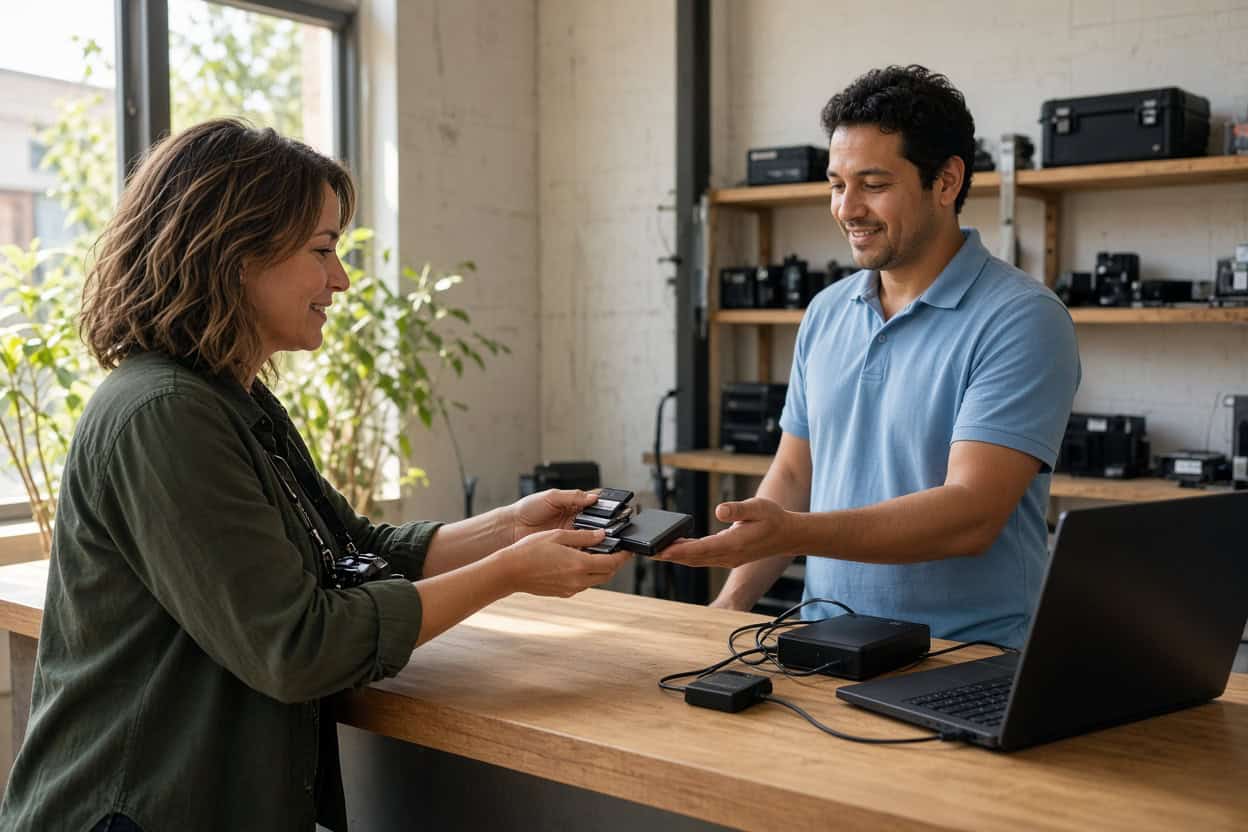
If the device still works and the problem is deleted, formatted or unreachable files, you can keep it local. Our data recovery kiosk at Micro Center Tustin handles those cases in the store.
Lost files in Orange County?
Bring the device to our kiosk at Micro Center Tustin, or call us and we’ll tell you where it should go.
- Professional data recovery for over 20 years
- 1,500+ IT professionals trust us with their clients’ devices
- 4.8-star rating from 340+ Google reviews
Stop By Micro Center Tustin
Gillware’s kiosk is at the service desk inside Micro Center Tustin on East Edinger Avenue, convenient to the 55 and the 5. No appointment is needed. Bring your device in during store hours, and the service desk team will check it in for an evaluation.
Micro Center Data Recovery (powered by Gillware)
1100 E Edinger Ave, Tustin, CA 92780
Phone: (657) 256-4050
Monday – Saturday: 10:00 am – 9:00 pm
Sunday: 11:00 am – 6:00 pm
What the Tustin Kiosk Recovers
The Tustin kiosk specializes in logical recovery. In plain terms, the hardware still works but the files are deleted, the drive has been formatted, or a corrupted operating system is standing between you and your data. Those files are usually still physically present, and professional recovery tools can bring them back. What usually ruins these cases is improvisation: a recovery app installed onto the affected drive, recovered files saved back to the same disk, or a “repair” prompt accepted in a panic. Our kiosk team knows how to avoid every one of those mistakes.
Deleted photos from cards, drives and laptops
Photographers, families and travelers bring us the same problem: images deleted from an SD card, an external drive or a laptop library. Deleting a photo releases its space for reuse; it doesn’t immediately erase the picture. Stop shooting on the card and stop saving to the drive, then bring it in for deleted photo recovery.
Deleted or missing video footage
Surf sessions shot on an action cam, client footage from a mirrorless camera, drone flights over the coast. Video files are big and scattered across storage, so recovering them in playable shape takes care. The kiosk recovers deleted video from cameras, drones, laptops, external drives and memory cards, then checks that every clip plays.
Deleted work and school files
Contracts, design files, financial records, research papers. Even after the Recycle Bin or Trash is emptied, deleted file recovery is usually possible as long as the drive hasn’t been used heavily since. For people who’d rather use a file recovery service than learn a recovery program, the kiosk is the simple answer.
Accidental formatting
Formatting a card in a different camera body, reformatting an external drive to work with a new Mac, or letting a console take over a drive are common ways good data seems to vanish. A standard format resets the drive’s index rather than its contents, which is why formatted drive recovery works so often when nothing new has been saved.
RAW drives and corrupted partitions
A drive that suddenly appears as RAW, a partition that has gone missing, or a disk your computer insists must be formatted usually means the file system is damaged while the data underneath is fine. Decline the prompt and let the kiosk restore access.
Macs and PCs that won’t start up
A MacBook stuck on the progress bar, a Windows laptop caught in a repair loop, a desktop that blue-screens on every boot. Operating system failures rarely damage your files, but a reset or reinstall will overwrite them. Let the kiosk recover your data first.
Files left behind after an upgrade
Company laptop refreshes, migrations to a new Mac, and cloud sync settings can leave folders behind or remove local copies without warning. Orange County clients frequently find their files still waiting on the old drive.
SD cards and USB drives that misbehave
A camera card showing “no images,” a USB stick asking to be formatted, a microSD from a dash cam that went blank. If the card or drive is intact and still detected, it’s a kiosk job. If it’s cracked, bent or invisible to every computer, send it to our lab.
Do This Before You Come In
- Stop using the device so nothing overwrites your files.
- Don’t install recovery software on the affected drive.
- Ignore every format, initialize or repair prompt.
- Bring the cable or power adapter for external drives, plus a list of priority files.
Physical Damage Needs Our Lab
Southern California brings its own hazards: heat, wildfire smoke, earthquakes that knock drives off desks, and the occasional spilled iced coffee. Physical failures can’t be fixed with software, and powering a damaged drive repeatedly can make recovery harder. These belong in a cleanroom:
- Drives that click, grind or won’t spin up
- External drives that were dropped or knocked over
- Power surge or wrong-adapter damage
- Water, heat, smoke or fire damage
- SSDs and flash drives no computer detects
- Failed NAS and RAID systems
Phones are handled in the lab. The Tustin kiosk doesn’t recover smartphones. A dead, cracked or water-damaged phone needs our engineers and chip-level phone data recovery.
Our Madison engineers open drives inside ISO 5 cleanroom stations, replace damaged components from an extensive donor library, and image unstable drives with read-only tools we built ourselves. The Micro Center Tustin service desk can take an initial look at a damaged device and refer it to our data recovery lab, or you can ship it to us directly. Standard single-device cases in the continental US ship free with a prepaid label. Evaluations are free, and you pay only when we meet your recovery goals at a price that makes sense.
Which option is right for you?
Call us at 877-624-7206. Tell us what the device is doing, and we’ll tell you whether to visit Micro Center Tustin or send it to our lab.
Orange County Data Recovery FAQ
Where can I get data recovery in Orange County?
Our kiosk is inside Micro Center Tustin on East Edinger Avenue, central to Irvine, Santa Ana, Orange and Costa Mesa. Orange County clients can also ship directly to our Madison lab with free inbound shipping on standard single-device cases.
I reformatted a camera card before backing it up. Is it too late?
Probably not, as long as you haven’t shot on it since. Set it aside and bring it to the kiosk.
My MacBook won’t finish starting up. Can you save my files?
Often, yes. If the internal storage is healthy, the kiosk can recover your files before macOS is reinstalled. Hardware failures are referred to our lab.
What does recovery cost?
It depends on the device and what happened. Every case starts with a free evaluation, and you’ll approve a quote before recovery begins.
Do I need to book a time?
No. Bring your device to the Tustin service desk whenever the store is open.
Can the kiosk recover my phone?
No. Phones go to our lab, where engineers recover data directly from the board. Start a phone case online or call 877-624-7206.
Are my files kept private?
Yes. Files are opened only to recover and verify them. Gillware never sells or shares client data, and lab cases are handled by background-checked employees in a secure facility.
Serving Orange County
Our Micro Center Tustin kiosk serves Tustin, Irvine, Santa Ana, Orange, Costa Mesa, Newport Beach, Anaheim, Garden Grove, Fountain Valley and Lake Forest. Everyday file loss can be handled close to home, and hardware failures have Gillware’s cleanroom lab behind them. Walk in or ship it; it’s the same team either way.
Don’t write those files off yet.
Drop off at Micro Center Tustin, or send your device to our lab for a free evaluation.
- More than 20 years recovering data from failed drives
- Trusted by 1,500+ IT professionals nationwide
- Whatever failed, we’ve seen it hundreds of times
- Pay only if we meet your recovery goals (lab cases)