
Dell PowerEdge T640 Data Recovery
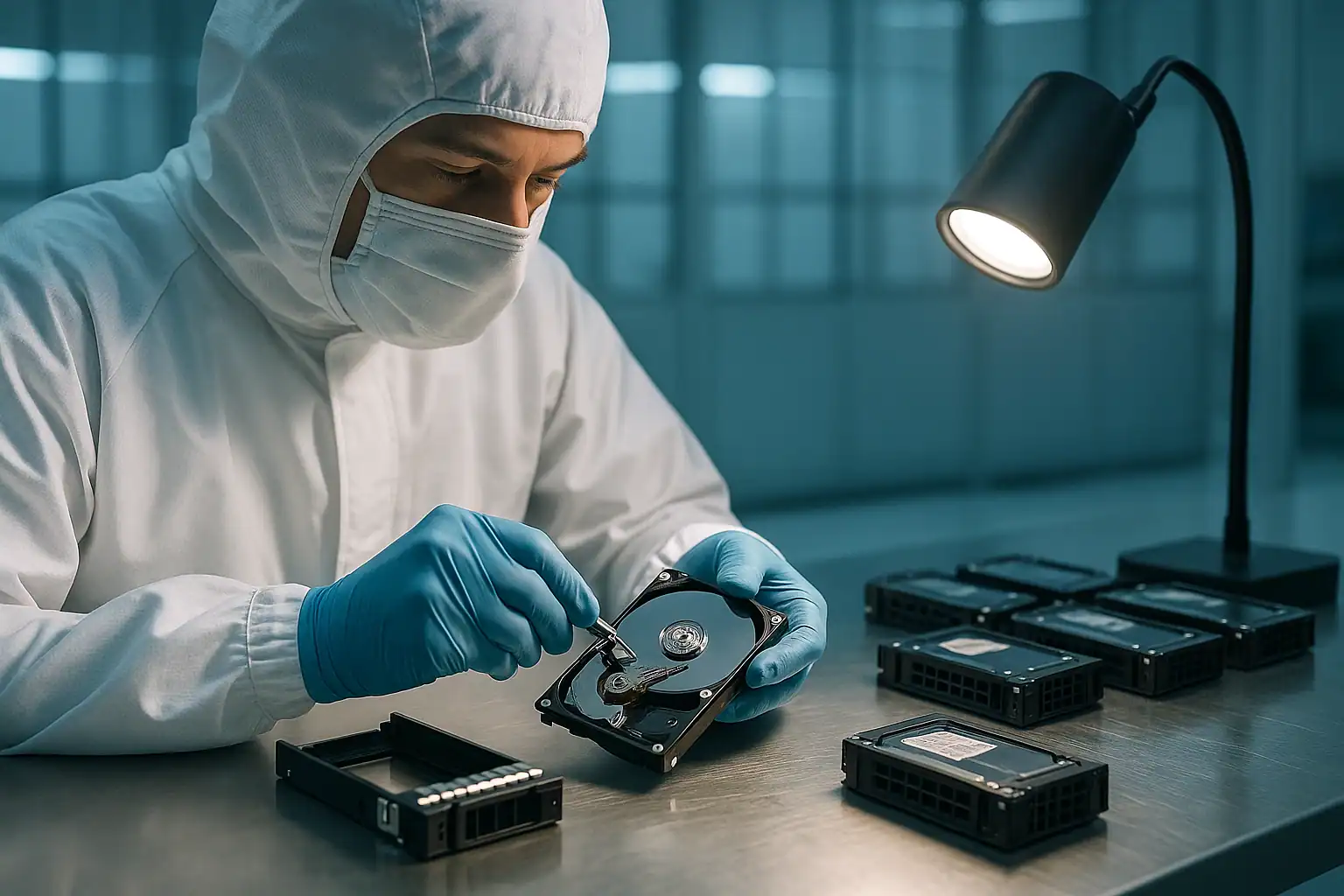
The Dell PowerEdge T640 is the larger, more powerful tower in Dell’s 14th generation lineup — a dual-socket workhorse with up to 18 LFF or 32 SFF drive bays. Shipped between 2017 and 2020, the T640 was designed for businesses that needed serious storage and compute in a tower form factor: mid-sized firms running on-premises virtualization, medical practices with PACS imaging requirements, engineering shops with large CAD repositories, and businesses that wanted real server capacity without rack infrastructure.
T640s are now 5-9 years old. They’re often deployed in environments that range from purpose-built server rooms to converted office space, and they hold substantial business-critical data. We see T640 cases regularly, and they share patterns with both the T440 (tower environment factors) and the R740 (heavier drive counts and more sophisticated configurations).
T640-Specific Failure Patterns
Higher drive density with mixed configurations
The T640 supports far more drives than the T440 — up to 18 LFF or 32 SFF — and customers often deployed mixed configurations: a small number of SSDs in a RAID 1 for the boot volume, a larger RAID 5 or RAID 6 LFF array for data, sometimes additional SSDs as cache or fast tiers. This complexity means T640 failures involve more drives to image and more careful reconstruction work to maintain the original configuration.
Dual-PERC configurations
T640 systems with high drive counts often had two PERC controllers — one for the front bays and one for additional internal or external drives. When a PERC fails, only its associated drives are affected, but identifying which controller managed which drives is critical for accurate recovery.
Server room deployments but variable cooling
Unlike T440s often in closets, T640s are usually deployed in actual server rooms — but the quality of those server rooms varies dramatically. Some have proper raised-floor cooling and redundant HVAC; others are converted office space with a window AC unit. The latter is more common than IT vendors like to admit. Thermal stress is still a factor, just less severe than T440 deployments typically face.
Mid-life virtualization platform failures
Many T640 systems were deployed specifically for Hyper-V or ESXi hosting multiple virtual machines. After 5+ years of continuous VM workloads, the disk arrays accumulate substantial wear — VM creation, deletion, snapshot operations, and the constant write activity from running VMs all add up. The result: T640 cases often involve virtual disk corruption, VMFS or NTFS issues from heavy I/O patterns, and individual VM recovery scenarios.
Backup repositories running out of redundancy
T640s were commonly deployed as Veeam, Backup Exec, or other backup target storage. After years of growing backup retention, the disk arrays are often near capacity and have absorbed substantial write activity. When a drive fails in a near-full backup repository, the rebuild is slow and the risk of secondary failure is elevated. We see T640 backup repository cases regularly.
Database server workloads
SQL Server, MySQL, PostgreSQL, and other database engines running on T640 RAID arrays accumulate write activity in specific patterns that can stress particular sectors of drives. After years of database operation, those specific areas of the drives may develop issues even while the rest of the array appears healthy. Reconstruction needs to handle these targeted failure patterns.
PERC H730P, H740P, and H840 configurations
The T640 typically shipped with PERC H730P or H740P internal controllers, sometimes with H840 for external enclosure connectivity. The same battery degradation patterns documented on rack servers apply. After 5+ years, battery-related performance drops and write-through fallbacks are common.
Critical T640 Error Conditions
T640 uses iDRAC9 and the same PERC controller family as other 14th-generation PowerEdges. The error code tables from our R740 recovery page apply broadly. T640-specific considerations:
| Scenario | T640-specific context |
|---|---|
| Dual-PERC configuration failures | Each controller’s drives must be identified and reconstructed separately |
| Mixed SSD + HDD tiers | Boot SSDs and data HDDs may be on different controllers with different RAID levels |
| Virtual machine corruption on host failure | VM-level recovery may be needed in addition to array-level recovery |
| Backup repository near capacity at time of failure | Slower rebuilds, higher cascade risk, but data structure usually intact |
| External MD-series PowerVault attached via H840 | The external enclosure is a separate array; recovery may involve both internal and external storage |
How We Recover Failed T640 Servers
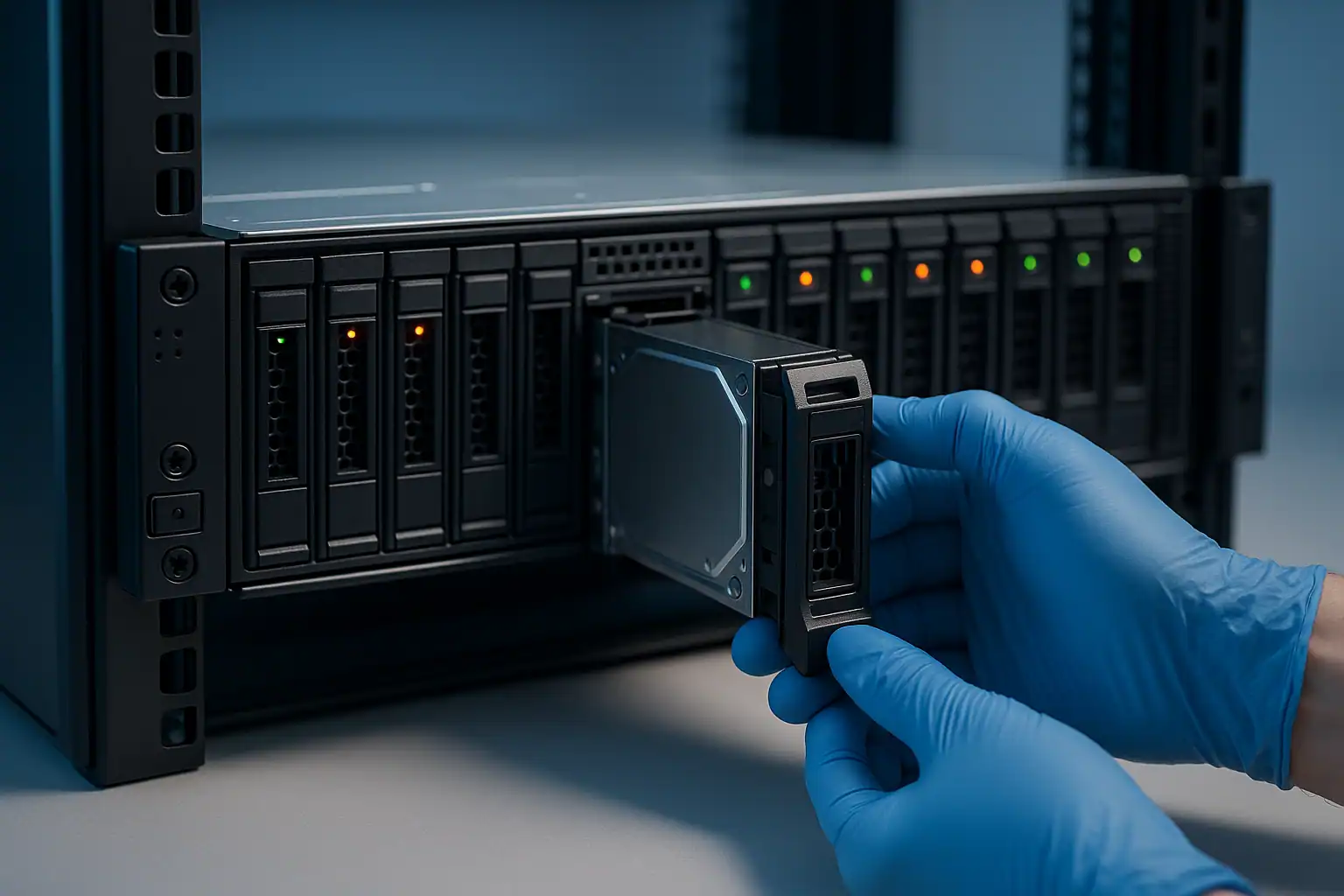
T640 recovery follows the standard PowerEdge process. The work involves more drives than smaller servers — up to 32 SFF or 18 LFF — and the consultation often involves more configuration discussion because T640 deployments tend to be more elaborate (multiple arrays, mixed drive types, external enclosures).
Practical T640-specific considerations:
Drive count and shipping logistics. An 18-drive or 32-drive recovery is a substantial shipping and handling exercise. We provide guidance on safe packaging, drive labeling for position tracking, and shipping protocols.
Multiple arrays in one chassis. When a T640 has separate boot, data, and cache arrays — possibly on different controllers — we image and reconstruct each separately. The final delivery typically separates the data by array so customers can rebuild their environment.
VM-level recovery. For T640 systems running virtualization, recovery may go beyond array reconstruction to extracting individual VMs from the recovered VMFS or NTFS volumes. Hombre handles VM-level extraction from VMFS, VHDX, and similar containers.
External enclosure recovery. If the T640 was connected to MD-series PowerVault enclosures, we recover those separately. The H840 controller managing external storage uses the same metadata patterns as internal PERCs but in a different physical context.
What to Do Right Now If Your T640 Is Failing
Standard PowerEdge guidance, with T640 specifics:
If multiple arrays are present, identify which one is affected before taking any action. A failed boot array doesn’t require touching the data array; a failed data array doesn’t require touching the boot array. Pulling drives from the wrong array makes recovery harder.
For virtualization hosts, don’t try to fix VM issues by reverting to snapshots or running VM repair tools when the underlying datastore is unhealthy. The VM-level operations can compound the array-level problem.
For backup repository T640s, don’t attempt to “verify” or “repair” backup data while the underlying array is in a failed state. The backup software’s repair operations can’t fix array-level issues and may make recovery harder.
If external storage is attached, document the enclosure model and how it’s connected. External H840-connected PowerVault enclosures, MD-series JBODs, or other external storage need to be considered as part of the recovery scope.
Don’t accept foreign configuration prompts. The T640 risk is the same as any PowerEdge.
Don’t initiate rebuilds on degraded arrays without verifying every surviving drive is healthy. Higher drive count means higher cumulative risk during rebuild.
T640 Configurations We’ve Recovered
- T640 18-LFF running RAID 6 for large file storage and backup repositories
- T640 32-SFF running RAID 10 for high-IO database servers
- T640 running Hyper-V or VMware ESXi as a primary virtualization host for mid-sized businesses
- T640 running SQL Server with separated boot (SSD RAID 1), data (SSD RAID 10), and log (separate array) configurations
- T640 as a Veeam backup repository for protecting other servers in the environment
- T640 with attached MD3-series or ME4-series PowerVault enclosures for expanded storage
- T640 in medical practice / dental / engineering environments running specialized line-of-business applications with large data sets
Frequently Asked T640 Questions
My T640 hosts our Hyper-V environment with 12 VMs. The datastore is corrupted. Can you recover individual VMs?
Yes. We can recover the array, mount the underlying NTFS or ReFS volume, and extract individual VHDX files. From those, individual VMs can be brought up on new hardware. We can also extract data from inside the VMs (databases, files) directly if the VM file system has issues.
Our T640 is our Veeam backup repository and the RAID 6 failed with 3 drives showing issues. Are our backups recoverable?
RAID 6 tolerates 2 drive failures. With 3 affected, the array is in a worse state but recovery is often still feasible — depending on whether all 3 drives are completely unreadable or partially readable. Forensic imaging captures whatever’s accessible on each drive, and Hombre can often reconstruct enough of the array to extract the Veeam backup files.
The T640 server room had a flood/leak. Some drives got wet. Are they recoverable?
Often yes, depending on severity. Drives that experienced brief water exposure can usually be cleaned and imaged. Drives that sat submerged for extended periods are case-by-case. The critical rule: don’t power on water-exposed drives — that can cause shorts that destroy otherwise recoverable platters.
We have a T640 with attached MD-series PowerVault enclosure. The enclosure failed. Can we still get our data?
Yes. We recover from the drives in the external enclosure the same way we recover from internal drives — forensic imaging through write-blockers, reconstruction with Hombre. The fact that the enclosure has failed is independent of the data on the drives.
The T640 won’t POST. Can you still recover the data?
Yes. POST failures (motherboard issues, CPU problems, power supply faults) don’t affect the data on disk. We pull the drives, image them, and reconstruct independently of the server’s POST status.
Start Your Free T640 Recovery Consultation
If your Dell PowerEdge T640 is down — failed RAID, virtual machine corruption, backup repository issues, attached enclosure failures, or anything else — get a free consultation. T640 configurations are typically complex enough that a proper consultation upfront saves significant time later.
Free consultation · Clear upfront pricing · ISO 5 cleanroom recovery
Or call 1-877-624-7206 to speak with our server team directly