
Dell PowerEdge T440 Data Recovery
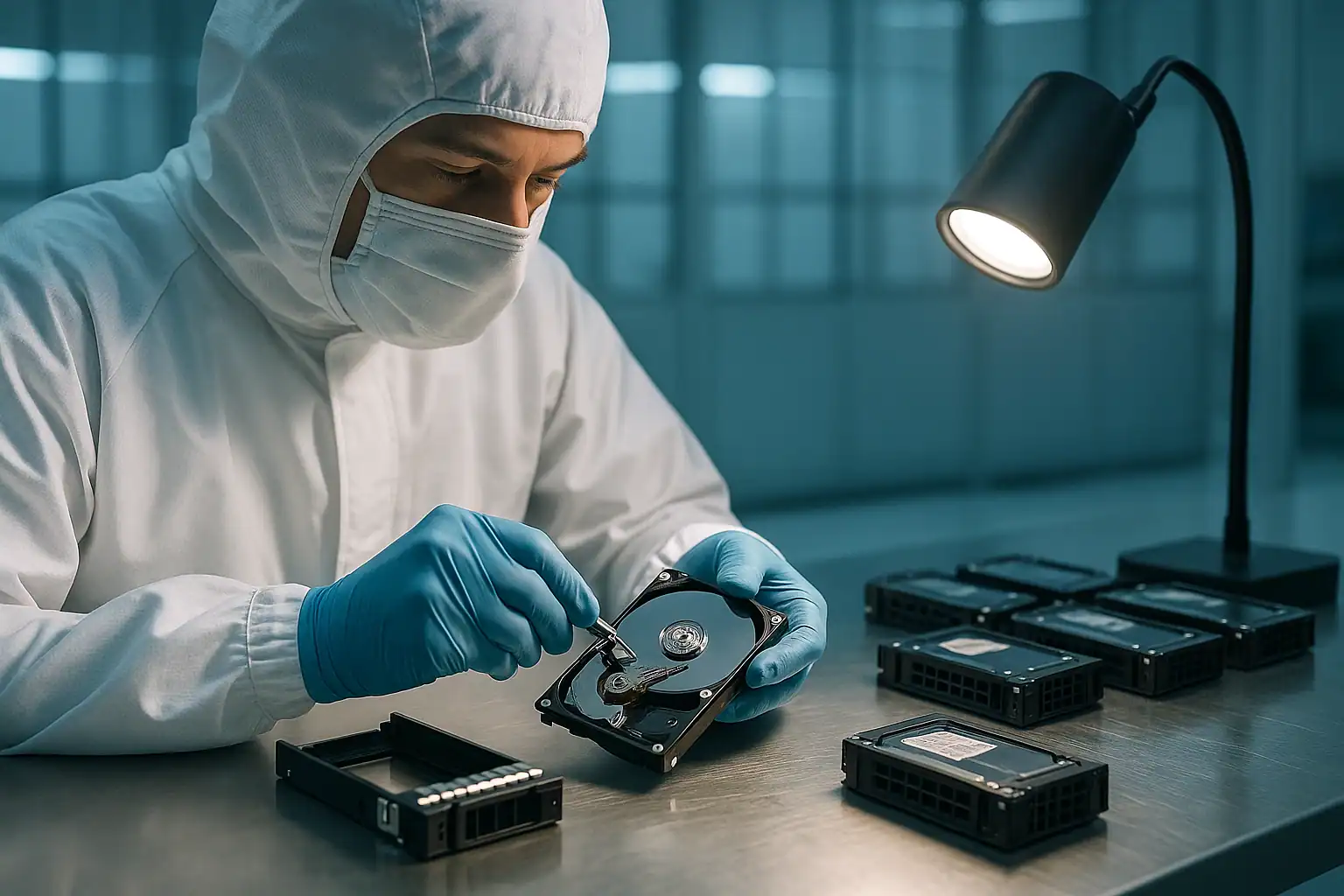
The Dell PowerEdge T440 is the small business tower that fills server closets across the country. Shipped between 2017 and 2020 as part of Dell’s 14th generation, the T440 was the upgrade path for businesses that had outgrown a single-socket T-series tower but didn’t need a full rack deployment. Small offices, dental practices, accounting firms, manufacturing shops, schools — anywhere a single 14-bay tower handles file storage, line-of-business databases, and maybe a few VMs in Hyper-V.
T440s are now 5-9 years old. The drives in them are aging. The PERC controllers’ batteries are degrading. And the small businesses that own them often don’t have dedicated IT staff watching for warning signs. We see T440 cases regularly, and the failure patterns are different from rack-mounted PowerEdges in some specific ways worth understanding.
T440-Specific Failure Patterns
Suboptimal thermal environments
T440s often live in environments that wouldn’t pass datacenter standards: a closet, a back office, a server “room” that’s really a converted broom closet, sometimes literally sitting on a carpeted floor with dust accumulation. The drives, fans, and PERC controllers experience higher temperatures and more thermal cycling than a rack-mounted server in a properly cooled facility.
The consequence: cascading drive failures. Multiple drives going predictive-fail simultaneously is a much more common scenario for T-series towers than R-series racks. This isn’t random — heat affects all drives in the chassis at similar rates, so when the failure curve hits, it often hits several drives at once.
“Set it and forget it” deployments
T440s are commonly deployed by IT consultants for small business clients, then left largely unmanaged for years. Predictive failure alerts have been firing in iDRAC for months without anyone looking. SMART warnings accumulate. Eventually a second drive fails in a RAID 5 and the business is in crisis mode — typically called by the business owner, not an IT person.
This means T440 recovery cases often arrive at our lab with less documentation than rack server cases. We don’t always know the original RAID configuration, the drive layout, or what’s been attempted. We handle this routinely — our reconstruction process doesn’t depend on the customer knowing their array’s configuration — but it shapes the consultation.
Up to 8 LFF or 16 SFF in chassis
The T440 supports up to 8 large-form-factor (LFF) 3.5″ drives or 16 small-form-factor (SFF) 2.5″ drives. Most small business deployments use the 8 LFF configuration with 4 TB or 8 TB drives in a RAID 5 or RAID 6 array. This is the configuration we see most often.
PERC H330, H730P, and H740P
The T440 shipped with various PERC options depending on configuration: H330 (basic, no cache battery), H730P (write cache with battery), or H740P (next-gen with newer features). The H330 in particular is notable because it lacks battery-backed cache — there’s no Write-Back mode to worry about, but there’s also no protection against power events when running write-heavy workloads.
iDRAC9 Basic vs. Express vs. Enterprise
T440 systems often shipped with iDRAC9 Basic — a limited iDRAC version without the remote management features of iDRAC9 Express or Enterprise. This matters in failure scenarios because basic iDRAC doesn’t have the event log retention or remote troubleshooting capabilities of higher tiers. We may have less information to work from when scoping the case.
UPS-less deployments and power events
Small business T440 deployments often skip UPS systems, or use undersized consumer-grade UPS units that don’t actually protect through extended outages. Power events cause two failure modes: PERC battery cache loss (if the controller has a battery and it’s degraded) and immediate hard shutdowns that can leave filesystems and applications in inconsistent states.
Critical T440 Error Conditions
The T440 uses iDRAC9 and the same PERC controller family as other 14th-generation PowerEdges, so the error codes and patterns from our PowerEdge recovery page apply. T440-specific notes:
| Scenario | T440-specific context |
|---|---|
| Virtual Disk degraded after thermal event | Common in T440 due to suboptimal cooling — investigate thermal causes, not just drive failure |
| Multiple drives showing predictive failure simultaneously | More common on T440 than rack servers due to environmental factors; treat as systemic |
| Server unbootable after power event | UPS-less or undersized UPS deployments common; data on disk usually intact but boot configuration may need recovery |
| “No virtual disks found” on H330 | H330 lacks cache; metadata issues can manifest differently than on H730P/H740P |
| Foreign Configuration on motherboard replacement | Same risk as any PowerEdge — wrong choice destroys the array |
Drive LED Patterns on T440
T440 drive bays use the standard Dell LED patterns documented on our R730 and R740 recovery pages. The patterns are consistent across PowerEdge models. Steady green is healthy; blinking amber four times per second is failure; blinking green/amber alternating is predicted failure (back up immediately).
One T440-specific note: the tower form factor means drive LEDs aren’t visible without opening the front panel or being physically next to the chassis. In small businesses, this often means drive failures go visually unnoticed for weeks or months because no one is regularly inspecting the server. By the time the business realizes there’s a problem, multiple drives may be in failure states.
How We Recover Failed T440 Servers
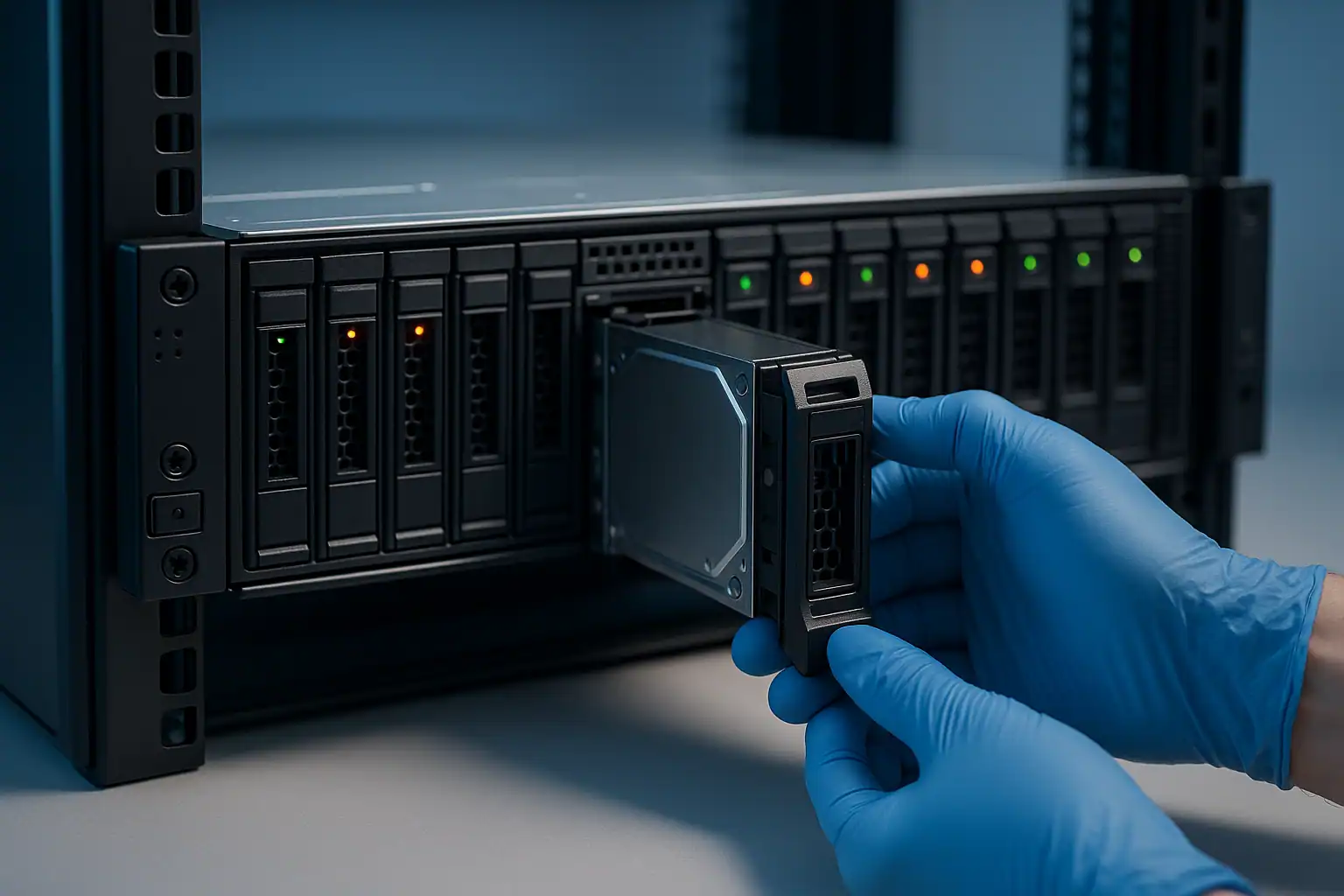
The T440 recovery process is the standard PowerEdge workflow: free consultation, temporary hardware repairs in our ISO 5 cleanroom, write-blocked forensic imaging of every drive, RAID reconstruction with Hombre, and file system extraction.
For T440 cases, two practical considerations:
Shipping a tower server. T440s are large and heavy. Most customers ship just the drives to us rather than the entire server. We provide guidance on safely packaging drives and the documentation needed to identify drive positions for reconstruction.
Configuration unknown to the customer. When the small business owner doesn’t know the original RAID configuration, we determine it during imaging by reading the PERC metadata on the drives themselves. We don’t need the customer’s documentation to recover the array — though if it exists, it speeds things up.
What to Do Right Now If Your T440 Is Failing
Standard PowerEdge guidance applies, with T440-specific additions:
Check the thermal environment first. If the T440 is in a closet, on a carpet, near a heat source, or in a room without dedicated cooling, the failure may have a thermal cause. Once recovery is complete, addressing the environment is critical to preventing recurrence.
Don’t power-cycle the server hoping the issue will clear. Repeated power cycling stresses already-failing drives and can push partial failures into total failures.
Don’t accept any “foreign configuration” prompts. T440 PERC behavior on foreign configurations is the same as other PowerEdges.
If you can’t identify what RAID configuration the server was running, don’t worry — we can determine that from the drives themselves. Don’t guess and don’t try to reconfigure the controller based on a guess.
Don’t replace drives based on the front-panel LEDs alone. A blinking LED doesn’t tell you which logical drive position the drive holds in the array. Pulling the wrong drive can move a healthy array into failure.
If your IT consultant deployed the server and left, contact us directly. Small business owners are often unsure who to call when their server fails. The consultation will help you understand the situation regardless of your technical background.
T440 Configurations We’ve Recovered
- T440 8-LFF with PERC H330 or H730P running Windows Server with RAID 5 — the classic small business deployment
- T440 running Hyper-V on Windows Server 2016/2019 with VHD or VHDX virtual machines
- T440 running Windows Server Essentials or Standard as a domain controller / file server / print server
- T440 running QuickBooks, Sage, or other line-of-business applications with SQL Server
- T440 running Linux (CentOS, Ubuntu) with ext4 for application or web hosting
- T440 with mixed-capacity drives — common as small businesses added storage over the years
Frequently Asked T440 Questions
I have a small business and our T440 just died. I don’t know what RAID we have or what drives are in it. Can you still help?
Yes. We work with cases like this routinely. We don’t need to know the original configuration ahead of time — we determine it from the drives during imaging. Just label which drive came from which bay before pulling them, and we’ll handle the rest.
Our T440 was in a closet that gets hot in the summer. Multiple drives are showing failure now. What are our options?
The thermal environment is likely the root cause. Recovery is straightforward in many cases — we image all drives, reconstruct the array, and recover the data. The harder problem is ensuring this doesn’t happen again — that requires addressing the environment or moving the server somewhere with better cooling.
The T440 won’t boot. Is my data lost?
Almost never. The boot configuration is a small part of the storage subsystem; the data is typically still intact on the drives. We can pull the drives, recover the data, and provide it on new media regardless of whether the T440 itself can be brought back online.
Should I send the entire server or just the drives?
Usually just the drives, unless there are reasons we need the server (PERC controller battery state, specific cable inspection, etc.). The consultation will determine what we need.
Our IT consultant set up the T440 years ago and we haven’t heard from them in a while. Can we recover without their involvement?
Yes. The data recovery doesn’t require involvement from whoever originally set up the server. We work directly with you.
Start Your Free T440 Recovery Consultation
If your Dell PowerEdge T440 is down, get a free consultation. We work with small business customers regularly and will walk through your situation in language that fits your technical background.
Free consultation · Clear upfront pricing · ISO 5 cleanroom recovery
Or call 1-877-624-7206 to speak with our server team directly