
Dell PowerEdge R740xd Data Recovery
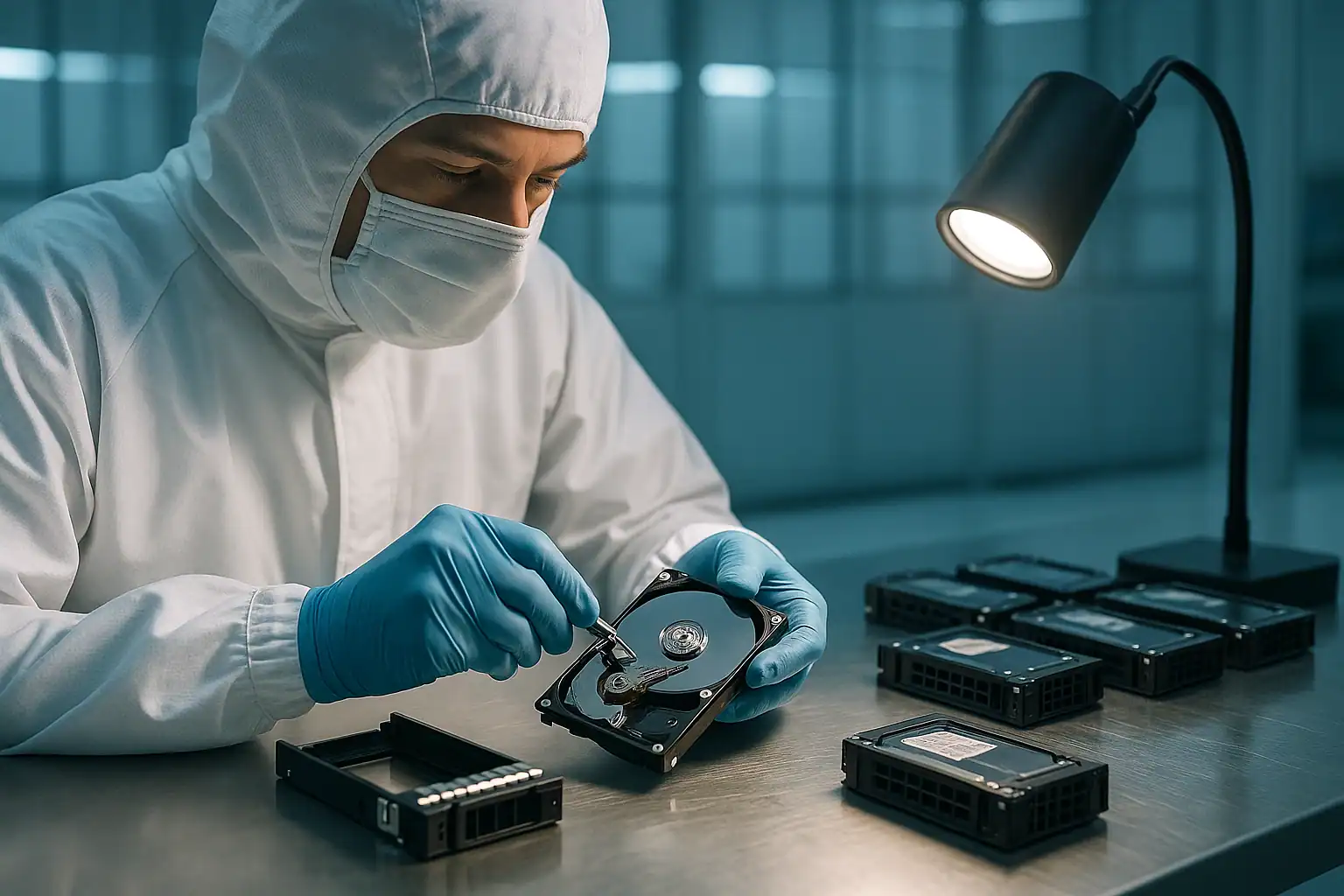
The Dell PowerEdge R740xd is one of the densest enterprise servers Dell has ever shipped in 2U — up to 24 small-form-factor (SFF) drives across front, mid-mount, and rear bays, or up to 18 large-form-factor (LFF) drives in similar configurations. The R740xd was Dell’s primary platform for storage-heavy virtualization, software-defined storage, large database servers, and enterprise backup repositories from 2017 through 2020.
Customers who deployed R740xds in 2017-2019 are now 5-9 years in. Drive populations are aging. With the highest drive count of any common 2U PowerEdge, R740xd systems concentrate the highest probability of multi-drive failure scenarios. We see R740xd cases regularly, often involving extensive storage volumes (40-100+ TB) and complex recovery scenarios.
R740xd-Specific Failure Patterns
Three drive zones, three failure surfaces
The R740xd’s defining feature — and its biggest recovery complexity — is the three-zone drive layout: front bays (up to 12 LFF or 24 SFF), mid-mount bays accessed by removing the top cover (4 SFF), and rear bays (2 or 4 SFF). Each zone has its own backplane connector. Each zone can fail independently or together. Identifying which zones are affected during a failure is critical for diagnosis and recovery.
A particular failure pattern: the mid-mount bays are accessed less frequently during maintenance, so they accumulate dust and thermal stress over years. Drives in the mid-mount bays often develop issues that go undetected longer than front-bay drives, then surface as part of a multi-drive failure event.
Storage Spaces Direct deployments hitting end-of-life
The R740xd was a flagship Storage Spaces Direct (S2D) platform — Microsoft and Dell heavily marketed R740xd-based S2D clusters for Hyper-V deployments between 2018 and 2021. Those clusters are now mid-life. We’re starting to see S2D-specific failure scenarios: storage pool corruption, virtual disk issues across nodes, and complete cluster failures requiring data extraction from physical drives.
Heavy I/O patterns accelerating SSD wear
R740xd systems running write-heavy workloads (database servers, busy virtualization platforms, log aggregation systems) on SSD configurations have accelerated wear curves. Enterprise SSDs have finite write endurance, and after 5+ years of heavy use, multiple SSDs in an array can approach end-of-life simultaneously. SMART warnings about remaining write rated endurance start appearing on multiple drives at once.
NVMe configuration complexity
R740xd configurations with NVMe drives connect those drives via PCIe rather than the PERC. This means NVMe drives don’t appear under PERC management — they’re managed directly by the OS and the PCIe controller. Recovery scenarios for NVMe in R740xd include PCIe link failures (sometimes appearing in iDRAC as “PCIe Training Error”), NVMe namespace corruption, and controller firmware issues. The forensic imaging approach works on NVMe drives, but the workflow differs from PERC-managed SAS/SATA.
PERC H730P, H740P, and H840 across configurations
R740xd systems may have one or multiple PERC controllers depending on configuration. The H730P or H740P typically handles internal drives. The H840 commonly handles external connectivity to MD-series PowerVault enclosures. Some R740xd deployments use multiple controllers to split the front, mid, and rear drive zones across separate logical paths. Knowing which controller manages which zone shapes the recovery approach.
VMware vSAN deployments
Alongside Storage Spaces Direct, R740xd systems were deployed as VMware vSAN nodes. vSAN failure recovery is its own discipline — disk group concepts, cache and capacity tiers, witness components — and the recovery process for failed vSAN configurations involves extracting data from the individual physical drives in a way that respects vSAN’s metadata structure.
Critical R740xd Error Conditions
The R740xd uses the same PERC controllers (H730P, H740P, H840) and iDRAC9 as the R740, so the error tables on our R740 recovery page apply broadly. R740xd-specific considerations:
| Scenario | R740xd-specific implication |
|---|---|
| Mid-mount drive failures | Drives in mid-bay (under top cover) accumulate thermal stress; failures often surface late |
| Storage Spaces Direct node failure | Cluster-level recovery; data extraction from physical drives uses S2D-aware logic |
| VMware vSAN node failure | vSAN-specific reconstruction respecting disk group structure |
| NVMe namespace corruption | NVMe-specific recovery process bypassing PERC entirely |
| Multiple PERC controllers in single chassis | Each controller’s metadata must be considered separately |
| SSD write endurance exhaustion | SMART will report — multiple SSDs hitting wear-out simultaneously is a real risk on high-write workloads |
How We Recover Failed R740xd Servers
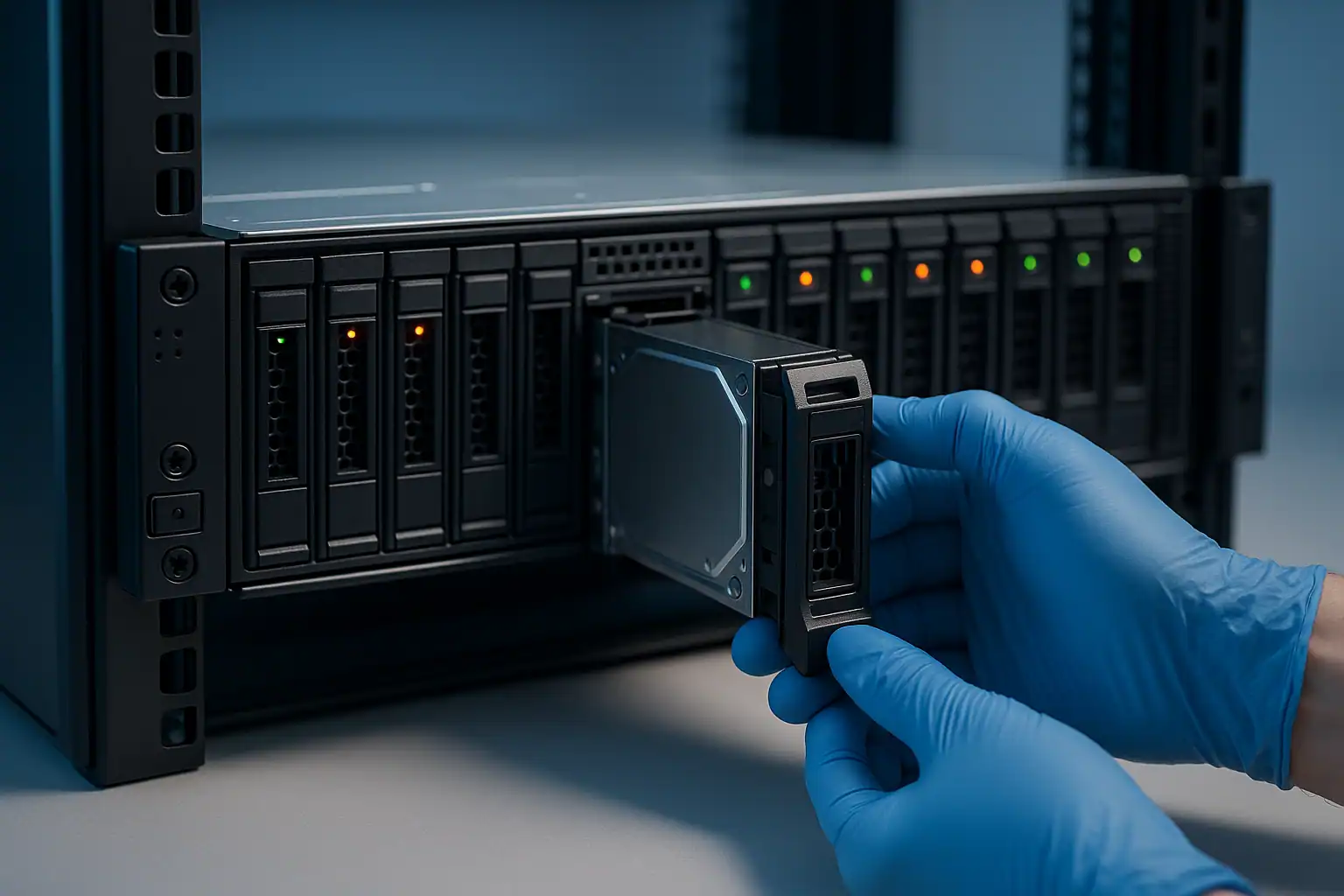
R740xd recovery follows the standard PowerEdge recovery process. The work is more involved than a standard R740 due to the higher drive count — 18-24 drives means more imaging time, more data to manage, and more reconstruction complexity. We work through it methodically.
For S2D and vSAN configurations, the reconstruction step is specialized. Hombre’s RAID reconstruction logic handles traditional PERC-managed arrays; for software-defined storage, we use S2D-aware and vSAN-aware processes that respect the cluster’s metadata structure when reconstructing the data layout.
NVMe drives in R740xd configurations are handled separately from PERC-managed drives — they’re imaged via NVMe-specific tooling and processed through their own reconstruction path that accounts for namespace structure rather than RAID layout.
Because R740xd recoveries often involve large data volumes (40-100+ TB is typical), the data transfer phase at the end of the recovery is a significant component of the work. We discuss target media and transfer logistics as part of the consultation.
What to Do Right Now If Your R740xd Is Failing
Standard PowerEdge guidance applies, with R740xd specifics:
Don’t open the top cover and remove mid-mount drives without a plan. The mid-mount bays are different from front/rear bays — drives there are part of arrays just like other drives, and pulling them changes the array state.
Document which drives are in which zone (front, mid, rear) before removing anything. The physical position is critical for reconstruction. Mark caddies if needed.
For S2D cluster failures, don’t attempt to “rebuild” or “repair” the cluster through Windows Server tools when the pool is in an unhealthy state. S2D repair operations can destroy recoverable data. Pause cluster operations and contact us.
For vSAN cluster failures, don’t put nodes into maintenance mode and then back into the cluster repeatedly trying to resync. Repeated resync attempts on damaged storage can introduce more issues.
Don’t reinitialize SSDs that are showing wear-out warnings. The data is still on them; reinitialization makes recovery harder.
Don’t update iDRAC9, BIOS, or PERC firmware while the system is in an unhealthy state.
R740xd Configurations We’ve Recovered
- R740xd 24-SFF SSD running enterprise Linux with XFS for database workloads
- R740xd 12-LFF + 4 mid + 4 rear LFF running Windows Server as a Veeam backup repository
- R740xd Storage Spaces Direct clusters (2-, 3-, and 4-node configurations)
- R740xd VMware vSAN configurations with NVMe cache and SAS capacity tiers
- R740xd running ESXi with VMFS datastores across multiple disk groups
- R740xd Hyper-V hosts with large NTFS or ReFS volumes
- R740xd running SQL Server on RAID 10 SSD arrays
Frequently Asked R740xd Questions
One of my mid-mount drives failed but the front and rear bays are fine. Is the failure recoverable?
Depends on which array the failed drive was part of. The mid-bay drives are typically part of the same RAID array as some of the front drives — they’re not a separate zone in terms of RAID configuration. We can determine the exact array structure during imaging and reconstruct accordingly.
My S2D cluster has 4 nodes and 2 of them are offline. Can data still be recovered?
Depends on the cluster’s resiliency configuration (2-way mirror, 3-way mirror, parity) and which specific drives are affected. In many cases, even with 2 nodes offline in a 4-node cluster, sufficient surviving copies of data exist that recovery is straightforward. In other configurations, the cluster has lost too many copies and recovery requires extracting from the offline nodes’ drives. We’ll determine which during consultation.
I have R740xd with 24 NVMe drives. Are they recoverable like SAS drives?
Yes, with a different workflow. NVMe drives are imaged via NVMe-specific tooling, namespace structures are preserved, and reconstruction handles NVMe layout rather than PERC-managed RAID. The fundamentals (forensic imaging, image-based reconstruction) are the same.
My R740xd has been running constantly hot for years. The drives are starting to fail one by one. What’s the recovery picture?
This is a recoverable scenario but the recovery becomes more difficult with each additional failed drive. The right move is to bring the situation to us before more drives fail — image the current state of all drives, including the ones showing warning signs but not yet failed. Capturing the state while drives are still partially readable is far better than waiting until they’re entirely dead.
What about R740xd2?
The R740xd2 is a different chassis with even higher drive density. We handle R740xd2 recoveries on the same fundamentals. Mention the exact chassis variant during your consultation so we can scope the work accurately.
Start Your Free R740xd Recovery Consultation
If your Dell PowerEdge R740xd is down — RAID failure, S2D cluster issue, vSAN problem, multi-drive failure, or anything else — get a free consultation with our server team. The R740xd’s complexity makes proper scoping critical.
Free consultation · Clear upfront pricing · ISO 5 cleanroom recovery
Or call 1-877-624-7206 to speak with our server team directly