
Dell PowerEdge R730xd Data Recovery
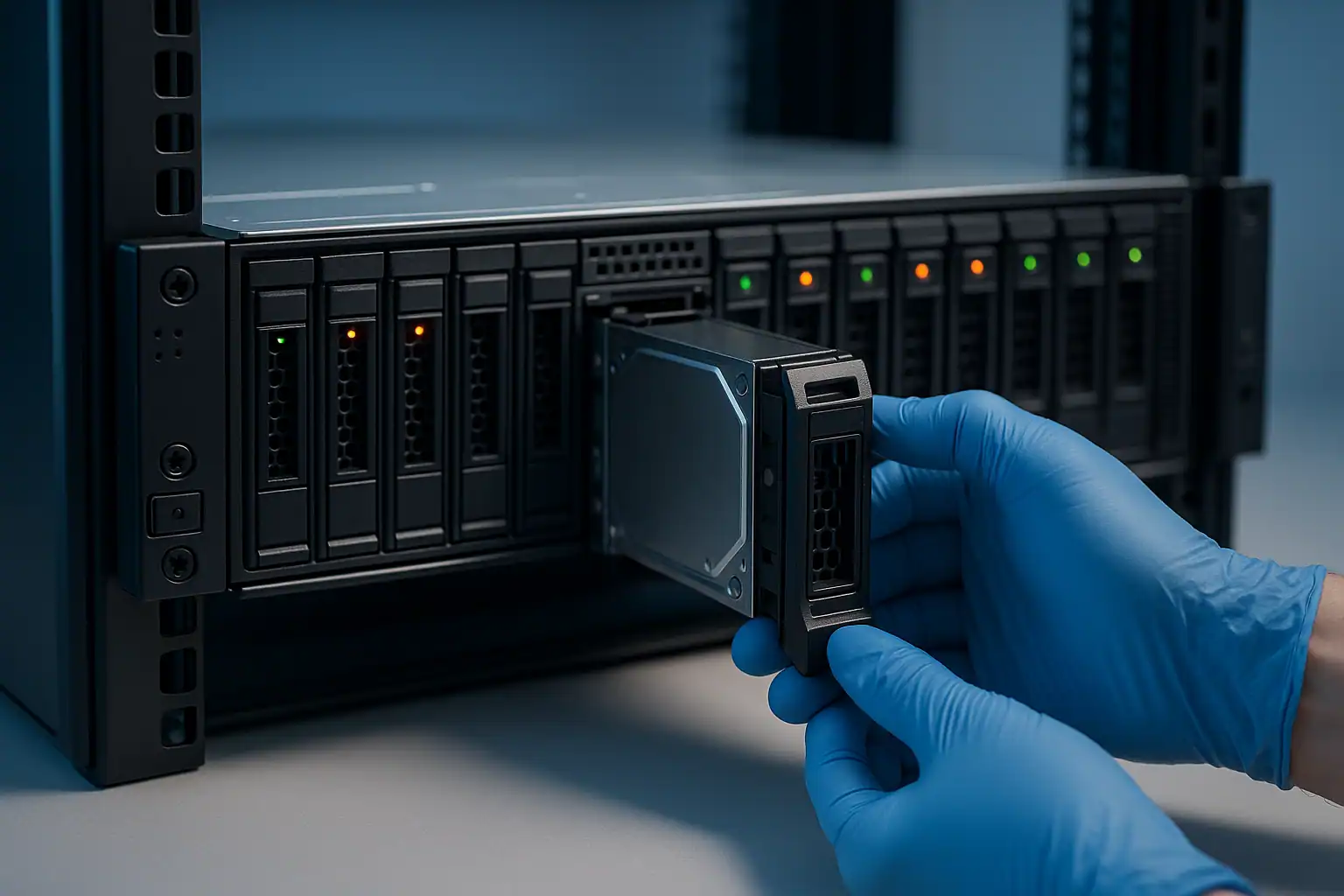
The Dell PowerEdge R730xd is the storage-heavy variant of the R730 — 13th generation 2U rack server, but with an extended chassis that supports up to 12 large-form-factor (LFF) drives in the front plus an additional 2 small-form-factor (SFF) drives in the rear. Total of 14 drives in 2U was an aggressive density spec when the R730xd shipped between 2014 and 2017, and customers deployed them heavily for storage-intensive workloads: file servers, backup repositories, virtualization platforms, and Storage Spaces Direct nodes.
R730xd systems are now 8-12 years old. The drive failure curves are concentrated. With twice the drive count of a standard R730, the R730xd accumulates twice the probability of multi-drive failure scenarios. We see R730xd cases regularly, and the chassis configuration creates some unique recovery considerations.
R730xd-Specific Failure Patterns
Twelve-drive RAID arrays with cascading failures
The R730xd’s 12-LFF front configuration encouraged customers to deploy large RAID 5 or RAID 6 arrays. After 6+ years of operation, the probability that any drive in a 12-drive array develops bad sectors is high. When one drive fails and triggers a rebuild, the rebuild reads every sector on every surviving drive — and if any of them have latent bad sectors, the rebuild may fail or puncture.
This is especially common on R730xd systems running RAID 5 with 12 drives. RAID 5 tolerates only one drive failure. The probability of a second failure during a multi-day rebuild on 12 aging drives is non-trivial.
Rear drives (2x SFF) often used as boot/cache — different failure implications
The R730xd’s 2 rear SFF drives were commonly configured as a separate RAID 1 boot volume, while the front 12 LFF drives held the data array. When the rear drives fail, the server may not boot — but the front data array is unaffected. Conversely, when the front data array fails, the server may still boot but with no usable storage. Knowing which failure you’re dealing with shapes the recovery approach.
Mid-mount and rear-mount drive accessibility issues
Unlike a pure front-load chassis, the R730xd’s rear SFF drives require server rotation or rear access to the rack. In our experience, customers sometimes attempt to “fix” issues with the rear drives without realizing they’re accessing a different set of drives than the front bays — and accidentally pull or replace the wrong drives. Documentation of which drive is in which physical position is critical for R730xd recoveries.
Storage Spaces Direct and software-defined storage
R730xd systems were commonly deployed as Storage Spaces Direct (S2D) nodes in Windows Server 2016/2019 clusters. S2D failure scenarios are different from traditional RAID: multiple drives across multiple nodes work as a software-defined pool, and failure recovery involves S2D-specific concepts (storage pools, virtual disks at the cluster level, resiliency tiers). When S2D nodes fail catastrophically, we can recover data from the individual physical drives — though the reconstruction is more complex than traditional RAID.
PERC H730 and H730P with 14-drive configurations
The R730xd ships with the same PERC H730 or H730P controllers as the standard R730, but the 14-drive configuration stresses the controller in ways the 8-drive R730 doesn’t. We’ve seen more battery-related issues and more rebuild failures on R730xd systems specifically — likely because heavier drive counts mean heavier write workloads, which means more write-cache activity, which means more dependency on battery state.
Backplane signal issues across two backplanes
The R730xd has separate backplane PCBs for the 12-drive front and the 2-drive rear. Signal quality issues on either can cause drive drops. When troubleshooting random drive drops, the location of the affected drive matters — front-bay drops suggest the front backplane; rear-bay drops suggest the rear backplane or the rear riser.
Critical R730xd Error Conditions
The R730xd uses the same PERC H730/H730P controller family and iDRAC8 as the R730, so error conditions are largely shared. See the R730 page for the full PERC error tables and LED patterns.
R730xd-specific considerations to add:
| Scenario | What it means | Recovery considerations |
|---|---|---|
| Front and rear arrays managed by same PERC | Single PERC controlling both 12-drive front and 2-drive rear | Controller failure affects both arrays simultaneously |
| Two separate PERCs (front + rear) configuration | Less common but possible — front and rear on different controllers | Each PERC must be considered separately during recovery |
| Storage Spaces Direct cluster failure | S2D node down; pool may or may not be healthy depending on cluster size | Different recovery process — S2D-aware reconstruction |
| Mixed-capacity drives in the array | Common on R730xd where customers added drives over time | Coerced capacity matters for reconstruction |
How We Recover Failed R730xd Servers
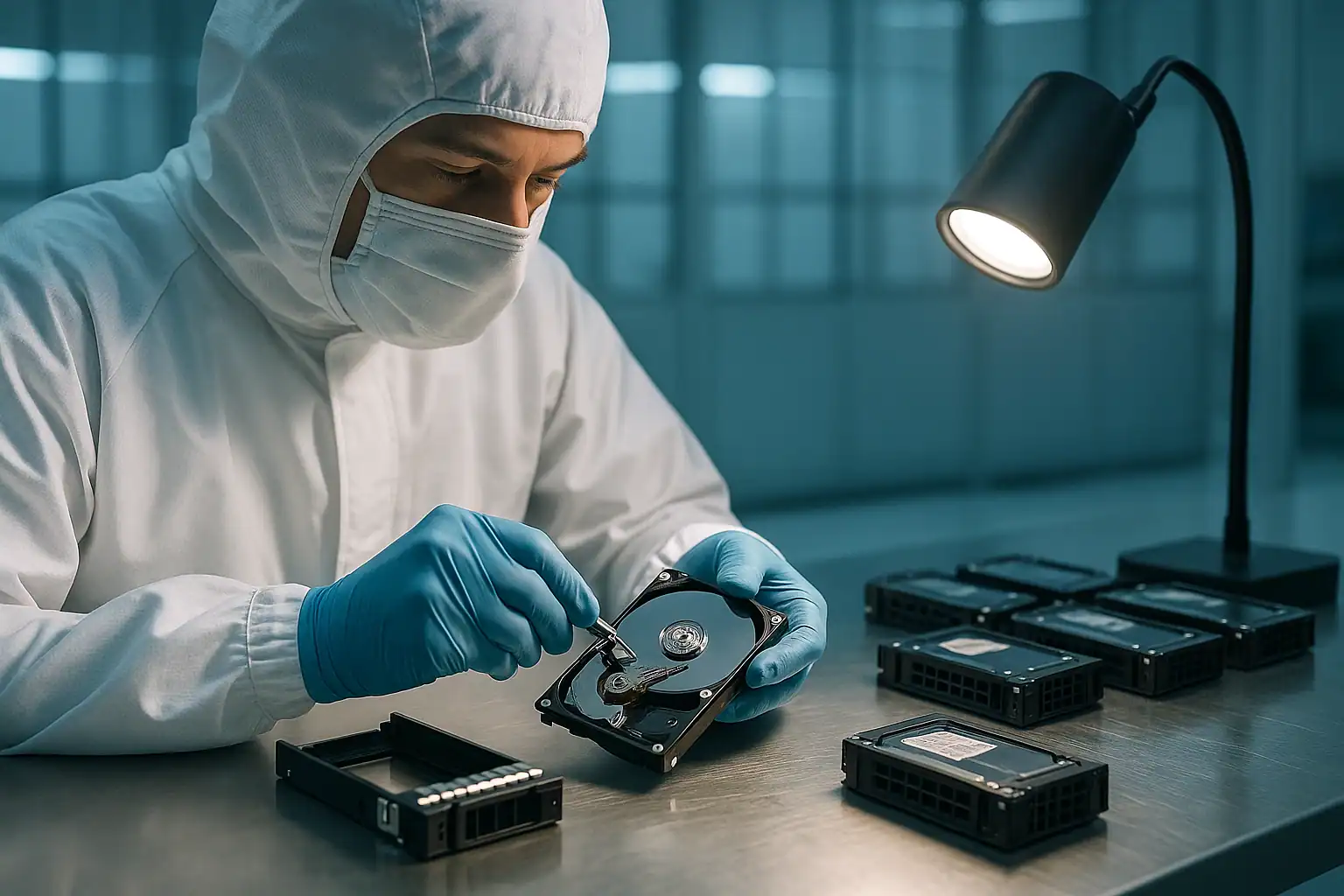
The R730xd recovery process is the standard PowerEdge workflow: free consultation, temporary hardware repairs in our ISO 5 cleanroom, write-blocked forensic imaging of all 12-14 drives, RAID reconstruction with Hombre, and file system extraction.
The 14-drive count of the R730xd makes the imaging stage longer than a standard R730 — more drives to image means more time on the workstations and more total data to process. But it also means more recovery surface area: with 12 drives in the front array, even if 2-3 are entirely unreadable, Hombre can typically reconstruct most or all of the data using parity from the remaining drives (assuming RAID 5 or RAID 6 with adequate parity).
For R730xd systems running Storage Spaces Direct, the recovery process is more specialized — we work with the S2D virtual disk layout and pool metadata rather than traditional RAID metadata. The fundamentals (forensic imaging, image-based reconstruction) apply, but the reconstruction step uses S2D-aware logic.
What to Do Right Now If Your R730xd Is Failing
The general PowerEdge guidance applies, with R730xd-specific additions:
Document which drives are in the front bays vs. rear bays. The physical position matters for reconstruction, and the rear drives’ role (boot vs. data) needs to be clear.
Don’t pull drives from the rear bays “while you’re back there” if your problem is in the front array. Pulling boot/cache drives from the rear can leave the server in a state that complicates recovery.
For R730xd running Storage Spaces Direct, don’t attempt to clean and re-add nodes that have lost their pool. S2D’s cleanup operations can destroy recoverable data.
Don’t accept any “foreign configuration” prompts. R730xd PERC behavior with foreign configurations is the same as R730 — the wrong choice destroys the array.
If multiple drives are showing predictive failure simultaneously, suspect controller or thermal issues, not coincidental drive failure. The R730xd’s drive density can produce thermal patterns that affect multiple drives at once.
Don’t initiate a rebuild on a degraded R730xd RAID 5 unless you’ve verified surviving drives are healthy. A 12-drive RAID 5 rebuild reads enormous amounts of data — latent bad sectors on any surviving drive will surface during rebuild.
R730xd Configurations We’ve Recovered
- R730xd 12-LFF front + 2-SFF rear running Windows Server with RAID 5 or RAID 6 — backup and file storage workhorses
- R730xd running ESXi with VMFS datastores spanning the 12-drive front array
- R730xd as Storage Spaces Direct nodes in Windows Server 2016/2019 clusters
- R730xd as Veeam backup repositories — large RAID 6 arrays storing weeks of backup data
- R730xd running enterprise Linux with XFS or ext4 on large RAID arrays
- R730xd with mixed-capacity drives — common as customers added drives over the server’s life
Frequently Asked R730xd Questions
My R730xd’s front array failed but the server still boots from the rear drives. What now?
The rear drives are likely your boot volume, separate from the failed data array. The server booting confirms the rear drives are healthy. The recovery focus is the 12 front drives — we can image and reconstruct that array independently. Don’t touch the rear drives unless you’ve verified they’re not also at risk.
I have an R730xd Storage Spaces Direct cluster where one node went offline. Is the data still recoverable?
Depends on the cluster size and resiliency level. A 3-node S2D cluster with one node down should still have full data availability via the surviving nodes. If multiple nodes have failed, or if the storage pool itself is in a damaged state, recovery becomes more complex — but data is typically still recoverable from the individual physical drives via specialized reconstruction.
My R730xd has been making more noise than usual and OMSA is showing thermal warnings. Should I be worried?
Yes. The R730xd’s drive density makes it thermally sensitive. Thermal events can cascade into multiple drive failures. If you can schedule an orderly shutdown and have the system inspected before something fails, that’s the right move.
Can you recover from an R730xd where someone tried to rebuild a failed array multiple times?
Often yes. Each rebuild attempt may have introduced more issues, but the data on disk usually has substantial recoverable structure even after failed rebuild attempts. The forensic imaging approach captures the state of every drive regardless of how many rebuild attempts have been made.
Start Your Free R730xd Recovery Consultation
If your Dell PowerEdge R730xd is down, get a free consultation with our server team. We’ll walk through your specific configuration, including the front/rear drive layout and any RAID or S2D specifics.
Free consultation · Clear upfront pricing · ISO 5 cleanroom recovery
Or call 1-877-624-7206 to speak with our server team directly