
HPE MSA 2050 Data Recovery Services
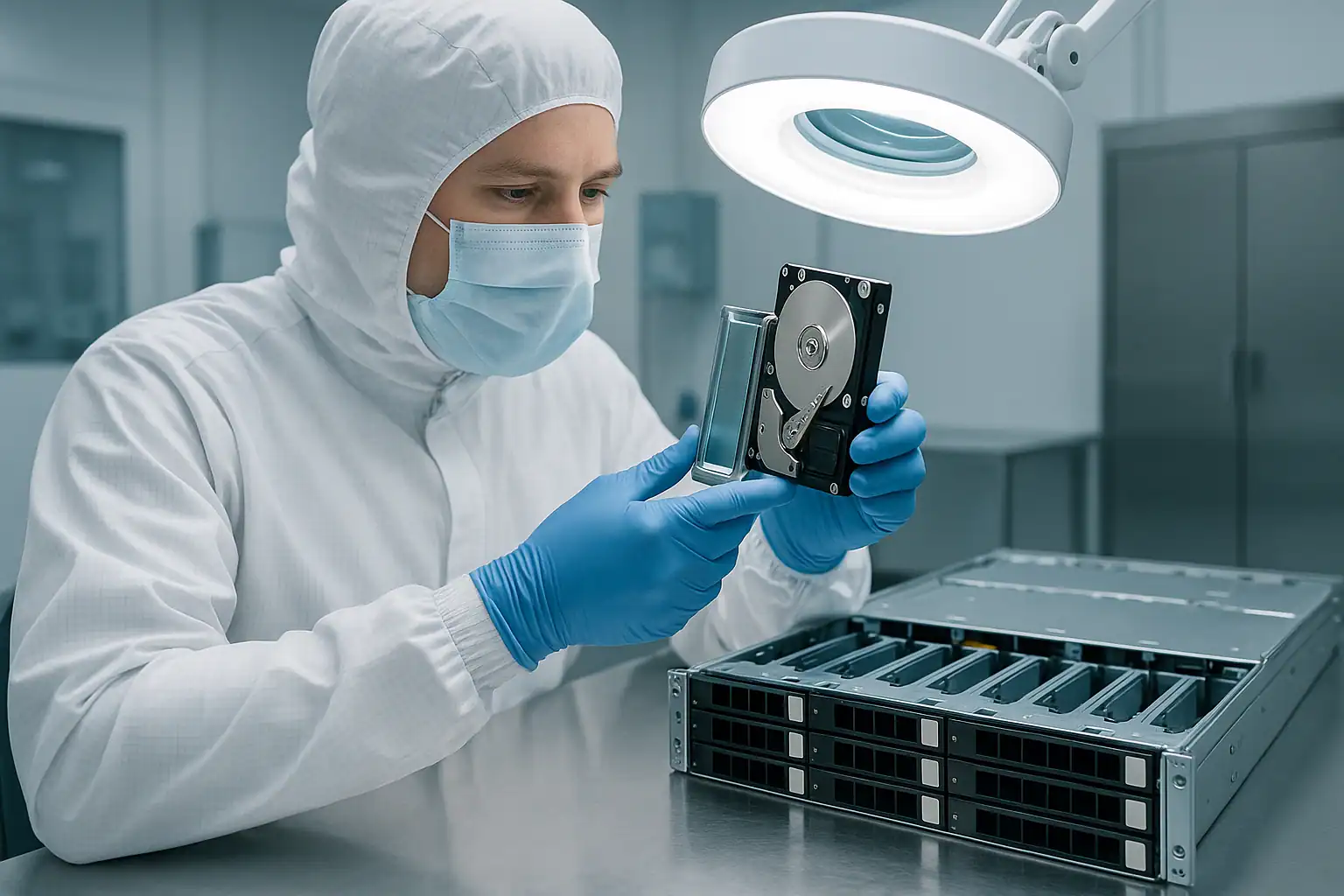
The HPE MSA 2050 was the mid-market SAN refresh that swept through 2017 to 2021 — the successor to the MSA 2040, the dual-controller storage array behind a generation of VMware vSphere clusters, Hyper-V deployments, SQL Server databases, Exchange environments, and Citrix infrastructure at organizations between “serious about storage” and “tier-1 enterprise.” The active MSA 2050 fleet is now 5-9 years old, the highest-volume MSA generation in our caseload, and increasingly running into the failure modes that come with age — pool corruption after firmware updates, disk group failures from aging drives, dual-controller cascade failures, and the early end-of-support scenarios as HPE’s standard support window draws to a close.
The MSA 2050 is architecturally distinct from the MSA 2040 it replaced. Storage pools were introduced above the disk group layer, enabling storage virtualization with thin provisioning, automated tiering between SSD and HDD disk groups, and pool-based snapshots. The terminology changed from “vdisks” to “disk groups,” the controller modules became converged (FC and iSCSI on the same SAN controller), the management UI was updated to SMU v3, and the expansion shelves moved to the D3700 / D3600 / D6020 lineup. The MSA 2052 SKU is essentially the same platform with factory-included SSDs for tiered configurations. This page covers what we see in MSA 2050 cases and how we recover them.
MSA 2050-Specific Failure Patterns
Storage pool corruption
The single biggest architectural difference between MSA 2050 and MSA 2040 is the storage pool layer above the disk groups — and that layer is a new failure surface. Pool metadata is stored across the controllers and on the drives; when it’s damaged, virtual volumes presented to hosts can disappear or become inconsistent even though the underlying disk groups look healthy.
Common pool corruption scenarios on MSA 2050:
- Pool metadata damaged after firmware update — the bundle update affected pool structures, and the post-update pool state doesn’t cleanly reflect what existed before
- Pool corruption following dual-controller failure — both controllers went down before pool state was synchronized to all drives
- Thin provisioning metadata damage — the maps tracking which physical blocks belong to which virtual volumes get corrupted
- Tiering migration partial-completion — a hot-to-cold (or cold-to-hot) block migration was interrupted, leaving the pool unable to reconcile the partial move
- Pool exceeded thin-provisioning thresholds — aggressive overprovisioning resulted in physical space exhaustion, leaving virtual volumes effectively offline
Recovery from pool-level corruption requires parsing the MSA 2050-specific pool metadata directly — identifying which disk groups belong to which pool, which virtual volumes were carved out of the pool, how thin-provisioning maps to physical storage, and what tiering migrations were in flight. This is layered work that Hombre handles, but it’s genuinely more complex than disk-group-only recovery.
Linear vs virtual storage mode confusion
The MSA 2050 supports two distinct storage modes: linear storage (similar to the MSA 2040 model — one disk group equals one volume, no pool layer) and virtual storage (the new pool-based model with tiering, thin provisioning, and pool-based snapshots). Each disk group is configured at creation time for one mode or the other; they don’t mix within a single disk group.
Customers occasionally don’t know which mode their disk groups are running in — especially when the original implementer is no longer at the organization. The recovery approach differs significantly between the two modes: linear recovery is closer to direct RAID reconstruction (similar to MSA 2040), while virtual recovery involves the additional pool, thin provisioning, and tiering layers. Identifying the mode upfront in the consultation matters; we can usually determine it from the SMU configuration or from on-disk metadata, but knowing in advance speeds the case.
Disk group failures from aging drives
MSA 2050 disk groups (the new terminology for what the MSA 2040 called vdisks) face the same fundamental risk as any RAID group: multiple drive failures exceeding redundancy. At 5-9 years of operation, the MSA 2050 drive population is starting to hit accelerated failure rates — particularly for systems that have been running 24×7 in mid-market environments with limited drive replacement programs.
When a disk group goes offline because too many drives failed, the data on the surviving drives is still recoverable, but the path requires forensic imaging of every drive and reconstruction of the disk group in software. Rebuilds on aging disk groups also carry the standard risk: surviving drives may have accumulated bad sectors that surface during the rebuild, causing the rebuild to fail or introducing silent data loss.
SSD tiering and MSA 2052 considerations
The MSA 2052 SKU ships with factory-included SSDs intended for performance tiering in virtual storage pools. The SSDs accelerate frequently-accessed data while spinning drives hold the bulk capacity; the pool’s tiering engine moves blocks between tiers based on access patterns. When SSD-tier or HDD-tier drives fail in tiered configurations, recovery scope includes both tiers — the data presented to hosts is the merged view of both, and reconstructing the host-facing virtual volumes requires both tiers’ content.
SSD wear in tiering workloads is a real concern at the 5-9 year mark. HPE-firmwared SSDs in MSA 2052 systems experience write amplification from the tiering engine’s movement of hot blocks. Customers running write-heavy workloads on MSA 2052 sometimes find SSDs hitting their wear thresholds in unexpected patterns. SSD-tier failures are recoverable through our standard process, but the SSDs themselves often need cleanroom-level work to image cleanly.
Snapshot chain corruption in virtual storage
Pool-based snapshots in virtual storage are architecturally different from the snapshot model the MSA 2040 used. Virtual storage snapshots use a copy-on-write mechanism within the pool, with snapshot data sharing physical space with the source virtual volume. When pool metadata is damaged, snapshot relationships can become inconsistent — making specific snapshot generations unreachable even when the underlying data is intact.
Common MSA 2050 snapshot failure scenarios: accidental snapshot deletion that cascaded into other snapshots, snapshot chain dependencies broken after pool corruption, and snapshots that expected source virtual volumes that have since been deleted. We’ve recovered individual snapshot generations from MSA 2050 systems where the customer believed they were lost; the recoverability depends on which pool structures are intact.
Tiering migration failures and partial moves
Automated tiering in MSA 2050 virtual pools moves blocks between SSD and HDD tiers based on access patterns. The migration is supposed to be transparent — the pool internally remaps which physical blocks back which virtual blocks — but interrupted migrations (power events, controller failures during migration windows, firmware updates that interrupt scheduled migrations) can leave the pool in a state where blocks are inconsistently mapped.
The signature: virtual volumes appear online and accessible, but specific blocks return incorrect data or report read errors. The data isn’t physically lost — it’s the tier mapping that’s broken. Recovery involves reconstructing the tier migration state to identify where each block’s authoritative copy actually lives.
Dual-controller failures
The MSA 2050’s dual-controller design has the same fundamental redundancy as MSA 2040, but the newer controllers and converged SAN architecture create some different failure modes. Common dual-controller scenarios on MSA 2050:
- Controller-A failure followed by failover to Controller-B — if Controller-B’s cache or pool state wasn’t fully synchronized, failover may complete but with subtle inconsistencies
- Both controllers reset simultaneously after a firmware update or power event — the array goes offline despite redundancy
- Controller replacement after one fails resulting in pool / disk group import issues because the replacement controller’s firmware doesn’t match the surviving controller
- Converged port failover quirks — the MSA 2050 SAN controllers handle FC and iSCSI on the same physical ports; failover sometimes affects FC and iSCSI hosts differently
Cache backup module degradation
The MSA 2050 uses a different cache backup design than MSA 2040 (super-capacitor-backed flash rather than battery-backed DRAM), but the modules still have finite lifespans. At 5-9 years, MSA 2050 cache backup modules are starting to degrade — less aggressively than MSA 2040’s battery modules at this age, but the failure rate is climbing. SMU reports cache backup issues through similar event categories; the recovery implications are similar (data loss risk during power events when the cache can’t be safely preserved).
Failed firmware updates on IN-series bundles
The MSA 2050 firmware bundles use the IN-series naming (IN100, IN200, IN300, IN400, and so on). Each bundle had known issues, and specific revisions had documented problems around pool metadata handling, tiering operations, snapshot management, or controller failover behavior. Customers who applied a problematic bundle — either intentionally or as part of routine maintenance — sometimes find the array in a degraded state afterward.
Attempting firmware updates on a failed MSA 2050 is risky. The right path during a failure is preserving current state, not attempting firmware changes that could compound the issue.
D3700 / D3600 / D6020 expansion shelf SAS cable failures
MSA 2050 deployments that scaled past the 24 internal drive bays used D3700 (12 SFF), D3600 (24 SFF), or D6020 (high-density LFF) expansion shelves connected via SAS cables. At 5-9 years of operation, the SAS cables and connectors can develop intermittent connection issues — though less pronounced than the older D2700 era cabling because the SFF-8644 mini-SAS HD connectors are more robust than the older SFF-8088 form factor.
The classic signature is the same as MSA 2040 era: drives in a specific expansion shelf intermittently disappearing from SMU, with the failure pattern following the shelf rather than any individual drives. The wrong response (assuming the drives are actually failing) compounds the problem.
Approaching end-of-support
HPE’s standard support window on MSA 2050 is winding down — early-deployed systems are now in or approaching the out-of-support state. When a failure occurs and the array is past support, the conventional escalation path narrows. Replacement parts come through reseller channels at variable timing, and mid-market customers often don’t have the budget for emergency replacement. Out-of-support MSA 2050 cases are a growing share of our caseload as the fleet ages.
Critical MSA 2050 Error Conditions
MSA 2050 SMU Event Log Messages
| Event / Message | What it means | Data loss risk |
|---|---|---|
| Disk group is degraded | One drive failed in the disk group; redundancy reduced | Moderate — high if second drive fails before rebuild |
| Disk group is offline / failed | More drives failed than the RAID level can tolerate | Critical |
| Pool is offline / Pool unavailable | Pool-level metadata damage or underlying disk group failure | Critical |
| Virtual volume is offline | The pool backing the volume is unavailable or volume mapping is broken | Critical |
| Snapshot is unavailable | Pool snapshot chain damaged or source volume issues | Moderate to Critical depending on snapshot data importance |
| Cache is corrupt / Cache flush failed | Cache contents could not be flushed to disk — common after power events with degraded cache backup | High — file system inconsistency likely |
| Cache backup module is degraded | Super-cap or flash backup module no longer reliable | Moderate — data loss risk during power events |
| Controller is degraded / Controller has failed | One controller is no longer functioning normally | Low while running, High if surviving controller also fails |
| Partner controller not responding | Failover partner can’t be reached — communication or partner failure | Moderate |
| Tiering migration paused / failed | Block migration between SSD and HDD tiers stopped or didn’t complete cleanly | Moderate to High depending on state |
| Spare drive activated | A hot spare took over for a failed disk group member; rebuild in progress | Moderate if other drives have issues |
| Drive has failed | Drive marked as failed by the controller | Moderate in redundant disk groups |
| Drive has reported a SMART error | Drive predictive failure indicator triggered | Moderate — replace before disk group degradation |
| SSD wear threshold exceeded | SSD has reached end-of-life write capacity (common on MSA 2052) | Moderate |
| Expansion enclosure not responding | D3700 / D3600 / D6020 communication issue — often SAS cable | High — multiple drives affected |
| Pool used capacity threshold exceeded | Thin-provisioned pool approaching or exceeding physical capacity | High — virtual volumes may go offline if exhausted |
MSA 2050 Controller Module LED Patterns
| LED Pattern | Meaning |
|---|---|
| Steady green (System Status) | Controller operating normally |
| Flashing green (System Status) | Controller booting or in maintenance state |
| Steady amber (System Status) | Controller fault detected |
| Off (System Status) | Controller not powered or completely failed |
| Steady green (Cache Status) | Cache contents flushed and safe |
| Flashing green (Cache Status) | Cache flushing in progress — do not remove controller |
| Steady amber (Cache Status) | Cache dirty or cache backup failure |
| Off (Cache Status) | Cache empty or controller not powered |
| Steady green (Converged Port) | FC or iSCSI port linked and operating |
| Off (Port LED) | Port not linked or fault |
MSA 2050 Drive Carrier LED Patterns
| LED Pattern | HDD Meaning | SSD Meaning |
|---|---|---|
| Steady green | Drive online and active | Drive online and active |
| Flashing green | Drive activity (reads or writes) | Drive activity |
| Off | Drive ready for removal OR not detected | Drive ready for removal OR not detected |
| Steady amber | Drive has failed | Drive has failed |
| Flashing amber | Predictive failure (SMART) detected | Predictive failure or wear threshold approached |
| Alternating amber and green | Drive identify / locator activated | Drive identify / locator activated |
The SMU event log export is the deciding diagnostic artifact for MSA 2050 recovery cases — it captures controller state changes, pool and disk group status transitions, tiering migration history, drive failures, cache events, and the timeline of pool-level operations. If you can still access SMU v3 at all, export the event log before doing anything else and provide it during the consultation.
How We Recover Failed MSA 2050 Arrays
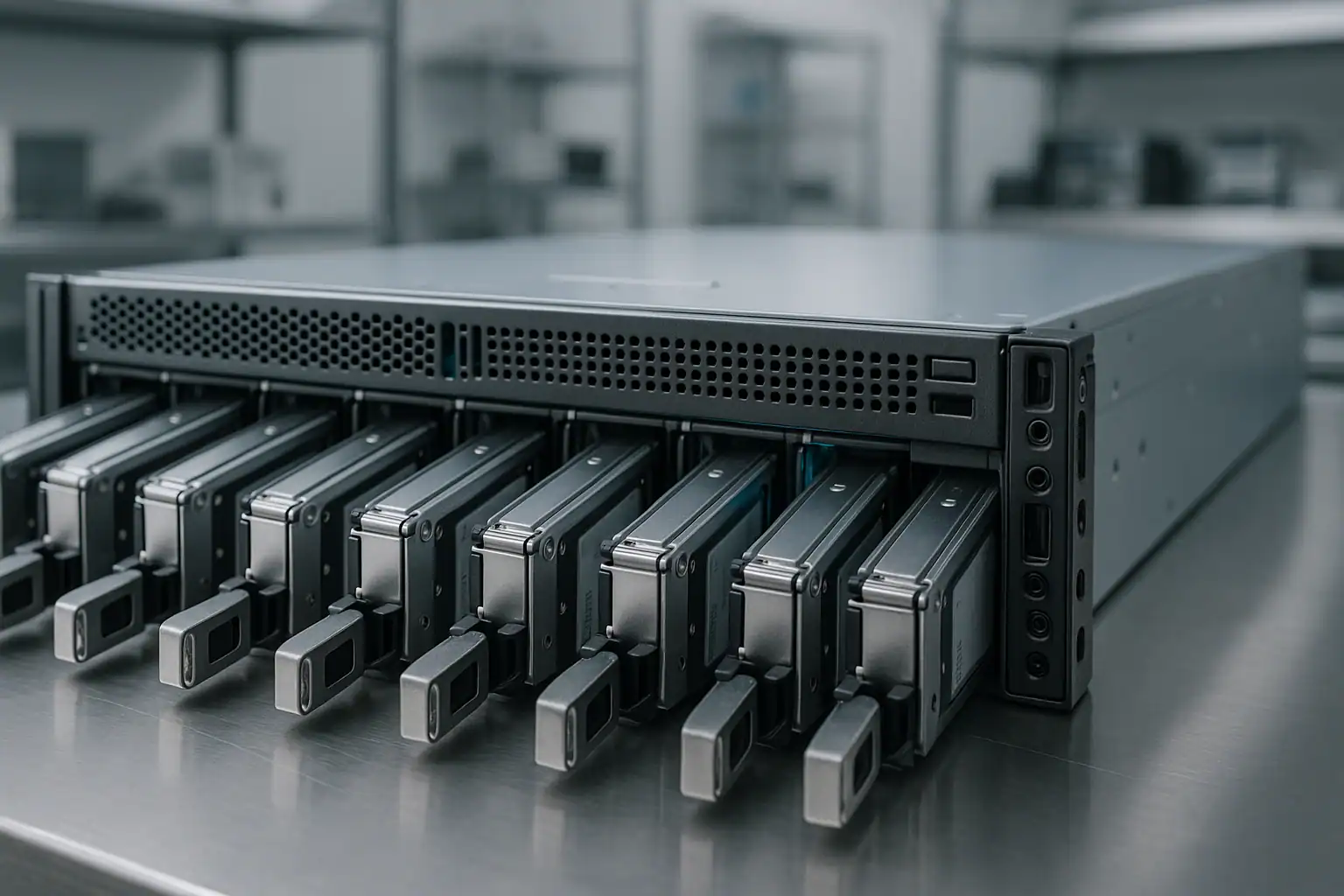
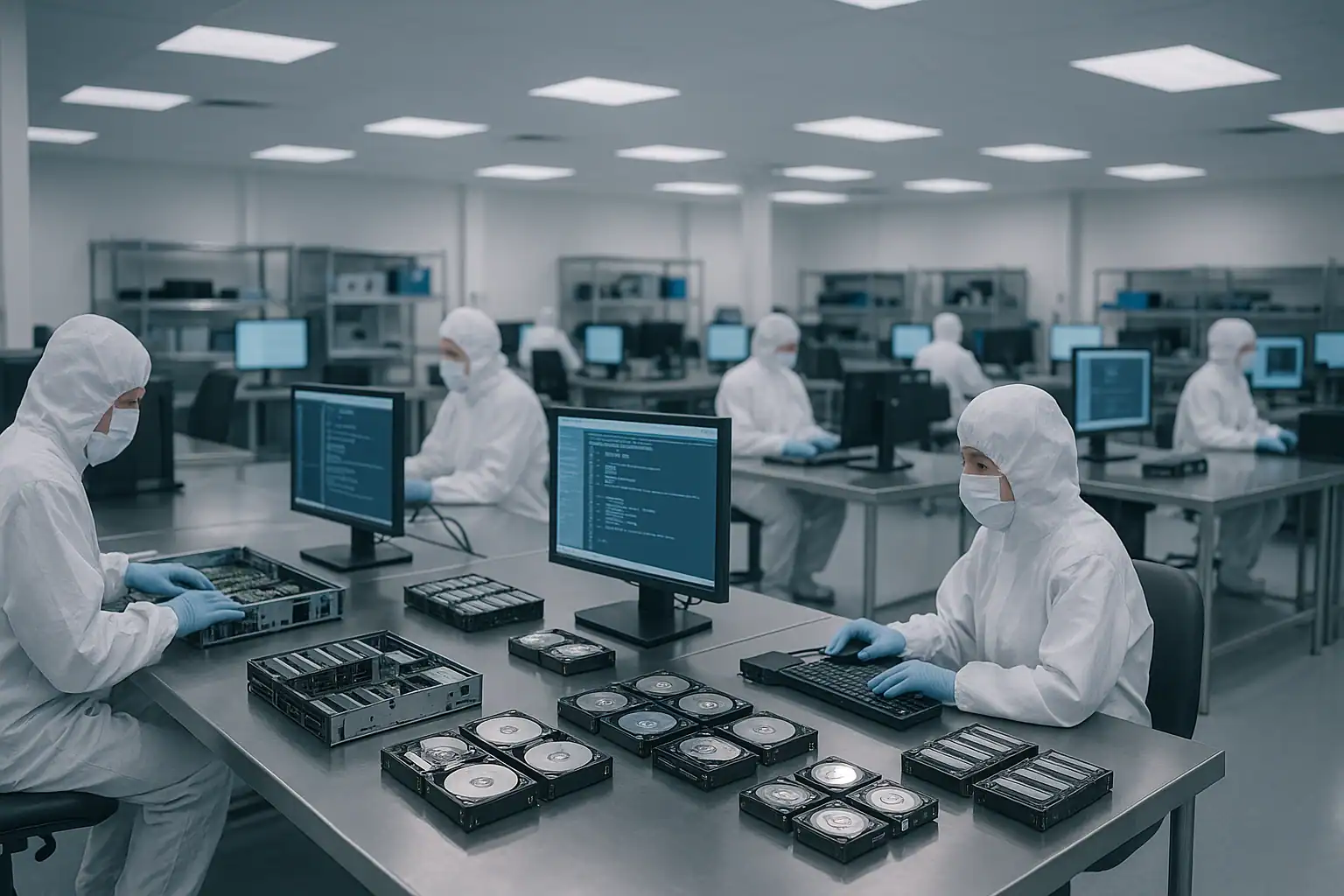
MSA 2050 recoveries follow our standard MSA recovery process: free consultation, temporary hardware repairs in our ISO 5 cleanroom, write-blocked forensic imaging of every drive, MSA-specific metadata reconstruction with Hombre, and file system extraction at the host layer.
For MSA 2050 cases specifically, the metadata reconstruction adapts to the pool-based architecture. Hombre parses the MSA 2050 metadata in layers:
- Drive-level disk group membership — identifying which drives belong to which disk groups from on-disk metadata
- Disk group RAID reconstruction — performing the work of the original RAID group in software, including handling missing or partially-readable drives
- Storage pool aggregation — reassembling pools above the disk group layer, including tiering relationships, thin provisioning maps, and snapshot dependencies
- Virtual volume extraction — carving out the virtual volumes (LUNs) that were presented to hosts, including resolving thin-provisioning maps to physical storage locations
- Snapshot extraction — reconstructing individual snapshot generations from the copy-on-write pool data when pool metadata supports it
For MSA 2050 deployments using linear storage mode (rather than virtual storage), the reconstruction skips the pool layer — it operates more like the MSA 2040 recovery process. The mode determines the recovery workflow more than any other single factor; identifying it upfront matters.
For MSA 2052 deployments with active SSD tiering, the recovery includes imaging both the SSD-tier drives and the HDD-tier drives, then reconstructing the pool’s tiering map to identify where each block’s authoritative copy lives. The merged view presented to hosts is reassembled from both tiers’ contents. SSD-tier drives often require cleanroom work to image cleanly because their HPE-specific firmware and wear states complicate standard imaging approaches.
For MSA 2050 deployments with D3700 / D3600 / D6020 expansion shelves, the recovery includes imaging the expansion shelf drives alongside the main chassis drives. The MSA 2050 disk groups often span across the main chassis and expansion shelf bays; reconstruction needs to handle this drive topology correctly. Ship the expansion shelf drives in their original positions when possible.
What to Do Right Now If Your MSA 2050 Is Failing
Don’t accept any “Initialize,” “Recreate Disk Group,” “Recreate Pool,” or “Configuration Recovery” prompts in SMU v3. These options can permanently destroy on-disk metadata. When in doubt, leave the system at the prompt and call us. Pool-level recreation is particularly destructive because it overwrites the metadata layer that maps virtual volumes to disk groups.
Don’t attempt firmware updates during a failure scenario. IN-series firmware bundles can compound an already-stressed system, especially when pool corruption or tiering issues are involved. Postpone planned maintenance until the failure is resolved.
Don’t initiate disk group rebuilds without verifying every surviving drive. MSA 2050 disk groups on 5-9 year-old systems often have drives with accumulated bad sectors that a rebuild surfaces — failing or punching the rebuild. Check the SMU event log for predictive failure history before any rebuild.
If you’re running virtual storage with pools, don’t attempt thin-provisioning reclamation, pool expansion, or tiering operations during a failure. These operations rewrite pool metadata; doing them while the pool is in an inconsistent state can damage the metadata permanently.
Don’t delete or modify snapshots during a failure event. Pool-based snapshots have dependency relationships; modifying one can cascade into others. Preserve snapshot state until the consultation establishes which snapshots are still useful.
Don’t recreate disk groups or pools, even if SMU offers to do so with the “same configuration.” Recreation overwrites the metadata recovery depends on.
Don’t run host-level filesystem repair tools against affected LUNs. ESXi datastore repair, VMFS recovery tools, NTFS chkdsk, ReFS integrity scrub, ext4 fsck, XFS repair — all can permanently alter metadata recovery depends on.
If both controllers are down, leave the array powered off rather than attempting controller swaps without a recovery plan. Powering off preserves on-disk metadata; aggressive controller-level actions during an outage can damage it.
Export the SMU event log before doing anything else, if SMU is still accessible. The MSA 2050 event log captures pool, tiering, snapshot, and disk group history we need to understand what happened.
Identify whether your storage is linear or virtual mode upfront. The mode dictates the recovery approach. If you don’t know, document any details about the storage configuration you can find — pool names, tiering tier names, snapshot configurations — and we’ll help determine the mode during the consultation.
For MSA 2052 systems, include the SSDs with the recovery shipment. Tiered pools depend on both SSD-tier and HDD-tier content for complete reconstruction; sending only the spinning drives won’t produce a complete recovery.
Mark every drive’s original position before removing anything. MSA 2050 disk group and pool reconstruction depends on knowing which drive came from which bay, including expansion shelf bays.
Document the configuration upfront. Model (MSA 2050 SAN vs MSA 2050 SAS vs MSA 2052), firmware version, drive count and types (HDD vs SSD), expansion shelves attached, storage mode (linear vs virtual), pool configuration, hosts attached, and primary workloads. The more we know going in, the faster the consultation moves.
MSA 2050 Configurations We’ve Recovered
- MSA 2050 SAN (converged FC and iSCSI) backing VMware vSphere 6.5 / 6.7 / 7.0 / 8.0 clusters with VMFS-6 or vVol datastores
- MSA 2050 SAS direct-attached to Windows Server 2016 / 2019 / 2022 hosts
- MSA 2050 backing Hyper-V Failover Clusters on Server 2016 / 2019 / 2022 with Cluster Shared Volumes (NTFS or ReFS)
- MSA 2050 with virtual storage pools, automated tiering, and thin provisioning — modern mid-market virtualization workloads
- MSA 2050 with linear storage configurations — customers who chose vdisk-style management familiar from MSA 2040
- MSA 2052 with factory SSD tiering — VDI infrastructure, performance-tier databases, write-heavy mixed workloads
- MSA 2050 backing Microsoft Exchange 2016 / 2019 deployments
- MSA 2050 backing SQL Server 2016 / 2017 / 2019 / 2022 with multi-TB databases on Always On AGs or standalone instances
- MSA 2050 backing Oracle Database deployments on RHEL 7/8 with ASM disk groups or filesystem datafiles
- MSA 2050 backing Citrix Virtual Apps and Desktops infrastructure
- MSA 2050 backing Veeam Backup & Replication repositories (Veeam v9, v10, v11, v12)
- MSA 2050 with pool-based snapshot configurations — recovering primary virtual volumes and snapshot generations
- MSA 2050 with Remote Snap replication configurations — primary array failed, replica incomplete or also damaged
- MSA 2050 deployments with D3700, D3600, or D6020 expansion shelves attached for additional capacity
- MSA 2050 file server deployments — NTFS or ReFS volumes containing departmental shares, customer data archives
- MSA 2050 supporting Linux file shares via NFS or SMB exported by host servers
- MSA 2050 with pool-level corruption following botched firmware updates
- MSA 2050 systems with controller failover quirks resulting in inconsistent pool state across controllers
- MSA 2050 systems running tiering migration when failures occurred, leaving block placement in inconsistent state
- MSA 2050 systems entering out-of-support windows with multiple component failures
Frequently Asked MSA 2050 Questions
My MSA 2050 pool is offline but the disk groups all show as healthy. What’s happening?
This is the signature of pool-level metadata corruption above the disk group layer. The underlying RAID groups are fine, but the pool metadata that maps virtual volumes to disk groups is damaged. Common causes: firmware update issues, dual-controller events that left pool state out of sync, or thin provisioning metadata corruption. Recovery doesn’t require the controllers to present the pool view — we parse pool metadata directly from the drives and reconstruct the virtual volumes.
Both controllers on my MSA 2050 are down. Is the data recoverable?
Usually yes. The drives contain the storage data and metadata; the controllers’ role is to read and present that data to hosts. Their failure doesn’t affect the on-disk content. We read the drives directly through write-blocked forensic imaging, then reconstruct the disk groups, pools, and virtual volumes in software. Dual-controller failure recovery is one of our most common MSA 2050 scenarios.
I don’t know if my MSA 2050 was configured in linear or virtual storage mode. How do we tell?
The SMU configuration shows it directly under the disk group and volume properties. If SMU isn’t accessible, we can determine the mode from on-disk metadata during the consultation. Virtual storage mode is much more common in MSA 2050 deployments — it’s the default for new disk groups and supports all the modern features (tiering, thin provisioning, pool snapshots). Linear mode is more common in customers who migrated workflow from MSA 2040 and wanted similar management.
My MSA 2052 has SSD tiering. If some SSDs failed, is the spinning-disk data still complete?
Not necessarily. Tiering moves hot blocks to SSDs and cold blocks to HDDs; the merged view presented to hosts is the combination of both. When SSDs in the SSD tier fail, the blocks that were on those SSDs are missing from the merged view — even though the spinning drives are healthy. We need both tiers’ content for complete recovery. Send the failed SSDs along with the spinning drives, even if the SSDs look unreadable; cleanroom work often recovers content from SSDs that hosts can’t access.
My MSA 2050 had pool-based snapshots configured. Can specific snapshots be recovered?
Often yes. Pool-based snapshots use copy-on-write within the pool, sharing physical space with the source virtual volume. Specific snapshot generations are reconstructible when the pool metadata for those generations is intact. Heavy pool corruption may limit which snapshots are recoverable; the consultation scopes this based on the specific failure. We’ve recovered individual snapshot generations from MSA 2050 systems where the customer believed they were lost.
I had Remote Snap replication from my MSA 2050 to another MSA. Should I just use the replica?
If the replica is fully synchronized and accessible, that’s your fastest path back to service. In practice, many of our cases involve replicas that turned out to be incomplete — replication had been broken for weeks or months without anyone noticing, the replica MSA also had issues, or only some volumes were configured for replication. The primary array’s drives are the authoritative source for anything the replica doesn’t have. Treat the replica check as the first step, but verify before assuming it’s a complete recovery.
My MSA 2050 firmware update failed and now the pool is offline. Help?
This is a scenario we see. Firmware-related issues on the controllers don’t affect what’s on the drives; they affect the controllers’ ability to present the data. Don’t attempt further firmware operations during the failure. Recovery proceeds from the drives directly — we reconstruct pool, disk group, and virtual volume layers in software, independent of controller firmware state.
My MSA 2050 was backing VMware datastores in vSphere 7. The datastores went offline. Can I get my VMs back?
Yes. We reconstruct the disk groups, pools, and virtual volumes that were presented to ESXi as LUNs, then extract VMFS-6 (or vVol) file systems from those LUNs. Individual .vmdk files are extractable to attach to surviving VMware infrastructure or replacement hosts. We’ve recovered countless vSphere 6.5 through 8.0 era deployments from MSA 2050 systems.
My MSA 2050 was backing Hyper-V CSVs with ReFS. Same recovery process?
Yes, with ReFS-specific extraction. CSVs are ReFS (or NTFS) on the underlying LUNs; we reconstruct the storage layers, extract the file systems, and recover the VHDX files that hold the VMs. Your Hyper-V admins attach the recovered VHDXs to surviving cluster nodes or replacement hosts.
My MSA 2050 had thin-provisioned volumes and the pool ran out of physical space. Volumes went offline. Now what?
Common scenario when thin-provisioned virtual volumes commit more physical space than the pool actually has. Recovery doesn’t require the pool to come back online normally — we reconstruct from the drive content, identify which physical blocks were actually written (versus thin-allocated but never written), and extract the data that was actually on the volume. The customer can then move the data to expanded storage to avoid the original capacity issue.
My MSA 2050 had a tiering migration in progress when the failure occurred. Is data in transit lost?
Usually not. Tiering migrations are designed to be safe against interruption — the source copy is preserved until the destination copy is verified. The pool may end up in a state where blocks have copies on both tiers, but the original data isn’t lost. Recovery reconstructs the tier mapping to identify which copy of each block is authoritative.
I have an MSA 2050 SAN controller but I need to recover data and present it to SAS hosts. Does the controller variant matter for recovery?
No. The host-attach variant (SAN vs SAS) affects how hosts connect to the array, not what’s on the drives. We recover data from the drives regardless of original controller variant. You don’t need matching controllers to access recovered data — we can deliver recovered files / VMs / databases in whatever format works for your target environment.
My MSA 2050 is approaching the end of HPE’s standard support. Should I be worried about recoverability?
No — from our perspective, support status doesn’t affect recoverability. The recovery process works from the drives directly regardless of HPE support state. What does matter for ongoing operations is your replacement plan; if recovery is needed, the recovered data needs somewhere to live after extraction. Plan that side of things alongside the recovery itself.
What’s the typical turnaround for an MSA 2050 recovery?
For straightforward cases on smaller MSA 2050 configurations, days. For complex cases with expansion shelves, multiple pools, tiered configurations, or aging drives requiring cleanroom work, weeks. Our expedited service tier compresses these timelines for time-critical workloads. The consultation gives a realistic estimate based on your specific situation.
How can I tell if my array is an MSA 2050 vs an MSA 2052?
The product label confirms the model. The MSA 2052 ships with factory-installed SSDs and is sold as a complete SSD-tiered configuration; the MSA 2050 ships without included SSDs (though customers may have added them). MSA 2050 product numbers typically include Q1J28A, Q1J29A, Q1J30A, Q1J31A, Q1J32A, Q1J00A, Q1J01A, Q1J02A, Q1J03A, and Q1J04A depending on configuration. MSA 2052 product numbers include Q1J78A, Q1J79A, Q1J80A. A photograph of the chassis label during consultation confirms quickly.
How can I tell if my array is an MSA 2040 vs an MSA 2050?
The product label confirms the model. Visually, the front bezel design differs, and the controller modules have different port layouts — the MSA 2050 SAN controllers use converged ports for FC and iSCSI on the same physical interface, while the MSA 2040 had separate SAN, SAS, and iSCSI controller variants. The SMU also identifies the model in the system information page. A photograph of the chassis label confirms quickly.
Start Your Free MSA 2050 Recovery Consultation
If your HPE MSA 2050 SAN is down, get a free consultation with our SAN team. We’ll walk through your specific configuration — storage mode, pool layout, tiering, expansion shelves, host attachments, support status — and tell you honestly what’s possible.
Start Your Free MSA 2050 Consultation
Free consultation · Clear upfront pricing · ISO 5 cleanroom recovery
Or call 1-877-624-7206 to speak with our SAN team directly.