
HPE MSA 2040 Data Recovery Services
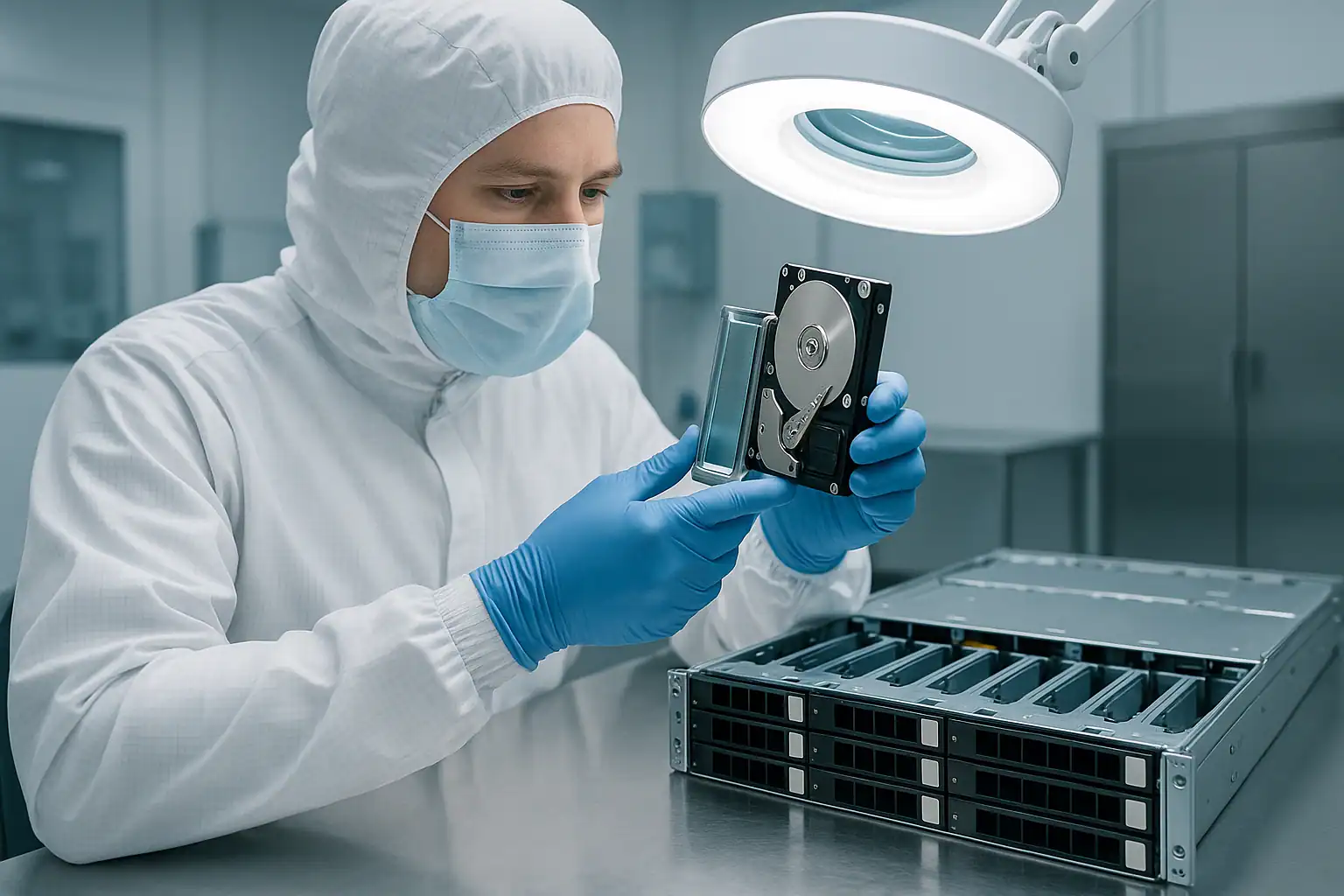
The HPE MSA 2040 was the dominant mid-market SAN from 2013 through 2017 — the dual-controller modular storage array behind countless VMware vSphere clusters, Hyper-V deployments, Exchange environments, and SQL Server databases at organizations that needed real SAN functionality without paying tier-1 enterprise prices. The active MSA 2040 fleet is now 9-13 years old, well past HPE’s standard support window, and showing up in our caseload constantly — failed controllers, dead cache battery modules, vdisk failures from aging drives, and the out-of-support scenarios that come when a SAN ages past its support cycle while still backing production workloads.
The MSA 2040 sits in a specific architectural era: vdisk-based storage (no storage pools — those came with the MSA 2050), SMU v2 management, three distinct controller variants (SAN with Fibre Channel, SAS for direct-attach, iSCSI for IP networks), and the D2700 expansion shelf as the SAS-attached scale-out path. This page covers what we see in MSA 2040 cases and how we recover them.
MSA 2040-Specific Failure Patterns
Cache battery backup module failures
The MSA 2040 uses a battery-backed write cache module on each controller — when the array experiences a power event, the battery preserves cache contents long enough to flush them to non-volatile storage. After 9-13 years of operation, these battery modules are reliably degraded or completely dead on every MSA 2040 we see. When the battery is degraded, the controllers fall back to write-through cache mode (slow, but data-safe). When the battery is completely dead and the cache contents can’t be preserved, the controllers may refuse to enable write-back caching at all — or, worse, may have already lost in-flight writes from a recent power event without anyone noticing.
The classic MSA 2040 battery scenario: SMU shows “Battery has failed” warnings that have been firing for months or years, performance has been slowly degrading, and then a power event causes the array to come back online with file system inconsistencies on the LUNs because cache writes couldn’t be flushed.
Single-controller-then-second-controller cascade failures
A common MSA 2040 failure timeline: one controller fails first (often after 7-10 years of operation), the surviving controller takes over and the array continues running with no redundancy. Months or years later — sometimes after a replacement controller was installed but firmware versions didn’t match cleanly, sometimes after a second power event — the second controller fails and the array goes offline entirely.
The data is still on the drives, but neither controller can present it. Recovery from dual-controller failure on MSA 2040 systems is one of our most common SAN scenarios.
Vdisk failures from aging drive populations
MSA 2040 vdisks (the older terminology for RAID groups — equivalent to disk groups on newer MSAs) are configured at install time with a specific RAID level and member drives. After 9-13 years of operation, the drive population in these vdisks is well past expected MTBF. Multiple drive failures within a single vdisk are common, and when failures exceed RAID redundancy (two drives in RAID 5, three in RAID 6, multiple in RAID 10), the vdisk goes offline.
Worse, the rebuild scenario on aging MSA 2040 vdisks is risky. A rebuild reads every sector of every surviving drive to reconstruct missing data from parity. If any surviving drive has accumulated bad sectors — common at 9+ years — the rebuild fails or completes with errors that mark stripes as unrecoverable.
Failed firmware updates on legacy bundles
The MSA 2040 went through multiple firmware bundle revisions during its production life: TS200, TS210, TS220, TS230, TS240, TS250, TS260, and the GL-series bundles. Each bundle had known issues, and specific late-life bundles (particularly some TS25x and TS26x revisions) introduced problems around vdisk metadata handling, controller failover, and cache behavior. Customers who applied a problematic firmware bundle late in the MSA 2040’s production cycle — either intentionally or as part of a routine maintenance sweep — sometimes find the array in a degraded state afterward.
By now, attempting firmware updates on a failed MSA 2040 is usually a bad idea — HPE’s firmware download portal may not have current-state-compatible images, and the update process itself can compound issues on a stressed array. The right path is recovering from current firmware state, not trying to fix it.
Controller variant mismatches
The MSA 2040 shipped in three distinct controller variants: SAN (Fibre Channel and FCoE), SAS (12Gbps SAS host attach), and iSCSI (added later in the lifecycle). Each variant uses a physically different controller module. Customers occasionally try to install a controller from one variant in an array configured for another — or try to mix two different variants in the same chassis — and find the array won’t come online cleanly. The fix involves obtaining the correct controller variant; the data on the drives is unaffected by the mismatch attempt.
D2700 expansion shelf SAS cable failures
MSA 2040 deployments that scaled past the 24 internal drive bays used D2700 expansion shelves connected via SAS cables. After 9+ years, the SAS cables, mini-SAS connectors, and SFF-8088 / SFF-8644 plug retention can degrade — producing intermittent disconnects that the controllers interpret as drive failures. The classic signature: drives in a specific expansion shelf intermittently disappearing from SMU, with the failure following the shelf rather than any specific drives. The wrong response (assuming the drives are actually failing and replacing them) compounds the problem.
Lost SMU credentials on long-running deployments
MSA 2040 systems often outlive the IT staff or contractor who originally configured them. When something goes wrong years later, the current administrator frequently can’t log in to the SMU because credentials were never documented, the original implementer is unreachable, or the management interface has been left in a default state for so long that no one remembers what was changed. This blocks SMU access during a crisis, blocks the diagnostic event log download, and blocks visibility into what the controllers are actually doing.
Drive replacement going wrong
A frequent MSA 2040 path to data loss: a single drive fails in a vdisk, a technician replaces what they believe is the failed drive but actually pulls a healthy one (LED interpretation error, working from outdated documentation, mismatched bay numbering), and now the vdisk has two drives missing. On a RAID 5 vdisk, that’s catastrophic; on RAID 6, redundancy is exhausted and the next event causes loss. We see this scenario regularly on MSA 2040 systems — the recovery path involves both the wrongly-removed drive and the originally failed drive.
Power events without UPS protection
Mid-market MSA 2040 deployments often have inadequate UPS coverage by 2026 — the original UPS battery has degraded without replacement, or the deployment was sized for a different load than what’s currently running. Power events hit the array, and degraded cache battery modules can’t complete cache flushing during the power loss. The result is silent in-flight write loss, file system inconsistencies on the LUNs, and applications crashing on startup.
Out-of-support scenarios
The MSA 2040 is well past HPE’s standard support window. When a failure occurs and the array is out of support, conventional HPE engagement isn’t available, replacement parts go through reseller channels at variable timing, and customers in mid-market organizations often don’t have the budget for emergency replacement of the entire SAN. Out-of-support MSA 2040 cases are the majority of our caseload on this platform.
Critical MSA 2040 Error Conditions
MSA 2040 SMU Event Log Messages
| Event / Message | What it means | Data loss risk |
|---|---|---|
| Vdisk is degraded | One drive failed in the vdisk; redundancy reduced | Moderate — high if second drive fails before rebuild |
| Vdisk is offline / failed | More drives failed than the RAID level can tolerate | Critical |
| Virtual volume is offline | The vdisk backing the volume is unavailable | Critical |
| Cache is corrupt / Cache flush failed | Cache contents could not be flushed to disk — common after power events with degraded battery | High — file system inconsistency likely |
| Battery is failed / Battery is degraded | Cache backup battery module is no longer reliable | Moderate — data loss risk during power events |
| Controller is degraded / Controller has failed | One controller is no longer functioning normally | Low while running, High if surviving controller also fails |
| Partner controller not responding | Failover partner can’t be reached — communication path issue or partner failure | Moderate |
| Spare drive activated | A hot spare took over for a failed vdisk member; rebuild in progress | Moderate if other drives have issues |
| Drive has failed | Drive marked as failed by the controller | Moderate in redundant vdisks |
| Drive has reported a SMART error | Drive predictive failure indicator triggered | Moderate — replace before vdisk degradation |
| Drive has been removed from the system | Drive lost connection to controller (may be physical, may be backplane / expansion shelf) | Moderate — investigate before re-seating |
| Expansion enclosure is degraded / not responding | D2700 expansion shelf communication issue — often SAS cable | High — multiple drives in shelf affected |
| System is degraded due to firmware mismatch | Controllers have mismatched firmware versions | Moderate |
| Initialization in progress | Vdisk is initializing — if not expected, may indicate an unwanted recreation | Critical if initialization wasn’t intentional |
MSA 2040 Controller Module LED Patterns
| LED Pattern | Meaning |
|---|---|
| Steady green (System Status) | Controller operating normally |
| Flashing green (System Status) | Controller booting or in maintenance state |
| Steady amber (System Status) | Controller fault detected |
| Off (System Status) | Controller not powered or completely failed |
| Steady green (Cache Status) | Cache contents flushed and safe |
| Flashing green (Cache Status) | Cache flushing in progress — do not remove controller |
| Steady amber (Cache Status) | Cache dirty or cache backup failure |
| Off (Cache Status) | Cache empty or controller not powered |
| Steady green (FC / iSCSI / SAS Port) | Port linked and operating |
| Off (Port LED) | Port not linked or fault |
MSA 2040 Drive Carrier LED Patterns
| LED Pattern | Meaning |
|---|---|
| Steady green | Drive online and active |
| Flashing green | Drive activity (reads or writes) |
| Off | Drive ready for removal OR not detected by controller |
| Steady amber | Drive has failed |
| Flashing amber | Predictive failure (SMART) detected, or drive marked for replacement |
| Alternating amber and green | Drive identify / locator activated — controller-flagged for attention |
The SMU event log download is the deciding diagnostic artifact for MSA 2040 recovery cases. The event log captures controller state changes, vdisk status transitions, drive failures, cache events, and battery status over the array’s history. If you can still access the SMU at all, export the event log before doing anything else and provide it during the consultation.
How We Recover Failed MSA 2040 Arrays
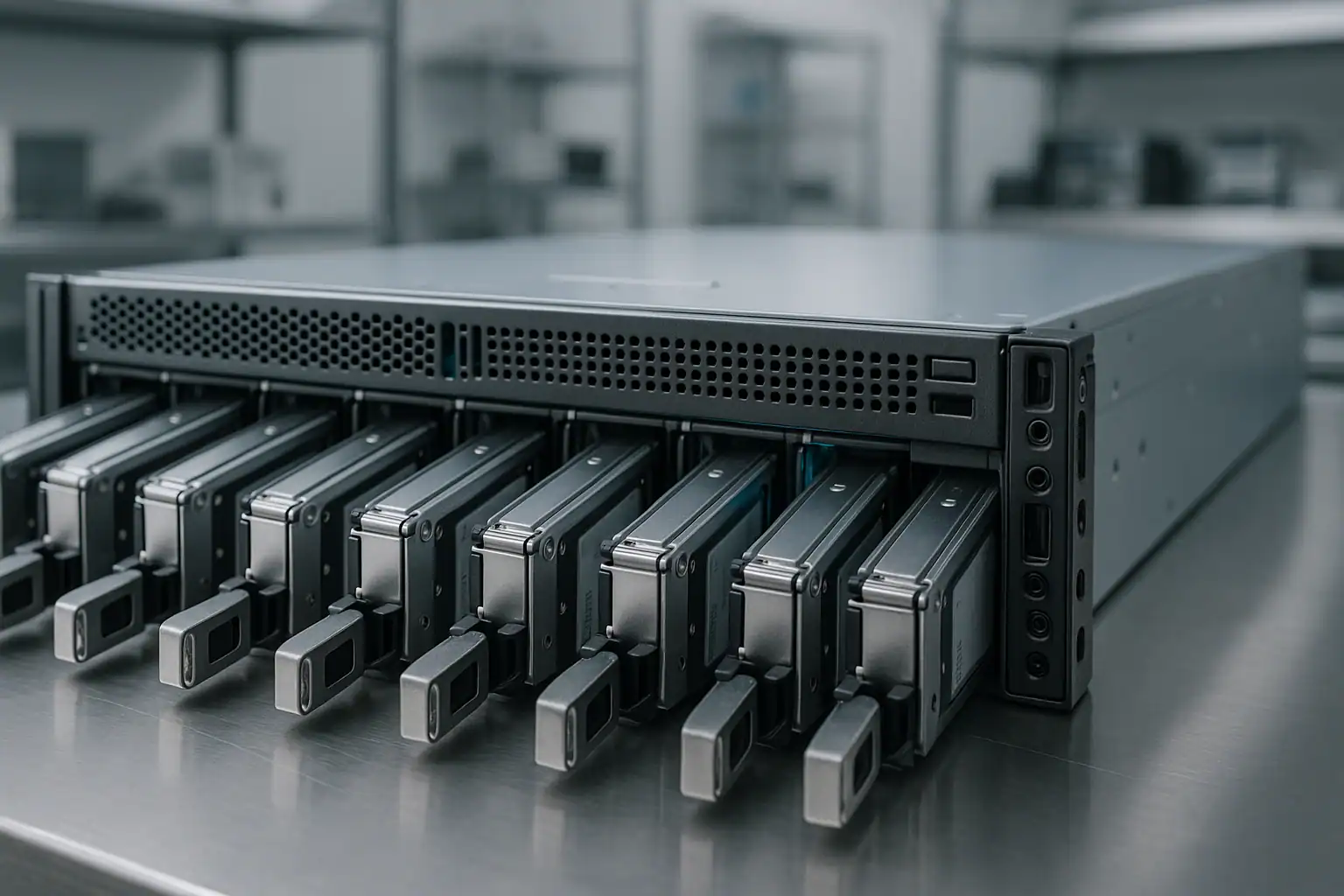
MSA 2040 recoveries follow our standard MSA recovery process: free consultation, temporary hardware repairs in our ISO 5 cleanroom, write-blocked forensic imaging of every drive, MSA-specific metadata reconstruction with Hombre, and file system extraction at the host layer.
For MSA 2040 cases specifically, the metadata reconstruction targets the older vdisk-based architecture (no storage pools above the vdisk layer — that came with the MSA 2050). Hombre parses the MSA 2040 vdisk metadata directly from each drive, reconstructs the original RAID layout of each vdisk, identifies the virtual volumes carved from those vdisks, and extracts the LUN contents that were presented to hosts.
For MSA 2040 deployments with D2700 expansion shelves attached, the recovery includes imaging the expansion shelf drives alongside the main chassis drives. The MSA 2040 vdisks often spanned across the main chassis and expansion shelf bays; reconstruction needs to handle this drive topology correctly. Ship the expansion shelf drives in their original positions when possible.
For MSA 2040 systems with controller variant questions (SAN/FC vs SAS vs iSCSI), the variant doesn’t affect the underlying storage recovery — the data on the drives is the same regardless of which host-attach controllers wrote it. The variant matters for what the customer can do with the recovered data on the host side (which hosts can attach what kind of recovered storage), but doesn’t change our process.
Because MSA 2040 cases are predominantly out-of-support, customers often arrive with limited troubleshooting history and incomplete documentation. The consultation helps us reconstruct the original configuration from what’s available — SMU event logs if exportable, drive labels, host-side multipath configuration, photographs of the array, and any documentation the customer can locate. We work with incomplete starting information regularly.
What to Do Right Now If Your MSA 2040 Is Failing
Don’t accept any “Initialize,” “Recreate Vdisk,” or “Configuration Recovery” prompts in the SMU. The Storage Management Utility on MSA 2040 has options that can permanently destroy on-disk metadata if accepted. When in doubt, leave the system at the prompt and call us.
Don’t attempt firmware updates during a failure scenario. Late-life MSA 2040 firmware bundles can compound an already-stressed system. If you were planning maintenance, postpone it until the failure is resolved.
Don’t initiate vdisk rebuilds without verifying every surviving drive. MSA 2040 vdisks on aging arrays often have multiple drives with accumulated bad sectors — a rebuild can fail catastrophically or introduce permanent data loss when surviving drives can’t read every block parity needs. Check the SMU event log for drive predictive failure history first.
Don’t replace controllers with incorrect variants. MSA 2040 ships with three distinct controller variants (SAN, SAS, iSCSI). Installing a different variant than the original won’t bring the array online and creates additional risk. Verify variant match before any controller swap.
Don’t move drives to a newer MSA system expecting them to import. MSA 2040 vdisk metadata isn’t cleanly imported by MSA 2050, 2060, or other newer systems. Drives moved to a newer chassis don’t come online the way some storage architectures support.
Don’t clear the cache module or accept “cache contents lost” prompts without understanding the implications. If the cache battery is dead and cache contents can’t be flushed, clearing the cache permanently discards in-flight writes — some of which may have been the difference between consistent and inconsistent file systems on the LUNs.
Don’t run host-level filesystem repair tools against affected LUNs. ESXi datastore repair, VMFS recovery tools, NTFS chkdsk, ext4 fsck — all can permanently alter metadata that recovery depends on.
Don’t re-seat drives showing as “removed” without checking expansion shelf cabling first. If the “missing” drives all live in a D2700 expansion shelf, the issue is likely SAS cabling, not the drives. Reseating drives doesn’t fix cable problems and risks dislodging others.
If both controllers are down, leave the array powered off rather than attempting controller swaps without a recovery plan. Powering off preserves on-disk metadata; aggressive controller-level actions during an outage can damage it.
Export the SMU event log before doing anything else, if SMU is still accessible. The event log captures the history we need to understand what happened.
Mark every drive’s original position before removing anything. MSA 2040 vdisk reconstruction depends on knowing which drive came from which bay, including expansion shelf bays. Numbered stickers on each drive caddy before extraction is the safest documentation.
Document the configuration upfront. Controller variant (SAN / SAS / iSCSI), firmware version, drive count and which were in the main chassis vs expansion shelves, vdisk layout if known, host attachment details, and primary workloads. The more we know going in, the faster the consultation moves.
MSA 2040 Configurations We’ve Recovered
- MSA 2040 SAN (Fibre Channel) backing VMware vSphere 5.5 / 6.0 / 6.5 / 6.7 clusters with VMFS-5 or VMFS-6 datastores
- MSA 2040 iSCSI backing VMware vSphere clusters over 1GbE or 10GbE iSCSI networks
- MSA 2040 SAS direct-attached to Windows Server 2008 R2 / 2012 R2 / 2016 hosts
- MSA 2040 backing Hyper-V Failover Clusters on Server 2012 R2 / 2016 with Cluster Shared Volumes (NTFS)
- MSA 2040 backing Microsoft Exchange Server 2010 / 2013 / 2016 deployments — mailbox databases, log files, content indexes
- MSA 2040 backing SQL Server 2008 R2 / 2012 / 2014 / 2016 with multi-TB databases
- MSA 2040 backing Oracle Database deployments on Linux hosts with ext4, XFS, or ASM
- MSA 2040 backing Citrix XenApp / XenDesktop 7.x infrastructure (user profile storage, image stores)
- MSA 2040 backing Veeam Backup & Replication repositories
- MSA 2040 with multiple vdisks at different RAID levels — RAID 6 for capacity, RAID 10 for performance-sensitive workloads
- MSA 2040 with SSD vdisks for performance tiering alongside spinning-drive capacity tiers
- MSA 2040 with snapshot configurations — recovering both primary virtual volumes and snapshot generations
- MSA 2040 with Remote Snap replication configurations — primary array failed, replica also incomplete
- MSA 2040 deployments with one, two, or three D2700 expansion shelves attached for additional drive capacity
- MSA 2040 file server deployments — NTFS volumes containing customer file shares, departmental data, historical archives
- MSA 2040 supporting general-purpose Linux file shares via NFS or SMB exported by host servers
- MSA 2040 systems past HPE support contracts with multiple component failures (controller plus drives plus battery)
- MSA 2040 systems with failed firmware updates leaving controllers in inconsistent states
- MSA 2040 dual-controller-down recoveries after correlated controller failures from power events or thermal events
Frequently Asked MSA 2040 Questions
Both controllers on my MSA 2040 are down. Is the data recoverable?
Usually yes. The drives contain the storage data and metadata; the controllers’ role is to read and present that data to hosts. Their failure doesn’t affect the on-disk content. We read the drives directly through write-blocked forensic imaging, then reconstruct the vdisks and virtual volumes in software using the metadata still present on the drives. Dual-controller failure is one of our most common MSA 2040 recovery scenarios.
My MSA 2040 cache battery is dead and the array has been in write-through mode for years. Should I worry?
You’re vulnerable to data loss during power events. The battery is supposed to preserve in-flight cache writes through power loss; with it dead, any power event that hits during writes loses those writes. If the array hasn’t had a power event in years, current data is fine — but the next power event is a risk. Replace the battery if possible (still available through reseller channels for MSA 2040), or treat the array as if every power event is a potential file system corruption event.
My MSA 2040 had a vdisk fail. I tried to import it on a newer MSA 2050. It didn’t work. Help?
MSA 2040 vdisk metadata isn’t cleanly importable to MSA 2050 systems — the architectures are different (vdisk-based vs disk-group-based with storage pools). The wrong sequence of actions during the import attempt may have modified MSA 2050 metadata on the drives. We can usually reconstruct what was originally there from on-disk forensics — the original MSA 2040 metadata is typically still present beneath any newer attempts.
I lost the MSA 2040 SMU credentials. Can you still recover?
Yes. The SMU is the management interface — it’s independent of the storage subsystem. We recover from your MSA 2040 without needing SMU access. The drives themselves contain everything we need.
My MSA 2040 is past HPE support. Will that affect recovery?
No. Our recovery process doesn’t require HPE involvement; we work from the drives directly. Out-of-support MSA 2040 cases are the majority of our caseload on this platform. The recovery is the same regardless of support status — only the broader operational context differs (you’ll need to plan migration to replacement hardware after recovery rather than reinstating the original).
My MSA 2040 had a D2700 expansion shelf attached. Some of the drives in the shelf are showing as missing. Are they failed?
Often no — the issue is frequently the SAS cabling between the controllers and the D2700, not the drives themselves. Aging mini-SAS connectors and SFF-8088 cables develop intermittent connection issues after 9+ years. Check the cabling state and try reseating cables (with the array powered off) before assuming the drives have failed.
My MSA 2040 firmware update failed partway through. The array shows controller firmware mismatch warnings. Now what?
The data on the drives is unaffected by controller firmware state. Don’t attempt further firmware operations during the failure — particularly with an MSA 2040 that’s out of support, HPE’s firmware download portal may not have a clean rollback path. Recovery proceeds from the drives directly, regardless of what firmware the controllers are running.
My MSA 2040 was backing VMware datastores. The datastores went offline. Can I get my VMs back?
Yes. VMFS-5 or VMFS-6 datastores sit on top of the LUNs presented by the MSA 2040 — we recover the vdisks first, reconstruct the virtual volumes that were presented as LUNs, then extract the VMFS file system from each LUN. Individual .vmdk files are then extractable to attach to surviving VMware infrastructure or to other hosts. We’ve recovered countless ESXi 5.5 through 6.7 era deployments from MSA 2040 systems.
My MSA 2040 was backing Hyper-V clusters with NTFS Cluster Shared Volumes. Same recovery process?
Yes, with Hyper-V-specific extraction. The CSV layer is NTFS on the underlying LUNs; we reconstruct the storage layers and extract NTFS file systems, then recover the VHD / VHDX files that hold the VMs. Your Hyper-V admins attach the recovered VHDs to surviving cluster nodes or replacement hosts.
My MSA 2040 had a wrong drive replaced during a maintenance event. The vdisk is now offline. Help?
Common scenario, recoverable in most cases. We need both the “wrongly removed” drive and the originally failed drive to reconstruct the vdisk completely. Ship every drive that came out of the array, even ones currently sitting on a shelf. The on-disk metadata identifies which drive belonged in which position; we sort out the original layout from there.
I have an MSA 2040 SAN (FC) controller but I need to recover the data and present it to iSCSI hosts. Does that affect recovery?
No. The host-attach variant (FC vs iSCSI vs SAS) affects how hosts connect to the array, not what’s on the drives. We recover the data from the drives regardless of original controller variant, then deliver the recovered files / VMs / databases in whatever format works for your target environment. You don’t need a matching controller to access recovered data.
My MSA 2040 had Remote Snap replication to another MSA. The primary failed. Should I just use the replica?
If the replica is fully synchronized and accessible, that’s your fastest path back to service. In practice, many of our cases involve MSA 2040 replicas that turned out to be incomplete — replication had been broken for months without anyone noticing, or only some volumes were replicated. The primary array’s drives are the authoritative source for any data the replica doesn’t have. Treat the replica check as the first step, but don’t assume it’s a complete recovery without verification.
Can you recover MSA 2040 snapshot configurations alongside the primary virtual volumes?
Often yes. MSA 2040 snapshots use a master volume / snap volume relationship with copy-on-write mechanics. If the snap data area in the vdisk is intact, individual snapshot generations are reconstructible. Heavy vdisk corruption may limit which snapshots are recoverable; the consultation will scope this based on your specific failure.
What’s the typical turnaround for an MSA 2040 recovery?
For straightforward cases on smaller MSA 2040 configurations, days. For complex cases with expansion shelves, multiple vdisks, and aging drives requiring cleanroom work, weeks. Our expedited service tier compresses these timelines significantly. The consultation gives a realistic estimate based on your specific situation.
How can I tell if my array is an MSA 2040 vs an MSA 2050?
The product label on the chassis confirms the model. Visually, the front bezel design differs subtly between generations, and the controller modules have different port layouts (the 2050 introduced different connectivity options). The SMU also identifies the model in the system information page. MSA 2040 product numbers typically include C8R10A, C8R11A, C8R12A, C8R13A, C8R14A, C8R15A, K2R83A, K2R84A, M0T29A, and M0T30A depending on configuration. A photograph of the chassis label during consultation confirms quickly.
Start Your Free MSA 2040 Recovery Consultation
If your HPE MSA 2040 SAN is down, get a free consultation with our SAN team. We’ll walk through your specific configuration — controller variant, expansion shelves, vdisk layout, host attachments, support status — and tell you honestly what’s possible.
Start Your Free MSA 2040 Consultation
Free consultation · Clear upfront pricing · ISO 5 cleanroom recovery
Or call 1-877-624-7206 to speak with our SAN team directly.