
HP Server Data Recovery | ProLiant, MSA, 3PAR & StoreOnce
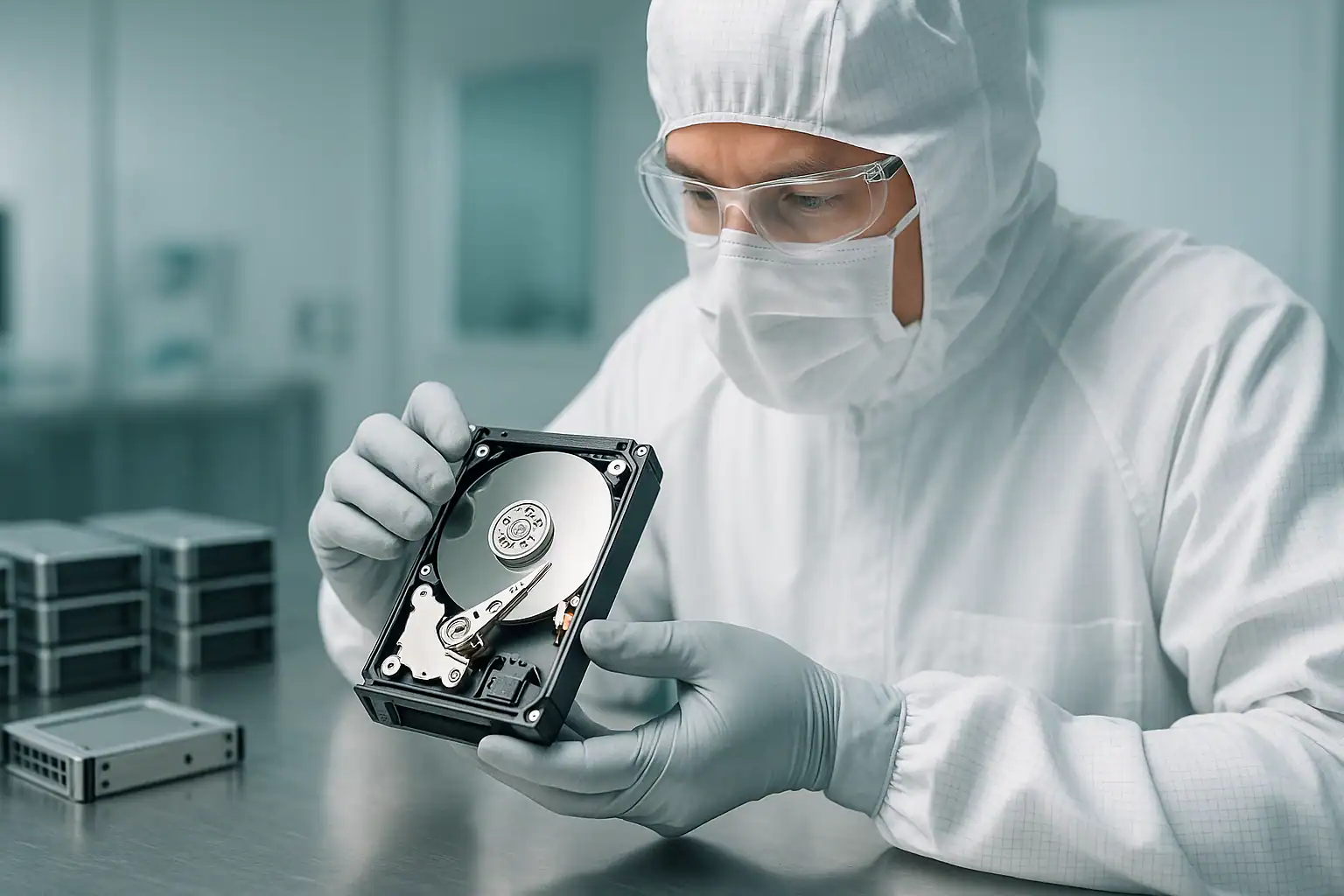
If your HP or HPE server is down, you already know the cost. Every hour of downtime means lost revenue, stalled operations, and — depending on what you store — compliance exposure. Whether it’s a ProLiant DL380 with a failed RAID 5, an MSA SAN that won’t present LUNs, a 3PAR system with a node failure, or a StoreOnce appliance with corrupted Catalyst stores, the recovery path depends on diagnosing the failure accurately and acting before someone makes it worse.
Gillware has been recovering data from HP and HPE servers since 2004. Our engineers work with the full ProLiant lineup — from Gen8 and Gen9 rack and tower servers still running in small business environments to current Gen11 production systems — along with MSA modular SAN arrays, 3PAR / Primera / Alletra enterprise storage, Nimble flash and hybrid arrays, StoreOnce dedupe appliances, and Apollo high-density platforms. We handle the full chain: temporary hardware repairs in our ISO 5 cleanroom, write-blocked forensic imaging, RAID reconstruction, and file-system extraction.
This page walks through the HP server product lines we support, the failures we handle most often, and how to engage with our server team — as part of our broader server data recovery services. Every HP server recovery starts the same way: with a free consultation where we talk through your specific scenario and tell you honestly what’s possible.
HP Server Product Lines We Recover
HP and HPE make server-class hardware across several distinct product families, each with its own architecture, controllers, and common failure modes. We’ve handled them all.
HPE ProLiant
The ProLiant line is HPE’s flagship server family — rack-mount, tower, and blade servers powering small businesses, mid-market enterprises, and data centers worldwide. The DL-series (rack) and ML-series (tower) ProLiants sold between 2014 and 2022 are the systems we see most often in active failure today: 4-10 years of continuous operation, Smart Array controllers and SAS drives that are starting to age out, and a generation of small business customers who never built robust backup strategies.
We handle the entire ProLiant family: DL20, DL120, DL160, DL180, DL325, DL360, DL380, DL385, DL560, DL580 across Gen8, Gen9, Gen10, Gen10 Plus, and Gen11; the ML30, ML110, ML150, ML310e, ML350, and ML370 tower lines; BL460c and BL660c blade servers in c-Class enclosures; and the MicroServer Gen8, Gen10, and Gen10 Plus systems common in small offices. The most common failures we see involve Smart Array controller errors (P410, P420, P440ar, P408i, P816i, and the newer MR416i/MR408i Megaraid-based models), multiple drive failures in RAID 5 arrays, foreign configuration issues after motherboard or controller replacement, cache battery / supercapacitor failures that left dirty cache stranded, and iLO lockouts that prevent diagnosis of an otherwise-recoverable system.
The DL380 specifically — the best-selling rack server in the world for several generations running — accounts for a disproportionate share of our HP caseload. If you’re reading this with a DL380 down, you’re in familiar territory for our engineers.
→ Read more about HPE ProLiant data recovery, including model-specific pages for the DL380 Gen9 and Gen10, DL360 Gen9 and Gen10, ML350 Gen9 and Gen10, MicroServer Gen10 Plus, and DL580 Gen10.
HPE MSA (Modular Smart Array)
The MSA series is HPE’s entry-level and mid-market SAN line — modular storage arrays connected to ProLiant servers via Fibre Channel, iSCSI, or SAS. MSA models we recover from regularly include the MSA 1040, 2040, 1050, 2050, 2052, 2060, and 2062 series. Common failure modes include controller module failures in dual-controller configurations (where one controller fails and the surviving controller can’t take over cleanly), vdisk failures from multiple drive faults, storage pool corruption, accidental volume deletion, and firmware-related issues following an update that didn’t complete.
MSA arrays use a proprietary metadata layout that commercial recovery tools generally can’t read directly. Recovering MSA data requires reading each drive forensically, understanding the controller’s vdisk structure, and reconstructing the storage pool in software — the same fundamental approach we use for any RAID recovery, applied to MSA-specific architecture.
→ Read more about HPE MSA data recovery, including dedicated pages for the MSA 2040 and MSA 2050 generations.
HPE 3PAR, Primera, and Alletra
The 3PAR StoreServ line — later rebranded as Primera, and now superseded by Alletra — represents HPE’s tier-one enterprise storage offering. Many 3PAR systems (StoreServ 7000, 8000, 9000, and 20000 series) remain in active production at mid-market and enterprise customers despite hardware aging well past the original deployment date. Common failure scenarios include controller node failures in clustered configurations, virtual volume (VV) corruption, thinly provisioned volume (TPVV) issues after extended growth events, cage and chunklet-level failures across the array, and complete cluster failures following power events.
3PAR’s chunklet-based architecture distributes data across hundreds or thousands of small allocation units rather than traditional RAID stripes, which makes recovery work fundamentally different from a ProLiant RAID 5 reconstruction. We have the tooling and expertise to extract data from 3PAR and Primera arrays when standard HPE support paths have been exhausted or when the system is far enough out of support that conventional engagement isn’t an option. Alletra systems — both Alletra MP and the older Alletra 9000-series lineage — follow similar architectural principles and similar recovery workflows.
→ Read more about HPE 3PAR data recovery, including dedicated pages for the StoreServ 7000-series and 8000-series.
HPE Nimble Storage
HPE acquired Nimble Storage in 2017, and the AF-series (all-flash) and HF-series (hybrid) arrays have been integrated into the HPE storage lineup since. Nimble arrays use a CASL-based architecture (Cache Accelerated Sequential Layout) that combines flash and spinning media with custom metadata handling. Common failure scenarios include controller failures, snapshot chain corruption, accidentally deleted volumes, and issues following firmware updates. Nimble recovery is specialized work, but the underlying drives still hold the data — the recovery process applies the same forensic imaging and software reconstruction principles to Nimble’s specific architecture.
HPE StoreOnce
StoreOnce is HPE’s backup deduplication appliance line — the place where most of an HP customer’s backup retention actually lives. When a StoreOnce fails, the production server is often still recoverable from other sources, but the historical backups, archive copies, and offsite-replicated data may be at risk. Common failures include catalyst store corruption, deduplication metadata damage, multi-drive failures in the internal storage, and issues following node failures in clustered StoreOnce configurations. Recovering data from a failed StoreOnce requires understanding its proprietary store format and dedupe metadata — standard backup-software recovery paths won’t work once the appliance itself is in a failed state.
HP Apollo and Other Platforms
HP Apollo systems (Apollo 2000, 4200, 4500, 6000, and the newer Apollo platforms) target high-density compute and storage workloads — HPC, big data, and dense object storage deployments. Apollo 4200 and 4510 systems are particularly common targets for recovery work because they pack large numbers of high-capacity drives into a single chassis, often running ZFS, Ceph, or proprietary object storage layers on top. Recovery work on Apollo platforms follows the same fundamentals as ProLiant work, with adjustments for the higher drive counts and the file-system or object-store layers involved.
Why HP Servers Are Failing in 2026
Three patterns drive the bulk of the HP server recovery work we see right now:
Hardware aging out of mainstream service life. The ProLiant Gen8 and Gen9 servers sold between 2014 and 2018 are now 7-11 years old. Drives are well into their failure curves. Smart Array cache batteries and supercapacitors have largely lost their charge-holding capacity. SAS backplane connectors are oxidizing. Small business customers who deployed these systems often haven’t refreshed them on HPE’s recommended schedules and haven’t been monitoring iLO alerts. The systems are reaching the part of their life where multiple components fail in quick succession.
End of HPE support contracts for older generations. ProLiant Gen8 servers are well past HPE’s standard support window, and Gen9 coverage is winding down. 3PAR StoreServ 7000-series and earlier 8000-series systems are similarly past mainstream support. When something fails and the customer doesn’t have an active contract, the conventional path to resolution narrows quickly — especially for storage-specific products like MSA, StoreOnce, and older 3PAR.
Small business “set it and forget it” deployments. A large portion of our HP server cases come from organizations that deployed a ProLiant 6+ years ago and have done minimal maintenance since. iLO predictive failure alerts have been firing for months and being ignored. SMART warnings are buried in logs no one reads. Then a second drive fails in the RAID 5, and suddenly the business is in crisis mode.
How Our HP Server Recovery Process Works
This is the work we’ve been doing for over 20 years. Our process has five distinct stages.
Step 1: Free consultation and case scoping
Every HP server recovery starts with a conversation with our server team. We need to understand the specifics: what model server or storage array, what RAID configuration or vdisk layout, what failed and in what order, what’s been attempted, and how critical the data is. The consultation is free. From it, we determine scope, feasibility, and engagement structure. For larger enterprise jobs — high drive counts, complex 3PAR or StoreOnce architectures, extensive engineering time — we provide a clear upfront quote based on projected hours.
Step 2: Temporary hardware-level repairs
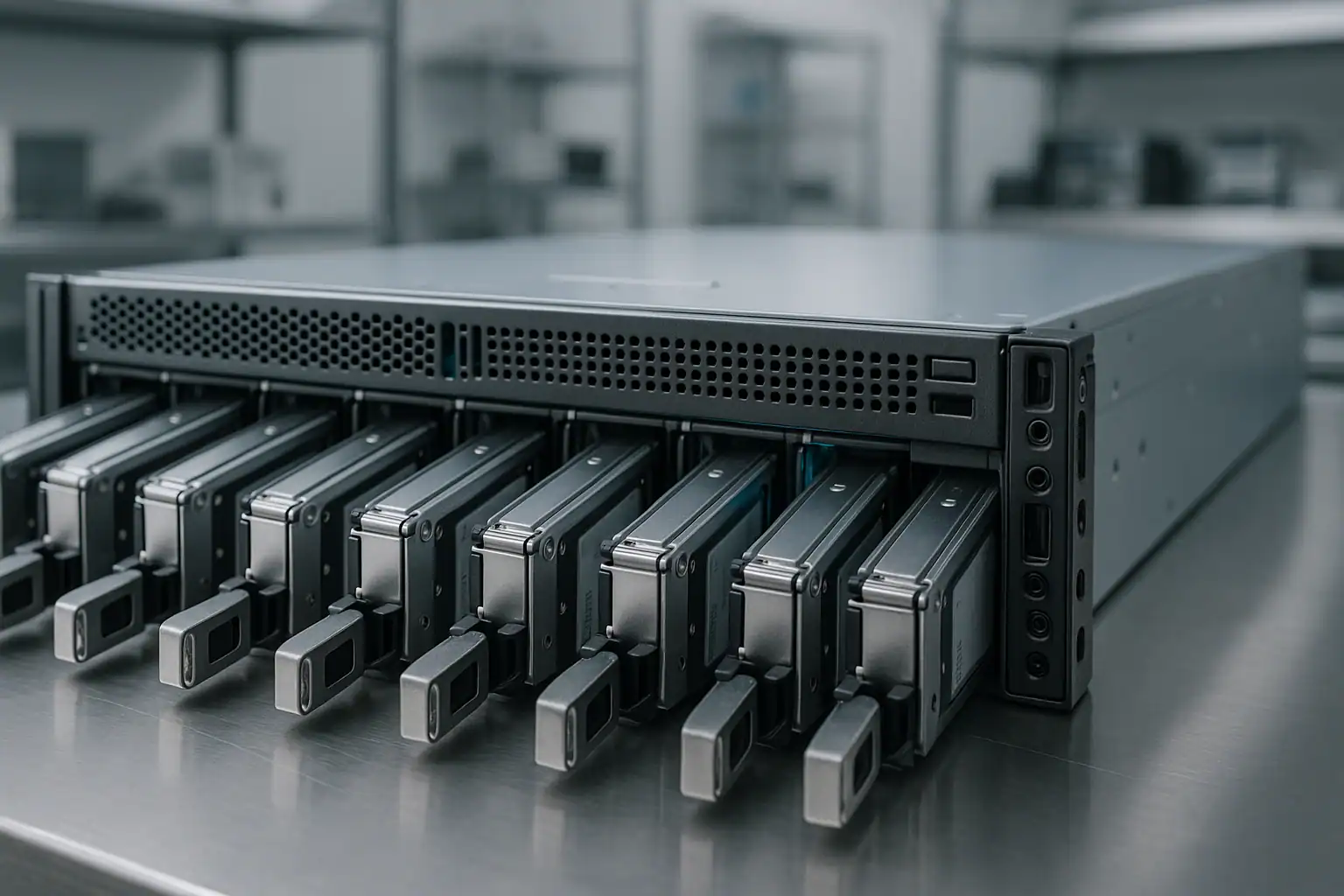
For drives with mechanical or electronic failures, our engineers perform temporary repairs in our ISO 5 Class 10 cleanroom: head transplants, PCB repairs, firmware adjustments. These repairs aren’t meant for long-term operation — only to make the drive readable long enough to capture a clean image. The HPE-branded SAS drives common in ProLiant and MSA systems (HGST Ultrastar, Seagate Exos and Constellation, Toshiba enterprise, Samsung enterprise SSDs) have specific firmware signatures our engineers know intimately. HP-firmwared drives sometimes reject commands from non-HP controllers, and we’ve developed workarounds for the most common interoperability issues.
Step 3: Write-blocked forensic imaging of every drive
We connect each drive in the array through a hardware write-blocker and capture a bit-for-bit forensic image. This applies to every drive — including the ones that “failed” — because RAID reconstruction requires all surviving members. The original drives are never written to. Every subsequent step happens against the images. If anything makes the situation worse, we roll back to the baseline.
Step 4: RAID reconstruction with Hombre
Our proprietary tool, Hombre, performs the work of a Smart Array controller in software — but with capabilities no commercial HP controller offers. Hombre analyzes the RAID metadata on each drive, identifies stripe size, parity rotation, drive order, and offset, and reconstructs the logical volume even when:
- The original Smart Array controller is dead, mismatched, or has degraded cache
- Drives were removed in unknown order and the configuration was never documented
- One or more drives are partially unreadable (Hombre uses parity from other drives to recompute missing data when possible)
- Multiple drives are out of sync with each other from cascading failures
- An ADG (Advanced Data Guarding — HP’s RAID 6) array has lost more drives than the protection level was supposed to tolerate
- A foreign configuration import attempt failed or was performed against the wrong drive arrangement
For MSA, 3PAR, Primera, and Nimble systems, Hombre is paired with HPE-specific tooling we’ve developed for each product family’s metadata layout — vdisks on MSA, chunklets on 3PAR, CASL containers on Nimble.
Step 5: File system extraction
Even after the array is reconstructed, the file system on top often won’t mount — corrupted metadata, damaged journals, missing critical structures. Hombre parses NTFS, ReFS, ext4, XFS, VMFS, ZFS, and other file systems directly without mounting them, building a forensic database of every file the volume contained. From that database we extract individual files, VMs, database tables, and mailboxes even when the volume itself is unbootable. For StoreOnce appliances, the equivalent step involves parsing the deduplication store format directly to extract original backup contents from the dedupe metadata.
What to Do Right Now If Your HP Server Is Down
The first hour of an HP server failure is the most critical. The wrong actions in that hour can turn a routine recovery into a difficult or impossible one.
Don’t accept any “foreign configuration” or array import prompt without thinking carefully. If a Smart Array controller is asking whether to import or clear a foreign configuration — especially after a controller swap or motherboard replacement — the wrong answer can destroy the array irreversibly. When in doubt, leave the system at the prompt and call us before making a choice.
Don’t initiate a rebuild on a degraded array unless you’re confident it will succeed. A rebuild reads every sector of every surviving drive. If any surviving drive has even a few bad sectors, the rebuild can fail catastrophically — or worse, “succeed” with a puncture that permanently writes zeros to data you needed. On older ProLiant Gen8 and Gen9 systems, bad sectors on aging SAS drives are common enough that we recommend stopping any rebuild that’s already in progress until the array has been evaluated.
Don’t clear the cache on a Smart Array controller that’s reporting dirty cache. The supercapacitor or cache battery is supposed to preserve in-flight writes through a power loss. If the cache module is reporting unflushed data, clearing it discards writes that may be the difference between a clean recovery and a corrupted file system.
Don’t run file system repair tools. chkdsk, fsck, and vendor “repair” utilities can permanently alter metadata that recovery depends on. If a volume won’t mount, the right answer is almost never to try to repair it in place.
For 3PAR, MSA, or Nimble: don’t initiate any configuration import, recovery wizard, or “reset to factory” operation suggested by the array’s management interface in a failure scenario. These actions can rewrite metadata that recovery would otherwise use.
Document the failure timeline. What you saw in iLO or the array’s management interface, what the drive LEDs are doing, what was tried, in what order, by whom. iLO logs, Smart Array event logs, and MSA / 3PAR event histories are particularly useful — pull them off the system if you can do so safely. The more we know going in, the faster the consultation moves.
If drives are making physical noises — clicking, beeping, grinding — power them off and leave them off. Mechanical failures get worse with every minute of runtime.
How HP Server Recovery Pricing Works
HP server recovery pricing varies dramatically based on the scope of work. A small ProLiant ML-series with a single failed drive in a RAID 1 is a very different job from a 24-drive Apollo 4510 with a complex ZFS recovery target, or a 3PAR StoreServ 8400 with a node failure and 80TB of usable data. The work scales with drive count, capacity, complexity of the storage architecture, condition of the drives, and time-sensitivity.
Every engagement starts with a free consultation. We use that conversation to scope the work and provide a clear upfront quote before any recovery work begins. The consultation is never billed. For cases that aren’t feasible — typically scenarios involving lost encryption keys, ransomware with unbreakable encryption, or physical destruction beyond recovery — we tell you honestly rather than billing for work that can’t succeed.
Remote and Emergency Server Recovery
Most HP server recoveries involve shipping the drives or the entire server to our Madison, Wisconsin facility. For situations where shipping isn’t feasible — regulated data, multi-rack 3PAR or Apollo deployments, international shipping delays — we can sometimes perform on-site or remote recovery. For time-critical failures, our expedited service tier prioritizes your case and dedicates engineers to it. Both options are discussed during the consultation based on your specific situation.
Frequently Asked Questions
Can you recover from a ProLiant where someone already attempted a Smart Array rebuild?
Often yes, depending on what happened during the rebuild. A rebuild that ran briefly before failing usually still leaves recoverable data on the original drives. A rebuild that completed against the wrong configuration, or one that introduced punctures, is more challenging but still often recoverable from the original drive images. Tell us what happened during the consultation and we’ll tell you what’s possible.
What if my Smart Array controller died and the replacement won’t read the array?
This is one of our most common scenarios. We read the drives directly without depending on the controller, then reconstruct the array in software using the metadata still present on the drives. The controller itself becomes irrelevant.
What about 3PAR or Primera node failures?
Single-node failures in a multi-node 3PAR cluster are usually recoverable in place by HPE support if the system is under contract. The cases that come to us are typically the harder ones: out-of-support systems, multi-node failures, virtual volume corruption that survives a node replacement, or storage pool integrity issues. The work is specialized — 3PAR uses a chunklet-based architecture rather than traditional RAID — but the same forensic imaging and reconstruction principles apply.
Do you handle MSA arrays with both controllers down?
Yes. Dual-controller MSA failures (especially the MSA 2040 and 2050 generation) are a recurring scenario. We read the drives directly, reconstruct the vdisks and storage pools from on-disk metadata, and extract the volumes that were presented to hosts. Whether both controllers physically failed or one failed and triggered a split-brain condition that took the second offline, the underlying disk data is usually still intact.
What about StoreOnce backup appliances?
StoreOnce recovery is specialized work because the value of the appliance is the deduplicated backup data, not a traditional file system. We parse the proprietary store format directly to extract original backup contents, even when the appliance itself won’t boot or won’t complete its catalyst store consistency check. Whether you need the entire catalog or specific backup jobs reconstructed, we can typically work from the underlying drives.
What’s the typical turnaround?
For straightforward cases on smaller ProLiant arrays, days. For complex cases on large 3PAR, Nimble, or Apollo systems with multiple failures and physical damage, weeks. Our expedited service tier compresses these timelines significantly. The consultation will give you a realistic estimate based on your specific situation.
Do you work with MSPs and IT consultants?
Yes — a substantial portion of our HP server cases come through MSPs and resellers. We’re comfortable working as a white-label recovery service behind your customer relationship. Mention this during your consultation.
Do you handle HP servers with hardware-encrypted SED drives or Smart Encryption?
Yes, when the keys are available. HPE Smart Array Secure Encryption, controller-managed self-encrypting drives, and the local / remote key management options follow the same recovery limits as any encryption scheme: if the keys are available, recovery from a failing drive follows the standard process; if the keys are truly lost, the data is not accessible by any legitimate means. We’ll discuss your specific key-management situation during the consultation.
Start Your Free HP Server Recovery Consultation
If your HP or HPE server is down, every hour matters. Get a free consultation with our server team — we’ll walk through your specific situation, tell you what’s possible, and give you a clear path forward.
Start Your Free HP Server Consultation
Free consultation · Clear upfront pricing · ISO 5 cleanroom recovery
Or call 1-877-624-7206 to speak with our server team directly.