
Silicon Motion SM2259XT2 SSD Recovery: Failed Drives, Common Symptoms, and Why Success Rates Are High

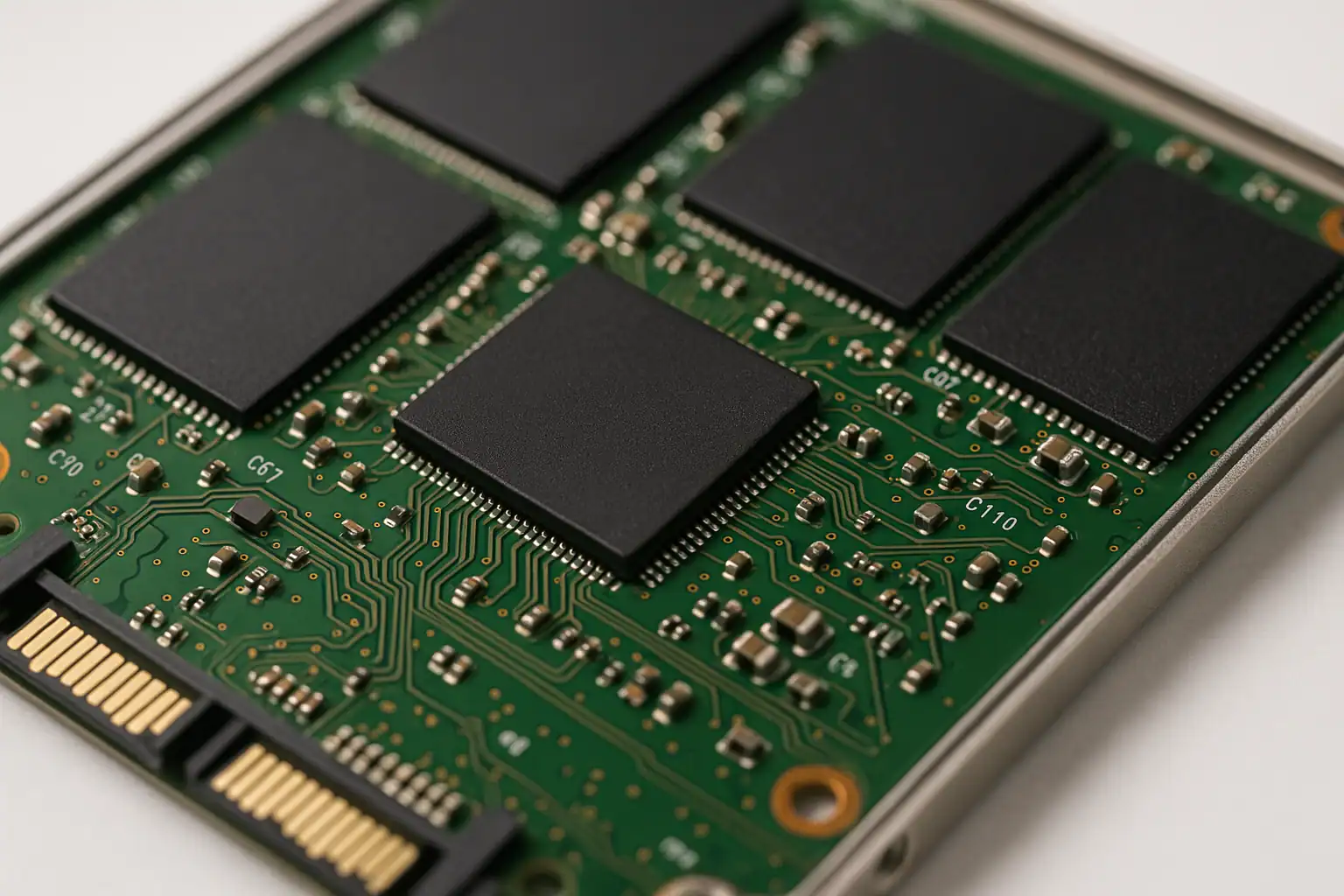
If you’ve gotten as far as identifying the Silicon Motion SM2259XT2 as the controller in your failed SSD, you’re already past the part of the diagnostic process most users never reach. This guide is for the case where the drive has stopped responding, the controller has been identified, and the question is what comes next.
The short version: SSDs built on the SM2259XT2 controller (and its predecessor, the SM2259XT) are one of the more reliably recoverable categories of failed solid-state storage we work on. The technical reasons for that have to do with how Silicon Motion designed this part, and the business reason is that there are a lot of these drives in the field — meaning we see this controller often enough to have a well-developed workflow.
What the SM2259XT2 is and where it shows up
The SM2259XT2 is Silicon Motion’s DRAM-less 2-channel SATA 6Gb/s SSD controller, designed for cost-effective consumer drives. It supports 3D TLC and QLC NAND across 2.5″, M.2 2242, M.2 2280, and mSATA form factors. Without an external DRAM cache, it relies on Host Memory Buffer-style techniques to manage the Flash Translation Layer (FTL) — keeping bill-of-materials cost down at the price of slightly slower sustained performance compared to DRAM-equipped peers.
The drives we most often see in our lab with this controller family include:
- Crucial BX500 (Crucial’s budget SATA line)
- Kingston A400 (one of the best-selling consumer SSDs of the last decade)
- Silicon Power Slim S55
- KingSpec P3 series
- Mushkin Enhanced RAW Series (250GB, 500GB, 1TB capacities)
- ADATA SU650 (specific revisions — ADATA also uses Maxio and Realtek controllers on this model, so the controller in any given SU650 depends on its production batch)
- WD Green (specific revisions)
- Dahua DSS consumer SSDs
If you’ve identified the controller in your failed drive as the SM2259XT2, your drive is very likely one of these or a close relative. The same recovery approach applies across all of them, because the underlying controller silicon and firmware lineage are shared.
A note on the SM2258XT predecessor
The SM2258XT was the earlier generation of this same controller family from Silicon Motion, and many of the drives listed above shipped with the SM2258XT in earlier production batches and the SM2259XT or SM2259XT2 in later batches. The Crucial BX500 is a particularly common example — early-production BX500s used the SM2258XT, later production used the SM2259XT/XT2 lineage. The Kingston A400, ADATA SU650, and WD Green similarly varied between Silicon Motion generations across their production lifespan.
Recovery on SM2258XT-based drives uses the same approach and produces the same outcomes as recovery on SM2259XT2 drives. The controllers are similar enough internally that the workflow doesn’t meaningfully change — if your drive has either Silicon Motion part inside, this article applies to you.
The failure modes we see
SSDs built on this controller fail in a fairly consistent pattern. The most common presentations:
- The drive briefly identifies to the host, then locks up. BIOS or the OS sees the drive for a few seconds — long enough to read the model name and capacity — then the drive stops responding to commands and stays in that locked state until it’s power-cycled. This is a firmware-level failure where the controller has lost its grip on the FTL during initialization.
- Drive detected briefly, then disappears. Similar to the lock-up state but where the drive drops off the SATA bus entirely rather than locking up. Often accompanied by the OS or BIOS seeming to “hang” briefly when the drive disconnects.
- Drive reports zero capacity. The drive enumerates with its model name but reports 0 bytes of storage. This is a more advanced version of FTL corruption where the controller can negotiate with the host but can’t load the translator metadata that would tell it what it’s actually storing.
- System hangs at boot. When the failing drive is the system drive, the entire boot process can hang waiting for the controller to respond. Removing the drive lets the system boot normally.
- Capacity drops to a fraction of the original. The drive reports, say, 16GB on a 480GB SSD. Almost always indicates the controller has fallen back to a recovery mode where only the firmware partition is exposed.
All five of these are firmware-level failures. The NAND chips themselves are intact and the data is still there; the controller has lost its ability to present that data to the host.
Why success rates are high on these drives
Recovery outcomes on the Silicon Motion SM2259XT2 (and SM2258XT / SM2259XT) controller family are among the best in the SSD category, for two related reasons.
The controller is well-understood and accessible in a lab environment. In a properly equipped recovery lab, engineers can put the controller into a stable diagnostic mode where the original chip can be used to read the NAND chips, even when normal boot-up has failed. This gives access to the data the controller can no longer present to the operating system on its own — without having to physically remove components from the board.
The drives use XOR scrambling rather than AES encryption. Silicon Motion controllers in this generation scramble the data going to and from the NAND chips, but they don’t fully encrypt it the way some other manufacturers’ controllers do. That means in cases where the original controller is genuinely beyond repair, the NAND chips can be desoldered (chip-off recovery), read with specialized NAND-reading hardware, and the data can be unscrambled and reconstructed without requiring the original controller’s keys. This is a significant advantage over fully-encrypted controllers where chip-off recovery is impossible without the original silicon.
In practice, the great majority of SM2259XT2 cases we work on are recovered through controller-level work without needing chip-off — the controller can be coaxed back into a usable state long enough to read the NAND, and the data is reconstructed from the imaged FTL metadata.
What not to do
A few common mistakes to avoid on a failing SM2259XT2-based SSD:
- Don’t update the firmware on a failing drive. Firmware updates on SSDs require the drive to be in a stable enough state to receive the update. Attempting a firmware flash on a controller that’s already failing can finish off any remaining accessibility — the drive needs to be alive enough to commit the new firmware, and a half-completed firmware write leaves the drive in worse shape than before.
- Don’t try to “secure erase” or “sanitize” the drive to fix it. ATA Secure Erase is a destructive operation that destroys the FTL specifically to wipe data. On a drive with a damaged FTL, this completes the damage — the data that was recoverable becomes genuinely gone.
- Don’t repeatedly power-cycle hoping the drive will come back. Each power cycle is a chance for the controller to attempt initialization in a slightly different state, and on a marginal controller, each cycle is risk rather than progress.
- Don’t run consumer data recovery software on a drive that’s locking up. The recovery software is designed for drives that present blocks to the host — when an SSD locks in this state, there are no blocks to scan. Worse, repeatedly hammering the SATA bus with read requests can extend the lockup or trigger additional failure modes.
- Don’t try to “fix” the drive by writing to it with low-level disk utilities. A controller in a damaged state may misinterpret writes in ways that further corrupt the FTL.
When professional recovery is the right call
If your drive is showing any of the symptoms above, and the data on it matters, the safest move is to stop powering it on and have it evaluated. Each additional power cycle on a drive in this state is risk. Recovery on the SM2259XT2 (and SM2258XT) controller family is one of our higher-success categories, but that success rate depends on the drive arriving in a state where the controller can still be brought into a usable diagnostic mode — which is harder to achieve after extended attempts to bring it back yourself.
Gillware offers a free evaluation for SSD recoveries — including all SM2259XT2-based and SM2258XT-based drives. The diagnostic identifies the specific failure mode, scopes the recovery work, and produces a flat-rate quote in writing before any work begins. You only pay if we successfully recover your data.
