
Dell PowerVault MD3400 / MD3420 Data Recovery
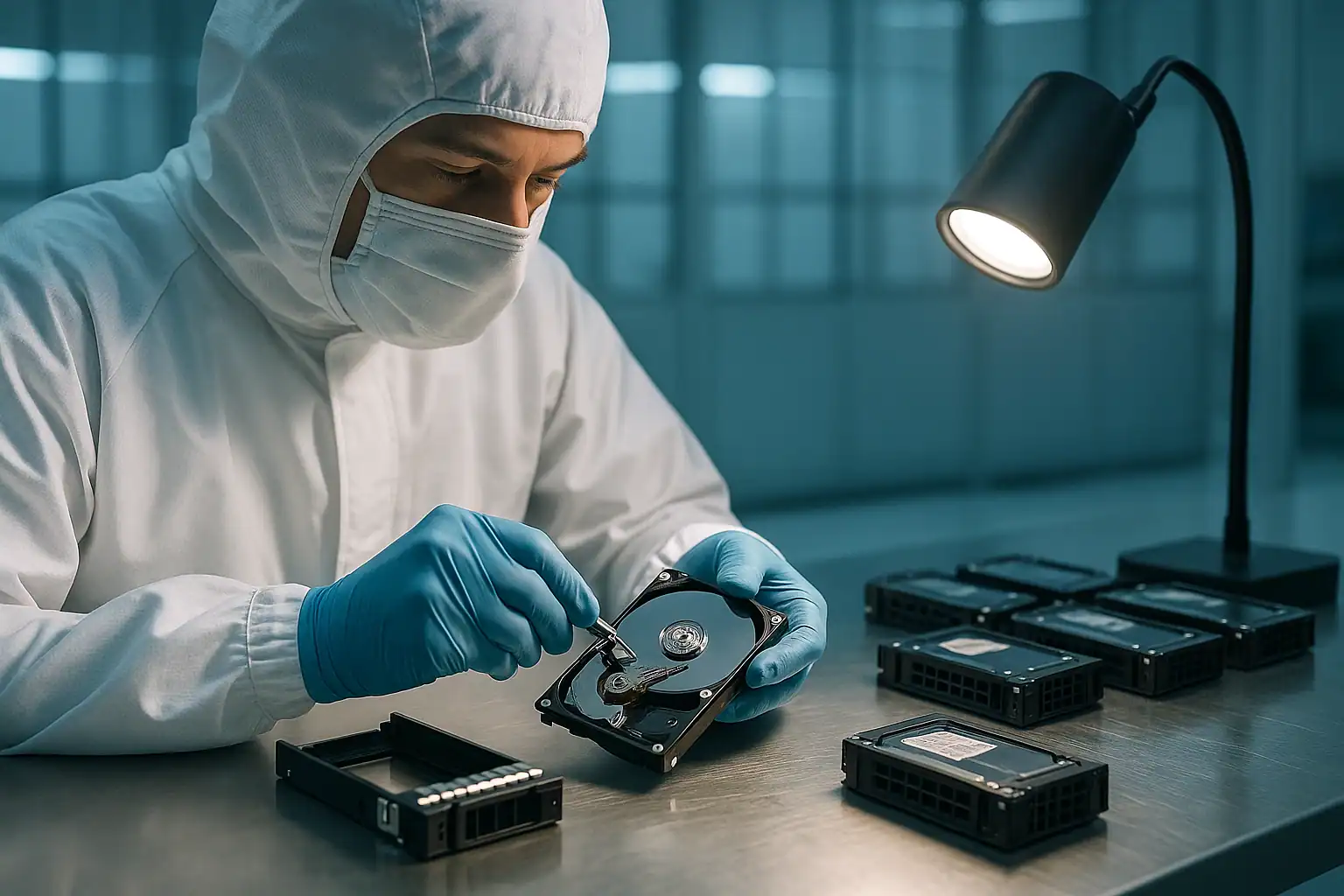
The Dell PowerVault MD3400 and MD3420 are the successor generation to the MD3200/MD3220 line — same dual-controller MD-series architecture, but with 12Gbps SAS instead of 6Gbps, updated controller modules with more cache and faster RoC processors, and improved firmware. The MD3400 (twelve 3.5″ LFF bays) and MD3420 (twenty-four 2.5″ SFF bays) shipped from roughly 2014 through 2018 and remain extremely common in mid-market business deployments.
Customers who deployed MD3400 or MD3420 arrays in 2014-2016 are now 8-12 years in. The drives have spun continuously through multiple business cycles. The controller batteries are degraded or failed. And the mid-market customers who originally purchased these arrays often have lapsed Dell ProSupport agreements, leaving them with no first-party recovery path when the array fails.
MD3400 / MD3420 Specific Failure Patterns
Dual controller battery degradation
The MD3400 / MD3420 controller modules ship with cache-backup batteries that have a finite service life. After 5-7 years, MDSM reports battery faults on one or both controllers. The arrays fall back to Write-Through cache mode automatically. Performance degrades noticeably, and power events during this state can lose unflushed cache data.
We commonly see MD3400 arrays where both controller batteries are reporting as degraded simultaneously — they age in parallel and reach end of life within months of each other.
Controller module failures
One or both controller modules fail. MDSM reports the module as “Failed” or “Service Action Required.” The amber LED on the failed module is solid; the green LED on the surviving module continues to indicate operation. The array continues on a single controller but with no failover redundancy.
MD3400 controller modules are still available for replacement (unlike MD3200 controllers, which are increasingly difficult to source). The window for getting parts is narrowing each year as Dell phases out support for the line.
Multiple drive failures in RAID 5 / RAID 6
MD3400 LFF arrays running RAID 5 across 12 drives, or RAID 6 across larger configurations spanning multiple enclosures, are the classic failure scenario. RAID 5 tolerates one drive failure; RAID 6 tolerates two. When more drives fail than the array can handle — or when rebuilds encounter additional drive issues — the virtual disk goes offline.
MD3400 deployments often span multiple expansion enclosures (MD1400 / MD1420), making the total drive count substantial. A RAID 6 across 24 drives in an MD3400 plus one MD1400 expansion is exposed to substantially more cumulative failure risk than a smaller array.
Firmware version inconsistencies after controller replacement
The MD3400 controller modules need to run matching firmware versions. When a customer replaces a failed controller with a spare that has older or newer firmware than the surviving controller, MDSM reports a configuration mismatch. Sometimes the array figures it out automatically; sometimes it doesn’t, leaving the array in an inconsistent state until firmware is reconciled.
MD1400 / MD1420 expansion enclosure failures
Same expansion-enclosure pattern as the MD3200 series — daisy-chained expansion shelves can have EMM failures, SAS link degradation, or power issues that present as widespread drive failures. The drives are usually fine; the path between the main array and the expansion shelf has broken down.
12Gbps SAS signal quality issues
The 12Gbps SAS interconnect in MD3400-series arrays is faster but also more sensitive to signal integrity than the older 6Gbps SAS in MD3200-series. Cable issues, backplane degradation, or HBA mismatches can produce intermittent drive failures that look identical to drive hardware problems. Worth ruling out before assuming the drives themselves are failing.
iSCSI / Fibre Channel variant connectivity failures
The MD3400 series includes iSCSI (MD3400i / MD3420i) and Fibre Channel (MD3460 / MD3460F) variants. Connectivity failures on these network-attached configurations can produce symptoms identical to array failures — the array is fine, the network path isn’t. Worth diagnosing the connectivity layer separately before concluding the array itself has failed.
VMware-specific issues with MD3400 LUNs
MD3400 arrays are heavily deployed as VMFS datastores in VMware environments. Failures that affect the array’s presentation of LUNs to the ESXi host can produce VMFS-level symptoms (datastore inaccessible, “All Paths Down,” VM files missing) that look like VMware issues but originate at the storage layer. The diagnostic clue: other LUNs from the same array exhibiting similar symptoms simultaneously points to the array, not the host.
Critical MD3400 / MD3420 Error Conditions
| Error / State | What it means | Data loss risk |
|---|---|---|
| Virtual Disk “Degraded” | One drive has failed; redundancy is gone | Moderate — high if a second drive fails before rebuild |
| Virtual Disk “Failed” | Too many drives failed; virtual disk is offline | Critical |
| “Foreign” disk detected | Drive has been moved from another array; configuration not recognized | Critical — wrong choice destroys the array |
| “Reconstruction Failed” | Rebuild encountered errors on surviving drives and couldn’t complete cleanly | High |
| Battery “Failed” / “Replace Battery” | Controller battery cannot reliably back up write cache | Moderate — risk during power events |
| “Cache Backup Device Failed” | The flash memory used for emergency cache-to-disk dump has failed | Moderate |
| Controller “Service Action Required” | A controller module has failed | Low for data; High for redundancy |
| “Firmware Version Mismatch” | Controllers running different firmware after a replacement | Variable — depends on the specific versions involved |
| “Drawer Lost” / “EMM Failed” | An expansion enclosure or its management module has become unreachable | High — if the lost enclosure held part of an active virtual disk |
Drive LED Patterns on MD3400 / MD3420
The LED patterns on MD3400-series drive caddies are identical to MD3200-series. See the MD3200/MD3220 recovery page for the full LED reference. As with any Dell storage array, multiple drives showing amber simultaneously is more often a backplane, controller, or enclosure issue than coincidental multi-drive failure.
How We Recover Failed MD3400 / MD3420 Arrays
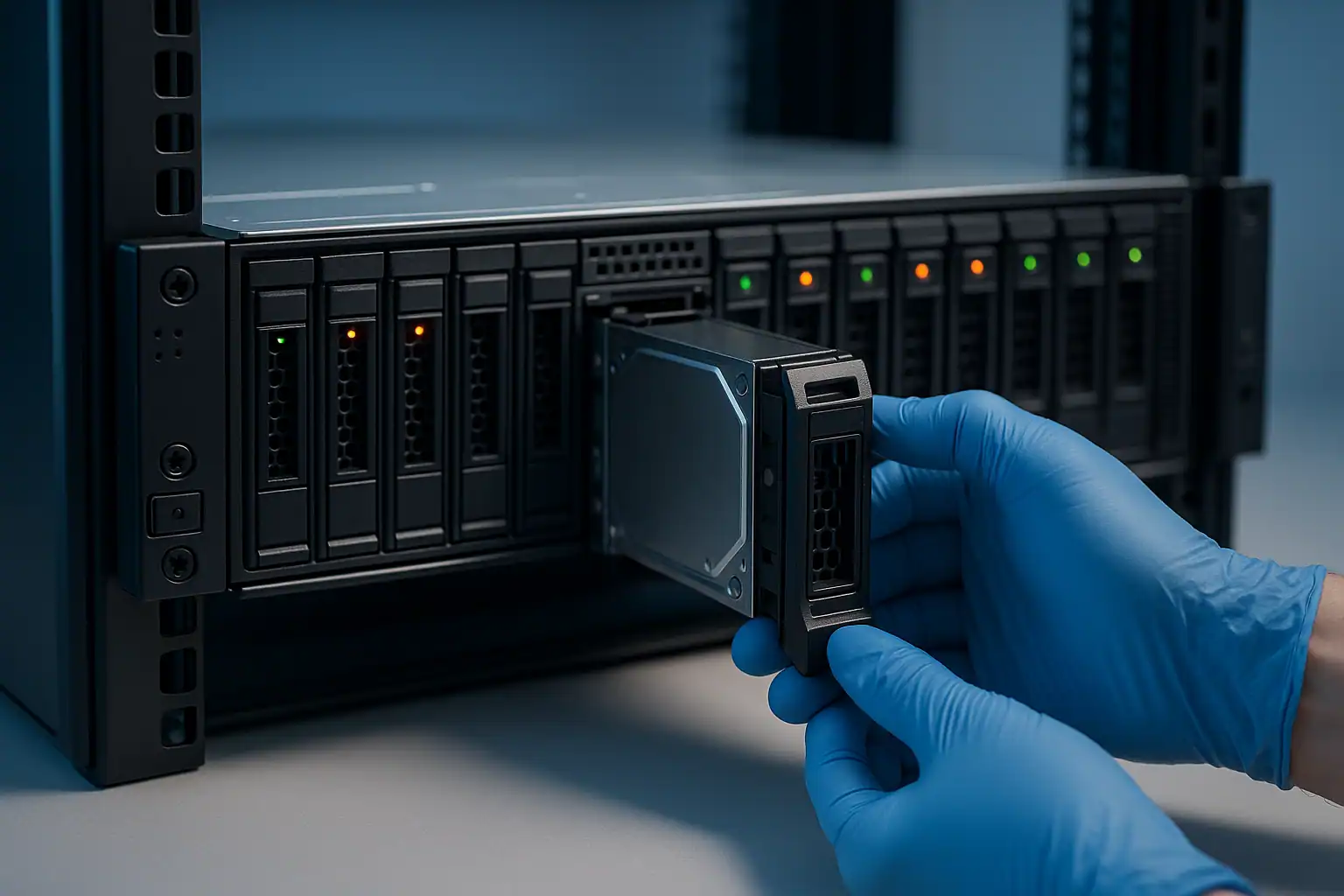
MD3400 and MD3420 recovery follows the standard PowerVault recovery process: free consultation, temporary hardware repairs in our ISO 5 cleanroom, write-blocked forensic imaging of every drive, array reconstruction with Hombre, and file system extraction.
For MD3400 cases, we work with the updated controller firmware extensively and have specific tooling for the 12Gbps SAS-era metadata format these controllers use. Because the MD3400 line is still partially supported by Dell and replacement parts (especially controllers) remain available, our consultation may include guidance on whether parts replacement is worth attempting before pursuing recovery — sometimes the most cost-effective path is restoring the array to working condition rather than recovering data from outside it.
What to Do Right Now If Your MD3400 / MD3420 Is Failing
The general PowerVault guidance applies, with MD3400-specific notes:
Don’t accept “Foreign” configuration prompts without consultation. Same risk as any PERC or MD-series controller — the wrong choice destroys the array’s metadata irreversibly.
Don’t initiate a rebuild on a degraded MD3400 without verifying surviving drives. The larger drive capacities common in MD3400 deployments (4TB, 8TB, sometimes larger) mean longer rebuild times and more cumulative read stress on surviving drives during rebuild. Verify health on every surviving drive before approving.
Don’t mix firmware versions between controllers when replacing modules. If you’re replacing one controller in an MD3400 pair, match the firmware version on the replacement before installing — or expect to need to update both controllers to a common version after installation.
Don’t power-cycle an array repeatedly hoping issues will clear. Repeated power cycles on a degraded array stress already-marginal components and can transition partial failures to total ones.
Document the array topology before intervening. Which slots held which drives, what virtual disks were configured, which controllers had which firmware, what expansion enclosures were attached, and the sequence of events leading to the failure.
MD3400 / MD3420 Configurations We’ve Recovered
- MD3400 LFF (12x 3.5″) with 12Gbps SAS to PowerEdge host, running Windows Server with RAID 5 or RAID 6
- MD3420 SFF (24x 2.5″) running RAID 10 for high-IO database workloads
- MD3400 with one or more MD1400 expansion enclosures providing additional capacity
- MD3400 running as a VMware vSphere datastore with VMFS over Fibre Channel or iSCSI
- MD3400i (iSCSI variant) presenting LUNs to multiple hosts over redundant Ethernet
- MD3400 deployments where Dell support has lapsed and the customer has no first-party recovery path
Frequently Asked MD3400 / MD3420 Questions
My MD3400 is presenting VMware datastores and the datastores are inaccessible. Is the issue the array or VMware?
Likely the array, especially if multiple datastores from the same array are affected simultaneously. VMware’s “All Paths Down” or “Permanent Device Loss” states usually originate at the storage layer rather than at the host. We diagnose both layers during recovery, but the work typically starts at the array level.
I replaced a controller in my MD3400 and now I’m getting firmware mismatch warnings. What now?
Reconcile the firmware version before continuing. Either downgrade the new controller to match the survivor or update both controllers to a common newer version. Do this carefully — firmware updates on a marginal array can compound problems. If the array is showing other issues alongside the mismatch warning, contact us before proceeding.
What’s the difference between MD3400 and MD3420 from a recovery perspective?
Same fundamentals; the chassis differs (LFF vs SFF) and the drive count and types vary. The 24-drive SFF MD3420 typically runs higher-IO workloads which means more wear, and the smaller drives are usually more challenging mechanically (less head clearance, more sensitivity to shock). Otherwise, the recovery process is identical.
My MD3400 is mostly working but throwing intermittent errors. Worth proactive recovery?
Often yes — and the timing matters. Imaging an array that’s still partially functional gives us much more material to work with than imaging one after total failure. If your MD3400 is throwing alerts but still serving most of its data, we can capture forensic images while drives are still in their best readable condition, then proceed with recovery if/when the array fully fails. Some customers also use this as a planned migration path off aging storage.
Can you recover MD3400 LUNs that were used as VMware datastores?
Yes. We reconstruct the underlying LUN data, then parse the VMFS file system on top to extract individual VMDK files and the data within them.
What about MD3460 and MD3860 with high-density chassis?
These higher-density variants of the MD3400 / MD3800 series use different chassis but similar controller architecture. Same recovery process applies, with chassis-specific considerations for drive identification and handling during imaging.
Start Your Free MD3400 / MD3420 Recovery Consultation
If your Dell PowerVault MD3400 or MD3420 is down, get a free consultation with our server team. We’ll walk through your specific configuration and tell you what’s possible.
Start Your Free Consultation
Free consultation · Clear upfront pricing · ISO 5 cleanroom recovery
Or call 1-877-624-7206 to speak with our server team directly