
Dell PowerVault MD3200 / MD3220 Data Recovery
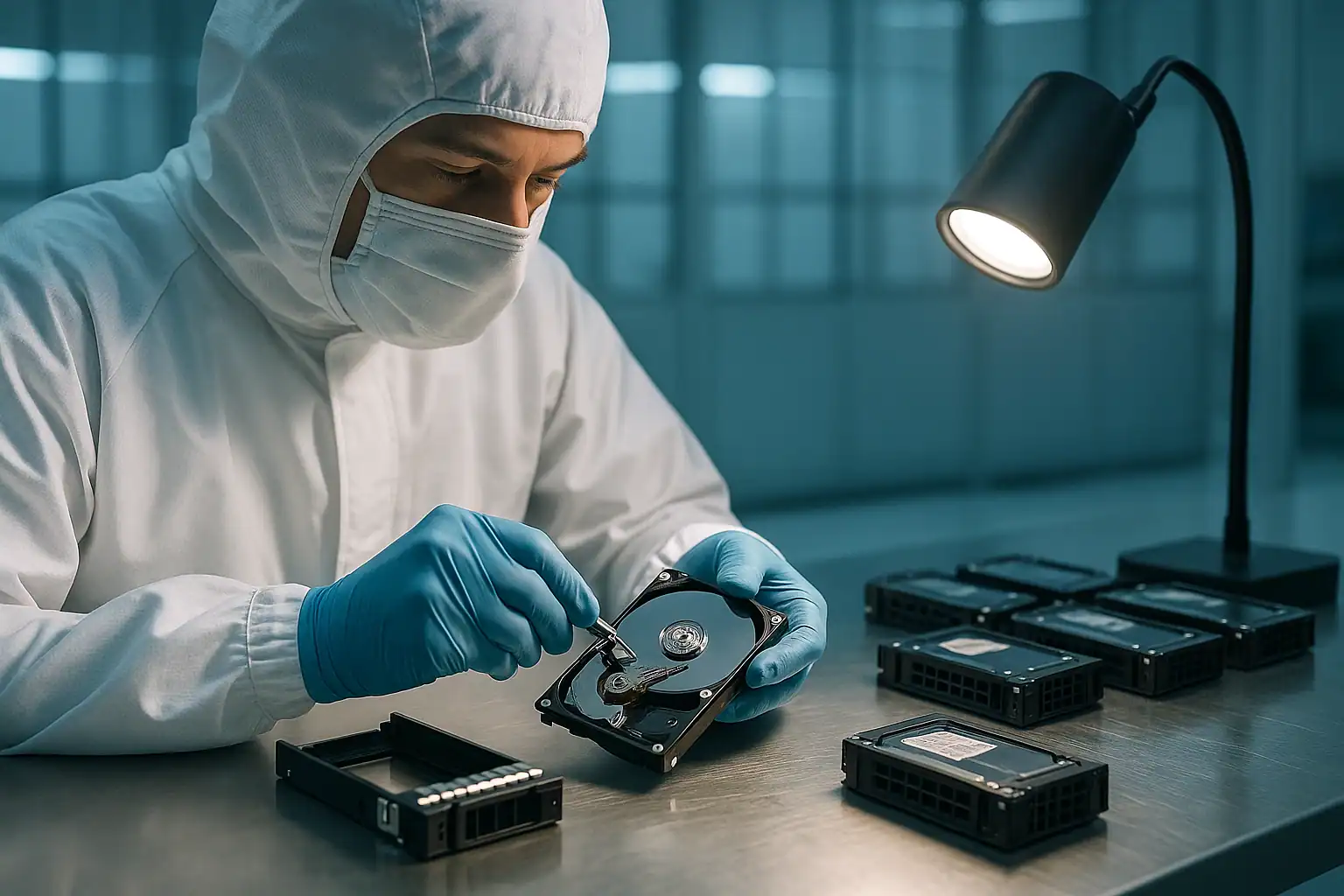
The Dell PowerVault MD3200 and MD3220 are the workhorses of small and mid-sized business direct-attached storage. The MD3200 (large form factor, twelve 3.5″ drive bays) and MD3220 (small form factor, twenty-four 2.5″ drive bays) shipped from roughly 2010 through 2016 and remain among the most heavily-deployed Dell DAS arrays in active production. A PowerEdge server with a PERC H800 or H810 host adapter, connected via external SAS to one or two MD3200 or MD3220 arrays, was Dell’s recommended small-business storage architecture for years.
Those arrays are now 9-15 years old. The drives have spun continuously through multiple business cycles. The controller batteries have degraded. The expansion enclosures (MD1200s daisy-chained behind the main array) are showing their age. And the small businesses that originally deployed them often haven’t refreshed their storage on Dell’s recommended schedule, meaning we see MD3200 and MD3220 failures regularly — and the failure patterns are recognizable enough to be worth covering in their own right.
MD3200 / MD3220 Specific Failure Patterns
Controller module battery degradation
Each MD3200 and MD3220 ships with two RAID-on-Chip (RoC) controller modules, each containing its own battery to protect the write cache. After 5-7 years of operation, those batteries reach end of life. Modular Disk Storage Manager (MDSM) reports the affected battery as “Failed” or “Service Needed,” and the controller falls back to Write-Through cache mode. Performance drops significantly. The data on disk is unaffected by the battery failure itself, but a power event during this state can lose data that was in the controller’s cache but hadn’t yet been flushed to the drives.
“Failed” controller modules
One of the two controller modules stops responding. MDSM reports the controller as “Failed” or “Service Action Required.” The amber LED on the failed controller is solid; the green LED on the surviving controller is solid. The array continues to operate on the single remaining controller, but with no redundancy and with degraded multi-path capabilities.
This is recoverable from a data perspective — the drives don’t care which controller is reading them — but it puts the array one failure away from total inaccessibility. We see many cases where one controller failed years ago, the customer never replaced it (often because Dell support had lapsed), and then the second controller failed.
Multiple drive failures in RAID 5 / RAID 6
The same RAID 5 scenario that plagues PowerEdge: a drive fails, a rebuild begins, and during the multi-hour rebuild a second drive fails or develops unreadable sectors. The array either goes offline (RAID 5 with two drive failures) or completes the rebuild with punctured stripes that have silently lost data.
MD3200 LFF arrays running RAID 5 across 12 drives are particularly susceptible. The probability that any single drive in a 12-drive array has accumulated bad sectors after 7+ years is high; the probability that a rebuild will encounter at least one is genuinely significant.
MD1200 / MD1220 expansion enclosure cascading issues
MD3200 and MD3220 arrays are commonly extended with MD1200 (LFF) or MD1220 (SFF) expansion enclosures, daisy-chained behind the main array via external SAS. When an expansion enclosure loses power, an EMM (Enclosure Management Module) fails, or a SAS cable between the main array and the expansion shelf degrades, drives in the expansion shelf appear to fail simultaneously.
The customer sees multiple “drive failed” alerts and reasonably starts replacing drives. The drives are usually fine; the connectivity is the problem. By the time someone realizes the expansion enclosure is the culprit, several “good” drives may have been pulled and replaced with new (unsynchronized) drives, complicating reconstruction.
Configuration loss after firmware update
Dell released numerous firmware updates for MD3200-series controllers over their service life. Some updates required specific sequence (controller A, then B, then both at once) and could leave the array in an inconsistent state if interrupted. We’ve seen customers whose arrays became unreachable after a firmware update sequence didn’t complete cleanly.
Host connectivity issues with PERC H800 / H810
The MD3200 and MD3220 typically connect to a PowerEdge host through a PERC H800 or H810 external SAS controller. Failures of the host PERC, damaged external SAS cables, or multipath driver issues on the host OS can make the PowerVault unreachable even though the array itself is healthy. Diagnostic clue: connecting the same PowerVault to a different host PERC (or a different server entirely) and seeing it correctly indicates the issue is on the host side.
iSCSI variant (MD3200i / MD3220i) network failures
Some MD3200-series deployments use the iSCSI variants (MD3200i, MD3220i) connecting to hosts over Ethernet rather than direct SAS. Network failures, switch issues, or iSCSI initiator misconfigurations can produce symptoms that look identical to array failures — the array is fine, the connectivity isn’t. Worth ruling out before assuming the array itself has failed.
Critical MD3200 / MD3220 Error Conditions
If you’re seeing any of these in MDSM or in the array’s event logs, stop and contact us before proceeding.
| Error / State | What it means | Data loss risk |
|---|---|---|
| Virtual Disk “Degraded” | One drive has failed; redundancy is gone | Moderate — high if a second drive fails before rebuild completes |
| Virtual Disk “Failed” | Too many drives failed; virtual disk is offline | Critical |
| “Foreign” disk detected | A drive has been moved from a different array and the controller doesn’t recognize its configuration | Critical — wrong choice destroys the array |
| “Rebuild Failed” | The rebuild process couldn’t complete, often due to unreadable sectors on a surviving drive | High |
| Battery “Failed” or “Service Needed” | Controller battery cannot reliably back up write cache | Moderate — risk during power events |
| Controller “Failed” or “Service Action Required” | One of the two controller modules has failed | Low for data; High for redundancy |
| “Lost Premium Feature” / “Configuration Mismatch” | Controller pair has inconsistent configuration after replacement or update | Moderate — depends on which configuration the controller decides to use |
| “Enclosure Lost” / “EMM Failed” | An expansion enclosure (MD1200/MD1220) is unreachable or its EMM has failed | High — if the lost enclosure held part of an active virtual disk |
Drive LED Patterns on MD3200 / MD3220
Drive caddies on MD3200 and MD3220 chassis use a green/amber LED system similar to PowerEdge servers but with array-specific patterns:
| LED Pattern | Meaning |
|---|---|
| Steady green | Drive online and healthy |
| Blinking green | Drive active (I/O in progress) |
| Blinking green and amber | Drive identification active (administrator-triggered) |
| Blinking amber | Drive in rebuild state |
| Steady amber | Drive failed |
| Off | Drive offline, ready for removal, or not detected |
As with PowerEdge servers, multiple drives showing amber simultaneously is more often a backplane, controller, or enclosure issue than coincidental multi-drive failure. Don’t start pulling drives based on LEDs alone — diagnose the cause first.
How We Recover Failed MD3200 / MD3220 Arrays
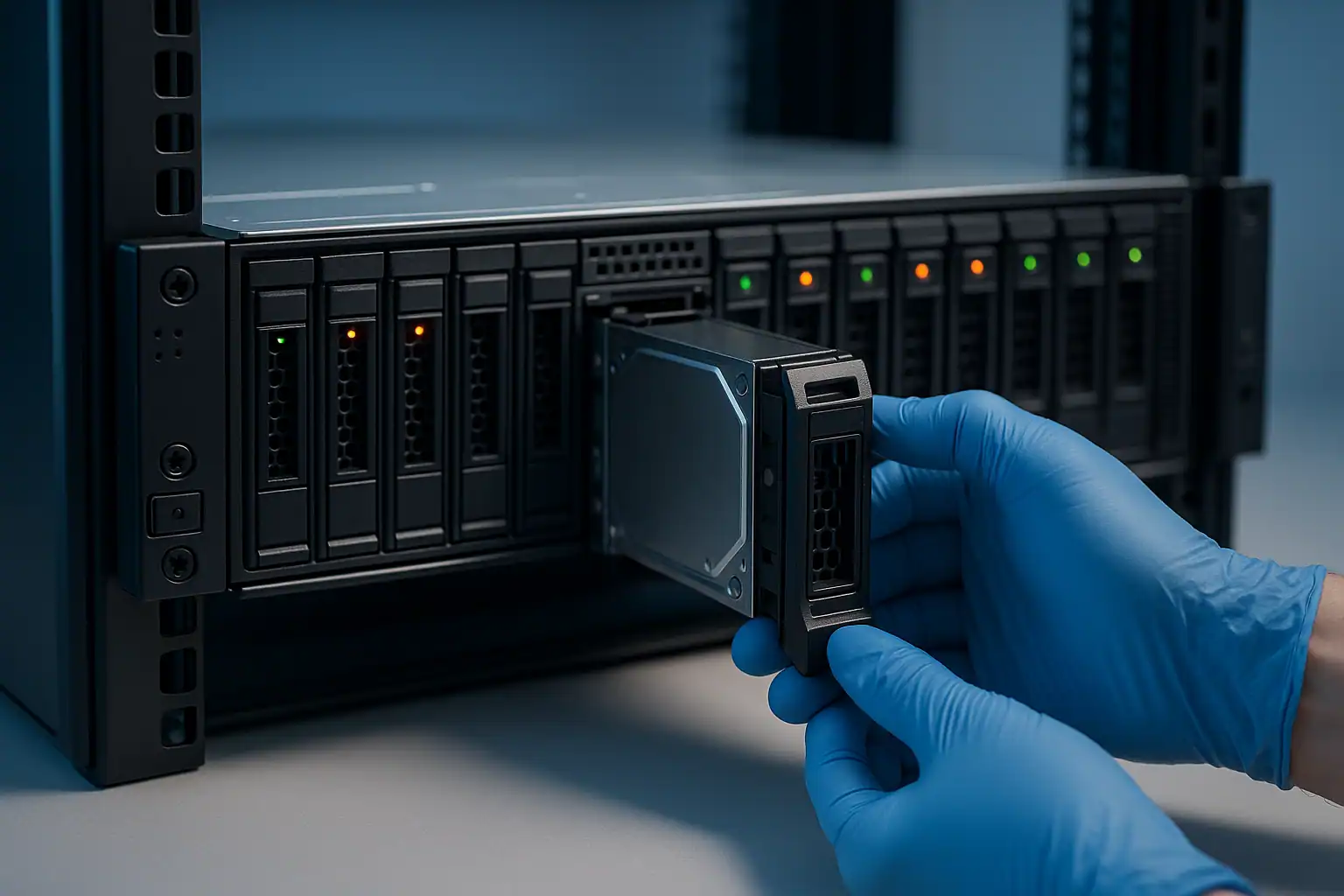
MD3200 and MD3220 recovery follows the standard PowerVault recovery process:
- Free consultation and case scoping with our server team
- Temporary hardware repairs in our ISO 5 cleanroom for any drives with mechanical or electronic failures
- Write-blocked forensic imaging of every drive in the array, including drives marked “Failed” — the original drives are never written to
- Array reconstruction with Hombre, our proprietary tool that handles MD3-series controller metadata even when both original controllers are dead, drives were extracted in unknown order, or the array spans multiple enclosures
- File system extraction from the reconstructed volume — NTFS, ReFS, ext4, XFS, VMFS, or whatever the host server was running
For MD3200 and MD3220 cases specifically, we work with the MD-series controller firmware extensively and have specific tooling for the configuration metadata format these controllers use. We can reconstruct arrays where both controllers are non-functional and the original chassis isn’t available — the drives carry enough information to make this possible.
What to Do Right Now If Your MD3200 / MD3220 Is Failing
Don’t accept “Foreign” configuration prompts without consultation. Clearing a foreign configuration destroys the array’s metadata irreversibly. When in doubt, leave the array in whatever state it’s in and contact us.
Don’t initiate a rebuild on a degraded MD3200 RAID 5 without verifying every surviving drive. A 12-drive RAID 5 rebuild on aging drives is one of the most common causes of catastrophic data loss we see. Check SMART on every surviving drive before approving a rebuild. If any drive has predictive failure warnings, the rebuild will likely fail or puncture.
Don’t keep replacing drives on an expansion enclosure showing multiple failures. If you’ve pulled and replaced two or more drives in an MD1200 or MD1220 and the failures continue, suspect the enclosure (EMM failure, backplane issue, SAS cable issue) rather than coincidental drive failure.
Don’t update controller firmware on an array that’s already showing problems. Firmware updates on a healthy MD3200 are routine; on a degraded array they can compound the problem.
Document the array configuration before removing drives. Which drive was in which slot, which slot held which virtual disk member, the RAID levels, the controller firmware version, and the sequence of events that led to the failure. We can reconstruct the array without this information, but it speeds the work considerably.
MD3200 / MD3220 Configurations We’ve Recovered
- MD3200 LFF (12x 3.5″) with PERC H800 host, running Windows Server RAID 5 — common small-business file server architecture
- MD3220 SFF (24x 2.5″) running RAID 10 — database server backing storage
- MD3200 with one or two MD1200 expansion enclosures providing additional capacity
- MD3200 running VMware ESXi datastores via PERC H810 host
- MD3200i (iSCSI variant) over redundant Ethernet to multiple hosts
- MD3200 / MD3220 deployments where Dell support has lapsed and parts (especially controller modules) are no longer easily available
Frequently Asked MD3200 / MD3220 Questions
Both controllers in my MD3200 are showing errors. Can the data still be recovered?
Yes. The data on the drives doesn’t depend on either controller working. We image the drives directly and reconstruct the array in software using the MD-series metadata on the drives themselves. Both controllers being dead is unfortunate for the array’s continued operation but not for recoverability of the data.
I have an MD3200 with three failed drives in a RAID 5. Is there any hope?
Depends on how the drives failed and what state they’re in. A RAID 5 with three failed drives is past the tolerance of the array — the standard restore path is gone. But “failed” in MD3200 terms often means the controller marked the drive bad based on read errors or thresholds; the drives themselves may still be largely readable. Forensic imaging captures whatever’s readable on each drive, and Hombre can often reconstruct enough of the array to recover most of the data even when nominally three drives are gone.
My MD3200 was working until a Dell firmware update. Now nothing.
This is a scenario we see. The firmware update may have left the controllers in an inconsistent state, or may have triggered other issues on already-marginal hardware. Recovery doesn’t require resolving the firmware issue — we work directly with the drives, bypassing the controllers entirely.
My MD3200 sat unpowered for 2 years. Can it be recovered?
Often, yes. Drives that have been off for extended periods sometimes don’t spin up on first attempt, or have firmware issues from being powered down too long. Cleanroom work can address most of those issues. The bigger risk for long-off drives is platter damage from heads parking incorrectly on shutdown — we evaluate during the consultation.
What about MD3220 SFF arrays with 24 small drives — same recovery process?
Same fundamentals. More drives to image and more reconstruction complexity than the 12-drive LFF version, but the process is identical. The 24 SFF configuration also tends to be used for higher-IO workloads, which means more wear on each drive, which means recovery cases are sometimes more involved due to drive condition.
Are MD3200 controllers still available for replacement?
Increasingly hard to find. Dell has end-of-life’d the MD3200 series for support purposes, and new-old-stock controllers are scarce. This is part of why MD3200 recoveries often involve us working from the drives alone rather than restoring the array to working condition — the parts to restore the array may not be available even if the data can be recovered.
Start Your Free MD3200 / MD3220 Recovery Consultation
If your Dell PowerVault MD3200 or MD3220 is down, get a free consultation with our server team. We’ll walk through your specific configuration and tell you what’s possible.
Start Your Free Consultation
Free consultation · Clear upfront pricing · ISO 5 cleanroom recovery
Or call 1-877-624-7206 to speak with our server team directly