
Dell Poweredge R740 Server Data Recovery
The Dell PowerEdge R740 was Dell’s flagship 2U rack server in the 14th generation (2017-2020) — the successor to the R730 and one of the highest-volume enterprise server platforms Dell has ever shipped. R740s deployed between 2017 and 2020 are now hitting the 5-9 year mark, which puts them squarely in the failure window for the drives, batteries, and backplane components that wear out over time.
We see R740 cases regularly in our lab. The R740 shares the broader PowerEdge failure patterns, but it has some specifics worth understanding — different PERC controllers than the R730, a different iDRAC generation, different chassis layout, and different known issues. This page covers what we see in R740 cases and what to do if yours is down.
R740-Specific Failure Patterns
PERC H730P / H740P controller battery degradation
The R740 most commonly shipped with the PERC H730P or PERC H740P RAID controller. Both use battery-backed write cache and exhibit the same age-related battery degradation pattern. After 4-6 years, iDRAC reports:
- “Battery on Integrated RAID Controller 1 is Degraded or Failed”
- “PERC battery is low”
- “Write policy on Integrated RAID Controller 1 was changed to Write Through”
- “Virtual Disk 0 write policy has changed”
When this happens, the controller has automatically switched from Write-Back to Write-Through cache mode to protect data — but performance drops significantly, and any power event during this state can result in unflushed cache data being lost.
PERC H740P firmware-related rebuild issues
The H740P controller has had several firmware revisions over its life, some of which had bugs around rebuild handling, foreign configuration imports, and virtual disk metadata. A common scenario: an array operating normally for years suddenly has issues after a firmware update — virtual disks not appearing correctly, rebuilds initiating but not completing, or unexpected “foreign configuration” prompts. We’ve recovered data from R740s where firmware updates triggered these issues; the key is not making the situation worse by attempting more firmware changes during the recovery.
SFF chassis (24-drive) backplane signal issues
The R740 SFF chassis with 24 2.5″ drive bays packs an enormous number of drives into a 2U space. The backplane is dense, the SAS signal paths are tightly routed, and the drives generate substantial heat. After 4-6 years of operation, the combination of thermal cycling and dense interconnect can produce backplane signal quality issues that manifest as random drive drops. Per Dell’s documentation, this is one of the most common causes of multiple simultaneous “drive failures” — and it’s particularly common in R740 SFF systems running heavy I/O workloads.
R740xd and R740 confusion in recovery scenarios
The R740 and R740xd are different chassis (the xd supports up to 24 SFF drives with mid-mount bays). When customers contact us, they sometimes don’t know which they have, or confuse chassis layouts. The recovery process is the same, but knowing the exact chassis helps with drive identification and reconstruction. For R740xd-specific information, see our R740xd recovery page.
iDRAC9 lockouts and certificate issues
The R740 uses iDRAC9, Dell’s 9th generation iDRAC. Known lockout scenarios include certificate expiration that blocks the web interface, firmware update issues that leave the iDRAC in an inconsistent state, and the various authentication problems common to long-running systems. While iDRAC9 lockouts don’t directly cause data loss, they can prevent visibility into the storage subsystem during a crisis.
NVMe drive transitions
Some R740 configurations included NVMe drives alongside or instead of SAS/SATA drives. NVMe drives have different failure modes than spinning disks (or even SATA SSDs), and the PERC controllers that handle NVMe in R740 systems behave differently for NVMe failures. PCIe training errors, NVMe controller failures, and namespace corruption are all scenarios we’ve recovered from on R740 systems with NVMe storage.
Critical R740 Error Conditions
PERC H730P / H740P Error Messages
| Error | What it means | Data loss risk |
|---|---|---|
| Virtual Disk in Degraded state | One drive in the array failed; redundancy is gone | Moderate — high if second drive fails before rebuild |
| Virtual Disk in Failed state | Too many drives failed for RAID level to tolerate | Critical |
| Foreign Configuration Found | PERC detected non-matching RAID metadata — common after controller swap, drive migration, or some firmware updates | Critical — wrong choice is irreversible |
| Punctured stripes / Rebuild with errors | Unreadable sectors during rebuild were zeroed to restore redundancy | Critical — punctured data is permanently lost |
| PERC battery degraded / failed | Battery cannot reliably back up write cache | Moderate — data loss risk during power events |
| Cache mode changed to Write-Through | Controller fell back to safer cache mode due to battery state | Moderate |
| “PCIe Training Error” on NVMe drive | NVMe drive cannot establish PCIe link | Moderate to High depending on drive role |
R740 Drive LED Patterns
| LED Pattern | Meaning |
|---|---|
| Steady green | Drive online and healthy |
| Blinks green slowly | Drive is rebuilding — do not remove |
| Blinks green, then amber, then off (3s/3s/6s cycle) | Rebuild aborted — investigate immediately |
| Blinks green and amber alternately | Predicted drive failure (SMART) — back up before replacement |
| Blinks amber four times per second | Drive has failed |
| Off | Drive ready for removal OR not detected |
R740 iDRAC9 Event IDs to Watch
iDRAC9 uses the same PDR/VDR/CTL event ID schema as iDRAC8, but with refined event details. Critical events to monitor:
| Event ID | Meaning |
|---|---|
| PDR16 | Predictive failure on physical disk (SMART trigger) |
| PDR17 | Physical disk failed |
| PDR26 | Bad block discovered on physical disk |
| PDR36 | Multiple drives showing predictive failure — likely a systemic issue (backplane, controller, thermal) |
| VDR10 | Virtual disk degraded |
| VDR12 | Virtual disk failed |
| VDR14 | Redundancy lost on virtual disk |
| CTL2 | Controller battery failure |
| RAC0513 | “No virtual disks to display” — sometimes a timing issue, sometimes indicates a real problem |
How We Recover Failed R740 Servers
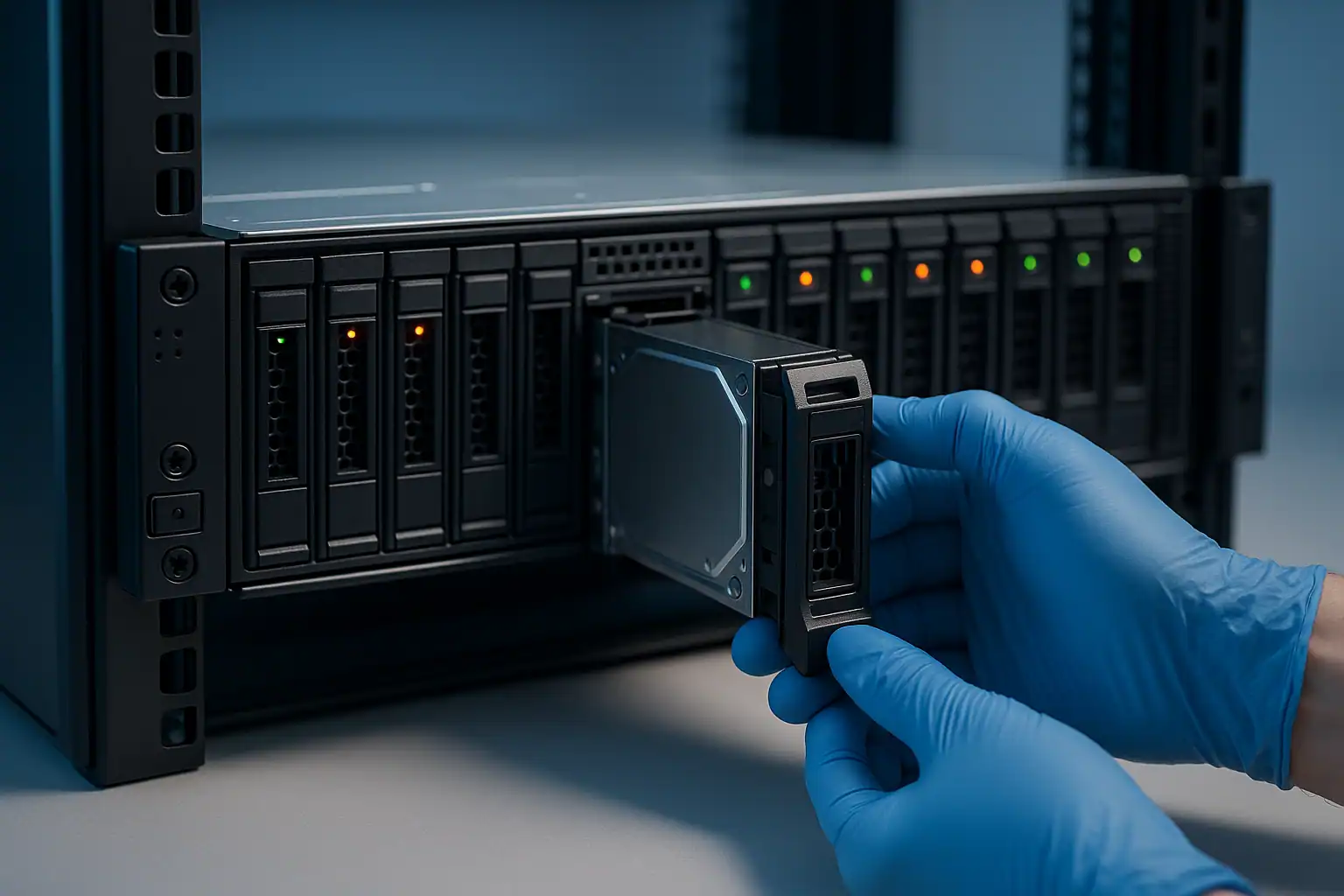
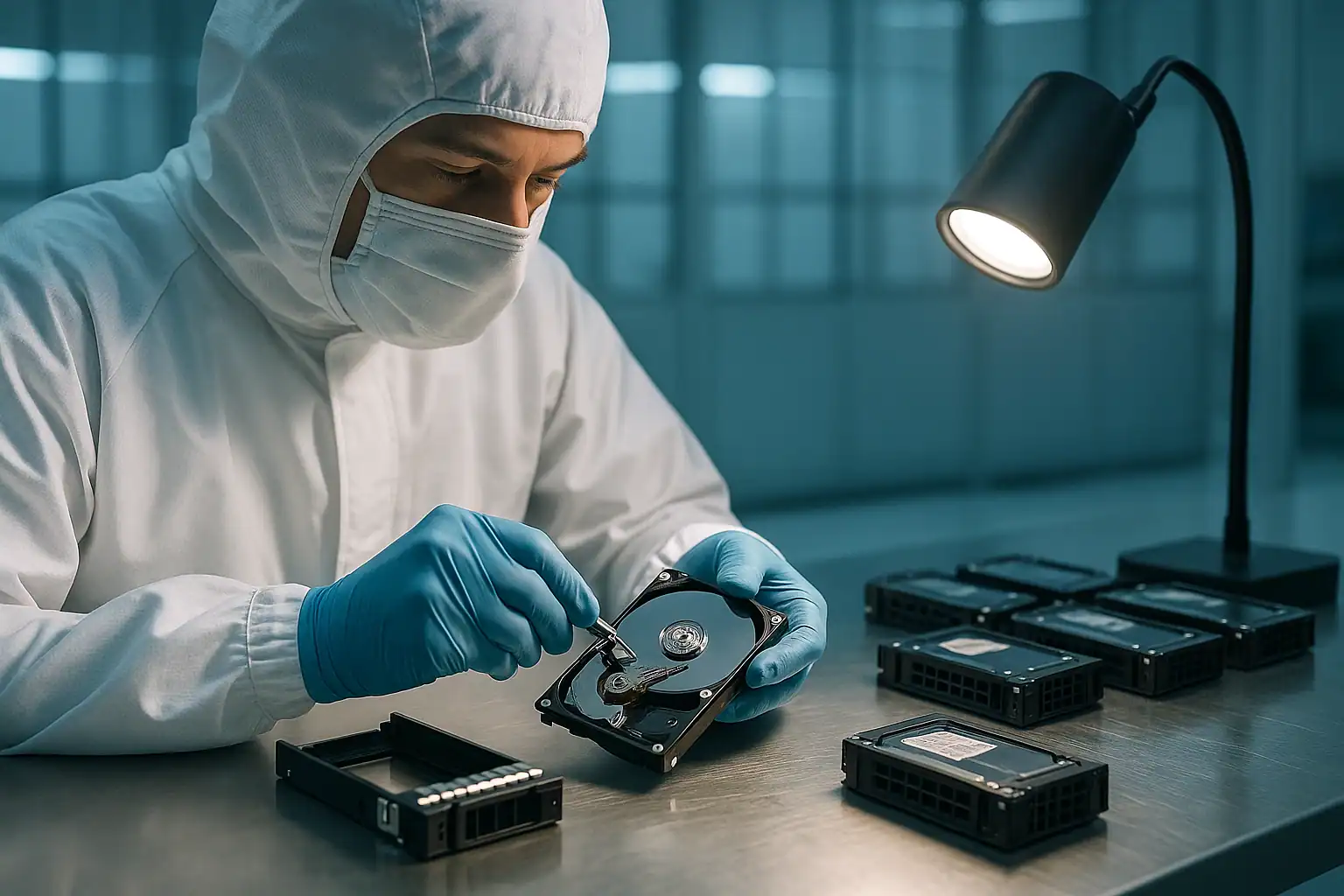
R740 recoveries follow our standard PowerEdge recovery process: free consultation, temporary hardware repairs in our ISO 5 cleanroom, write-blocked forensic imaging of every drive, RAID reconstruction with Hombre, and file system extraction.
For R740 cases specifically, our work involves the PERC H730P, H740P, and H840 controller families (the latter common for external enclosure connections). The H740P’s metadata format and the iDRAC9-era logging give us additional information about the array’s history that informs recovery — especially useful when reconstructing arrays where the customer doesn’t know the original RAID configuration.
If your R740 has NVMe drives, the recovery process is modified to handle NVMe-specific failure modes — namespace corruption, PCIe link failures, controller firmware issues. We work with NVMe extensively and the same forensic imaging discipline applies.
What to Do Right Now If Your R740 Is Failing
Don’t accept any “Foreign Configuration Found” prompt without consultation. The R740 PERC will throw this after motherboard swaps, controller replacements, and sometimes after firmware updates. The wrong choice destroys the array.
Don’t initiate a rebuild on a degraded array without verifying every surviving drive. R740 LFF and SFF chassis can house enough drives that a single rebuild scans an enormous amount of data — any latent bad sectors on surviving drives surface during rebuild.
Don’t update iDRAC, BIOS, or PERC firmware while in a degraded or failed state. Firmware updates on R740 systems have caused issues on already-stressed arrays. If you want to update firmware, do it before the failure.
Don’t run filesystem repair tools. ESXi datastore repair, NTFS chkdsk, ext4 fsck — all can permanently alter metadata recovery depends on.
If multiple drives are showing failure or predictive failure, suspect a systemic issue (backplane, thermal, controller) before assuming coincidental drive failure. The R740 SFF chassis is particularly susceptible to backplane-related “drive failures.”
Document the PERC model (H730P, H740P, H840, etc.), iDRAC9 firmware version, server BIOS version, and recent maintenance history.
R740 Configurations We’ve Recovered
- R740 LFF (8x or 12x 3.5″) running RAID 5 or RAID 6 — file servers, backup repositories
- R740 SFF (16x 2.5″) running RAID 10 — database servers, high-IO workloads
- R740 SFF (24x 2.5″) running storage-heavy virtualization workloads
- R740 with NVMe configurations — high-performance database and analytics platforms
- R740 running VMware ESXi 6.5, 6.7, 7.0 with VMFS datastores
- R740 running Hyper-V on Windows Server 2016, 2019, 2022 with NTFS or ReFS
- R740 running enterprise Linux (RHEL 7/8, CentOS, Ubuntu LTS) with ext4 or XFS
Frequently Asked R740 Questions
My R740 shows “RAC0513: There are no virtual disks to be displayed” intermittently. Should I be worried?
This is sometimes a known iDRAC9 timing issue resolved by an iDRAC reset. But it can also indicate a real metadata issue on the PERC. If you see this event recurring, especially around any storage incident, treat it as a warning sign and back up immediately. The R740 should be displaying its virtual disks consistently.
My R740’s PERC H740P keeps failing rebuilds. Why?
Several possibilities: surviving drives have accumulated bad sectors, the PERC has a firmware bug affecting rebuilds, the backplane has signal quality issues, or the failed drive’s replacement has its own problems. The diagnosis matters — the wrong response (e.g., replacing the “failed” drive again when the actual issue is a backplane) makes things worse.
I updated my R740 firmware and now nothing works. Can you help?
Yes — this is a scenario we see. The recovery approach is the same: forensic imaging of all drives, reconstruction in software. Firmware-related issues on the controller don’t affect the data on disk; they affect whether the controller can present that data.
What about R740 with PERC H840 for external storage?
The H840 commonly connects R740 systems to external MD-series PowerVault enclosures. Recovery scenarios for H840-connected storage follow the same process — we image the drives in the enclosure, reconstruct the array, and extract data.
My R740 has SED (self-encrypting drives) with PERC-managed encryption. What’s recoverable?
With the encryption keys available (typically managed via iDRAC or an external key management server), the recovery works the same as non-encrypted arrays. Without the keys, the encrypted data is mathematically inaccessible — that’s the design of SED.
Start Your Free R740 Recovery Consultation
If your Dell PowerEdge R740 is down, get a free consultation with our server team. We’ll walk through your specific configuration and tell you what’s possible.
Free consultation · Clear upfront pricing · ISO 5 cleanroom recovery
Or call 1-877-624-7206 to speak with our server team directly