
Dell R730 Server Recovery
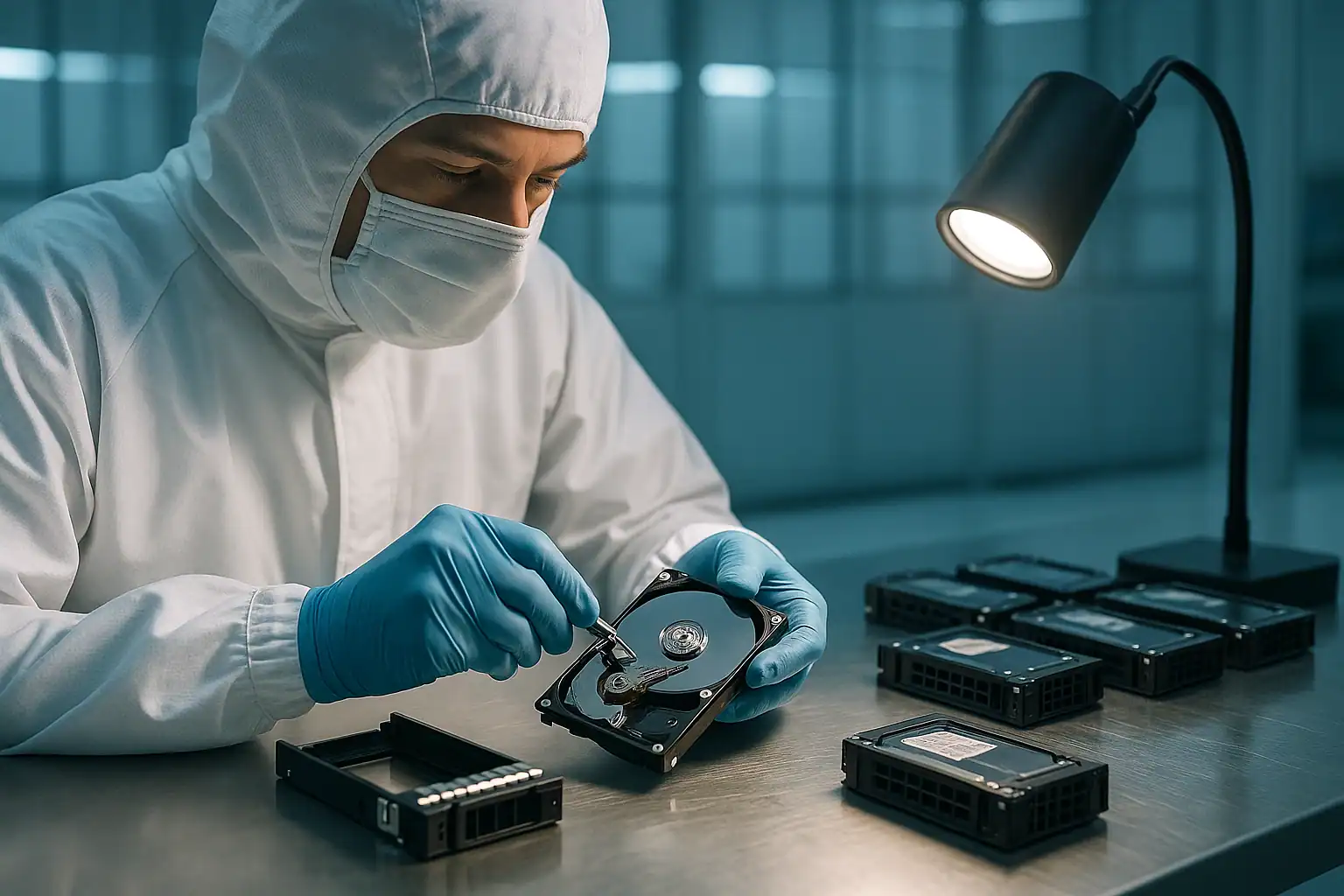
The Dell PowerEdge R730 was Dell’s flagship 2U rack server during the 13th generation (2014-2017) and remains one of the most commonly failing PowerEdge models in 2026 — for a simple reason. Dell shipped enormous quantities of R730s to small business and mid-market customers between 2014 and 2018. Those servers have now been spinning for 8-12 years. Drives are aging out. PERC H730 batteries are degrading. Backplane connectors are oxidizing. And the small businesses that bought them often haven’t done major refreshes since.
We see more failed R730s come through our lab than any other single PowerEdge model. If yours is down — failed RAID 5, stuck on a foreign configuration prompt, virtual disk in a failed state, multiple drives reporting predictive failure — you’re in a population we deal with every week. This page covers what we see in R730 cases specifically and what to do next.
R730-Specific Failure Patterns
The R730 has documented failure patterns specific to its hardware. Recognizing these patterns early can prevent a routine recovery from becoming an impossible one.
PERC H730 / H730P / H730 Mini battery degradation
The R730 most commonly shipped with the PERC H730 or H730P controller. After 4-6 years of operation, the battery backing the controller’s write cache degrades. Symptoms include:
- iDRAC event log entries: “PERC battery is low,” “Battery on Integrated RAID Controller 1 is Degraded or Failed”
- Cache mode automatically changes from Write-Back to Write-Through
- Sudden noticeable drop in server I/O performance
- Application timeouts on previously snappy database operations
The data loss risk: when the battery is in this state and the server experiences a power event (UPS failure, unplanned outage, accidental shutdown), data that was in the controller’s write cache but not yet flushed to disk is lost. The damage is often silent — you don’t discover it until you try to read affected files weeks later.
LFF backplane signal quality degradation
The R730 LFF chassis (8 large form factor 3.5″ drive bays) has a documented pattern of backplane signal quality issues as it ages. The symptom: drives randomly drop offline and come back, sometimes within minutes, sometimes for longer. iDRAC reports the drives as “Removed” then “Online” repeatedly. Multiple drives can be affected — and the IT team often misdiagnoses this as drive failure and starts replacing perfectly good drives.
The real culprit is usually deteriorating signal quality on the backplane connector or aging SAS cables. Per Dell’s own documentation, the most common cause of multiple simultaneous “drive failures” isn’t coincidence — it’s signal quality issues on the SAS bus. R730s in their second half of life are prime candidates.
RAID 5 + second drive failure during rebuild
The classic R730 disaster scenario: a RAID 5 array operating normally for years, one drive shows predictive failure, the admin replaces it, the rebuild starts — and during the multi-hour rebuild, a second aging drive develops unreadable sectors or fails outright. The array goes into a failed state. Or the rebuild “completes” with punctures, silently zeroing out data in affected stripes.
R730s running 8-drive RAID 5 arrays for 6+ years are at very high risk of this scenario. The probability that a second drive has accumulated bad sectors after 6 years is genuinely high — and the rebuild process discovers them all at once.
PERC H730 Mini firmware bugs
The H730 Mini controller (the dedicated PERC card used in many R730 configurations) has had several firmware issues over the years that affect virtual disk visibility and rebuild behavior. Common symptoms include intermittent “no virtual disks found” states, rebuilds that initiate but never progress, and foreign configuration imports that fail unexpectedly. Some of these are resolved by firmware updates — but updating PERC firmware on a degraded array carries its own risk and should be approached carefully.
iDRAC8 lockouts
The R730 uses iDRAC8 — Dell’s 8th generation iDRAC. Common lockout scenarios include forgotten root passwords (especially for systems that haven’t been touched since deployment), iDRAC firmware issues that prevent the web interface from loading, and certificate problems that block management access. While iDRAC lockouts don’t directly cause data loss, they make every other troubleshooting step harder.
Critical R730 Error Conditions
If you’re seeing any of these in your R730, stop and call before proceeding.
PERC H730 / H730P Error Messages
| Error | What it means | Data loss risk |
|---|---|---|
| Virtual Disk in Degraded state | One drive in the array has failed; redundancy is gone | Moderate — high if second drive fails before rebuild completes |
| Virtual Disk in Failed state | Too many drives failed; array is offline | Critical |
| Foreign Configuration Found | PERC detected RAID metadata that doesn’t match current config — often after motherboard or controller swap | Critical — wrong choice destroys the array |
| Punctured stripes / Rebuild completed with errors | Unreadable sectors during rebuild were zeroed to restore redundancy | Critical — data in punctured stripes is permanently lost |
| PERC battery low / degraded / failed | Controller battery cannot reliably back up write cache | Moderate — data loss risk during any power event |
| Cache mode changed to Write-Through | Controller automatically dropped Write-Back due to battery issue | Moderate |
R730 Drive LED Patterns
| LED Pattern (status indicator on drive caddy) | Meaning |
|---|---|
| Steady green | Drive online and healthy |
| Blinks green slowly | Drive is rebuilding — do not remove |
| Blinks green, then amber, then off (3s/3s/6s cycle) | Rebuild aborted — investigate immediately |
| Blinks green and amber alternately | Predicted drive failure — back up before replacement |
| Blinks amber four times per second | Drive has failed |
| Off | Drive ready for insertion/removal OR drive not detected |
If you see multiple drives in your R730 showing predictive failure or failed status simultaneously, treat it as a likely backplane or controller issue rather than coincidental drive failure. The probability of multiple drives failing at exactly the same moment is low; the probability of a backplane connector or PERC controller fault causing multiple drives to appear failed is much higher.
R730 iDRAC8 Event IDs to Watch
| Event ID | Meaning |
|---|---|
| PDR16 | Predictive failure on physical disk (SMART trigger) |
| PDR17 | Physical disk failed |
| PDR26 | Bad block discovered |
| PDR36 | Multiple drives showing predictive failure (likely systemic issue) |
| VDR10 | Virtual disk degraded |
| VDR12 | Virtual disk failed |
| VDR14 | Redundancy lost |
| CTL2 | Controller battery failure |
How We Recover Failed R730 Servers
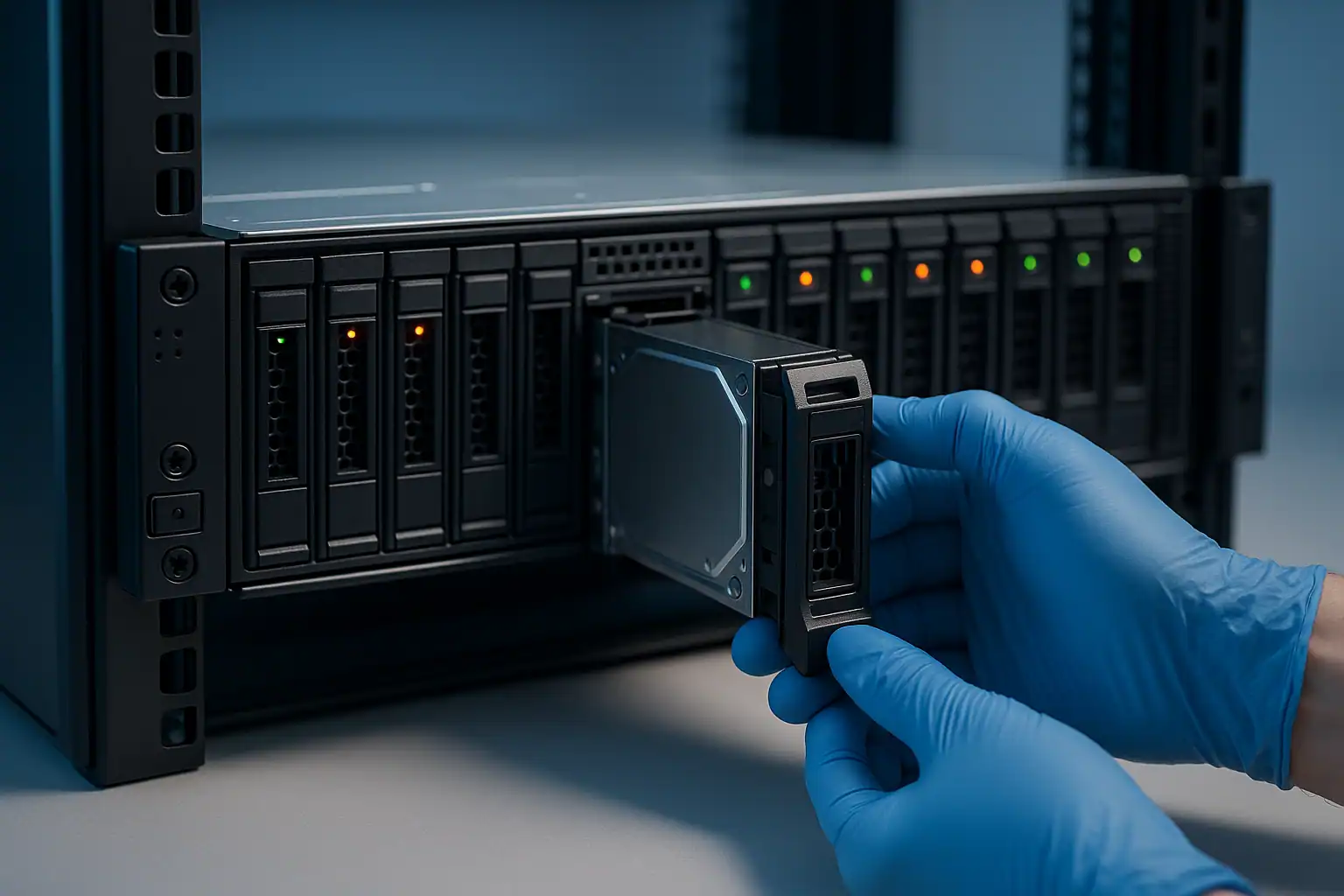
Every R730 recovery starts with a free consultation. From there, the process follows the standard Gillware workflow described on our PowerEdge recovery page:
- Free consultation and case scoping with our server team
- Temporary hardware repairs in our ISO 5 cleanroom for any drives with mechanical or electronic failures
- Write-blocked forensic imaging of every drive in the array — the original drives are never written to
- RAID reconstruction with Hombre, our proprietary tool that handles PERC H730 metadata even when the original controller is dead, drives are partially unreadable, or the array configuration is unknown
- File system extraction from the reconstructed volume — NTFS, ReFS, ext4, XFS, VMFS, or whatever else your R730 was running
For R730 cases specifically, we work with the H730/H730P/H730 Mini controller family extensively and have specific tooling and procedures for the firmware quirks these controllers exhibit. The H730’s metadata format, sector layout, and recovery patterns are deeply familiar territory.
What to Do Right Now If Your R730 Is Failing
Don’t accept any foreign configuration prompt without thinking. The R730’s PERC will throw this prompt after motherboard replacements, controller swaps, and sometimes after power events. Clearing the foreign configuration destroys the array irreversibly.
Don’t initiate a rebuild unless you’ve verified every surviving drive is healthy. Run SMART checks. Check predictive failure status on every member of the array. If any surviving drive has accumulating reallocated sectors or pending sector counts, the rebuild is likely to fail or puncture.
Don’t update PERC firmware on a degraded R730. Firmware updates on R730 PERC controllers have caused problems on degraded arrays. If you want to update firmware, do it before the failure — not during.
If multiple drives are showing failure or predictive failure simultaneously, suspect the backplane or controller before suspecting the drives. Don’t start replacing drives. Image the existing drives forensically and call us.
Document the R730’s PERC model (H730, H730P, H730 Mini), iDRAC firmware version, BIOS version, and the specific events leading to the failure. This speeds up the consultation and the recovery itself.
R730 Configurations We’ve Recovered
Common R730 configurations we work with:
- R730 LFF (8x 3.5″) with PERC H730 or H730P running RAID 5 — the small business workhorse
- R730 SFF (16x 2.5″) with PERC H730P running RAID 10 — typically database or virtualization workloads
- R730 LFF running ESXi or Hyper-V with VMFS or NTFS file systems
- R730 running Windows Server 2012 R2, 2016, or 2019 as a file/print/AD server
- R730 running Linux (RHEL, CentOS, Ubuntu) with ext4 or XFS file systems
Frequently Asked R730 Questions
My R730’s PERC H730 keeps reporting “no virtual disks found” but I know my array exists. What’s happening?
This is a documented R730 issue, sometimes caused by H730 firmware quirks and sometimes by metadata corruption on one or more drives. We can usually reconstruct the array by reading the drives directly via Hombre, bypassing the controller’s view of them entirely.
I replaced my R730’s motherboard and now I’m getting “Foreign Configuration Found” on every boot. Help.
This is one of our most common scenarios. The right move is to leave the system at the prompt without choosing, contact us, and let us image the drives forensically before any import or clear action is taken. From the images we can determine whether the foreign import would succeed cleanly or whether reconstruction is needed.
My R730’s PERC battery is reporting failed. Should I keep using the server?
The data on disk is unaffected by the battery failure itself. The risk is during power events — if the server loses power while there’s data in the controller’s write cache, that data is lost. If you can schedule an immediate orderly shutdown, full backup, and battery replacement, that’s the right path. If the data is critical, also consider whether the server should run at all until the battery is replaced.
Can I downgrade my R730’s PERC firmware to recover an array that broke after a firmware update?
Sometimes possible, sometimes not — depends on the specific firmware versions involved and what changed between them. This is best discussed during your consultation, because firmware manipulation on a degraded array can make recovery harder.
What about R730xd recovery?
The R730xd is the extended-drive variant of the R730 — same chassis fundamentals but with 12 LFF front + 2 SFF rear drive bays, supporting much larger storage workloads. We have a dedicated R730xd recovery page covering that model’s specifics.
Start Your Free R730 Recovery Consultation
If your Dell PowerEdge R730 is down — failed RAID, foreign configuration prompt, multiple drive failures, PERC errors — get a free consultation with our server team. We’ll walk through your specific situation and tell you what’s possible.
Free consultation · Clear upfront pricing · ISO 5 cleanroom recovery
Or call 1-877-624-7206 to speak with our server team directly