
HPE 3PAR StoreServ 8000 Series Data Recovery Services
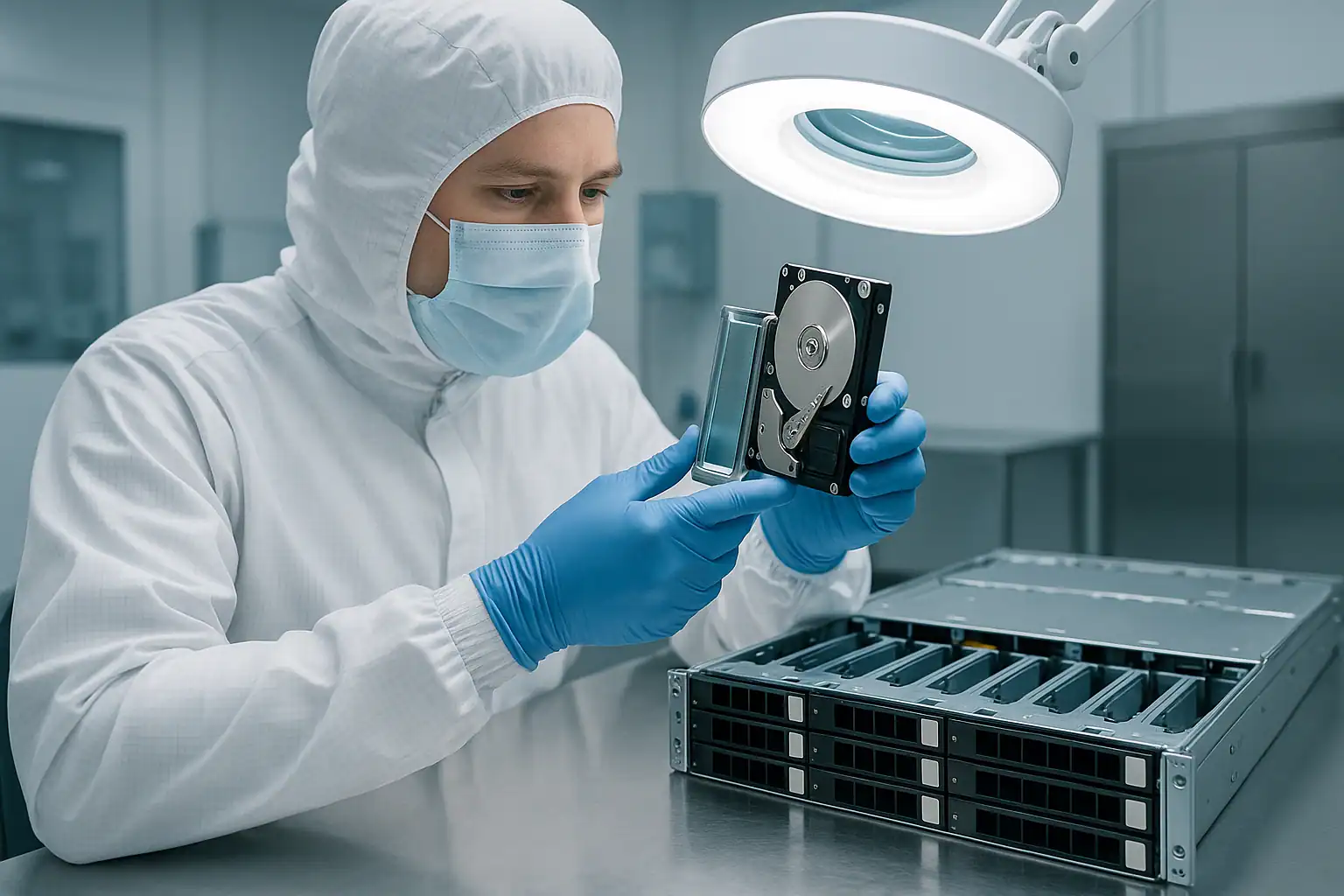
The HPE 3PAR StoreServ 8000-series was 3PAR’s mid-market-through-enterprise workhorse from 2015 through 2019/2020 — the platform that brought tier-1 chunklet architecture to a broader customer base than the 7000-series before it, with new Gen5 ASIC silicon, improved deduplication via TDVV, all-flash optimization in the 8450 variant, and the M6710 / M6720 cage architecture. The 8000-series shipped in four core models: the entry-level dual-node 8200, the mid-tier two-to-four-node 8400 (the volume model of the line), the higher-capacity four-node 8440, and the all-flash 8450.
The active 8000-series fleet is now 6-11 years old. Early 8200 / 8400 deployments are past HPE’s standard support window; mid-life 8400 / 8440 deployments are entering it; even late 8450 all-flash deployments are starting to see support contracts wind down. This generation is the single highest-volume 3PAR platform in our caseload — the combination of widespread deployment in 2015-2019 and the failure patterns that emerge at 6-11 years of operation puts it squarely in our active workload. This page covers what we see in 8000-series cases across all four models and how we recover them.
8000-Series Model Differences That Matter for Recovery
All four 8000-series models share the same fundamental architecture — Gen5 ASIC controller nodes, chunklet-based storage, CPGs organizing chunklets into RAID-like layouts, virtual volumes carved from CPGs, M-series cage hardware. The differences between models are mostly scope and scale, but they matter for recovery scoping.
StoreServ 8200
The 8200 is the entry 8000-series model — two nodes only, no expansion to four. Maximum drive count is constrained to what fits in the two M6710 / M6720 cages the 8200 supports. Recovery cases on 8200s are typically the smallest 8000-series engagements in terms of drive count and complexity. Common in mid-market deployments and as departmental storage in larger organizations.
StoreServ 8400
The 8400 is the volume model of the 8000-series — two or four nodes, with expansion options that take it to substantial drive counts. The two-node 8400 is positioned above the 8200 with more capacity and performance; the four-node 8400 (sometimes still labeled internally as “upgraded” from two-node configurations) provides additional resilience and scale. Most 8000-series cases we see are 8400s — this is the deployment volume sweet spot of the generation.
StoreServ 8440
The 8440 is the higher-capacity 8400 variant with four nodes standard, larger cache, and support for the largest 8000-series drive populations. Recovery cases on 8440s tend to be larger engagements because the drive counts and CPG complexity scale up. 8440 customers were typically running larger virtualization clusters, large Oracle deployments, or storage-heavy mission-critical workloads.
StoreServ 8450
The 8450 is the all-flash 8000-series variant — two or four nodes, SSD-only drive population, optimized for performance workloads where 3PAR’s thin provisioning, deduplication, and snapshot features paired well with NVMe-precursor flash performance. The 8450 was popular for VDI infrastructure, performance-tier databases, and write-heavy transactional workloads. Recovery on 8450s involves SSD-specific imaging considerations — HPE-firmwared SSDs in 3PAR cages have specific firmware signatures and the SSD wear patterns matter for the recovery approach.
8000-Series-Specific Failure Patterns
Node failures and cache backup battery degradation
8000-series controller nodes use battery-backed cache to preserve writes through power events. After 6-11 years, the cache backup batteries are reliably degraded or completely dead. When the battery fails, the node typically falls back to write-through cache mode — safer for data, slower for performance. Customers often see “the array got slow” symptoms long before the node fails outright; that performance degradation is the battery telling its story.
Beyond battery aging, 8000-series nodes face the standard hardware-aging failure modes: motherboard component failures, PSU degradation, internal SAS HBA failures connecting nodes to cages. The cluster tolerates single-node failures (in 2-node configurations) or multi-node failures up to redundancy limits (in 4-node configurations), but each node failure reduces cluster capacity and brings the next failure closer to a quorum issue.
M6710 / M6720 cage controller (IOM) failures
The 8000-series uses M6710 SFF (2.5″) and M6720 LFF (3.5″) drive cages, each with redundant I/O Modules (IOMs) connecting the cage to controller nodes via SAS. After 6-11 years, cage IOMs develop failure modes — capacitor aging on the IOM PCB, SAS expander chip failures, and connector wear on the SAS ports.
The classic signature: a specific cage suddenly dropping offline, with all drives in that cage becoming unavailable simultaneously. The drives themselves are fine, but the cluster can’t reach them through the failed IOM path. The redundant IOM should take over, but on aging systems both IOMs in a cage sometimes fail in correlated patterns.
SAS path failures between nodes and cages
Each cage connects to the controller nodes through SAS cables — typically multi-path for redundancy. SAS cable wear over 6-11 years produces intermittent path failures: random drive drops, cage state oscillating between online and degraded, intermittent I/O errors that don’t correlate with any specific drive. The wrong response (assuming drives are failing and replacing them) makes the underlying cabling problem worse.
CPG redundancy exhaustion in long-running deployments
3PAR’s sparing model distributes spare chunklets across the system. When drives fail and replacements aren’t added promptly, sparing gets depleted — and a system can reach a state where the next drive failure exceeds the CPG’s ability to spare around it. On 6-11 year-old 8000-series deployments, sparing exhaustion is a recurring scenario, especially when the customer has been deferring drive replacements because of cost or because the system is out of HPE support.
The recovery scope when CPG redundancy is exhausted: forensic imaging of all drives across all cages, chunklet reconstruction even where redundancy was exceeded, and best-effort recovery of virtual volumes that depended on the affected CPGs. Some data may be unrecoverable if too many chunklets in the same redundancy group are missing, but most cases recover substantially.
3PAR OS 3.2.x and 3.3.x upgrade failures
The 8000-series went through multiple 3PAR OS releases during its production life. Major versions ran 3.2.1 (early 8000-series), 3.2.2 with multiple MU (Maintenance Update) revisions, and 3.3.1 main branch with MU1-MU5 releases. Each version had known issues, and specific maintenance updates had documented problems — 3.2.2 MU2 had CPG metadata handling concerns under specific conditions, 3.3.1 MU4 had Adaptive Optimization migration interruption scenarios, and other point releases had their own quirks.
Failed 3PAR OS upgrades on 8000-series systems — whether interrupted mid-upgrade or completed but introducing new issues — are a recurring scenario. The rolling upgrade across nodes can fail partway, leaving the cluster with nodes on different versions. Recovery from a failed-upgrade state doesn’t require fixing the upgrade; we work from the drives directly regardless of node firmware state.
TDVV deduplication and compression issues
The 8000-series introduced robust TDVV (Thinly Deduplicated Virtual Volume) support, and many customers used deduplication and compression aggressively to maximize capacity on the platform. After years of operation, TDVV-specific issues emerge:
- Deduplication metadata corruption — the dedup hash tables or block reference structures get damaged, affecting volume readability
- Dedup ratio degradation symptoms — the dedup engine’s effectiveness degrades, which sometimes correlates with underlying issues
- Compression layer corruption — compressed block headers or reference structures get damaged
- TDVV virtual volumes going offline — the volume becomes unreadable even though the underlying chunklets are intact, because the dedup/compression layer can’t resolve mappings
TDVV recovery is more complex than non-dedup virtual volume recovery — the deduplication and compression layers need to be reversed during extraction, requiring understanding of the on-disk dedup metadata format. We’ve developed dedicated tooling for this; recovery is routine but the workflow is more involved.
Adaptive Optimization (AO) tiering issues on hybrid configurations
8000-series systems with mixed SSD and HDD CPGs frequently used Adaptive Optimization to migrate hot regions of virtual volumes to SSD CPGs and cold regions to HDD CPGs. When AO operations are interrupted or when CPGs involved in AO migrations have issues, the tiering metadata can leave virtual volumes with data spread across multiple CPGs in non-recoverable patterns.
The signature: virtual volumes appear online but specific reads return incorrect data, errors, or unexpected zeros. The tiering map is broken, and the cluster can’t reconcile which CPG holds the authoritative copy of specific blocks. Recovery requires reconstructing the AO tier mapping from on-disk metadata to identify where each block’s authoritative copy actually lives.
8450 all-flash SSD-specific failures
The 8450 all-flash configurations face SSD-specific failure modes that don’t apply to hybrid or spinning-drive 8200 / 8400 / 8440 deployments:
- SSD wear accumulation — HPE-firmwared SSDs in 3PAR cages experience write amplification from deduplication, compression, and AO operations. High-write workloads can hit SSD wear thresholds in non-obvious patterns.
- SSD controller failures — SSD electronics aging differently from spinning drives, with different signature failure modes (sudden failure rather than gradual degradation)
- SSD firmware issues — HPE-firmwared SSDs sometimes have version-specific issues that affect 3PAR-presented behavior
8450 recovery requires SSD-specific imaging techniques; some failed SSDs need cleanroom-level work to extract data when standard imaging can’t enumerate them. SSD wear data and the cluster’s history of write patterns matter for the recovery approach.
Cluster split-brain after partial connectivity loss
The 8000-series’ mesh-active cluster requires nodes to maintain communication via the inter-node fabric. When partial communication failures occur — failed inter-node links, switch failures affecting some node-to-node paths but not others, cable damage during data center work — the cluster can enter split-brain states where different nodes have different views of cluster membership.
4-node 8400 / 8440 clusters are more susceptible to complex split-brain scenarios than 2-node 8200s because there are more communication paths that can partially fail. Recovery may involve coordinating with multiple nodes’ cached state to reconstruct what the authoritative cluster view was before split-brain.
Service Processor aging on 8000-series
The 3PAR Service Processor (SP) appliance for 8000-series deployments runs its own dedicated hardware (separate from the storage nodes). After 6-11 years, the SP hardware itself can fail — the SP is typically a small server appliance that experiences age-related failures like any other server. SP failure doesn’t directly affect data on the array, but it removes the configuration backup, system event history, and HPE call-home connectivity. SP recovery is a separate consideration from data recovery; we work from the array’s on-disk metadata, which is the authoritative configuration regardless of SP state.
Remote Copy replication failures
Many 8000-series deployments configured Remote Copy replication to another 8000-series (or sometimes to 7000-series or 20000-series partners). Replication scenarios that reach our caseload: primary fails and replica turned out to be incomplete, replication broken for extended periods without anyone noticing, both primary and replica having correlated failures (often after data center power events affecting interconnected sites), and replica systems with their own component failures that became visible only when the primary failed.
End-of-support timeline by model
The 8000-series support situation varies by model and deployment date:
- 8200 early deployments (2015-2016): past standard support, often past extended support too
- 8200 later deployments (2017-2018): likely past standard support, may be in extended
- 8400 early deployments: past standard support
- 8400 mid/late deployments: end of standard support or in extended
- 8440 early deployments: past or near end of standard support
- 8440 later deployments: still in support windows for some customers
- 8450 all configurations: variable, with extended support for some deployments
Out-of-support 8000-series cases are an increasing share of our caseload, especially on 8200 and 8400 systems. Recovery process is unchanged regardless of support status — we work from the drives directly.
Critical 8000-Series Error Conditions
StoreServ Management Console (SSMC) Alerts and Events
| Event / Alert | What it means | Data loss risk |
|---|---|---|
| Node down | A controller node failed or is unreachable | Low in 4-node clusters if redundancy is intact; High if other nodes also affected or 2-node cluster |
| Multiple nodes down | More nodes failed than the cluster can tolerate | High — specific virtual volumes may be inaccessible |
| Cage offline | An M6710 / M6720 cage dropped from the cluster — IOM, SAS path, or backplane issue | High — all chunklets on the cage’s drives are unavailable |
| PD failed | Physical drive marked as failed by the cluster | Moderate in CPGs with redundancy intact; High when sparing is exhausted |
| CPG degraded | CPG redundancy reduced due to missing chunklets | Moderate to High depending on extent |
| CPG insufficient resources | Sparing exhausted; CPG cannot tolerate further chunklet loss | High — immediate risk of irrecoverable data loss with next failure |
| VV unavailable | Virtual volume cannot be presented — underlying CPG issue or VV metadata damage | Critical |
| Battery degraded / Battery failed | Cache backup battery on a node is unreliable | Moderate — data loss risk during power events |
| ASIC error / ASIC checksum error | Gen5 ASIC reported internal error — potential node-level issue | Moderate to High |
| Remote Copy group out of sync | Replication target is no longer synchronized with primary | Low directly, High for disaster recovery readiness |
| AO migration interrupted / failed | Adaptive Optimization migration didn’t complete cleanly | Moderate — tier mapping may be inconsistent |
| SP communication lost | Service Processor unreachable from the cluster | Low directly — configuration backup affected, data unchanged |
| Dedup ratio anomaly | TDVV deduplication effectiveness changed unexpectedly | Low directly, may indicate underlying issue |
| Cache flush failed | Node cache could not be flushed to drives during shutdown or maintenance | High — file system inconsistency likely |
8000-Series Node and Cage LED Patterns
The 8000-series uses LED indicators on both controller nodes and M6710 / M6720 cages. The exact LED interpretation depends on the model and node generation, but the general patterns are:
| Location / LED | Steady Green | Flashing Green | Steady Amber | Flashing Amber | Off |
|---|---|---|---|---|---|
| Node Status | Online | Booting / maintenance | Fault detected | Identify activated | Powered off |
| Node Cache | Cache clean | Flushing — don’t remove | Cache dirty / backup issue | Battery condition warning | Powered off |
| Cage IOM | Online | Maintenance / link training | IOM fault | Identify activated | Powered off / failed |
| Cage Drive Bay | Drive online | Drive activity | Drive failed | Drive identify / SMART warning | Empty or undetected |
| Cage Status | Cage online and operational | Cage initialization | Cage fault | Cage identify | Cage powered off / disconnected |
The 3PAR Inform CLI “showsys” and “showcage” commands provide more authoritative state information than LED interpretation. When SSMC or CLI access is available, command output is the canonical source.
Inform CLI Diagnostic Commands
For 8000-series consultations, these CLI command outputs are particularly valuable:
- showsys -d — detailed system state including 3PAR OS version, node count, status
- shownode -d — per-node detail, including cache state and battery status
- showcage -d — cage detail including IOM states
- showpd — physical drive states across all cages
- showcpg — CPG layout, RAID configuration, redundancy state
- showvv — virtual volume catalog with sizes, types (TPVV / TDVV), CPG associations
- showsnaptree — snapshot relationships and dependencies
- showremcopy — Remote Copy group states
- showalert — active alerts and recent event history
- showversion — precise 3PAR OS version and patch level
If CLI access is available during the failure scenario, capture this output before doing anything else. The state captured here is the deciding diagnostic artifact for an 8000-series recovery consultation.
How We Recover Failed 8000-Series Systems
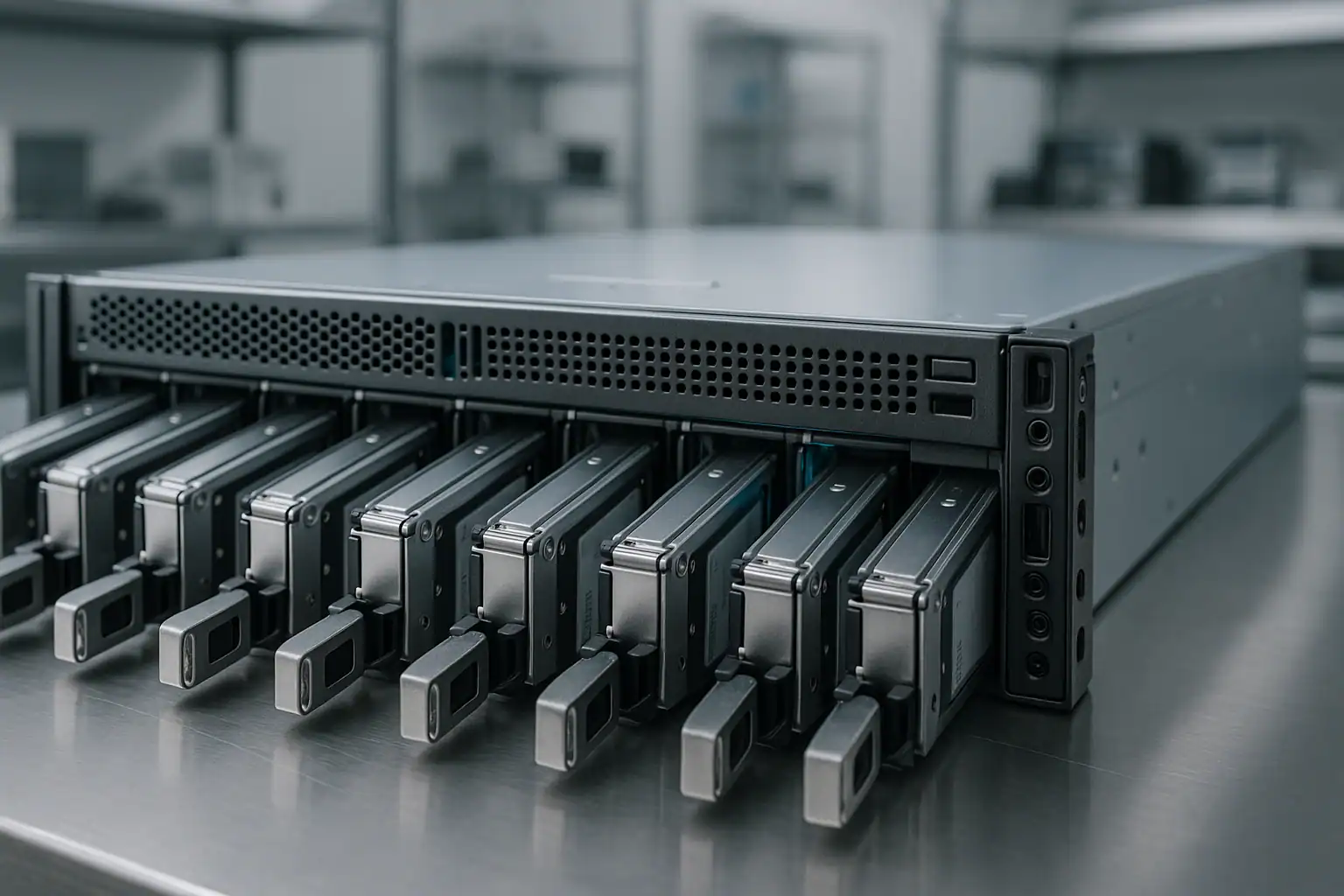
8000-series recoveries follow our standard 3PAR recovery process: free consultation, coordinated drive extraction across cages, write-blocked forensic imaging at scale, chunklet-CPG-virtual volume reconstruction with Hombre, and host-layer extraction.
For 8000-series cases specifically, our work involves the Gen5 ASIC-era 3PAR architecture: M6710 / M6720 / M6730 cage layouts, 3PAR OS 3.2.x and 3.3.x metadata formats, TDVV deduplication and compression handling when present, and Adaptive Optimization tier resolution for hybrid configurations. The 8000-series’ relatively standardized hardware platform (compared to the more varied 7000 / 10000 / 20000-series predecessors) helps with consistent recovery workflows.
For 8450 all-flash deployments specifically, our work adapts for SSD-specific imaging considerations. HPE-firmwared SSDs in the 8450’s configurations sometimes need cleanroom-level work to image cleanly when wear or controller issues prevent standard enumeration. The recovery process accommodates this; turnaround on heavily-worn SSD-tier drives can be longer than spinning-drive equivalents.
For 8000-series systems with TDVV deduplication, the recovery includes a dedup-reversal step in the extraction pipeline. Hombre reads the dedup metadata structures, reconstructs the block reference relationships, and outputs deduplicated data in its expanded original form. This step adds engagement complexity but doesn’t change the fundamental capability.
For 4-node 8400 / 8440 clusters with cluster-state issues (split-brain, partial communication failures), the recovery may involve coordinating multiple nodes’ cached state to reconstruct the authoritative cluster view as of the failure event. We work with on-disk metadata as the authoritative source; node-level cached state is supplementary.
For systems still partially online, we can sometimes work from a combination of live SSMC / CLI exports and offline drive imaging. The consultation establishes whether the cluster state is suitable for in-place data export or whether full offline recovery is the right approach.
What to Do Right Now If Your 8000-Series Is Failing
Don’t initiate any CPG configuration changes during a failure. CPG operations on a stressed system can trigger data movement that doesn’t complete cleanly, compound metadata issues, or cause cluster-level reactions. Leave CPG configuration alone until the consultation establishes a plan.
Don’t attempt 3PAR OS upgrades, patches, or maintenance updates during a failure. 3PAR OS operations on 8000-series involve rolling node updates; doing this on a degraded cluster can leave nodes in inconsistent versions and compound the original issue. Postpone planned maintenance.
Don’t evict failed nodes from the cluster without understanding the implications. Node eviction rebalances chunklets across surviving nodes — on a stressed cluster, that rebalancing can fail and worsen the state.
Don’t initiate manual chunklet movement, CPG-level placement operations, or sparing operations. These can cascade issues on already-degraded systems.
Don’t delete or modify Remote Copy replication relationships during a failure. Leave broken replication broken until recovery is planned — deletion or recreation can affect replica state.
Don’t attempt SP recovery, replacement, or reset during an active cluster failure. SP operations can affect cluster connectivity at the worst possible time. The SP can be addressed separately after data is safe.
Don’t reseat drives showing as missing without checking cage IOM and SAS path state first. If multiple drives in a specific cage are missing, the issue is likely cage-level (IOM, backplane, or SAS cabling), not drive-level. Random reseating risks dislodging healthy drives.
Don’t run host-side filesystem repair tools against virtual volumes that are still presented. ESXi datastore repair, NTFS chkdsk, ext4 fsck, ZFS scrub, Oracle DBV / RMAN recovery against questionable datafiles — all can alter on-disk metadata recovery depends on.
For 8450 all-flash systems with potential SSD wear issues, don’t initiate any large-scale data movement. Aggressive AO migrations, large block rebalances, or other write-heavy operations on already-stressed SSDs can push them past wear thresholds during the wrong moment.
Export SSMC configuration data and CLI “showsys -d” / “showalert” / “shownode -d” output if accessible. This is the most valuable upfront diagnostic data.
If the cluster is fully offline, leave it powered off rather than attempting controller-level recovery actions. Powering off preserves on-disk metadata; aggressive cluster operations during an outage can damage it.
Document the cluster state in detail. Specific model (8200 / 8400 / 8440 / 8450), node count (2 vs 4), cage count and types (M6710 / M6720 / M6730), 3PAR OS version with full point-release detail, CPG list and configurations if known, critical virtual volumes by name, host attachments, application stack, recent maintenance activity, and support status. The more we know going in, the faster the consultation moves.
Coordinate with storage, application, and DBA teams. 8000-series recovery typically involves multiple teams. Aligning them early speeds the overall recovery and ensures the right data extraction priorities are clear.
8000-Series Configurations We’ve Recovered
- StoreServ 8200 two-node configurations backing mid-market VMware vSphere clusters with VMFS-6 datastores
- StoreServ 8400 two-node configurations backing Hyper-V Failover Clusters with NTFS or ReFS CSVs
- StoreServ 8400 four-node configurations supporting Oracle Database deployments with ASM disk groups
- StoreServ 8400 backing Oracle RAC clusters with shared 3PAR storage
- StoreServ 8400 hosting Microsoft Exchange 2013 / 2016 / 2019 with large mailbox database deployments
- StoreServ 8440 supporting large SQL Server 2014 / 2016 / 2017 / 2019 environments with multi-TB databases
- StoreServ 8440 backing SAP environments — SAP ECC, BW, and application server deployments
- StoreServ 8440 hosting Citrix XenApp / XenDesktop / Virtual Apps and Desktops infrastructure
- StoreServ 8450 all-flash deployments for VDI infrastructure with thousands of virtual desktops
- StoreServ 8450 all-flash backing performance-tier databases — Oracle, SQL Server, custom transactional workloads
- StoreServ 8000-series with hybrid SSD/HDD CPGs and active Adaptive Optimization tiering
- StoreServ 8000-series with TDVV deduplication and compression on virtual volumes
- StoreServ 8000-series with extensive virtual copy snapshot trees for backup workflows
- StoreServ 8000-series with Remote Copy replication to partner 8000-series at secondary sites
- StoreServ 8000-series past HPE support with multiple component failures (nodes + cages + drives)
- StoreServ 8000-series with failed 3PAR OS upgrades leaving cluster in inconsistent states
- StoreServ 8000-series cluster split-brain scenarios after partial inter-node communication loss
- StoreServ 8000-series with M6710 / M6720 cage failures and inaccessible drive populations
- StoreServ 8000-series with sparing exhaustion from deferred drive replacements
- StoreServ 8000-series backing VMware vCloud / vRealize infrastructure deployments
- StoreServ 8000-series running RHEL / Oracle Linux / Ubuntu hosts with ext4, XFS, or ZFS file systems
Frequently Asked 8000-Series Questions
Our StoreServ 8400 had two nodes go down simultaneously. Can the data still be recovered?
Usually yes, especially if the failure was correlated (power event, cooling event, or firmware-related rather than hardware). The data lives on the drives in the M6710 / M6720 cages, not in the nodes. We image the drives directly through forensic imaging and reconstruct the chunklets, CPGs, and virtual volumes in software, independent of the nodes’ ability to come back online. Multi-node failure recovery is a routine 8000-series scenario for us.
Our 8450 all-flash array has multiple SSDs showing wear threshold warnings. Are we at risk of data loss?
Yes — SSDs near wear thresholds can fail relatively suddenly compared to spinning drives. If your 8450 has been running write-heavy workloads (VDI with heavy provisioning churn, transactional databases, dedup-heavy patterns), SSD wear can accelerate. Plan for proactive imaging or migration before SSDs cross wear thresholds. We can perform forensic imaging on functionally healthy but high-wear SSDs to preserve data before they fail.
Our StoreServ 8440 had a CPG go offline because too many drives failed and sparing was exhausted. Can you recover?
Yes. Chunklet-level failures where CPG redundancy was exhausted are recoverable when enough chunklets remain readable across surviving drives. We image all drives across all cages, reconstruct the chunklet layout from on-disk metadata, and rebuild the CPGs with handling for missing chunklets where possible. Some data may be unrecoverable if too many chunklets in the same redundancy group are gone, but most cases recover substantially even when CPG redundancy was exceeded.
Our 3PAR OS 3.3.1 MU4 upgrade failed partway through and the cluster won’t complete the upgrade or roll back. What now?
Failed 3PAR OS upgrades on 8000-series typically leave nodes in inconsistent firmware states with cluster coordination issues. The data on the drives is unaffected by node firmware state. Don’t attempt further upgrade operations from a partial state — we recover from the drives directly. After data is preserved, the cluster firmware situation is a separate problem you can address through HPE support (or replacement hardware) without holding up data extraction.
Our 8000-series was using TDVV deduplication aggressively. The dedup ratio dropped unexpectedly and now some volumes are offline. Help?
The combination you’re describing — dedup ratio anomaly plus volumes offline — sometimes indicates TDVV metadata corruption affecting the dedup hash tables or block reference structures. Recovery requires reading the dedup metadata directly and reconstructing the block reference relationships during extraction. This is more complex than non-dedup recovery but routine for our process. Provide the volume list and dedup configuration upfront so we can scope the engagement.
Our 8400 was running Adaptive Optimization with SSD and HDD CPGs. During a CPG issue, AO migrations got interrupted. Where’s the data?
The data is still on the cluster — it’s the tier mapping that’s in an inconsistent state. AO migrations move regions of virtual volumes between CPGs; when interrupted, the cluster has copies in both CPGs but the mapping pointing to the authoritative copy can be ambiguous. Recovery involves reconstructing the AO tier mapping from on-disk metadata to identify which CPG’s copy of each block region is correct. We handle this routinely.
Our 8000-series was backing a large VMware vSphere environment. We’ve lost access to multiple datastores. Can we get the VMs back?
Yes. VMFS-6 datastores sit on virtual volumes presented by the 3PAR. We reconstruct the chunklets, CPGs, and virtual volumes that were the LUNs, then extract VMFS-6 from each. Individual .vmdk files extract for attachment to surviving VMware infrastructure or replacement hosts. This is one of our highest-volume 3PAR scenarios — mid-market vSphere environments on 8400s in particular.
Our 8000-series was backing Oracle RAC. The ASM disk groups went offline. Can Oracle recovery proceed from your output?
Yes. We recover the virtual volumes that ASM was using as ASM disks, then your DBA team performs Oracle-level recovery against the recovered storage — ASM disk group import, RMAN recovery, archive log apply, redo log management. We’re comfortable working as the storage recovery tier in a broader Oracle recovery effort. Many of our 8000-series cases involve Oracle workloads at significant scale.
Our 8000-series is past HPE support. Will that affect recovery?
No. Our recovery process doesn’t require HPE involvement; we work from the drives directly. Out-of-support 8000-series cases are a substantial share of our caseload — especially 8200 and earlier-deployment 8400 systems. Recovery is unchanged regardless of support status. Plan for replacement hardware to host the recovered data after extraction.
Our 8400 had a cage go offline. The cage shows IOM faults. Can we recover the data from drives in that cage?
Yes. Cage failures don’t affect the drives themselves — they affect the cluster’s ability to reach the drives through the cage’s IOMs. We extract the drives from the failed cage, image them through write-blocked imaging, and reconstruct the chunklets that lived on them as part of the broader recovery workflow.
Our Remote Copy replication target was a different 8000-series. The primary failed. Can we use the secondary?
If the secondary is fully synchronized and accessible, that’s your fastest path back to service. In practice, many of our cases involve replication that turned out to be incomplete — broken for weeks or months without anyone noticing, async replication accumulating differences, or correlated failures affecting both sites (especially when the data center events that caused the primary failure also affected the secondary). The primary’s drives are the authoritative source for any data the secondary doesn’t have.
Our 8200 SP failed and we don’t have a configuration backup. Can recovery still proceed?
Yes. The SP holds configuration documentation and management state, but the authoritative configuration lives on the 3PAR drives themselves — in chunklet metadata, CPG configuration data, and virtual volume definitions. We reconstruct the configuration from on-disk metadata when SP knowledge isn’t available. SP failure adds some consultation overhead but doesn’t block recovery.
We have an 8200, an 8400, and an 8450 in different parts of our environment. Same recovery process for all three?
The fundamental process is the same. The 8200’s smaller scale (2 nodes, max 2 cages) makes for shorter engagements; the 8400 and 8440 are larger drive populations with more complex CPG configurations; the 8450 adds SSD-specific imaging considerations. We adapt timing and tooling per model, but the underlying capability covers all three.
How can I tell if my system is an 8200 vs 8400 vs 8440 vs 8450?
SSMC and the “showsys” CLI command identify the system precisely. Physically, the chassis label confirms the model. The number of controller nodes indicates the configuration: 8200 always has 2 nodes; 8400 has 2 or 4; 8440 typically has 4. The 8450 can have 2 or 4 nodes and is identified by its all-flash drive population (no HDDs in cages). A photograph of the chassis or SSMC system info during consultation confirms quickly.
What’s the typical turnaround for an 8000-series recovery?
Smaller 8200 systems with 2 nodes and 2 cages typically recover in 2-3 weeks. Mid-sized 8400 / 8440 systems with multiple cages take 3-6 weeks for full recovery. Larger 8440 / 8450 deployments with hundreds of drives across multiple cages can take 6-10 weeks. Our expedited service tier compresses these timelines significantly for mission-critical workloads. The consultation provides a realistic estimate for your specific case.
Start Your Free 8000-Series Recovery Consultation
If your HPE 3PAR StoreServ 8200, 8400, 8440, or 8450 is down, get a free consultation with our SAN team. We’ll walk through your specific configuration — model, node count, cage layout, 3PAR OS version, CPG and virtual volume layout, application stack, support status — and tell you honestly what’s possible.
Start Your Free 8000-Series Consultation
Free consultation · Clear upfront pricing · ISO 5 cleanroom recovery
Or call 1-877-624-7206 to speak with our SAN team directly.