
HPE ProLiant DL580 Gen10 Data Recovery Services
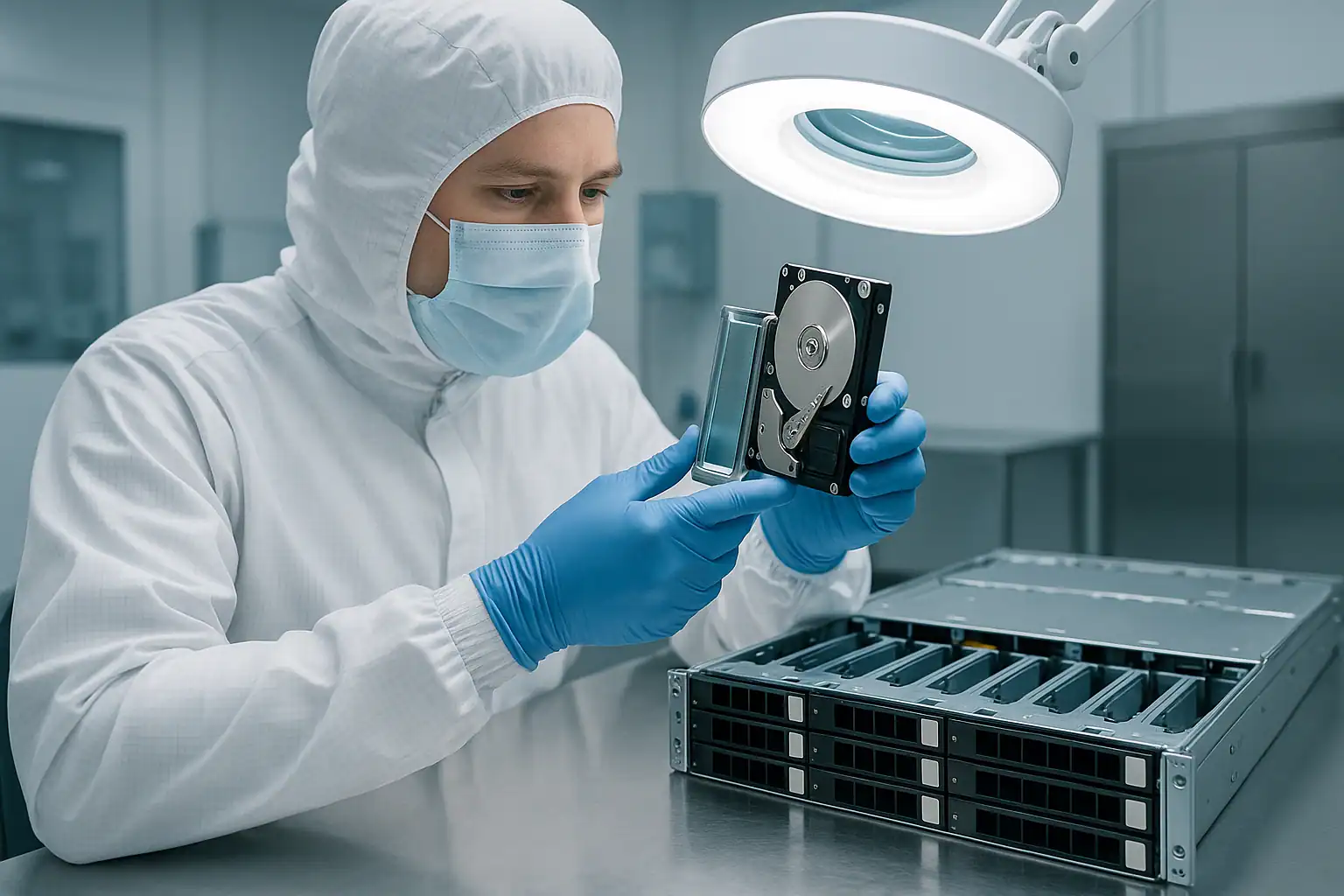
The HPE ProLiant DL580 Gen10 is HPE’s 4U four-socket flagship rack server — the platform of choice for mission-critical workloads where downtime is measured in revenue per minute and the database supports the entire business. Production ran from 2017 through 2020, putting the active DL580 Gen10 population at 6-9 years old. These systems run SAP HANA on Optane Persistent Memory, Oracle Database (including RAC clusters), large SQL Server enterprise deployments, in-memory analytics platforms, mission-critical line-of-business applications, and high-density VMware ESXi clusters serving tier-1 workloads.
DL580 Gen10 recovery cases are different from DL380 or DL360 cases in several important ways: drive counts are higher (up to 48 SFF drives across multiple Smart Array controllers in some configurations), Persistent Memory capacities are larger (up to ~12TB of Optane DCPMM across 48 DIMM slots), the workloads have specific application-layer recovery requirements (SAP HANA savepoints, Oracle datafile structures, SQL Server VLFs), and the business stakes are higher. By the time a DL580 Gen10 recovery case reaches us, the customer has typically exhausted HPE Mission Critical Services options or is dealing with a scenario the standard support path can’t address. This page covers what we see in DL580 Gen10 cases and how we approach them.
DL580 Gen10-Specific Failure Patterns
Multi-controller array configurations
DL580 Gen10 systems are commonly deployed with multiple Smart Array controllers managing different storage tiers — an embedded P408i-a for one drive group, a PCIe P816i-a for higher-density expansion, additional P408i-p or P408e-p controllers for external D-series enclosures. Each controller maintains its own array configuration, energy pack state, and metadata. When one controller fails, the other arrays continue operating — but failover, replacement, and recovery scenarios are more complex than single-controller systems because multiple metadata sources have to be coordinated.
A common DL580 Gen10 recovery scenario: a primary controller fails and is replaced; the foreign configuration import on the replacement controller succeeds for one array but produces unexpected behavior on a second array managed by the same controller. The right recovery path requires reading all the controllers’ arrays independently and reconstructing them in their original topology rather than depending on any single controller’s state.
SAP HANA on Optane Persistent Memory failures
The DL580 Gen10 is the dominant HPE platform for SAP HANA scale-up deployments using Intel Optane DC Persistent Memory. SAP HANA in App-Direct Mode places significant data structures directly on the PMem modules — column store data, delta merge buffers, and savepoint metadata can all live partially or fully on Optane DCPMM rather than on the spinning or flash drives. When a DL580 Gen10 running SAP HANA fails, the recovery scope includes both the storage drives and the PMem modules.
SAP HANA recovery scenarios on DL580 Gen10 typically involve at least one of: failed PMem modules with HANA data on them, corrupted HANA datafiles after a power event, failed savepoint operations, master/slave HANA replication failures, or scale-up HANA databases that grew past their planned recovery point. We work with customers’ SAP Basis admins on these cases — the recovery of the underlying storage is one part, but the HANA database needs to be reassembled at the application layer using the recovered storage plus PMem state.
Oracle Database and Oracle RAC scenarios
Oracle Database deployments on DL580 Gen10 are common — both standalone Oracle on bare-metal Linux and Oracle RAC across multiple DL580 Gen10 nodes. Oracle failure scenarios we see include datafile corruption after underlying RAID failures, redo log loss, archive log issues, RAC node failures with shared storage issues, and ASM disk group problems. Oracle datafiles are recoverable from the underlying storage like any other large files; the application-level reassembly (RMAN recovery, archive log replay, ASM rebalancing) is typically the customer’s DBAs working with our recovered storage rather than something we perform directly.
Large SQL Server enterprise database recoveries
DL580 Gen10 commonly hosts SQL Server enterprise deployments with database sizes ranging from hundreds of gigabytes to many terabytes — Always On Availability Groups, transactional replication, and clustered SQL Server instances. Recovery scenarios involve VLF (virtual log file) corruption, .mdf / .ldf / .ndf datafile damage after underlying storage failures, tempdb corruption, and Always On synchronization issues. The recovery process extracts the database files from the reconstructed storage; SQL Server-specific repair (DBCC operations, page-level restore, log shipping resumption) is the customer’s database team working with the recovered files.
Mass-drive-failure scenarios at scale
A DL580 Gen10 with 48 SFF drives spread across multiple Smart Array controllers can experience drive failures at a different scale than smaller systems. We see scenarios where five, six, or more drives have failed across multiple arrays before the customer recognized the pattern — usually because individual array degradations were tolerated by RAID 6 or RAID 60 redundancy, until a combination of failures crossed the redundancy threshold on one or more arrays simultaneously. Recovery at this scale requires forensic imaging of all 48+ drives, careful reconstruction of which drive belonged to which array, and reassembly of the complete storage topology.
Energy pack degradation across multiple controllers
With multiple Smart Array controllers, the DL580 Gen10 has multiple energy pack modules — each backing the cache of its respective controller. After 6-9 years of operation, multiple energy packs typically degrade in parallel because they were manufactured at similar times and operate under similar conditions. The Gen10 controllers fall back to Write-Through cache mode when their energy pack degrades, but if multiple controllers go through this transition under load, the performance impact is significant and the data-at-risk window expands.
Silicon Root of Trust at enterprise scale
Silicon Root of Trust lockouts on DL580 Gen10 are particularly impactful because of the deployment context: a four-socket flagship server going unbootable affects high-criticality workloads. When SRT verification fails after a firmware update gone wrong, the data on the drives is unaffected — but the system can’t serve workloads until SRT is resolved. We see DL580 Gen10 SRT lockouts often in conjunction with broader firmware update incidents at enterprises with strict change management; the recovery path is independent of SRT resolution because we work from the drives directly.
Out-of-HPE-support scenarios
DL580 Gen10 systems past their HPE support contract are increasingly common in our caseload. When a failure occurs and the system is out of support, HPE Mission Critical Services can’t engage, replacement parts may take weeks to source through resellers, and the standard escalation path isn’t available. Customers in this position often turn to us as the alternative path to data recovery when conventional support is exhausted. The recovery itself isn’t different — it’s the same forensic imaging and reconstruction workflow — but the engagement context is more time-pressured.
Mission-critical VMware ESXi cluster failures
DL580 Gen10 commonly serves as a high-capacity ESXi host in tier-1 VMware clusters, hosting dozens of mission-critical VMs per host. When a DL580 Gen10 ESXi host fails, vSphere HA typically migrates VMs to surviving hosts — but VMs with local storage, VMs that were mid-snapshot, or VMs running mission-critical databases with specific storage requirements may need explicit recovery from the failed host. VMFS-6 datastores from DL580 Gen10 systems are recoverable through our standard workflow; the VM disk extraction (.vmdk files) gives the customer’s VMware admins the ability to attach the recovered VMs to surviving infrastructure.
Critical DL580 Gen10 Error Conditions
Smart Array P408i-a / P816i-a POST and iLO Error Messages
| Error / Message | What it means | Data loss risk |
|---|---|---|
| Logical Drive in Interim Recovery Mode | One drive failed; redundancy is gone | Moderate — high if second drive fails before rebuild |
| Logical Drive Failed | More drives failed than RAID level can tolerate | Critical |
| Foreign Configuration Found / Import Configuration | Controller detected RAID metadata not matching current config — high-risk on multi-controller systems where metadata may apply to different arrays than expected | Critical — wrong choice is irreversible |
| Multiple controllers reporting Foreign Configuration | Controller swap or motherboard event affected multiple controllers’ arrays simultaneously | Critical — do not import on any controller without coordinated recovery plan |
| Rebuild Failed | Rebuild encountered unreadable sectors on surviving drives | Critical — data in affected stripes at risk |
| Cache Module Status: Permanent Error (on multiple controllers) | Multiple energy packs degraded in parallel from age | Moderate to High across multiple arrays |
| Energy Pack Status: Failed | Energy pack module replacement required to restore write-back cache | Moderate |
| PCIe Training Error (NVMe) | NVMe drive cannot establish PCIe link with controller | Moderate to High depending on drive role |
| NVMe Drive Removed / Not Present | NVMe drive disappeared from controller view — may be U.2 connector, link failure, or actual drive failure | Moderate to High |
| Silicon Root of Trust Verification Failed | Firmware integrity check failed at boot — server will not POST until resolved | Low directly — data on drives unaffected, but mission-critical workload offline until SRT resolved |
| Persistent Memory Module: Uncorrectable Error | Optane DCPMM module reported uncorrectable error | Critical for PMem-aware workloads, especially SAP HANA |
| Persistent Memory: Goal Mismatch / Region Inconsistent | PMem configuration doesn’t match the expected layout — can occur after DIMM moves or controller resets | Critical for App-Direct workloads |
| Multiple Energy Pack Status alerts | Several energy packs degrading simultaneously across controllers | Moderate — correlated failure indicates fleet-age effect |
DL580 Gen10 Drive Carrier LED Patterns
| LED Pattern | SAS / SATA meaning | NVMe meaning |
|---|---|---|
| Steady green | Drive online and active | Drive online and active |
| Slow flashing green (1 Hz) | Drive activity, or rebuild in progress — do not remove | Drive activity |
| Off | Drive ready for removal OR not detected | Drive ready for removal OR not detected |
| Steady amber | Drive has failed | Drive has failed or PCIe link error |
| Slow flashing amber | Predictive failure (SMART) — back up before replacing | Predictive failure / wear threshold approached |
| Alternating amber and green | Drive identify / locator activated | Drive identify / locator activated |
| Steady blue | Drive selected by management interface | Drive selected by management interface |
iLO 5 Integrated Management Log (IML) Events to Watch
| Event source | Meaning |
|---|---|
| Smart Storage — Logical Drive Status Change (multiple controllers) | Status changes on multiple controllers indicate fleet-wide event or correlated failure |
| Smart Storage — Physical Drive Status Change | Drive transitioned to Failed, Predictive Failure, or Removed state |
| Smart Storage — Energy Pack Status | Energy pack state change — check for parallel degradation across controllers |
| Smart Storage — Surface Analysis Error | Bad block detected during background surface scan |
| Smart Storage — Rebuild Failed | Rebuild attempt aborted due to errors |
| NVMe — PCIe Training Error | NVMe drive could not establish PCIe link |
| NVMe — Drive Removed | NVMe drive removed from PCIe enumeration |
| Security — Silicon Root of Trust Event | SRT firmware integrity verification result |
| Memory — Persistent Memory Module Error | Optane DCPMM module reported an error — critical for HANA / PMem workloads |
| Memory — Persistent Memory Goal Mismatch | PMem configuration inconsistency — may indicate App-Direct region issue |
| System Environment — Fan / Temperature Threshold | Thermal or fan failure event |
For DL580 Gen10 recoveries, the AHS log’s coverage of multi-controller and Persistent Memory events is particularly important. Patterns visible in the AHS log — correlated energy pack failures, parallel drive predictive failures, PMem goal mismatches following firmware events — often distinguish between failure scenarios that look similar on the surface. Download the AHS log from iLO 5 before initiating recovery actions when possible.
How We Recover Failed DL580 Gen10 Servers
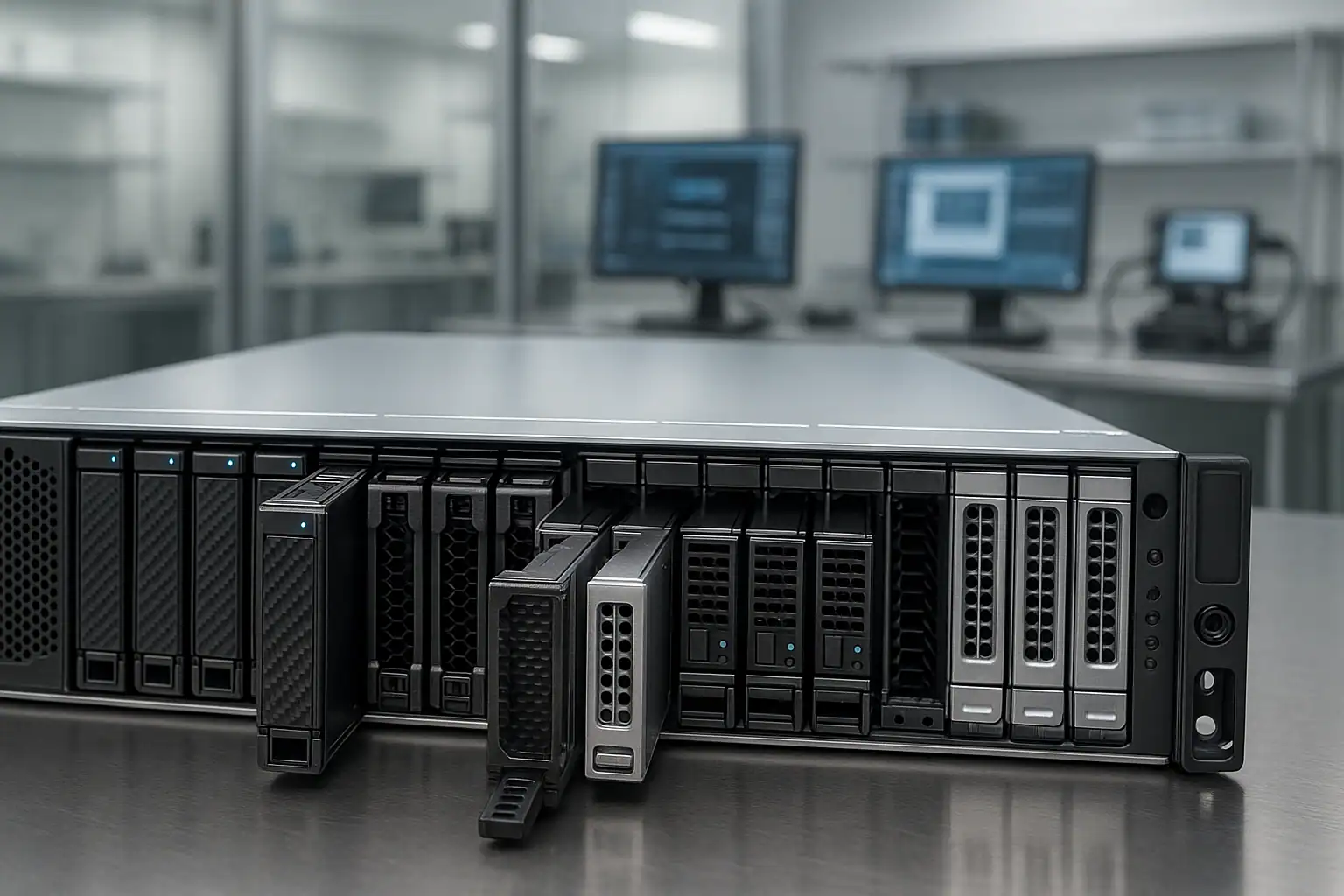
DL580 Gen10 recoveries follow our standard ProLiant recovery process with adaptations for the enterprise scale and multi-controller architecture: free consultation, temporary hardware repairs in our ISO 5 cleanroom, write-blocked forensic imaging of every drive (across all controllers), RAID reconstruction with Hombre coordinated across multiple arrays, and file system extraction.
For DL580 Gen10 cases specifically, our work scales to the multi-controller, multi-array reality. We image drives from each controller’s arrays and reconstruct them independently, then reassemble the full storage topology in the order the application expected. The P408i-a, P408i-p, P816i-a, E208i-a, and external P408e-p controller families all share the underlying MR-derived metadata format we’ve developed dedicated tooling for — whether your DL580 Gen10 ran one Smart Array or four, the reconstruction approach is consistent.
For Persistent Memory recovery, the workflow extends to the Optane DCPMM modules themselves. For SAP HANA App-Direct configurations specifically, we capture PMem state alongside the drive contents so the customer’s SAP Basis team can reassemble HANA at the application layer using both the recovered storage and the recovered PMem regions. PMem recovery on DL580 Gen10 is more complex than on DL380 Gen10 because the larger DIMM slot count means more PMem capacity to capture and coordinate.
For Oracle Database recoveries, we extract Oracle datafiles, redo logs, control files, and archive logs from the reconstructed storage. The customer’s Oracle DBAs perform the application-level recovery (RMAN, archive log replay, ASM reassembly) using our recovered storage as the source. We’re comfortable working as the storage recovery tier in a broader Oracle recovery effort.
For VMware ESXi datastore recoveries, we reconstruct VMFS-5, VMFS-6, or vVol datastores and extract individual .vmdk files. The customer’s VMware admins attach the recovered VMs to surviving infrastructure to resume operations.
For SQL Server recoveries, we extract .mdf, .ldf, and .ndf files from the reconstructed storage. SQL Server-specific repair (DBCC CHECKDB, page-level restore, log replay, AlwaysOn AG resumption) happens at the customer’s DBA team.
For systems that can be shipped — recognizing that a 4U DL580 Gen10 with 48 drives is a substantial logistical operation — we coordinate freight shipping or on-site work when the case warrants it. Mission-critical recoveries with strict time pressure often involve our expedited service tier with dedicated engineer assignment.
What to Do Right Now If Your DL580 Gen10 Is Failing
Don’t accept any “Import Configuration” or “Foreign Configuration Found” prompts on any controller without a coordinated recovery plan. On multi-controller DL580 Gen10 systems, foreign configuration prompts can appear on multiple controllers simultaneously after a chassis-level event. The wrong choice on any one controller can destroy that controller’s array. The right action sequence often involves leaving the system at the prompts and coordinating recovery before making any choices.
Don’t initiate rebuilds on degraded arrays across multiple controllers simultaneously. Parallel rebuilds on a DL580 Gen10 generate substantial I/O load and consume substantial cache resources. If multiple controllers are reporting degraded states, sequence the rebuilds carefully and verify each rebuild’s success before starting the next. Better yet, image first and rebuild against the images.
For SAP HANA deployments, do not remove or reseat Optane PMem modules without preserving their state. SAP HANA in App-Direct Mode depends on PMem persistence; mishandling modules during recovery can lose data that HANA expects to be available at startup. Coordinate PMem handling with the customer’s SAP Basis team and our consultation before any physical work.
For Oracle deployments, do not run any Oracle recovery tools (RMAN restore, datafile recover) against potentially corrupted datafiles without first preserving the originals. Oracle recovery utilities modify the files they operate on; if recovery doesn’t succeed, the original state is gone. Image the storage first, then perform Oracle recovery against copies.
Don’t attempt firmware rollback on a Silicon Root of Trust verification failure. SRT lockouts on mission-critical systems are stressful, but the data on the drives is unaffected. Resolving SRT is a separate problem from recovering the data — we can do the latter without the former being fixed.
Don’t update iLO, BIOS, or Smart Array firmware during a degraded state. SPP firmware updates on stressed DL580 Gen10 systems can compound issues, especially when SRT is involved. Pause any planned maintenance until the storage situation is stable.
Don’t clear cache modules or energy packs reporting dirty cache. Across multiple controllers, this risk multiplies — each controller’s cache contents may contain in-flight writes critical to a different application or array.
Don’t run application-level filesystem repair tools. SAP HANA recovery utilities, Oracle DBCA / RMAN, SQL Server DBCC repairs, VMware datastore repair — all can permanently alter the underlying data structures during recovery. Preserve the storage state first; perform application repair against the recovered copies.
Document the complete storage topology. Multi-controller DL580 Gen10 systems require accurate documentation of which controller managed which arrays, which drives lived in which bays under which controller, and how the arrays mapped to OS-level volumes. iLO 5’s storage view provides this; download configuration exports while iLO is still accessible.
Document the application stack. The application running on the DL580 Gen10 dictates the recovery approach — SAP HANA recovery is different from Oracle recovery is different from SQL Server recovery is different from VMware datastore recovery. Provide application details, version, configuration, and Basis / DBA contact information in the consultation.
If the system is out of HPE support, document that fact upfront. It changes the engagement context and the urgency of certain decisions (parts sourcing, scheduling). We work with out-of-support DL580 Gen10 systems regularly — the recovery doesn’t require HPE involvement.
DL580 Gen10 Configurations We’ve Recovered
- DL580 Gen10 with single Smart Array P408i-a controller managing 12-24 SFF drives in RAID 6 or RAID 60 — mid-density enterprise deployments
- DL580 Gen10 with multiple Smart Array controllers (P408i-a + P816i-a + P408i-p) managing tiered storage across 48 SFF drives
- DL580 Gen10 with NVMe Express Bay configurations alongside SAS drives — tiered storage for hot/cold data separation
- DL580 Gen10 all-NVMe configurations — high-IOPS database servers, in-memory analytics
- DL580 Gen10 with Intel Optane DC Persistent Memory in App-Direct Mode running SAP HANA scale-up deployments
- DL580 Gen10 with Optane in Memory Mode hosting large-memory virtualization workloads
- DL580 Gen10 running Oracle Database 12c, 18c, 19c, 21c on Oracle Linux or RHEL with ASM disk groups
- DL580 Gen10 as a node in Oracle RAC clusters with shared storage
- DL580 Gen10 hosting SQL Server enterprise editions (2016, 2017, 2019, 2022) with multi-TB databases
- DL580 Gen10 hosting SQL Server Always On Availability Groups across multiple nodes
- DL580 Gen10 as a high-capacity ESXi host (6.5, 6.7, 7.0, 8.0) in tier-1 vSphere clusters
- DL580 Gen10 hosting Hyper-V on Server 2019 / 2022 with very large Cluster Shared Volumes
- DL580 Gen10 running SAP ECC and S/4HANA application servers (not just HANA database)
- DL580 Gen10 running SAP HANA dynamic tiering with cold data on backing storage
- DL580 Gen10 connected to external D-series enclosures via external Smart Array controllers
- DL580 Gen10 connected to MSA, 3PAR, or Nimble storage via Fibre Channel HBAs (recoveries focused on the local boot/cache storage rather than the SAN)
- DL580 Gen10 running enterprise Linux (RHEL 7/8/9, SUSE for SAP) with LVM, ext4, XFS, or ZFS
- DL580 Gen10 running mission-critical ERP, supply chain, and financial applications on Windows or Linux
- DL580 Gen10 running Citrix XenDesktop / XenApp for large enterprise VDI deployments
- DL580 Gen10 with HPE Persistent Memory for in-memory caching tiers (Redis Enterprise, Memcached at scale)
Frequently Asked DL580 Gen10 Questions
Our DL580 Gen10 has four Smart Array controllers and one of them died. The others are still running. Can you recover from the dead controller’s arrays?
Yes. We read the drives from the dead controller’s arrays directly — the controller’s death doesn’t affect the metadata on the drives. We reconstruct that controller’s arrays in software using the on-disk metadata, then extract their contents. The other controllers’ arrays can continue operating during this work; recovery is scoped to the dead controller’s domain.
Our DL580 Gen10 runs SAP HANA on Optane PMem. HANA won’t restart after a crash. What now?
This is a scenario we work on regularly. The recovery scope includes the drives and the Optane DCPMM modules — HANA in App-Direct Mode places data on PMem that must be preserved. Don’t remove or reseat PMem modules. Coordinate with your SAP Basis team and our consultation; we’ll capture both storage and PMem state, and your Basis team performs the HANA-level reassembly against our recovered data.
Our Oracle RAC cluster on DL580 Gen10 has one node down with storage issues. What does recovery involve?
Standard Oracle RAC recovery on the surviving nodes can usually continue with the failed node out of the cluster. If the down node had any local-only data (rare in proper RAC configurations but possible for certain ASM configurations), we recover that. The more common scenario is that the shared storage has issues affecting all nodes — in which case we recover the underlying RAID arrays first, then your DBAs perform Oracle-level recovery (RMAN, archive log apply, ASM rebalance) using our recovered storage.
Our SQL Server enterprise database on DL580 Gen10 is multi-TB. The underlying storage failed. How long will recovery take?
Depends on drive count, drive condition, and the complexity of the storage topology. Multi-TB SQL Server recoveries on DL580 Gen10 typically take days to weeks — the imaging phase scales with drive count and any drives needing cleanroom work, and the reconstruction phase scales with array complexity. Our expedited service tier compresses these timelines for mission-critical workloads. The consultation provides a realistic estimate.
Our DL580 Gen10 is past HPE support. Can you still help?
Yes — this is a substantial share of our DL580 Gen10 caseload. The recovery process doesn’t require HPE involvement. We work from the drives directly, regardless of support status. Out-of-support DL580 Gen10 cases are common because the platform aged through its support cycle while still running mission-critical workloads that couldn’t be migrated.
Our DL580 Gen10 shows Foreign Configuration prompts on multiple controllers after a motherboard replacement. What’s the right action sequence?
Don’t click anything yet. The right sequence requires understanding which arrays belong to which controllers and whether the foreign configurations match the expected layout for each. Importing on the wrong controller, in the wrong order, or with mismatched configurations can permanently destroy arrays. Image the drives first — we can do this through forensic imaging or by pulling the drives and shipping them — then attempt imports only after the originals are preserved.
We had a data center power event that affected multiple DL580 Gen10 systems. Several have correlated drive failures. Can you handle multiple systems?
Yes. Data center power event scenarios with multiple affected systems are something we work on at scale — we can coordinate across multiple servers, prioritize the most time-critical workloads, and provide consistent reporting back to the customer’s incident response team. Mention the multi-system context during initial consultation so we can scope appropriately.
Our DL580 Gen10 is showing Silicon Root of Trust verification failure. We can’t boot. How do we get our HANA database back online?
SRT lockouts don’t affect drive or PMem contents. The fastest path to your data is independent of SRT resolution: we extract the drives and PMem modules, recover the storage and PMem state, and your SAP Basis team reassembles HANA on a different DL580 Gen10 or comparable platform. Resolving SRT itself is a separate workstream with HPE; the recovery doesn’t wait on it.
Our DL580 Gen10 had multiple drive failures across two Smart Array controllers simultaneously after a thermal event. The arrays are offline. What now?
Correlated multi-controller failures are recoverable but more complex than single-array events. We image all surviving drives from both arrays, reconstruct each controller’s arrays independently, then verify which drives belong to which logical structure. The thermal event likely affected drive health on more drives than the failure count suggests — survivors may need cleanroom work even if they’re still readable. Image first, decide later.
Our DL580 Gen10 with all-NVMe storage has multiple NVMe drives showing PCIe Training Errors. Are they failed?
Not necessarily. Multiple simultaneous PCIe Training Errors often indicate a controller-level or backplane-level issue rather than coincidental drive failures — especially on DL580 Gen10 where multiple NVMe drives share backplane signal paths. The drives themselves may be healthy. Diagnose at the link layer before initiating drive replacements; the wrong response (replacing healthy drives) can compound the problem.
Our DL580 Gen10 had a botched SPP firmware update. Smart Array, iLO, and PMem are all in inconsistent states. Help?
Complex compound firmware issues are a scenario we see when SPP updates partially complete or roll back unevenly. The recovery isn’t about fixing the firmware — it’s about preserving the data while you work out firmware resolution separately. We extract drives and PMem modules and recover from those; the firmware state of the chassis becomes irrelevant.
Our DL580 Gen10 hosts SED drives with HPE Secure Encryption managed via HPE Enterprise Secure Key Manager. The key manager is reachable but the server won’t POST. What’s recoverable?
With keys available from the key manager, encrypted drive recovery follows the same workflow as non-encrypted recovery once the keys can be applied to the drive images. The server’s ability to POST is irrelevant — we work from the drives plus the keys. Discuss key-management logistics during the consultation; we’ll work with your security team on the appropriate handling.
Our DL580 Gen10 environment uses HPE InfoSight, OneView, and Operations Bridge. How does recovery interact with those?
The management layer doesn’t affect what’s on the drives. Whether your DL580 Gen10 was managed through InfoSight, OneView, Operations Bridge, or just standalone iLO 5, the underlying storage recovery is the same. Management platform configuration, dashboards, and alerts don’t enter the recovery process; the AHS log download from iLO 5 is the relevant diagnostic artifact.
Start Your Free DL580 Gen10 Recovery Consultation
If your HPE ProLiant DL580 Gen10 is down, get a free consultation with our server team. We’ll walk through your specific configuration — multi-controller topology, Persistent Memory deployment, application stack, support status — and tell you what’s possible.
Start Your Free DL580 Gen10 Consultation
Free consultation · Clear upfront pricing · ISO 5 cleanroom recovery
Or call 1-877-624-7206 to speak with our server team directly.