
HPE ProLiant DL360 Gen9 Data Recovery Services
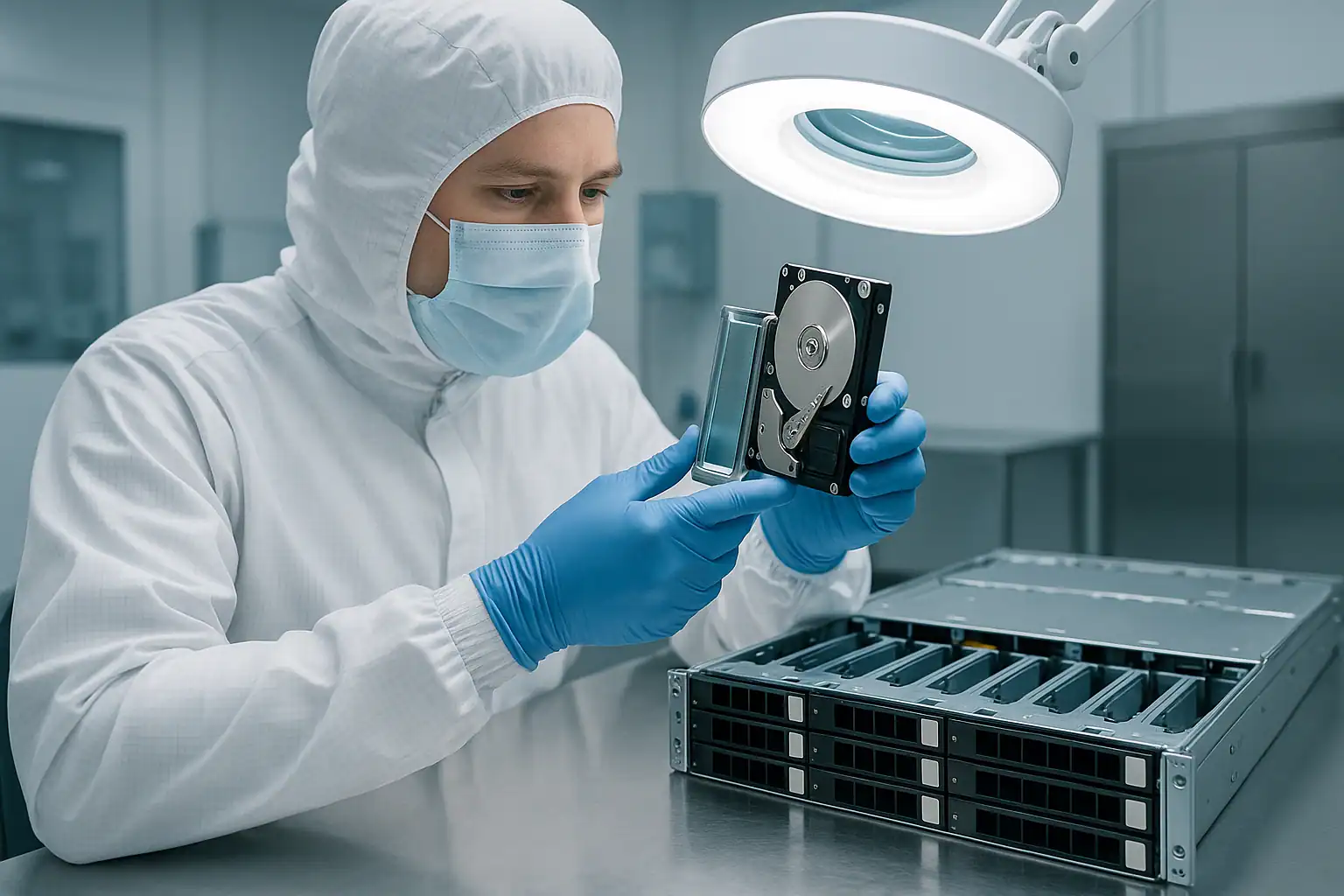
The HPE ProLiant DL360 Gen9 is the 1U workhorse of dense data center deployments — the rack server that fills colocation cages, hosting provider racks, hyperconverged clusters, virtualization farms, and the compute tier of countless mid-market and enterprise environments. Production ran from 2014 through 2017, making the active DL360 Gen9 population 8-12 years old — deep in the failure window for drives, FBWC supercapacitors, the high-RPM 1U fans, and the tight thermal envelope that defines 1U design.
The DL360 Gen9 shares the Smart Array controller architecture and iLO 4 generation of its 2U sibling the DL380 Gen9, but it has a meaningfully different failure profile. 1U servers run hotter, depend more heavily on aggressive cooling, and are more often deployed as virtualization nodes, cluster members, or software-defined storage building blocks — which changes both how they fail and how they need to be recovered. This page covers what we see in DL360 Gen9 cases and what to do if yours is down.
DL360 Gen9-Specific Failure Patterns
Fan failure cascades and thermal escalation
1U servers cool with high-velocity, high-RPM fans — the DL360 Gen9 ships with seven dual-rotor 40mm fans running at substantial speeds whenever the system is under load. After years of continuous operation, fan bearings wear, RPM drift increases, and individual fans begin to fail. The chassis can tolerate single fan failures by ramping up surviving fans, but the surviving fans then wear faster — producing cascading failures. Drive temperatures climb. SAS controller temperatures climb. The system may throttle CPUs or shut down for thermal protection. Drive failure rates accelerate.
If your DL360 Gen9 has been showing fan alerts in iLO and they haven’t been addressed, the drives are likely operating at elevated temperatures even when the array still shows healthy. This is a leading indicator of imminent failure that often gets ignored because the array hasn’t actually failed yet.
Smart Array P440ar FBWC supercapacitor degradation
The DL360 Gen9 most commonly shipped with the HPE Smart Array P440ar embedded RAID controller paired with a 2GB or 4GB Flash-Backed Write Cache (FBWC) module. The supercapacitor backing the cache through power events degrades with age and thermal cycling — and in the hotter 1U chassis, thermal cycling is more pronounced than in 2U or tower equivalents. After 7-10 years, iLO 4 reports any of:
- “Cache Module Status: Permanent Error”
- “Battery/Capacitor Status: Recharging” (stuck in this state)
- “Cache module is not enabled”
- “Write cache is currently disabled”
The controller falls back to Write-Through cache mode to protect data, but performance drops significantly — a particularly painful symptom on dense virtualization hosts where IOPS were already tightly budgeted. Any power event during this state can result in unflushed cache data being lost.
HBA mode and software-defined storage failures
A meaningful share of DL360 Gen9 systems were deployed with the Smart Array controller running in HBA pass-through mode (commonly using the H240 or H240ar controller) rather than as a hardware RAID controller. The drives are presented as JBOD to the operating system, and redundancy is provided by software layers above: Storage Spaces Direct (S2D) on Windows Server 2016/2019, VMware vSAN, ZFS on Linux, or Ceph in containerized deployments.
When these systems fail, the recovery picture changes substantially. There’s no Smart Array metadata to reconstruct — the parity, mirroring, or erasure coding lives in the software layer. We handle these cases by imaging the individual drives forensically, then reconstructing the software-defined storage layout. S2D virtual disks, vSAN object metadata, ZFS vdevs, and Ceph object stores are all things we’ve recovered from on DL360 Gen9 systems — but the workflow is different from RAID 5/RAID 6 recovery and the consultation needs to capture this upfront.
Cluster node failures in HA configurations
DL360 Gen9 systems are frequently deployed in pairs or clusters — Hyper-V failover clusters, VMware HA clusters, Windows Server Failover Clusters, and Active Directory domain controller pairs. When one node fails, the workload usually migrates to the surviving node and the immediate crisis is contained. But the failed node may still hold local data, virtual machine files on local datastores, or cluster-shared metadata that needs to be recovered separately. We see DL360 Gen9 cases where the cluster “saved” the workload but specific VMs or databases that lived on the failed node’s local storage are still inaccessible.
Colocation and remote-hands recovery scenarios
Many DL360 Gen9 deployments live in colocation facilities or remote data centers where the customer doesn’t have routine physical access. When a server fails, “remote hands” staff handle drive replacements and diagnostic work — often without full context of the customer’s configuration. Drive removal order can get lost, replacement drives can be installed in wrong bays, and diagnostic actions can be taken without coordination with the customer. We’ve recovered DL360 Gen9 systems where the array was healthy until colocation staff “helped” with a routine drive replacement. If your DL360 Gen9 is in a colocation facility, coordinate carefully with remote hands before any physical work.
P440ar firmware-related rebuild issues
The P440ar firmware went through multiple revisions during the DL360 Gen9’s active production. Certain revisions had documented issues around rebuild handling, ADG (Advanced Data Guarding — HP’s RAID 6) reconstruction, and configuration-detected prompts. A common scenario: an array operating normally for years suddenly has issues after a Service Pack for ProLiant (SPP) firmware update — logical drives not appearing correctly, rebuilds initiating but not completing, or unexpected “Configuration Detected on Drives” prompts. On DL360 Gen9 systems deployed in clusters, SPP rollouts across multiple nodes can compound this if the underlying issue isn’t caught on the first node.
10 SFF backplane signal issues
The DL360 Gen9 10 SFF configuration packs ten 2.5″ drives into the 1U front bezel — the densest 1U layout HPE offered for this generation. The backplane signal paths are tighter than the 8 SFF variant, and the thermal environment is more aggressive. After 7-10 years of operation, the 10 SFF backplane can develop signal quality issues that manifest as random drive drops, often misdiagnosed as drive failures. The wrong response (replacing the “failed” drives one by one) tends to make things worse.
Critical DL360 Gen9 Error Conditions
Smart Array P440ar / P840 POST and iLO Error Messages
| Error / POST Code | What it means | Data loss risk |
|---|---|---|
| 1787 — Drive Array Operating in Interim Recovery Mode | One drive in the array failed; redundancy is gone | Moderate — high if second drive fails before rebuild |
| 1785 — Drive Array Not Configured | Controller cannot find array configuration metadata | Critical — do not initialize |
| 1786 — Drive Array Recovery Needed | Array degraded, rebuild required | Moderate to High depending on drive health |
| 1779 — Physical Drives Have Been Removed | Drives lost connection to controller (may be backplane or cabling, not actual removal) | Moderate — investigate before re-seating |
| 1792 — Slot X Reports a Data Recovery Error | Rebuild failed due to unreadable sectors on surviving drives | Critical — data in affected stripes at risk |
| Configuration Detected on Drives | Controller found RAID metadata not matching current config — common after controller swap, drive migration, firmware update | Critical — wrong choice is irreversible |
| 1794 — Drive Array Initialization Failure | Controller cannot initialize the array | Critical |
| 1719 — A controller failure event occurred | Smart Array controller experienced an internal error | Moderate to High |
| Cache Module Status: Permanent Error | FBWC supercapacitor cannot reliably back up write cache | Moderate — data loss risk during power events |
| Fan zone alert / Fan failure | 1U fan failure — surviving fans ramp up, accelerating their own wear | Low directly, High indirectly — thermal risk to drives |
| Thermal threshold exceeded | Component temperature crossed safe operating range | Moderate — drive failure risk escalating |
DL360 Gen9 Smart Carrier Drive LED Patterns
| LED Pattern | Meaning |
|---|---|
| Steady green | Drive online and active |
| Slow flashing green (1 Hz) | Drive activity, or rebuild in progress — do not remove |
| Off | Drive ready for removal OR not detected by controller |
| Steady amber | Drive has failed |
| Slow flashing amber | Predictive failure (SMART) — back up before replacing |
| Alternating amber and green | Drive identify / locator activated, or controller-managed action in progress |
| Steady blue | Drive selected by management interface for identification |
iLO 4 Integrated Management Log (IML) Events to Watch
| Event source | Meaning |
|---|---|
| Smart Array Controller — Logical Drive Status Change | Logical drive transitioned to Degraded, Failed, or Rebuilding |
| Smart Array Controller — Physical Drive Status Change | Drive transitioned to Failed, Predictive Failure, or Removed state |
| Smart Array Controller — Cache Module Status | FBWC module state change, supercap degradation, or cache disabled |
| Smart Array Controller — Surface Analysis Error | Bad block detected during background surface scan |
| Smart Array Controller — Rebuild Failed | Rebuild attempt aborted due to errors on surviving drives |
| System Environment — Fan Failure / Removed | Chassis fan failed or removed — surviving fans ramp, thermal stress increases |
| System Environment — Temperature Threshold Exceeded | Internal temperature climbed past safe operating range |
| System Environment — Thermal Shutdown | System forced shutdown for thermal protection — not a planned shutdown |
| POST Error 1779 / 1785 / 1787 / 1792 | One of the array status messages above triggered at boot |
The Active Health System (AHS) log is the single most useful diagnostic artifact for a DL360 Gen9 recovery case — it contains a detailed timeline of every storage and environmental event over the server’s history. The fan and thermal events in the AHS log are particularly valuable for DL360 Gen9 cases because they distinguish between “the drives failed” and “the cooling failed first and then the drives failed.” If you can still access iLO, download the AHS log before doing anything else and provide it during the consultation.
How We Recover Failed DL360 Gen9 Servers
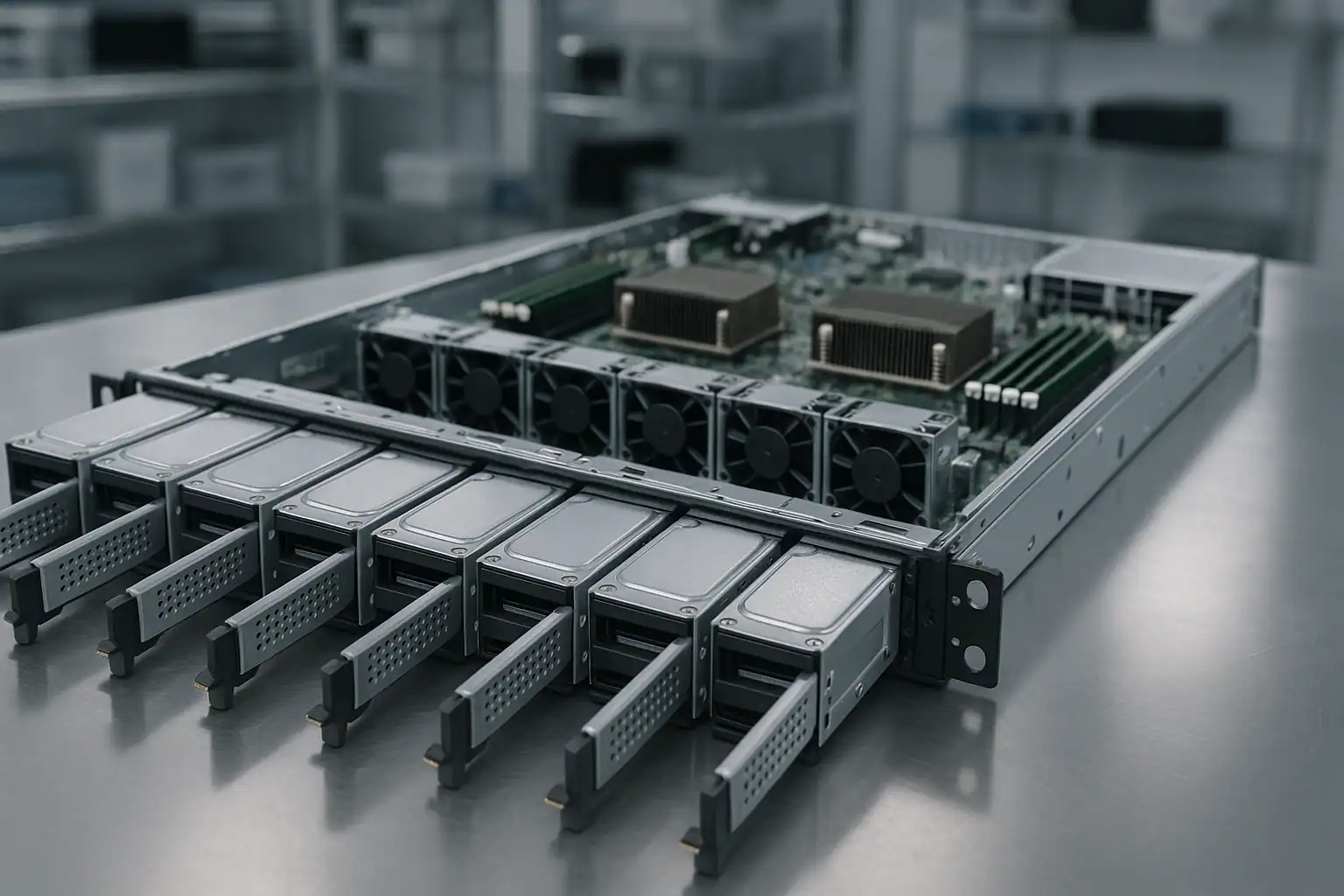
DL360 Gen9 recoveries follow our standard ProLiant recovery process: free consultation, temporary hardware repairs in our ISO 5 cleanroom, write-blocked forensic imaging of every drive, RAID reconstruction (or software-defined storage reconstruction, depending on configuration), and file system extraction.
For DL360 Gen9 cases specifically, our work involves the Smart Array P440ar, P840, B140i, and H240/H240ar HBA controller families. For systems running in HBA mode with software-defined storage layers (Storage Spaces Direct, VMware vSAN, ZFS, Ceph), the recovery adapts to reconstruct from the software metadata rather than from controller-level RAID metadata — a different workflow that still relies on the same forensic imaging discipline at the foundation.
For DL360 Gen9 systems deployed in clustered configurations, recovery may involve coordinating with the cluster’s shared metadata (Cluster Shared Volumes for Hyper-V, vSAN object metadata for VMware, witness/quorum disks). When a single node has failed but the cluster remains functional on other nodes, we work with the customer’s admin team to extract just the data that lived on the failed node’s local storage — without disrupting the surviving cluster.
For colocation-resident systems where shipping the whole server isn’t practical, we can typically work from just the drives if they’re extracted with original slot positions documented. Photographs of the front bezel with drive LEDs lit, and a clear record of which drive came from which bay, save significant time during the consultation.
What to Do Right Now If Your DL360 Gen9 Is Failing
Don’t accept any “Configuration Detected on Drives” or “Clear Configuration” prompt without consultation. One wrong click here destroys the entire array irreversibly. When in doubt, leave the system at the prompt and call us.
Don’t initiate a rebuild on a degraded array without verifying every surviving drive. DL360 Gen9 arrays where one drive has failed almost always have other drives showing wear — the 1U thermal environment ages all drives at similar rates. Check SMART status and the AHS log before any rebuild.
Address fan issues before doing anything else. If iLO is reporting fan alerts or the surviving fans are running at sustained high RPMs, the drives are at elevated temperatures and additional runtime increases failure risk. The right response to a degraded DL360 Gen9 with fan alerts is often to power off and ship rather than attempt in-place recovery.
If the system is in a colocation facility, coordinate with remote hands carefully. Document the exact state of the system, the drive LED states, and any planned actions before remote hands touches anything. Casual diagnostic actions in a colo environment have destroyed recoverable arrays.
For clustered deployments, identify what data lives only on the failed node before initiating cluster recovery actions. If the cluster will re-converge by treating the failed node as gone, any local-only data on that node may become unreachable.
Don’t update iLO, BIOS, or Smart Array firmware while in a degraded or failed state. SPP firmware updates on already-stressed DL360 Gen9 systems have caused additional issues. If you want to update firmware, do it before the failure — not during.
Don’t clear the FBWC cache module if it’s reporting dirty cache. Clearing discards in-flight writes that may be the difference between a clean recovery and a corrupted file system.
Don’t run filesystem repair tools. NTFS chkdsk, ReFS integrity scrub, ESXi datastore repair, ext4 fsck, ZFS scrub on a degraded vdev — all can permanently alter metadata recovery depends on.
For software-defined storage configurations (Storage Spaces Direct, vSAN, ZFS, Ceph), don’t attempt to rebuild or rebalance the storage layer while the underlying hardware is in an unknown state. Doing so can cause the software layer to rewrite metadata across surviving disks, complicating recovery.
Document the controller model (P440ar, P840, B140i, H240ar, etc.), iLO 4 firmware version, server BIOS / ROM version, OS or hypervisor, and recent maintenance history. For HBA-mode deployments, also document the software-defined storage layer in use.
DL360 Gen9 Configurations We’ve Recovered
- DL360 Gen9 4 LFF (4x 3.5″) running RAID 5 or RAID 6 — entry-level rack workloads, branch office servers
- DL360 Gen9 8 SFF (8x 2.5″) running RAID 10 — database servers, transaction-heavy workloads
- DL360 Gen9 8 SFF running RAID 5 — mixed virtualization workloads, web/app servers
- DL360 Gen9 10 SFF (10x 2.5″) running RAID 6 — dense virtualization hosts, the highest-drive-count 1U configuration
- DL360 Gen9 with NVMe drives in supported configurations
- DL360 Gen9 in HBA pass-through mode (H240/H240ar) running Storage Spaces Direct (S2D) on Windows Server 2016/2019
- DL360 Gen9 in HBA mode running VMware vSAN on ESXi 6.x clusters
- DL360 Gen9 in HBA mode running ZFS on Linux or FreeNAS / TrueNAS
- DL360 Gen9 as a Hyper-V Failover Cluster node with Cluster Shared Volumes
- DL360 Gen9 as a VMware ESXi cluster node (5.5, 6.0, 6.5, 6.7) with vSphere HA / DRS
- DL360 Gen9 connected to external D3700, D3600, or D2700 enclosures via P840 PCIe controllers
- DL360 Gen9 running Windows Server 2012 R2 / 2016 / 2019 / 2022 with NTFS or ReFS
- DL360 Gen9 running enterprise Linux (RHEL 6/7/8, CentOS, Ubuntu LTS) with ext4 or XFS
- DL360 Gen9 running container hosts (Docker, early Kubernetes deployments)
- DL360 Gen9 as Active Directory domain controllers (often deployed in pairs)
- DL360 Gen9 as Citrix XenApp / RDS session hosts
Frequently Asked DL360 Gen9 Questions
My DL360 Gen9 keeps showing fan alerts. Are my drives at risk?
Yes — even if the array still shows healthy. 1U servers depend on aggressive cooling, and any fan failure causes surviving fans to ramp up significantly, accelerating their own wear and elevating drive temperatures. Drives operating at elevated temperatures fail faster. If iLO is reporting fan alerts and they haven’t been addressed, the array is at higher risk than the array status alone suggests. Address the fans and consider proactive imaging if the system has been running hot for an extended period.
My DL360 Gen9 runs Storage Spaces Direct (S2D) on Windows Server 2019. Can you recover from it?
Yes. S2D presents drives as JBOD to Windows and provides redundancy through software (mirrors, parity spaces, nested resiliency). The recovery process involves imaging individual drives forensically, then reconstructing the S2D storage pool and virtual disks in software. We’ve recovered from S2D clusters in various failure scenarios — single-node failures, multi-disk failures within a node, and full pool corruption events. Provide the cluster configuration upfront in the consultation.
My DL360 Gen9 is a vSAN node and the cluster is degraded. What does recovery look like?
Depends on the failure scope. If vSAN has tolerated the failure and the cluster is still serving data, recovery may focus on extracting specific objects that lived primarily on the failed node. If vSAN has lost more redundancy than the storage policy was designed to tolerate, we image the drives forensically and reconstruct from vSAN’s object metadata. vSAN recovery work is specialized but the same forensic discipline applies.
My DL360 Gen9 is in a colocation facility and remote hands replaced a drive in the wrong bay. Can you help?
Probably yes. If the original drives are still available (the “wrong bay” insertion didn’t trigger an immediate rebuild that wrote to a healthy drive’s slot), we can reconstruct from the drive images regardless of their current physical positions. The key information is what was where originally, and what happened in what order. Document everything you can and ship the drives in their current state.
My DL360 Gen9 is one node in a Hyper-V Failover Cluster. The other nodes are still running. Can you recover from the failed node?
Yes. The cluster has typically migrated workloads to surviving nodes, but the failed node may still hold local-only data, configuration state, or VMs that were pinned to it. We can recover from the failed node’s drives independently of the rest of the cluster. Coordinate with your admin team to ensure no cluster reconfiguration actions overwrite the data you need.
My DL360 Gen9 won’t POST — iLO doesn’t respond and the front panel shows amber. Can I still recover the data?
Yes. The data lives on the drives, not in the server. Even if the chassis is completely dead, removing the drives in their original slot order and shipping them to us lets us reconstruct the array. Mark which drive came from which physical bay before removing anything — the 8 SFF and 10 SFF bay numbering on the DL360 Gen9 follows specific conventions, but slot labels on each drive are the safest documentation.
I updated my DL360 Gen9 firmware via SPP and now the array won’t come online. Can you help?
Yes. The recovery approach is the same: forensic imaging of all drives, reconstruction in software. Firmware-related issues on the controller don’t affect the data on disk; they affect whether the controller can present that data. Don’t attempt further firmware changes — if multiple cluster nodes received the same SPP update and have similar issues, stop the rollout before touching additional nodes.
How can I tell if my server is a DL360 Gen8, Gen9, or Gen10?
The product label on the front of the chassis (pull-out service tag on the right side) shows the model and product number. Gen9 product numbers typically start with 755259, 755262, 755263, 774434, 774435, 818208, 818209, or 851937 depending on the SKU. Gen8 numbers run earlier, Gen10 numbers run later. A photograph of the label during consultation is the fastest way to confirm.
My DL360 Gen9 has SED (self-encrypting drives) with controller-managed encryption. What’s recoverable?
With the encryption keys available (typically managed via iLO, HPE Secure Encryption, or an external key management server), the recovery works the same as non-encrypted arrays. Without the keys, the encrypted data is mathematically inaccessible — that’s the design of SED. Discuss key-management specifics during your consultation.
Start Your Free DL360 Gen9 Recovery Consultation
If your HPE ProLiant DL360 Gen9 is down, get a free consultation with our server team. We’ll walk through your specific configuration and tell you what’s possible.
Start Your Free DL360 Gen9 Consultation
Free consultation · Clear upfront pricing · ISO 5 cleanroom recovery
Or call 1-877-624-7206 to speak with our server team directly.