
What is a SATA Hard Drive?

You may be asking yourself: What is a SATA HDD?
There are a wide variety of computer science related acronyms. SDD, HDD, SATA, and PATA stand for solid state drive, hard disk drive, serial advanced technology attachment, and parallel advanced technology attachment, respectively.
SATA stands for Serial Advanced Technology Attachment, and it is an interface that connects host bus adapters to storage devices like optical drives, solid state drives, and hard disk drives. In short, SATA enables your computer to read and write data to storage devices. SATA hard drives can be found in servers, desktop computers, laptops, and gaming consoles such as the Xbox 360 and One and the PlayStation 3 and 4.
SATA drive not working?
If your SATA hard drive or SSD has stopped responding, stop troubleshooting. Our engineers will diagnose it for free.
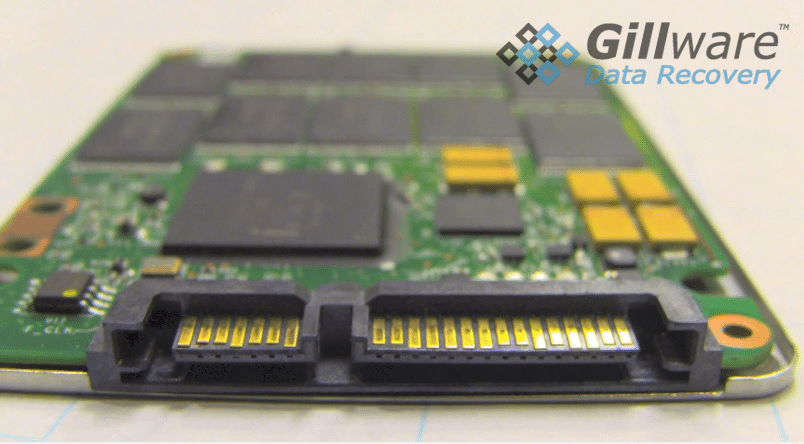
Solid State SATA vs Hard Disk Drive SATA
No SATA drive lasts forever. A SATA hard disk drive is a mechanical device, and many are replaced or fail somewhere in the first several years of daily use, though individual drives vary widely. A SATA SSD has no moving parts and is usually quicker and more shock-resistant, but it wears out too, and its controller and firmware can fail without warning. Solid state SATA drives also boot up faster than HDD SATA drives.
Some SATA drives give warning signs first: slowing down, freezing, clicking or grinding noises, or files that will not open. Others fail all at once. If you see any of these signs, copy your important files to another device right away. If the drive is already clicking, beeping or not detected, stop using it and contact a professional lab, because every power-on can make a mechanical failure worse. For more on how drives fail, see our hard drive data recovery guide and our SSD data recovery page.
Seeing as SATA-enabled hard drives have been around for over 20 years, they are supported by nearly all operating systems and computer motherboards.
Not sure whether the problem is the drive or the cable? Our engineers will tell you for free.
History of SATA Drives
SATA was announced in the year 2000, as an improvement and alternative to PATA (parallel advanced technology attachment). SATA is a superior technology that has largely replaced parallel ATA. In 2008, 99% of the desktop PC market used SATA interfaces.
One of the major upgrades from PATA to SATA is that SATA is capable of hot-swapping. Hot swapping is the concept of adding or removing a hard drive from a system without shutting the system down.
SATA revision 1.0 Serial ATA-150
The first reversion of SATA was released in 2003, and communicates at a rate of 150 MB/s.
SATA revision 2.0 Serial ATA-300
The second generation of SATA was released in 2004, and communicates at a rate of 300 MB/s.
SATA revision 3.0 Serial ATA-600
The third generation of SATA was released in 2008, and communicates at a rate of 600 MB/s.
How to Handle SATA Failure
If you experience catastrophic failure on a SATA-enabled HDD or SSD, you likely require professional assistance to retrieve your data. Gillware operates an advanced data recovery lab that has been helping businesses and individuals recover data for more than two decades. Gillware has the equipment, experience, and expertise to recover your data from SATA HDD or SATA SSD storage devices.
SATA drive failed? Let’s get your files back.
Our highly experienced engineers strive for the highest success rates in the industry. Send us the device and we’ll diagnose it for free.
- More than 20 years recovering data from failed drives
- Trusted by 1,500+ IT professionals nationwide
- Whatever failed, we’ve seen it hundreds of times
- Pay only if we meet your recovery goals
