
Data Recovery in Washington, DC and Montgomery County
In a region full of consultants, contractors, researchers and policy shops, one lost folder can mean a missed deadline. Add the family photos and personal records every household keeps, and data loss in the DC area gets personal fast. Gillware has handled it all for more than 20 years from our engineering lab in Madison, Wisconsin, working with individuals, small businesses and government clients.
When your device still works but your files are deleted, formatted away or trapped behind a crashed operating system, there’s a closer option: our data recovery kiosk at Micro Center Rockville.
Data loss in the DC area?
Drop the device at our kiosk in Micro Center Rockville, or call us and we’ll recommend the best route.
- Over two decades recovering data for clients nationwide
- A referral partner for 1,500+ IT professionals
- 4.8 stars from 340+ Google reviewers
Drop Off at Micro Center Rockville
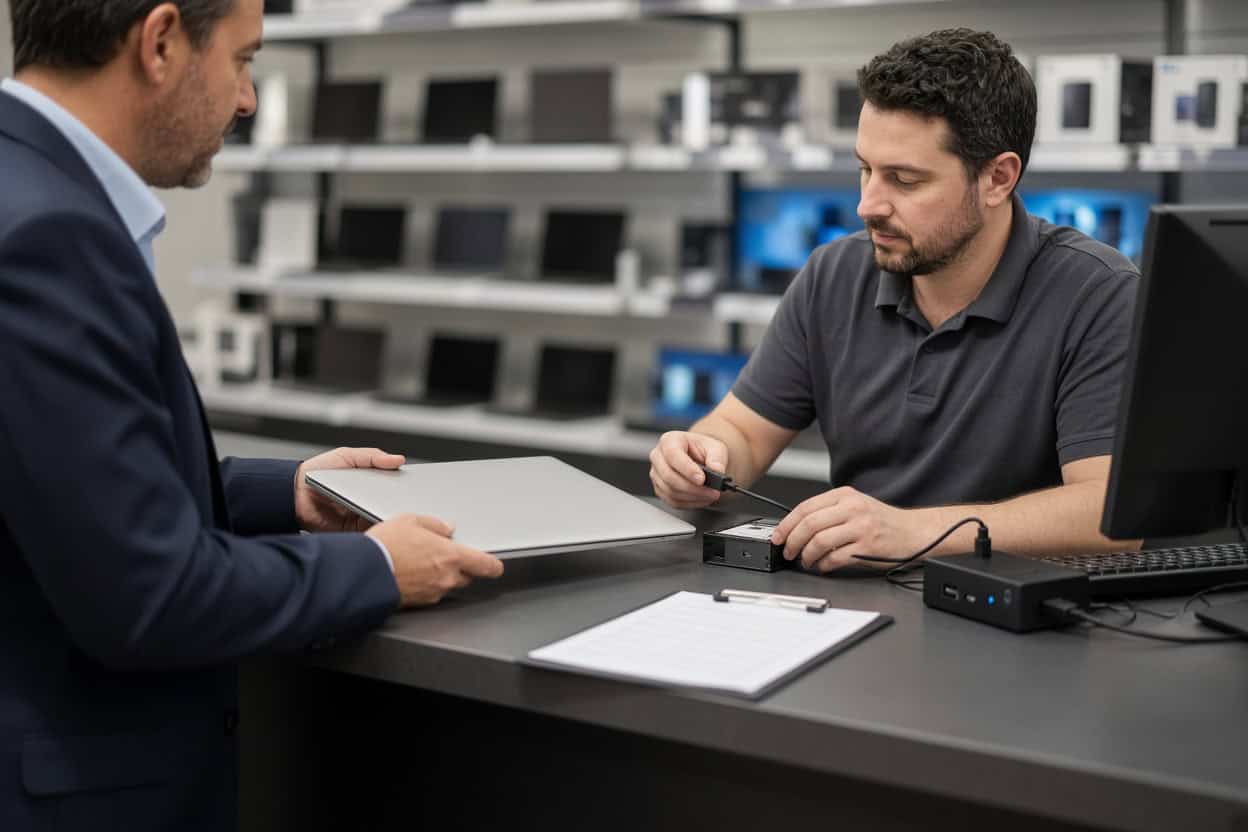
Gillware’s data recovery kiosk is at the service desk inside Micro Center Rockville on East Jefferson Street, just off Rockville Pike. Come in during store hours; walk-ins are welcome and no appointment is needed. The service desk team will check your device in for evaluation.
Micro Center Data Recovery (powered by Gillware)
1776 E Jefferson St, #203, Rockville, MD 20852
Phone: (240) 512-6644
Monday – Saturday: 10:00 am – 9:00 pm
Sunday: 11:00 am – 6:00 pm
Data Loss Our Rockville Kiosk Handles
The kiosk is built around logical recovery, which covers situations where the storage device is physically sound but the files have been deleted, formatted, hidden or corrupted. These cases often look hopeless on screen and turn out to be very recoverable. The catch is that the wrong first move, like saving recovered files back to the same drive or accepting a “repair” prompt, can permanently overwrite the data. Our kiosk staff use professional tools and a careful process so that doesn’t happen.
Photos deleted from a computer, drive or card
Whether you deleted a vacation folder, cleared a camera’s memory card or lost a Photos library during cleanup, deleted photo recovery is very often successful. Deleting a picture frees its space; it doesn’t scrub it. Stop shooting on the card and stop saving files to the drive, then bring it to Rockville as soon as you can.
Video that was deleted or lost
Recorded interviews, event footage, drone flights over the Potomac, a child’s first steps. Video files are large and spread out across storage, so recovering them intact takes care. The kiosk recovers deleted video from laptops, external drives, cameras and memory cards, then checks that each clip plays all the way through.
Lost documents and records
Reports, grant applications, spreadsheets, scanned records and tax documents can all be pulled back after they’ve been deleted, even when the Recycle Bin or Trash was emptied. For anyone looking for a file recovery service rather than another piece of software to learn, the kiosk is the simpler path.
Accidental formatting and initializing
Formatting the wrong drive during a reinstall, initializing a disk when Windows asks, or letting a TV or console claim an external drive are all reversible in most cases. Standard formatting rewrites the drive’s index, not its contents. Recovering a formatted drive works best when nothing new has been copied onto it since.
Partitions that disappeared or show as RAW
A drive that shows up as RAW or “unallocated,” a missing partition, or a disk your computer insists must be formatted before use usually has a corrupted file system with the data still underneath. Leave the prompt alone. The kiosk can rebuild access and copy your files to safety.
Systems that crash, freeze or won’t boot
An update that left a laptop stuck in recovery mode, a Mac that shows a folder with a question mark, a PC caught in a restart loop. Operating system corruption locks you out of files that are often perfectly intact. Resist the reset. The kiosk can recover your data first so a reinstall doesn’t wipe it.
Files missing after a migration
Moving to a new work laptop, consolidating home computers or switching sync services can leave folders behind. DC-area clients frequently discover the old drive still has everything, which makes recovery straightforward.
Memory cards and USB flash drives
Cards that suddenly read as empty, thumb drives that ask to be formatted, and microSD cards that lost their contents after being moved between devices are good kiosk candidates, as long as they’re still detected. A cracked card or a USB drive snapped at the connector needs the lab instead.
Before You Head to Rockville
- Stop working on the affected computer or drive. New data is the biggest threat to old files.
- Don’t try recovery software on the same drive you’re trying to recover.
- Say no to any format, initialize or disk repair prompt.
- Bring the cable or power brick for external drives, and note which files are top priority.
Hardware Failures Need Our Lab
Some problems are mechanical or electrical, and no amount of software will fix them. Powering these devices on again and again can make recovery harder. They should go to our cleanroom lab:
- A hard drive that clicks, buzzes or grinds
- An external drive that took a fall
- Electrical damage from a surge, outage or wrong adapter
- Exposure to water, fire or extreme heat
- An SSD or USB drive that no computer detects
- A failed RAID array or NAS
Phones are handled by the lab. The Rockville kiosk doesn’t recover smartphones. Dead, broken or water-damaged phones need chip-level phone data recovery from our engineers.
At our Madison facility, engineers open drives only inside ISO 5 cleanroom workstations, replace failed components with parts from our donor library, and image weak drives with read-only tools we engineered in-house. The Rockville service desk can look over a damaged device and refer it to our data recovery lab, or you can ship it to us yourself. Standard single-device cases in the continental US travel free with a prepaid label. The evaluation is free, and you only pay when we meet your recovery goals at a price that makes sense.
Unsure if the kiosk is the right fit?
Call 877-624-7206 and tell us what’s going on. We’ll let you know whether Micro Center Rockville or our lab is the better choice for your device.
Washington, DC Data Recovery FAQ
Is there a data recovery service near Washington, DC?
Yes. Our kiosk is at Micro Center Rockville, an easy trip up Rockville Pike or the Red Line from the District, Bethesda and Silver Spring. If you’re in Northern Virginia, our Fairfax location may be closer. DC-area clients can also ship directly to our Madison lab with free inbound shipping on standard single-device cases.
I deleted a folder from a shared drive. Can it be recovered?
If it lived on a drive you can bring in, often yes. The less the drive has been used since, the better your chances.
My laptop is stuck in a restart loop. Is my data safe?
Usually it’s the operating system, not the drive. The kiosk can recover your files before any reinstall. If the drive turns out to have physical problems, it goes to our lab.
How do I find out what it will cost?
Bring the device in for a free evaluation. You’ll receive a quote and can decide before any recovery work is done.
Can I just walk in?
Yes. No appointment is needed at the Rockville service desk during store hours.
Does the kiosk recover data from phones?
No. Phone recovery is done in our lab at the circuit-board level. Start a phone case online or call 877-624-7206.
Can you handle sensitive files?
Yes. Files are accessed only to recover and verify them. Gillware never sells or shares client data, and our lab regularly handles sensitive data for healthcare organizations and government agencies, with background-checked staff in a secure facility.
Serving Washington, DC and Montgomery County
Our Rockville kiosk serves Washington, DC, Rockville, Bethesda, Gaithersburg, Silver Spring, Potomac, Germantown, Wheaton, Kensington and Chevy Chase. Everyday file problems can be solved close to home, and any device that needs cleanroom work has Gillware’s lab and engineers behind it. Walk in or ship it; it’s the same team either way.
Get your data back, starting today.
Visit Micro Center Rockville, or send your device to our lab for a free evaluation.
- More than 20 years recovering data from failed drives
- Trusted by 1,500+ IT professionals nationwide
- Whatever failed, we’ve seen it hundreds of times
- Pay only if we meet your recovery goals (lab cases)